
bcWebCam
bcWebCam uses a Windows webcam to read barcodes for people entering product identifiers into inventory records, database fields or web forms.
Operating system: Windows
Publisher: QS QualitySoft GmbH
Release: bcWebCam 3.0.4
Antivirus check: VirusTotal report
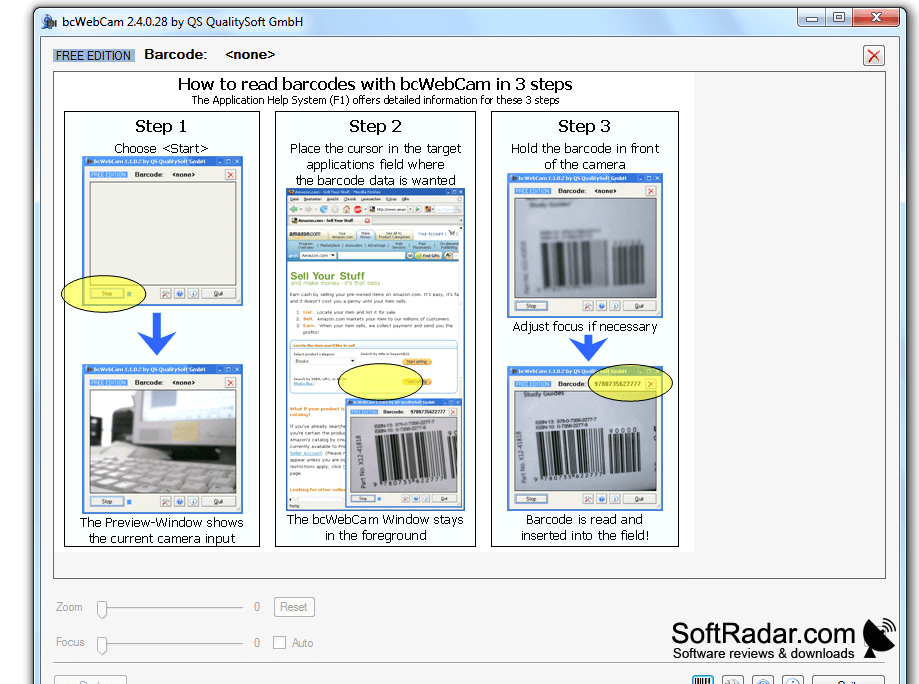
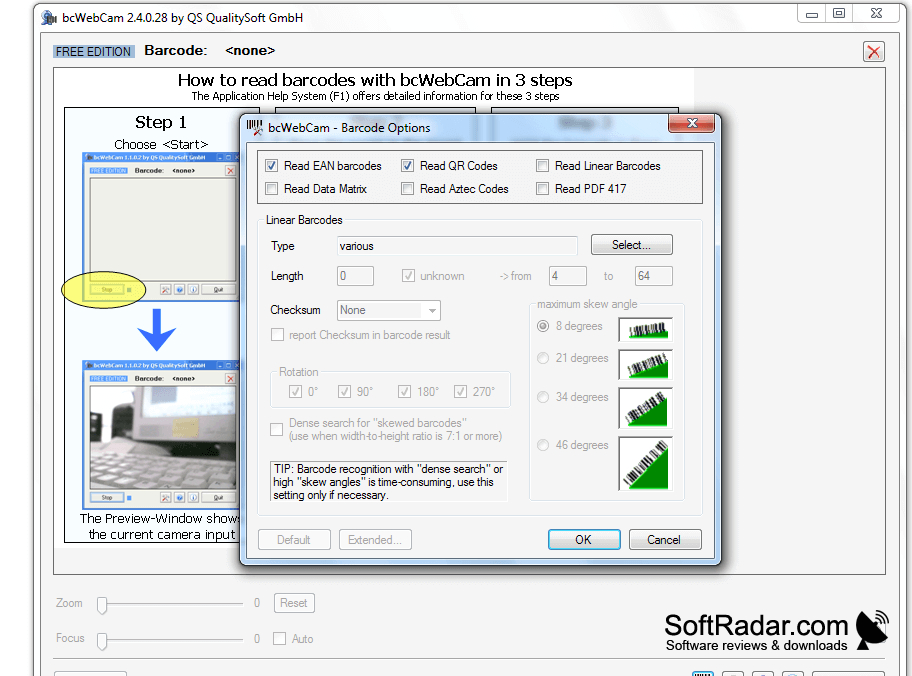
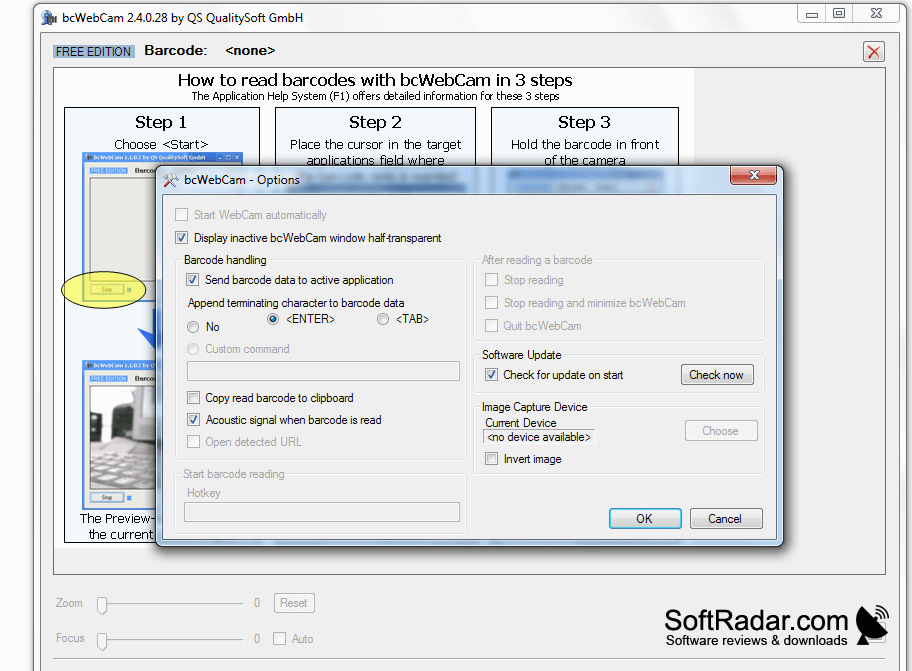
bcWebCam uses a connected webcam to capture codes from product packaging and labels on a Windows computer. It is intended for people who need to enter item identifiers into stock records, database fields or online forms without a separate handheld scanner. The freeware edition handles EAN product codes and QR codes for routine lookups and inventory entry.
It enters scanned codes into the field you select, so you do not have to type each product number.
A preview shows what the camera sees while you select the destination field in another program. When the image is clear enough for recognition, the decoded value is entered at the text cursor. Scanning can continue while you work in other applications. Close-up focus matters, so results depend in part on whether your webcam can produce a sharp image of nearby labels.
Features:
- Reads EAN product barcodes using a webcam
- Recognizes QR codes in the freeware edition
- Enters decoded text at the selected insertion point
- Displays a camera preview
- Scans while other applications remain in use
- Detects new codes during continuous scanning
PROS
Uses existing webcams instead of dedicated barcode scanners.
Floating camera preview stays visible over other windows.
CONS