BitLocker Drive Lock Utility
BitLocker Drive Lock Utility is a tiny free tool that locks BitLocker-encrypted internal and removable drives without a reboot.
BitLocker Drive Lock Utility
The BitLocker Drive Lock Utility (BDLU, file name BitLockDrive.exe) is a small free tool for locking drives that are already protected with BitLocker, the drive encryption built into Windows. Normally an unlocked BitLocker data drive stays accessible until the computer restarts or the drive is removed; this utility locks it again on demand, without a reboot. It was published as an open-source project under the Microsoft Public License (MS-PL).
The BitLocker Drive Lock Utility lets users lock an unlocked BitLocker drive again with a few clicks, without restarting Windows.
Features
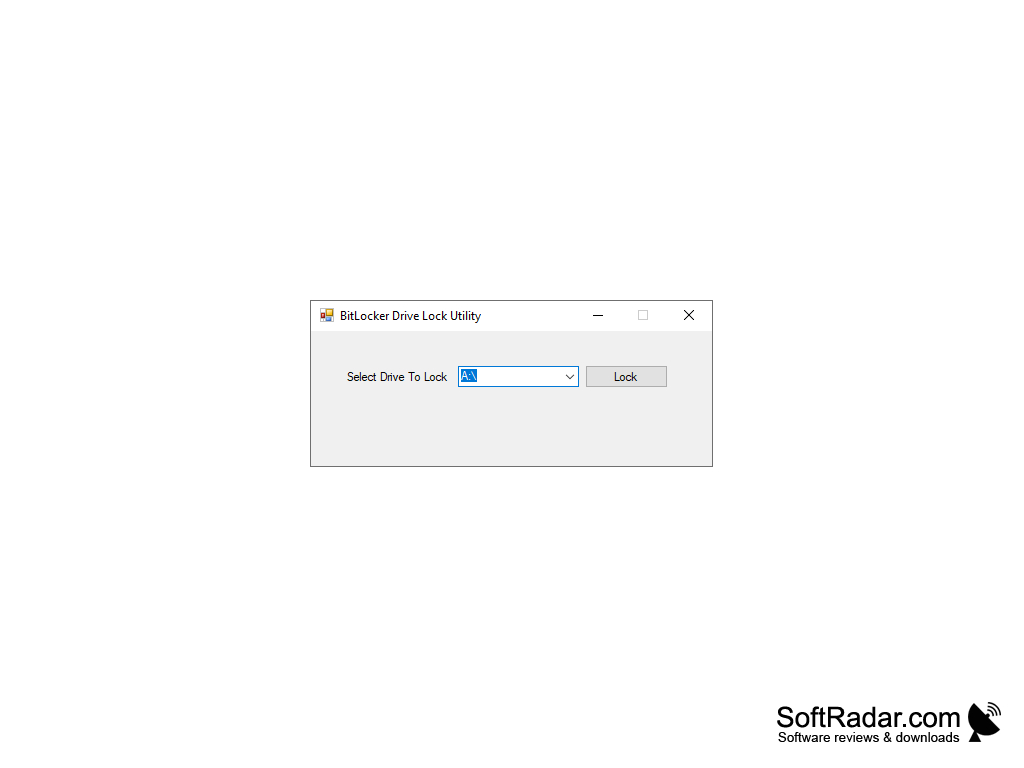
• Easy to Use: the program has a single small window with a drop-down list of drives and a Lock button, so a drive is locked with just a few clicks.
• Uses BitLocker: the tool does not encrypt anything by itself; it relies on the BitLocker encryption that Windows has already applied to the drive.
• Internal and Removable Drives: BDLU can lock internal data drives as well as removable drives, such as USB flash drives protected with BitLocker To Go.
• No Reboot: a locked drive becomes inaccessible right away, without restarting Windows or unplugging the device.
• Multiple Drives: several BitLocker-enabled drives can be locked from the same window.
• Confirmation: the utility reports whether the drive has been locked successfully.
• Unlocking: a locked drive is unlocked the usual Windows way, with its BitLocker password, smart card or recovery key.
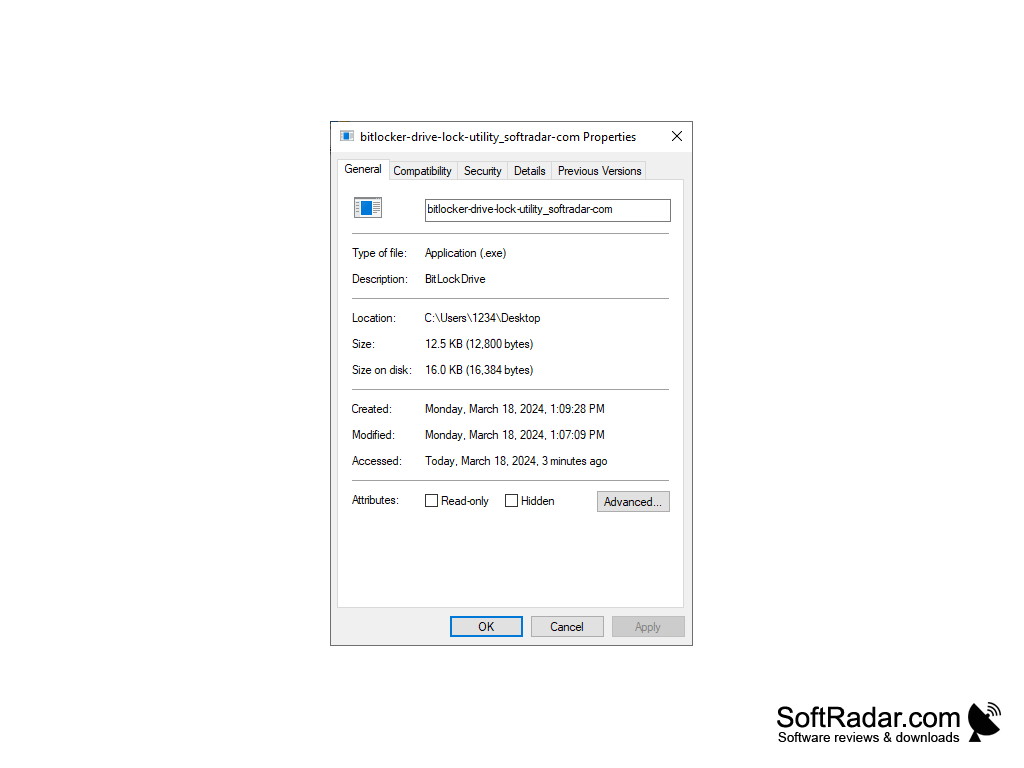
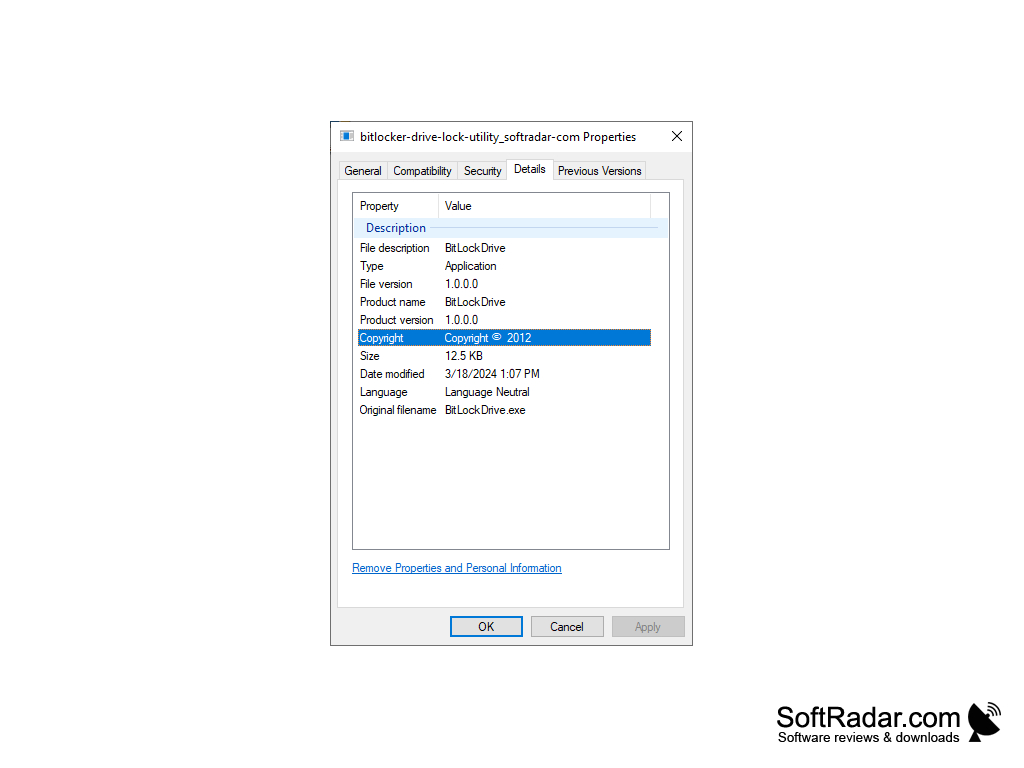
• Portable: BDLU is a single executable of about 12 KB that needs no installation and runs on the .NET Framework.
• Open Source: the source code was published on CodePlex under the MS-PL license; CodePlex was shut down in 2017, and the tool is no longer developed.
Benefits
BDLU provides a quick way to secure BitLocker-protected data when you step away from the computer or finish working with an external disk. Instead of restarting Windows or ejecting the drive, you pick its letter and click Lock. The drive list shows only drive letters, not volume names, so users with many drives should check the letter before locking.
Overall, BDLU is a handy helper for existing BitLocker users who want a simple way to lock drives again. It does not replace the BitLocker settings of Windows: encryption itself, passwords and recovery keys are still set up there, and the tool only works on Windows editions that include BitLocker.
.NET Framework 3.0 or later
Drive encrypted with BitLocker or BitLocker To Go
PROS
Tiny portable tool with a simple window.
Free and open source under the MS-PL license.
CONS
Drive list shows letters, not volume names.
No longer developed since CodePlex closed.


