
Bitser
Bitser is free Windows software for managing archives and backups.
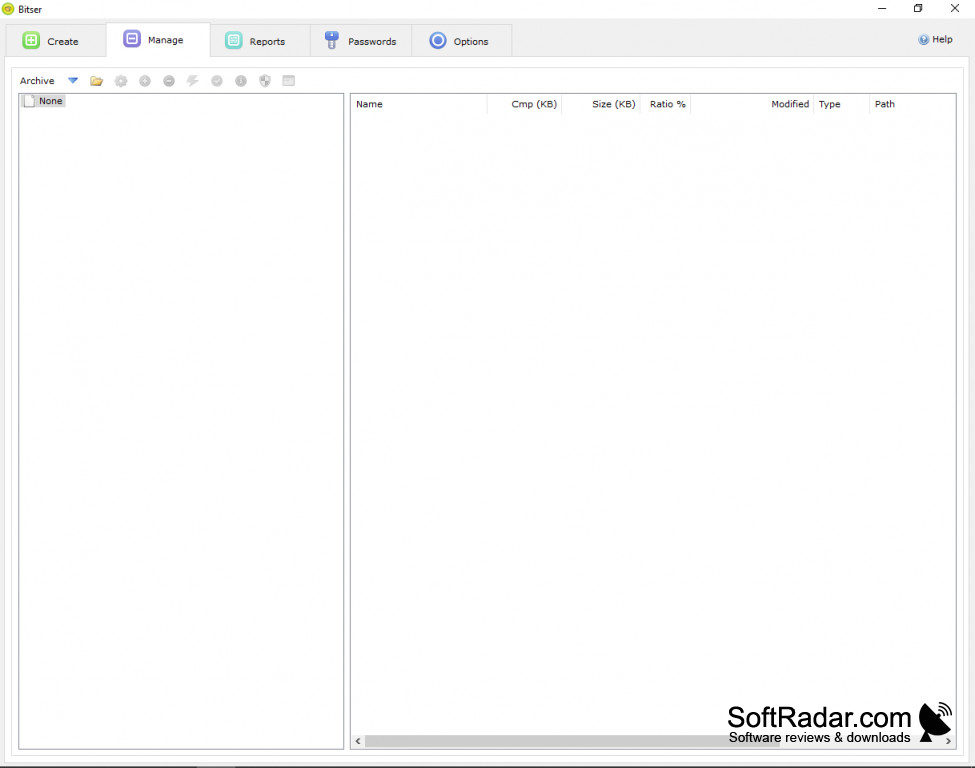
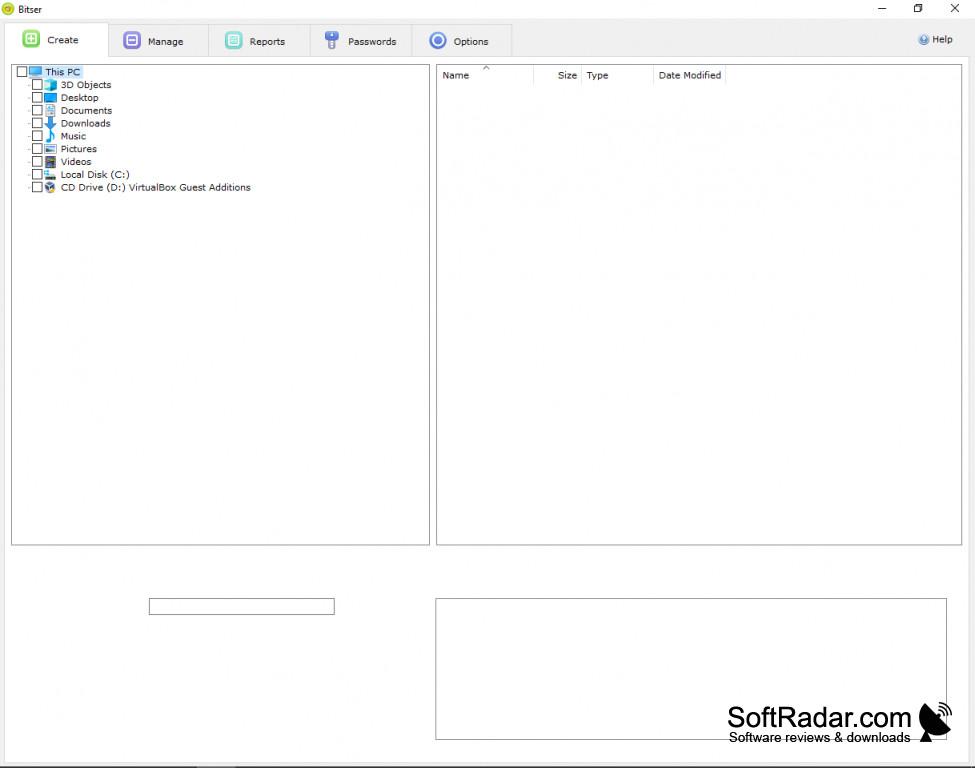
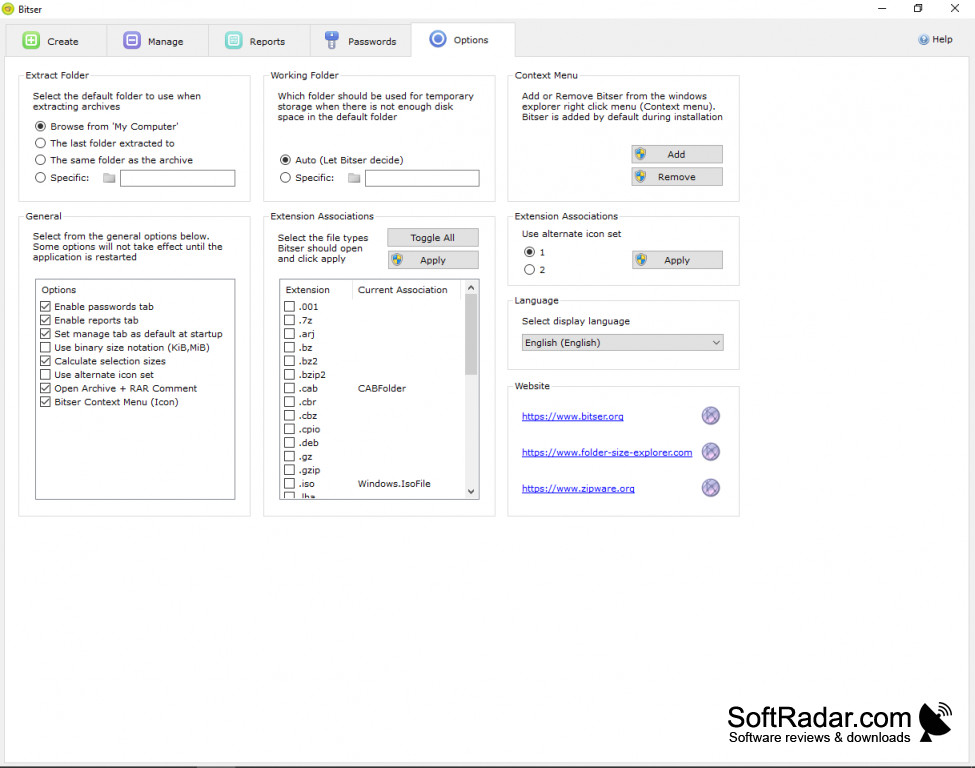
Bitser is freeware backup and archive software, similar to WinRAR, 7-Zip, and WinZip but with the alternate user interface.
Features:
- Extracts: ZIP, ZIPX, 7Z, RAR, ISO, VHD, MSI, GZIP, BZIP2, TAR, CPIO, XZ, DEB, DMG, LZH, LZMA, LZMA2, PPMd, RPM, Z...
- Creates: ZIP, 7-ZIP, EXE (SFX- create self -extracting and split archives)
- Scan files for viruses and malware via VirusTotal`s online scanner
- Does not include any adware or bundle software from other vendors.
- Creates compressed backups of your data
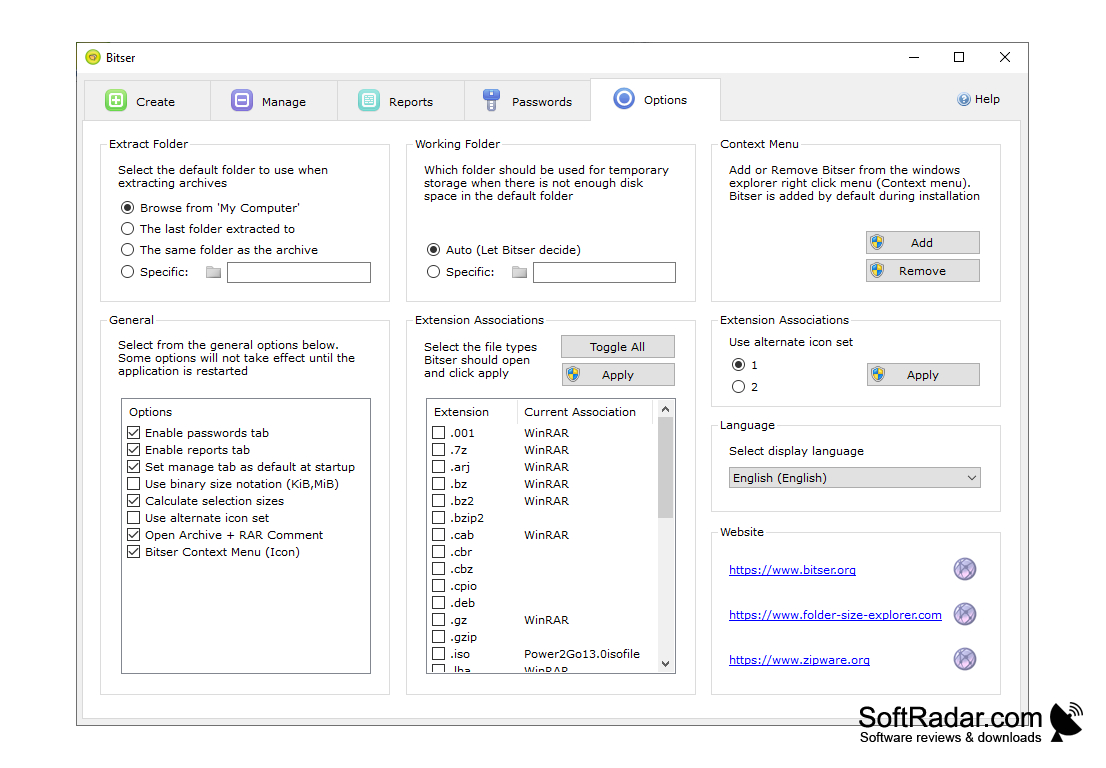
- Right-click shortcut menu
- Convert archives between formats
- Drag-and-drop support for adding and updating archives
- AES-256 bit encryption for secure backup of confidential data.
- Supports multithreading on multiprocessor or multicore systems
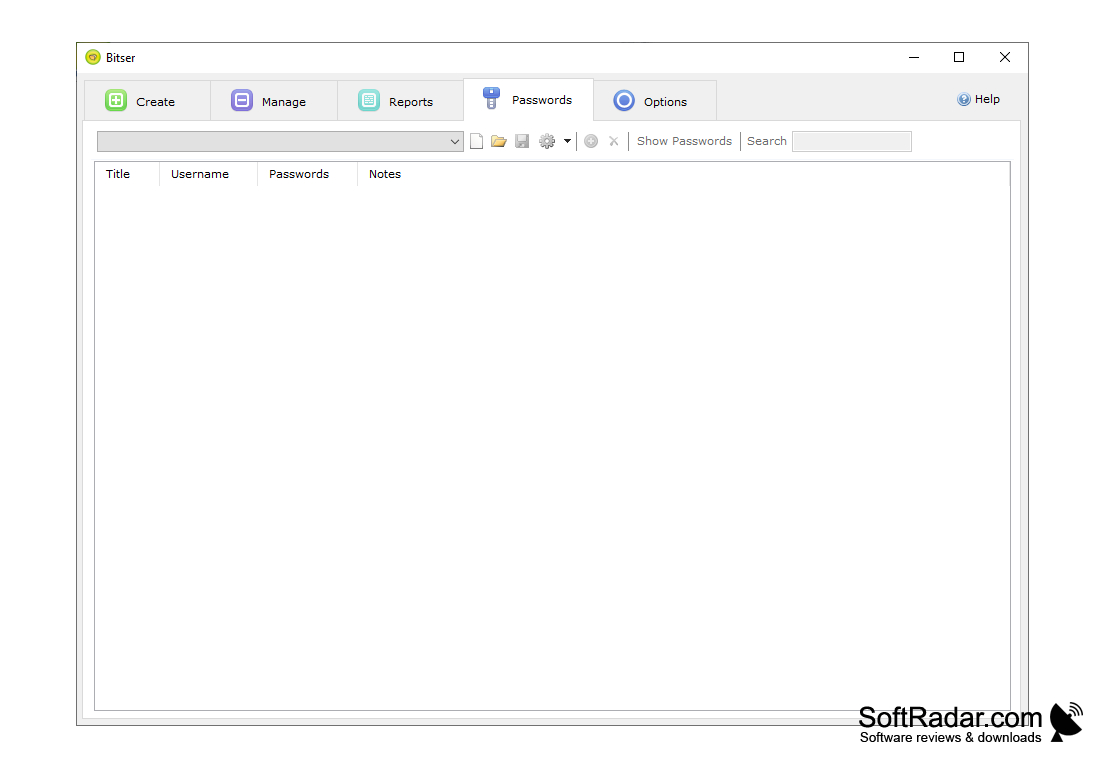
- Password manager stores multiple passwords in a single AES encrypted file.
- Find and deletes empty folders from the context menu.
- Supports Windows 7, 8, 10, 2008. Vista, 2003, XP (32bit-64bit)
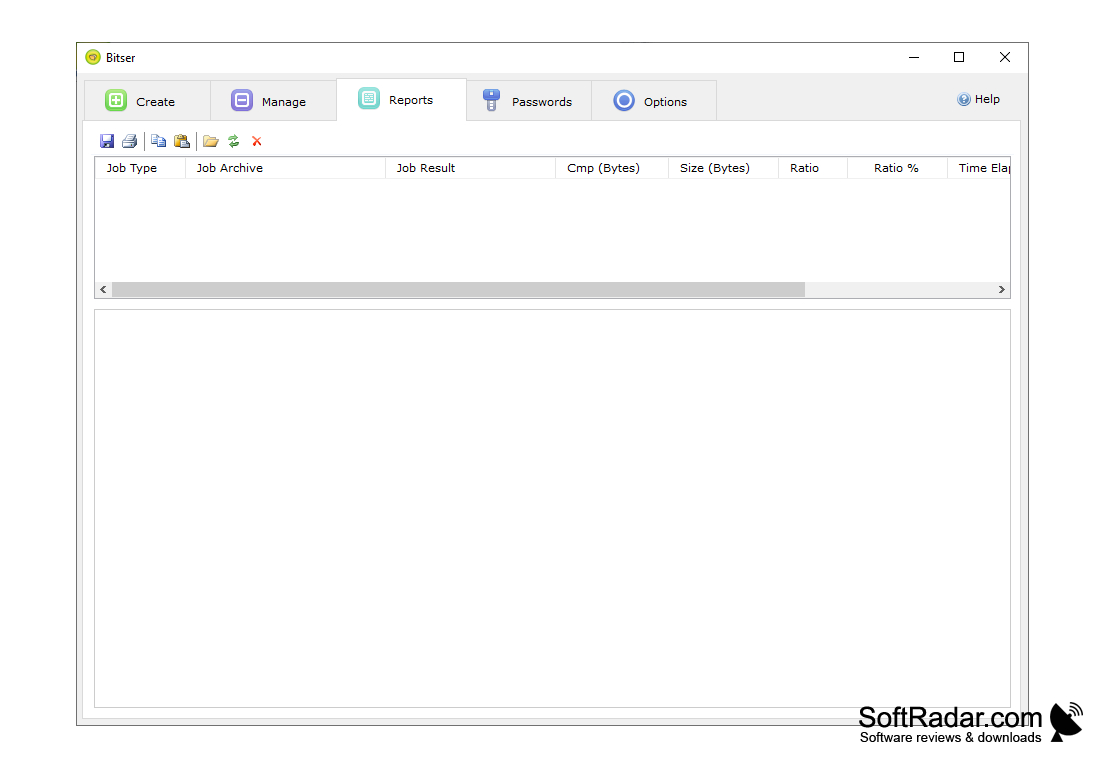
- Reports showing the history of archived files, parameters used and comparison of compression ratios.
- Digitally signed and certified by Microsoft
- Windows MSI installer
- The software interface can be translated into any language.
The software is free to use and download.
Bitser is relatively good and free archiving utility to use. It is very easy to use as it supports numerous archive types, you will not need another software it does the job. I think that Bitser has lots of pros, as it supports 34 bit and 64 bit Windows additions, you can simply add Bitser to the right-click context menu. Application interface makes you feel at home. You can use Bitser to access and create archives, archives can be encrypted and password protected. You can store multiple passwords in an encrypted file. Bitser is freeware.
Requires Microsoft.NET Framework4.0 to run If this resource is not available, it will be automatically downloaded and installed on your PC.
PROS
Offers password protection and encryption for secure file handling.
Free software with no unwanted extra downloads or features.
CONS
Lack in providing advanced data compression options.
A confusing and unattractive user interface.


