Boot-Repair-Disk
Boot-Repair-Disk is a free live rescue disk based on Ubuntu that starts the Boot-Repair tool to fix boot problems of Windows and Linux PCs.
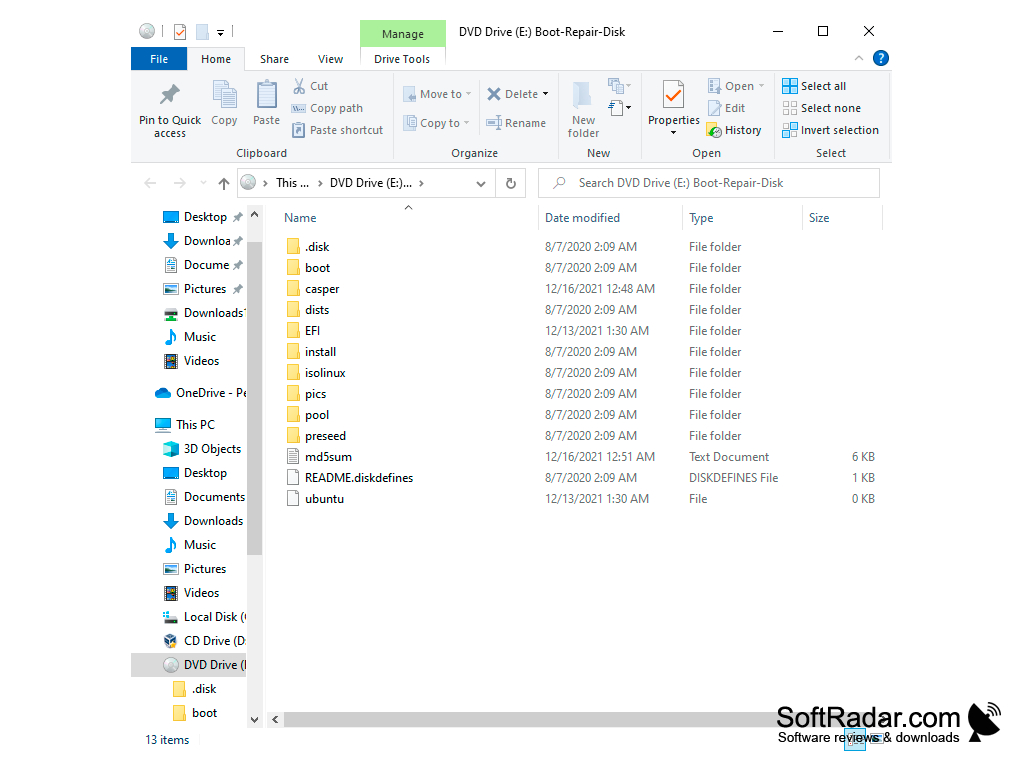
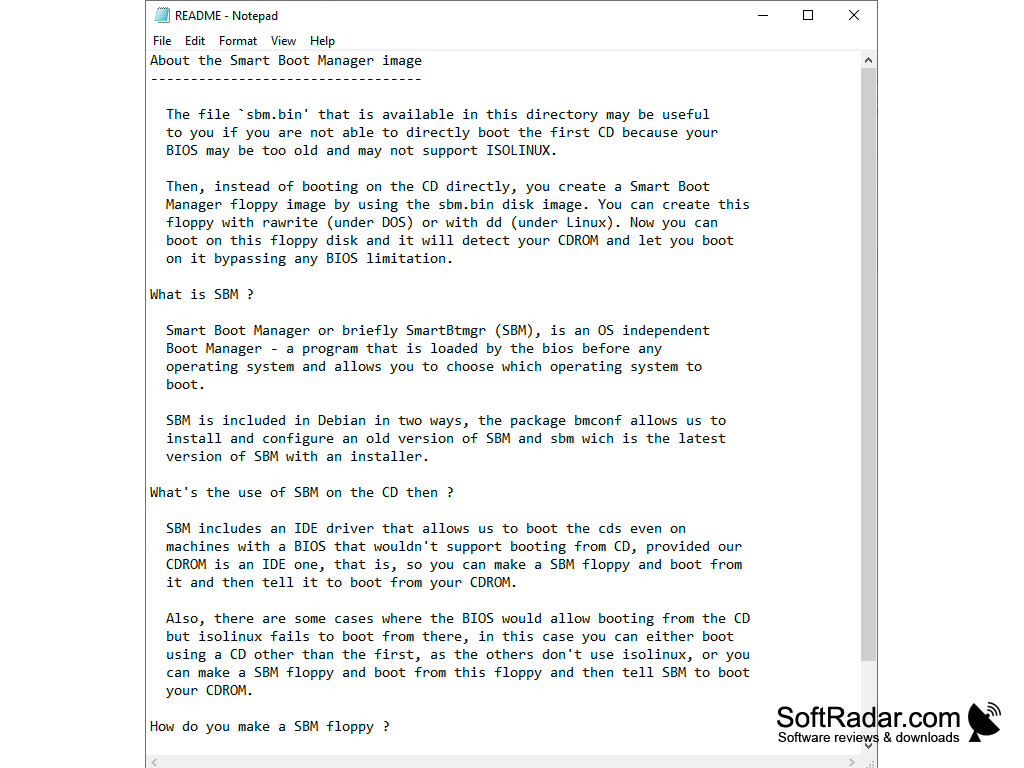
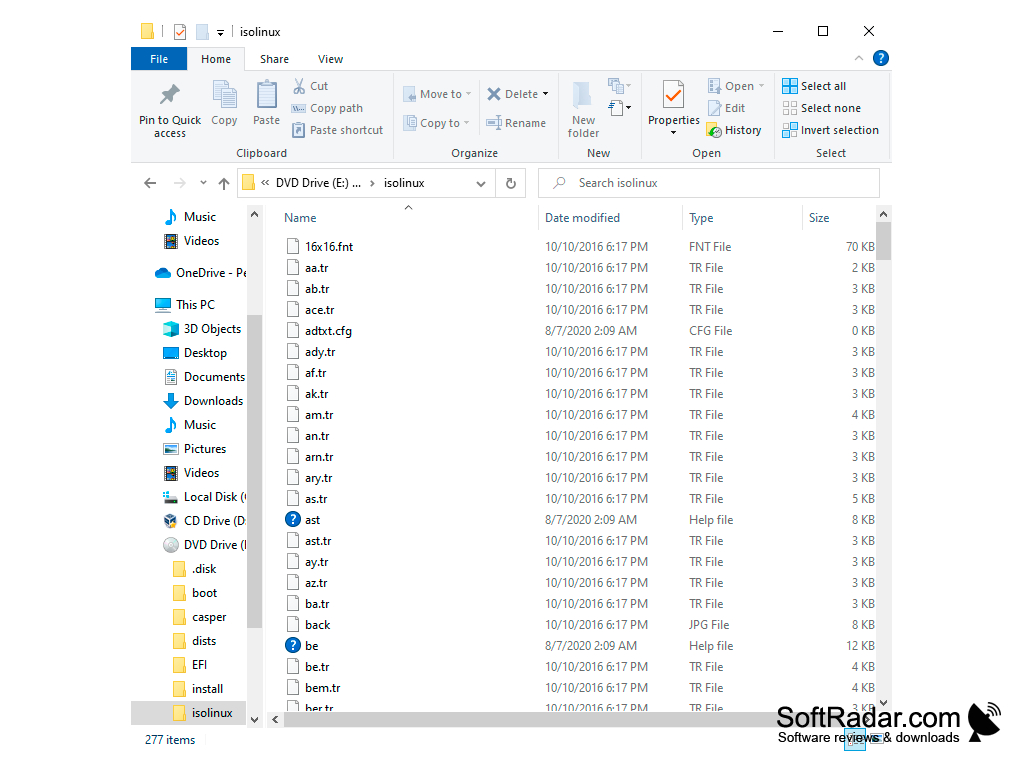
Boot-Repair-Disk is a free rescue disk for computers that no longer start. It is a live Linux system based on Ubuntu (Lubuntu) that you write to a USB flash drive or DVD and boot from; once it has started, it automatically launches the Boot-Repair tool. Although the disk itself runs Linux, it helps with boot problems on PCs that have Windows, Ubuntu or other Linux distributions installed, for example when Ubuntu no longer starts after Windows was installed, when Windows no longer starts after Ubuntu was installed, or when the GRUB menu is no longer displayed after an upgrade. The project is developed by YannUbuntu, and Boot-Repair itself is free software licensed under the GNU GPL.
Features:
- Starts Boot-Repair automatically when the disk boots
- One-click Recommended repair that reinstalls GRUB and restores access to installed systems
- Backs up partition tables and boot sectors
- Creates a Boot-Info report that can be shared to get help on forums
- Advanced options: restore a Windows-compatible MBR, repair a broken file system, change the default OS
Restores access to Windows and Linux systems that no longer boot, with a single click on the Recommended repair button.
To use the program, download the ISO image from the project's SourceForge page and write it to a USB drive with a tool such as UNetbootin; the documentation recommends a live-USB rather than a DVD, and a DVD should not be used if the computer boots in EFI mode. The current image is a 64-bit ISO of about 2.6 GB. After booting, click Recommended repair, which applies default settings that fix the most frequent boot problems without manual configuration. When the repair is finished, the program shows the address of the Boot-Info report; reboot and check whether you have recovered access to your operating systems. If the repair did not succeed, you can pass this report to people who help you by email or on a forum. Advanced options let experienced users configure GRUB, add kernel options, purge GRUB or specify the disk where GRUB should be installed. Boot-Repair-Disk does not back up your personal files and cannot fix hardware faults, so it is not a replacement for a regular backup.
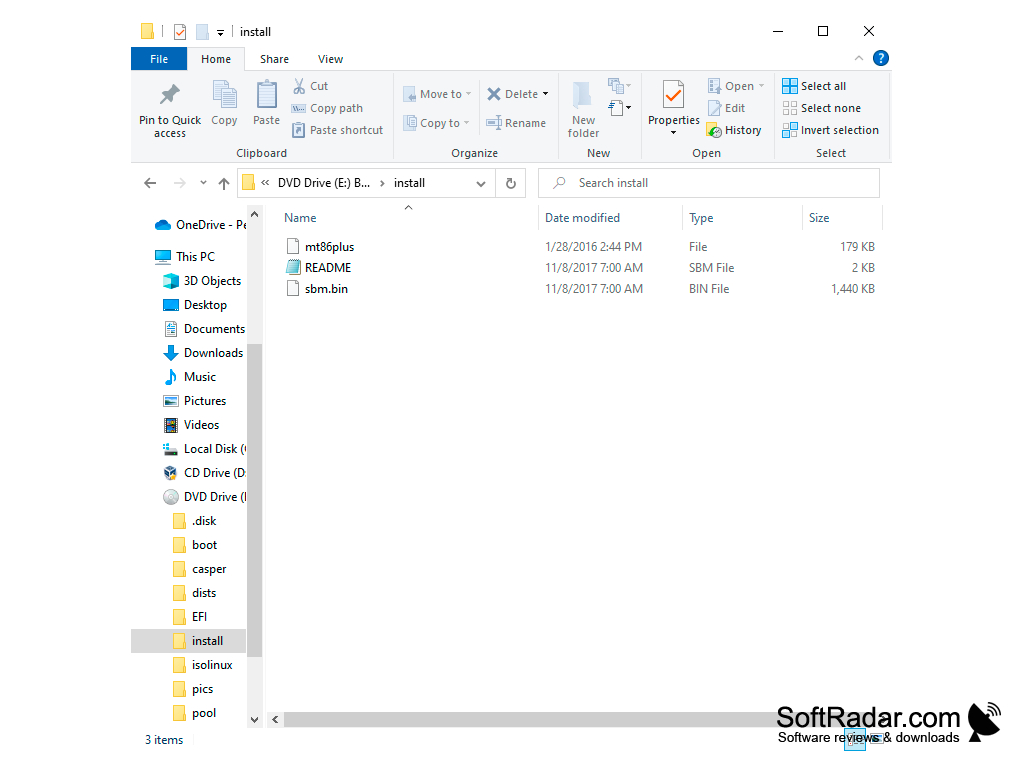
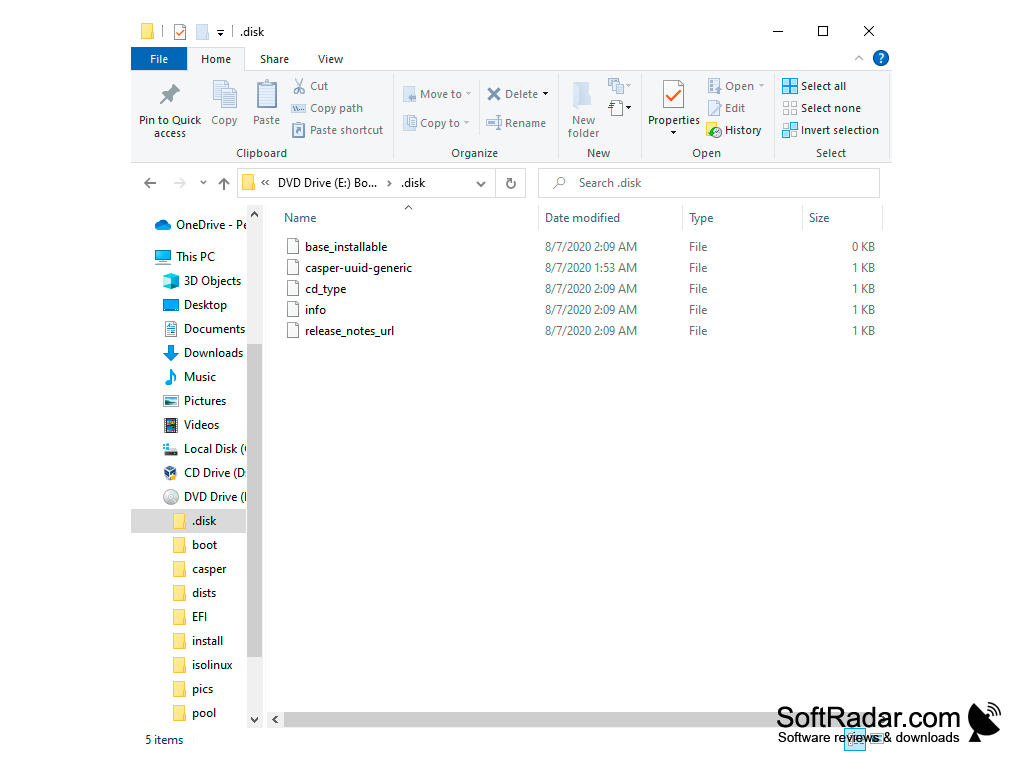
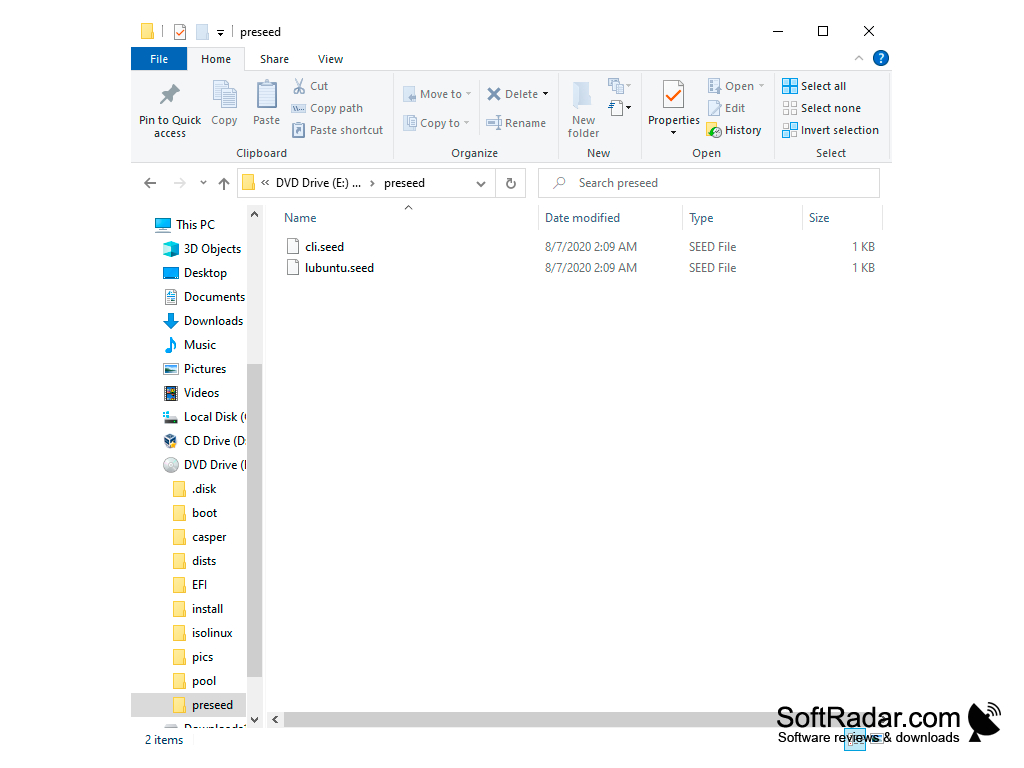
USB flash drive or DVD for the 2.6 GB ISO image
PROS
Can fix multiple boot issues in various Linux distributions.
Free and open-source software under the GNU GPL.
CONS
Requires creating a bootable USB drive or DVD first.
Large ISO download of several gigabytes.


