
WinBox
WinBox gives network administrators a Windows interface for configuring and monitoring MikroTik routers running RouterOS.
Operating system: Windows
Publisher: MikroTik
Release: WinBox 4.5
Antivirus check: VirusTotal report
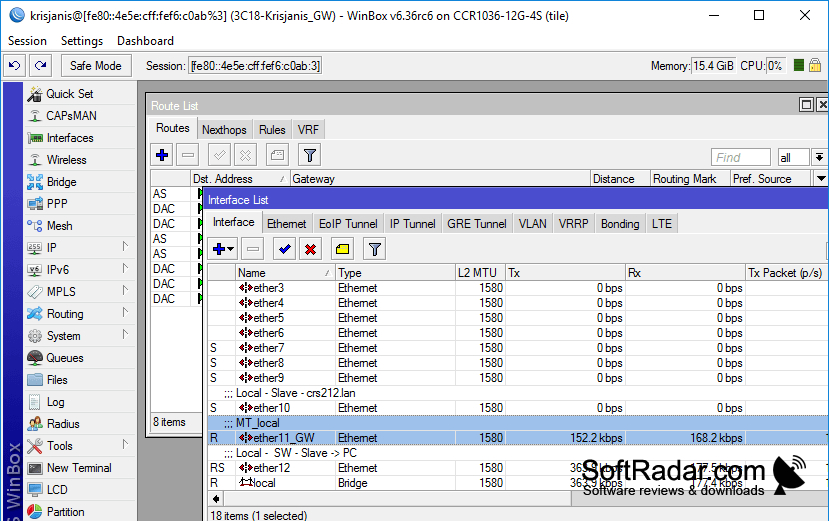
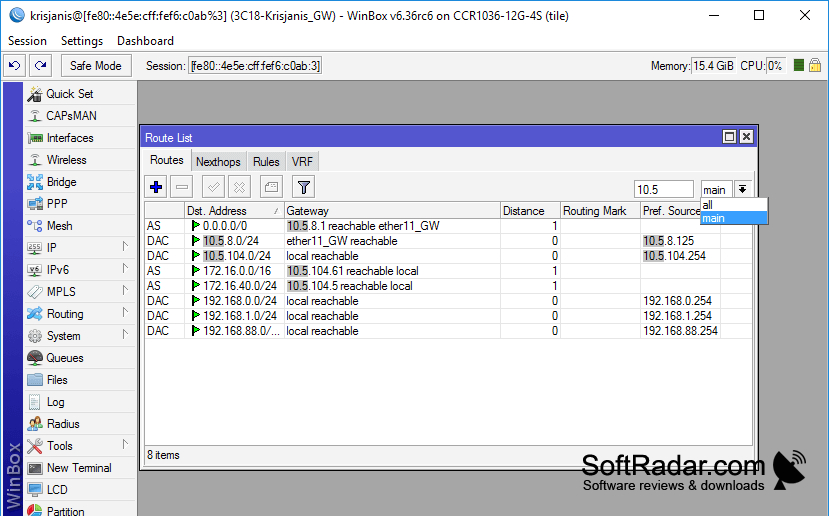
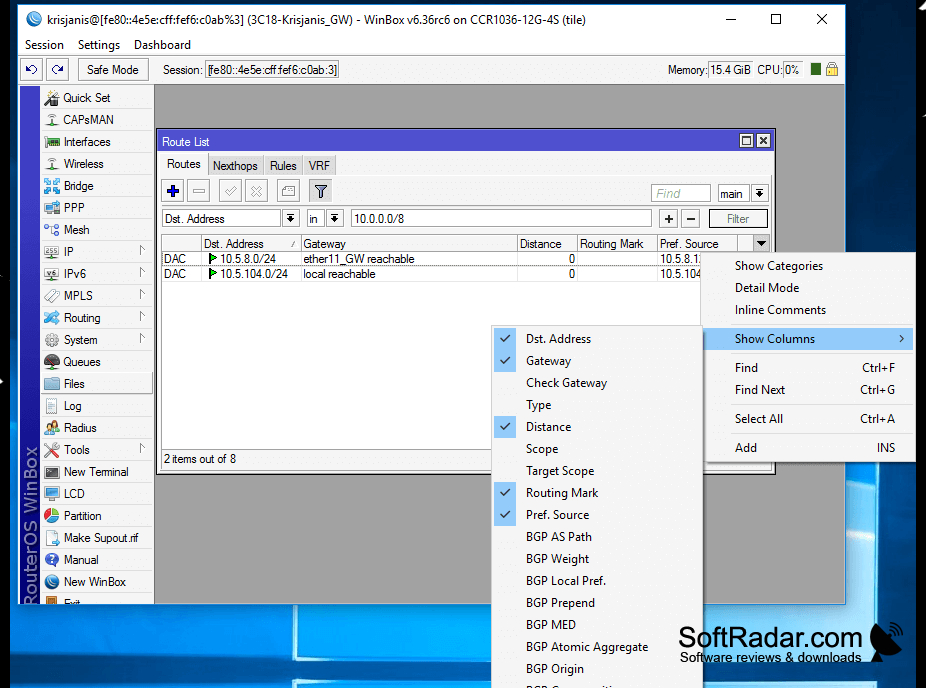
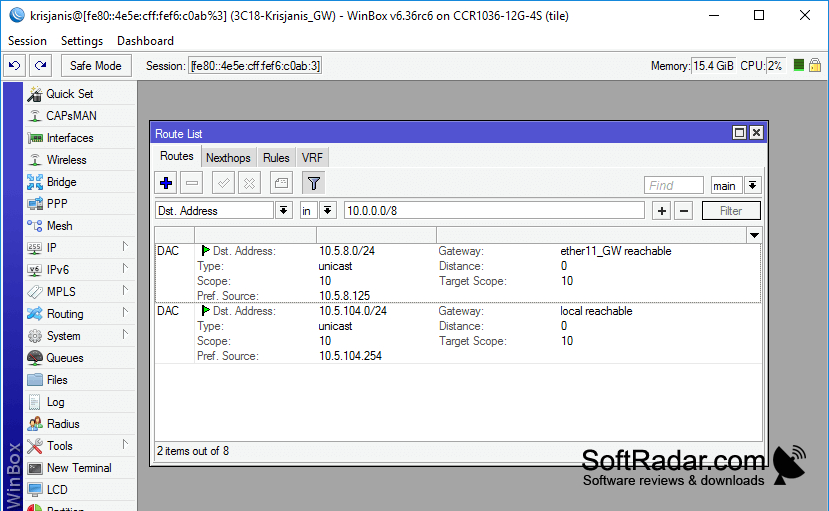
WinBox is a desktop tool for administrators who manage MikroTik routers. It provides a graphical way to inspect and adjust RouterOS settings, including network addresses, routes, firewall rules and traffic queues. Use it when setting up a router, reviewing its configuration or checking how a network is behaving without working entirely through a command console.
Manage router settings and check live network activity from one desktop interface.
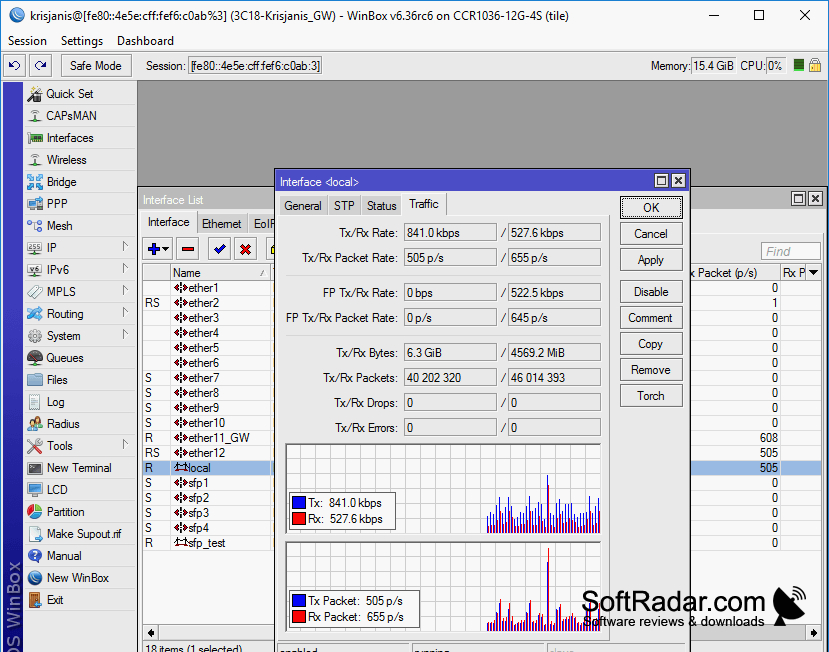
The program can find nearby routers and connect through IPv4 or IPv6. Its configuration windows remain within the main workspace, with additional fields available when more detail is needed. You can move files between the computer and router by dragging them, and view changing traffic levels for interfaces, queues and firewall rules while the device is operating.
Features:
- Discover routers on local networks
- Connect using IPv4 or IPv6 addresses
- Edit routes, firewall rules and traffic queues
- Open multiple settings windows in one workspace
- Transfer router files by dragging and dropping
- View live traffic for interfaces and firewall rules
No .NET Framework required
PROS
Provides quick access to detailed RouterOS settings.
Displays interface traffic and counters in real time.
CONS
Some advanced settings still require the command line.