
XCTU
XCTU helps developers configure, inspect and test Digi XBee radio modules on Windows using a visual interface and communication tools.
Operating system: Windows
Publisher: Digi International Inc.
Release: XCTU 6.5.13
Antivirus check: VirusTotal report
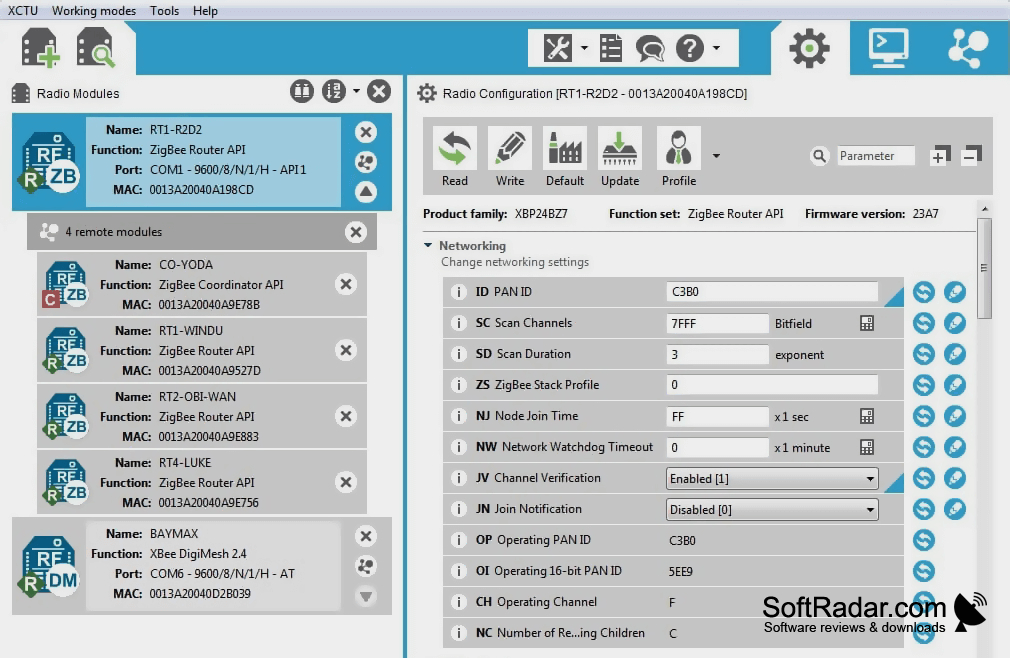
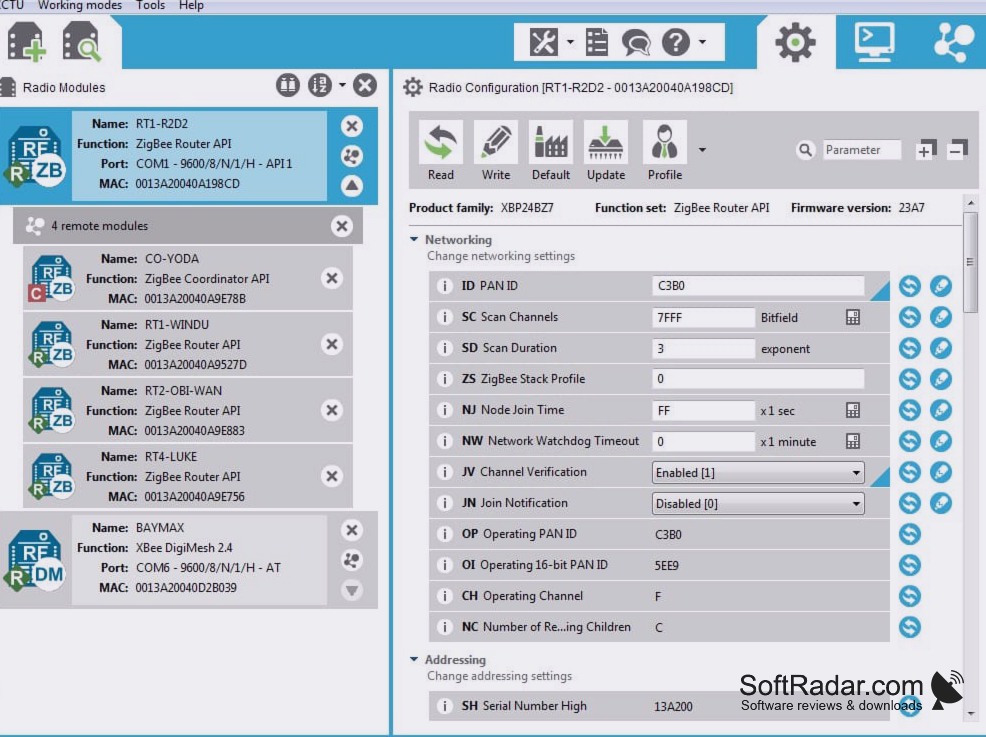
XCTU is a Windows application for developers working with Digi XBee radio modules. It brings device setup, firmware management and wireless testing into one workspace. Users can add radios to a device list, adjust their settings and communicate with units attached to a computer or reachable across a network. It can be used while preparing prototypes, checking connections or maintaining a group of radios.
Manage several XBee radios in one workspace, including devices reached over a wireless connection.
Separate panels handle AT commands and API messages, while a network diagram shows linked radios and the signal level of each connection. Tools can create or decode API messages without a connected radio, and saved console sessions can be opened on another computer. The program also supports radio recovery, firmware browsing and updates, and range checks between two radios on the same network.
Features:
- Change settings on local and remote XBee radios
- Inspect radio links and their signal levels
- Create and decode XBee API messages
- Save and reopen console sessions
- Run range checks between networked radios
- Browse firmware files and recover radios
USB or serial XBee adapter
Available in 32-bit and 64-bit builds
PROS
API frame builder simplifies constructing and interpreting frames.
Firmware updates can preserve existing module settings.
CONS
Module detection can depend on correct serial settings.
