
Bulk Image Downloader
A powerful program for batch downloading images on Windows
Operating system: Windows
Publisher: Antibody Software
Release: Bulk Image Downloader 4.69.0.0
Antivirus check: VirusTotal report
Bulk Image Downloader is a program that allows you to download images from web galleries in batch mode. It is able to detect and download entire albums and allows you to pause and continue uploading, as well as to choose the way to save images. To search for images, simply copy the URL of the desired page and wait for Bulk Image Downloader to analyze it. The program detects images hidden in "sliders", under spoilers and so on. After the analysis is completed, it will display the found images on a special panel and provide an opportunity to mark those that you want to download.
In cases where you need to upload images from multiple sites at once, use the built-in scheduler. Unfortunately, in the free version of its functionality is very limited, but after you purchase a license you will be able to add an unlimited number of tasks to the scheduler and comfortably manage the order of their execution.
Bulk Image Downloader can also automatically generate headers of saved files by templates. You can add your own word/phrase (including Cyrillic characters) to the template, display the download time, source URL, and so on. You can also add your own watermark and sort images from different sources into separate folders.
Bulk Image Downloader allows you to easily download entire image galleries from multiple websites simultaneously.
In addition to images, Bulk Image Downloader can download video. However, it does not detect clips on any pages and can save them only in their original format.
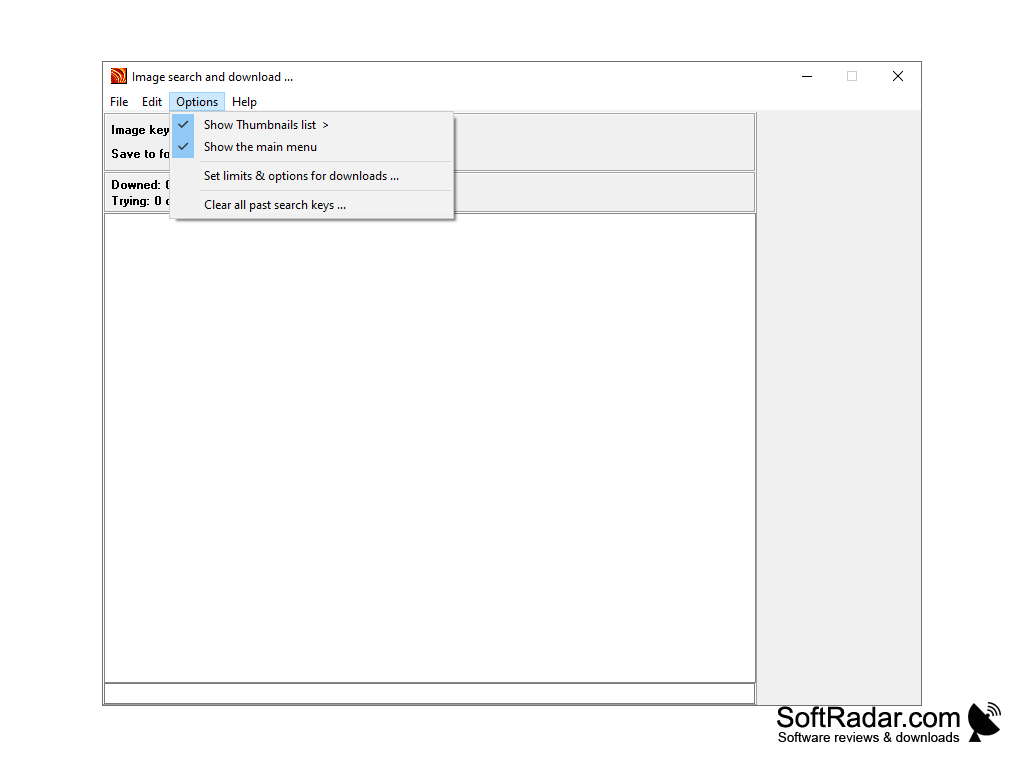
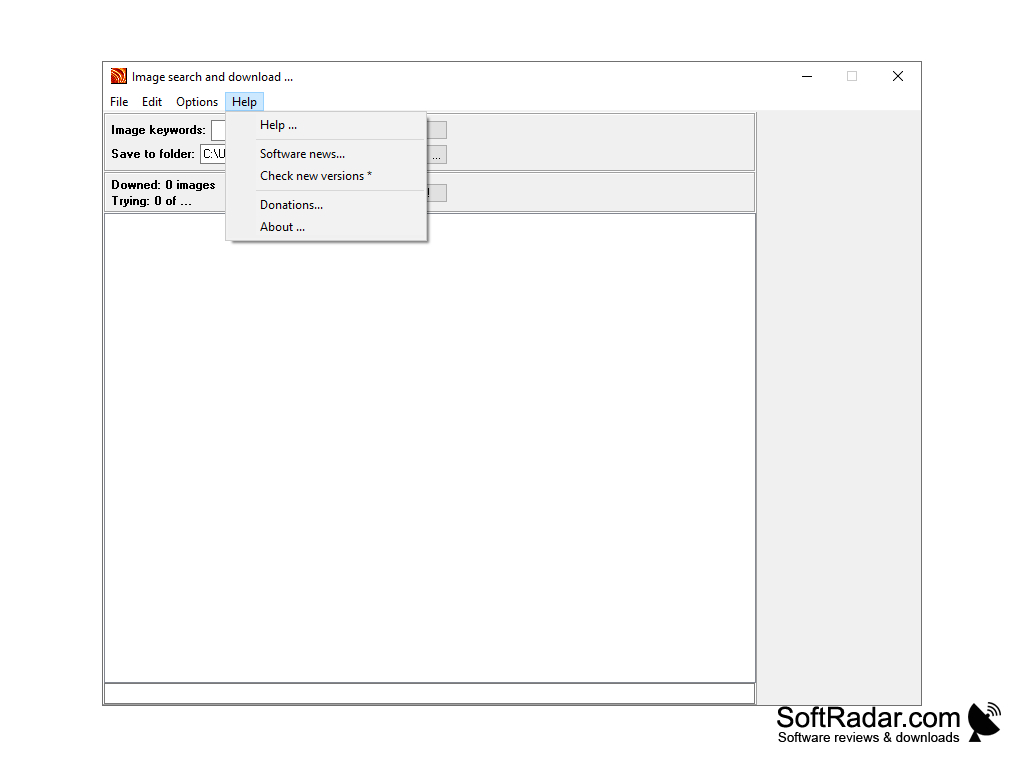
- allows you to upload images from web galleries and regular pages in batch mode;
- With the help of the scheduler, you can set up loading from several sources;
- automatically analyzes the page, collects images and suggests to mark the ones you want to download;
- is able to automatically generate the names of files to be saved according to a specified template;
- can work through a proxy;
- prepares a detailed report on the work done;
- allows you to set up timeouts between reconnection attempts;
- allows you to pause and continue downloading.
PROS
Automatically bypasses pop-ups and redirects.
Ability to resume downloads if interrupted.
CONS
Not user-friendly, has complex interface.
Occasionally fails to download all selected images.