
C-Decompiler
C-Decompiler is a free x86 decompiler that reads Windows executables built with older Visual C++ versions and shows C/C++ code.
C-Decompiler
C-Decompiler is a small x86 decompiler for C and C++ programs by the developer KawarChen. It reads a Windows portable executable (PE) file and tries to turn the machine code back into readable C/C++ code. This reverse engineering step lets programmers study how an old program works when its original source code is not available.
The C-Decompiler allows the user to reverse engineer a compiled program and view its logic as readable C/C++ code.
Features
• PE file input: C-Decompiler opens Windows executable files in the portable executable format and analyses the x86 machine code inside them.
• Supported compilers: the tool handles programs built with Microsoft Visual C++ 6.0 and Visual Studio 2003, 2005 and 2008. Executables created with newer Visual Studio versions are not supported; in that case the program shows an error message and closes.
• C/C++ output: after decompilation the program displays C/C++ code that corresponds to the functions found in the file. According to the author, the basic decompile function for the C language has been completed.
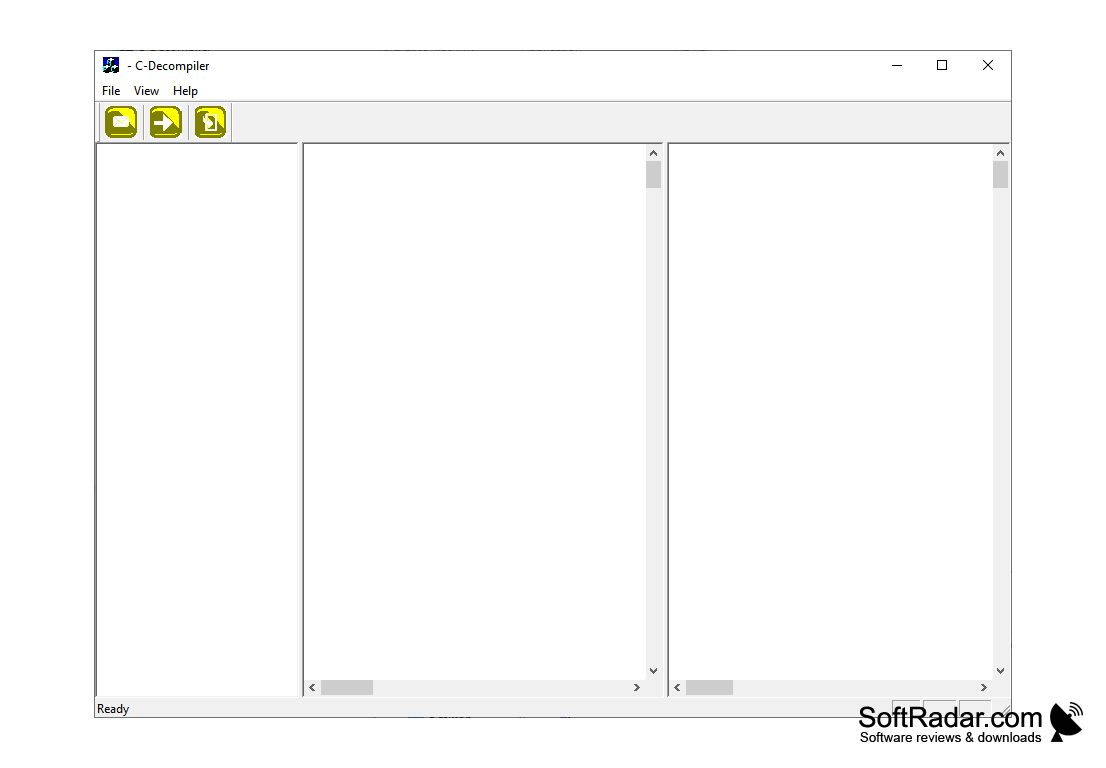
• Three-pane window: the interface is split into three panes that show the functions, the classes and the resulting code, so the output can be browsed in a structured way.
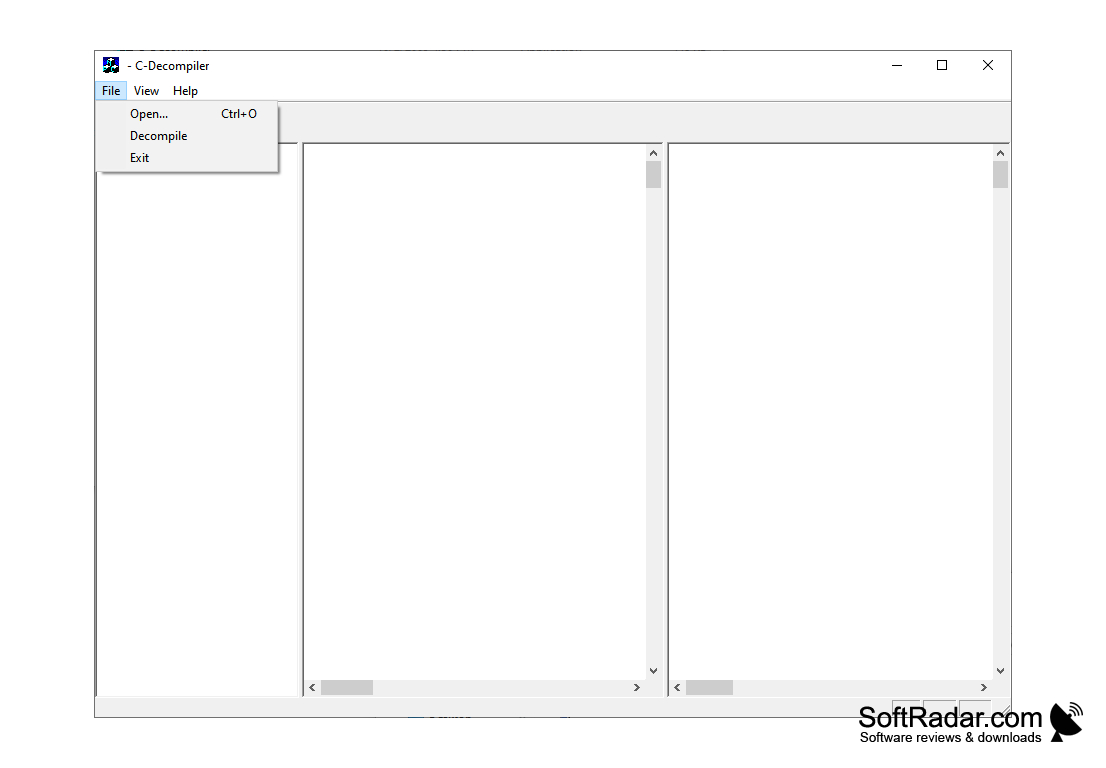
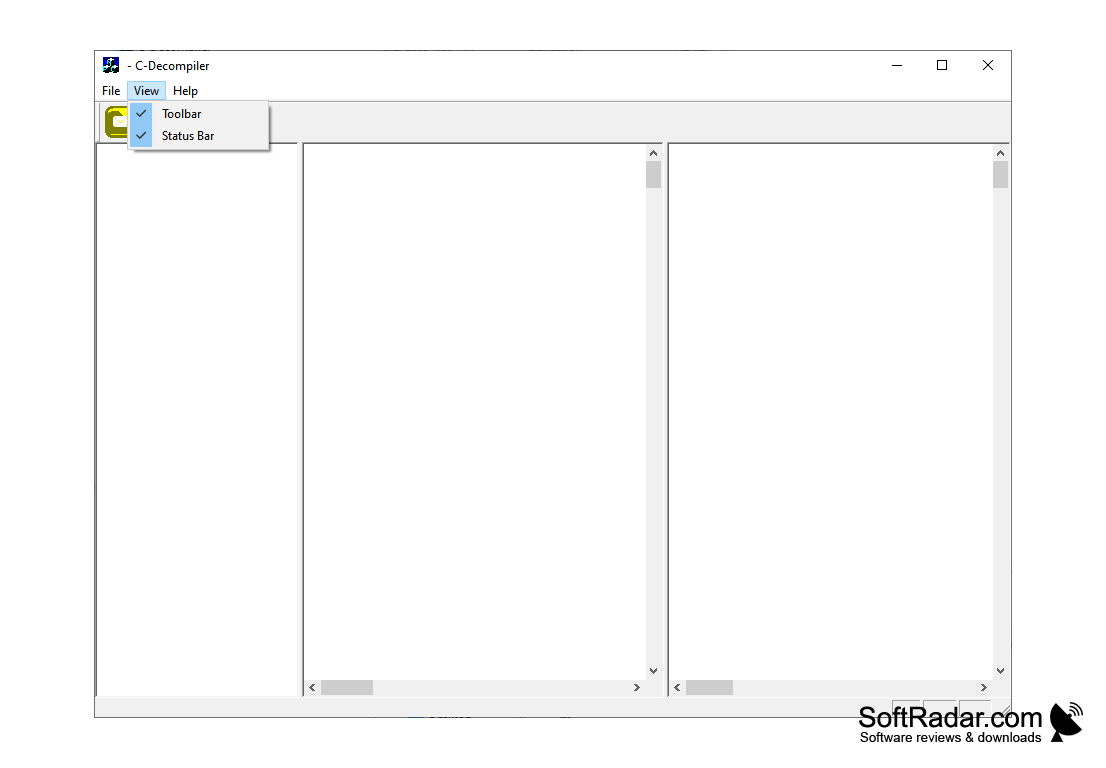
• Simple workflow: you choose a file with File, Open (Ctrl+O) or the toolbar button, then start the process with the Decompile command. The toolbar and the status bar can be hidden from the View menu.
• Fast processing: decompiling usually takes a few seconds, depending on the size of the input file.
• Viewing only: the extracted code can be read in the main window, but the program offers no option to copy the output to the clipboard or to save it as a text file.
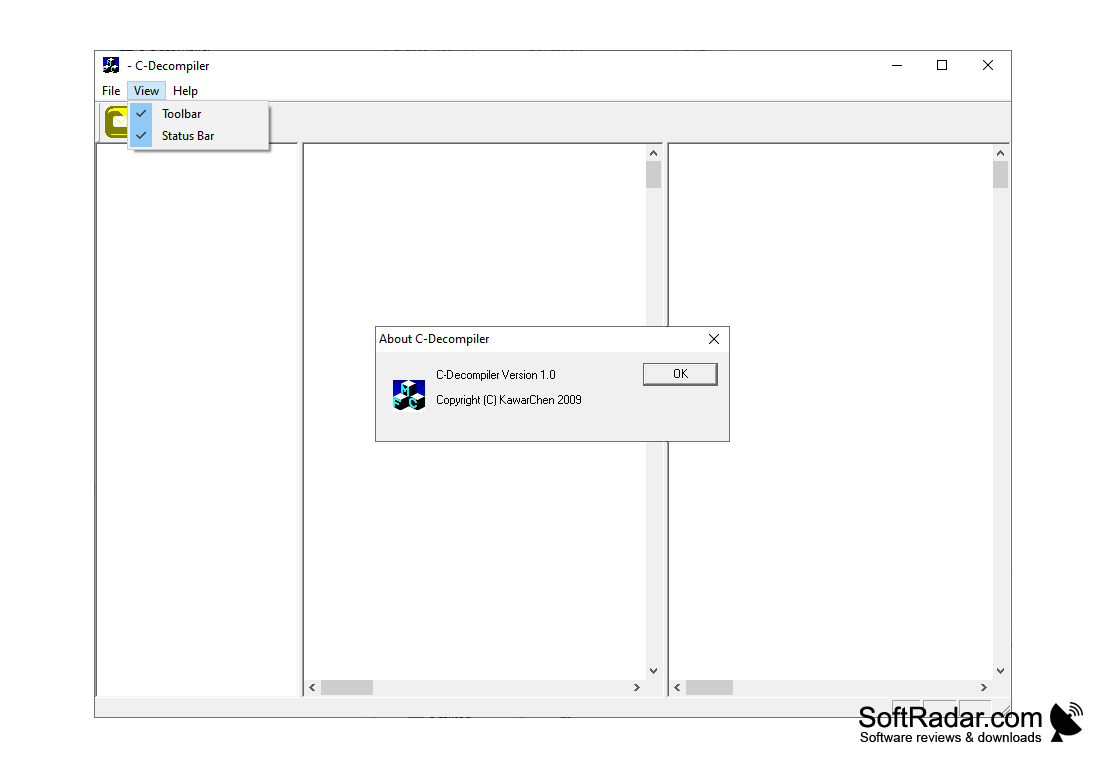
• Small footprint: the main program is a single MFC application of about 450 KB. The About box shows version 1.0 and a 2009 copyright by KawarChen.
• Freeware: C-Decompiler is distributed free of charge and does not need registration or a license key.
• Older Windows target: the program was released for Windows 2000, XP, Server 2003 and Vista, and it still starts on current Windows versions.
• Easy to learn: with only three menus (File, View and Help) and three toolbar buttons, beginners can find their way around the program within a few minutes.
Conclusion
C-Decompiler is a basic tool for analysing executables made with older versions of Visual C++. Like any decompiler, it cannot restore the original source code exactly: variable names, comments and formatting are lost during compilation, so the output is a reconstruction that needs careful manual study. The program has not been updated since 2009 and is no longer developed. For executables built with current compilers, a newer reverse engineering tool is a better choice, while C-Decompiler remains a quick way to look inside old Visual C++ programs.
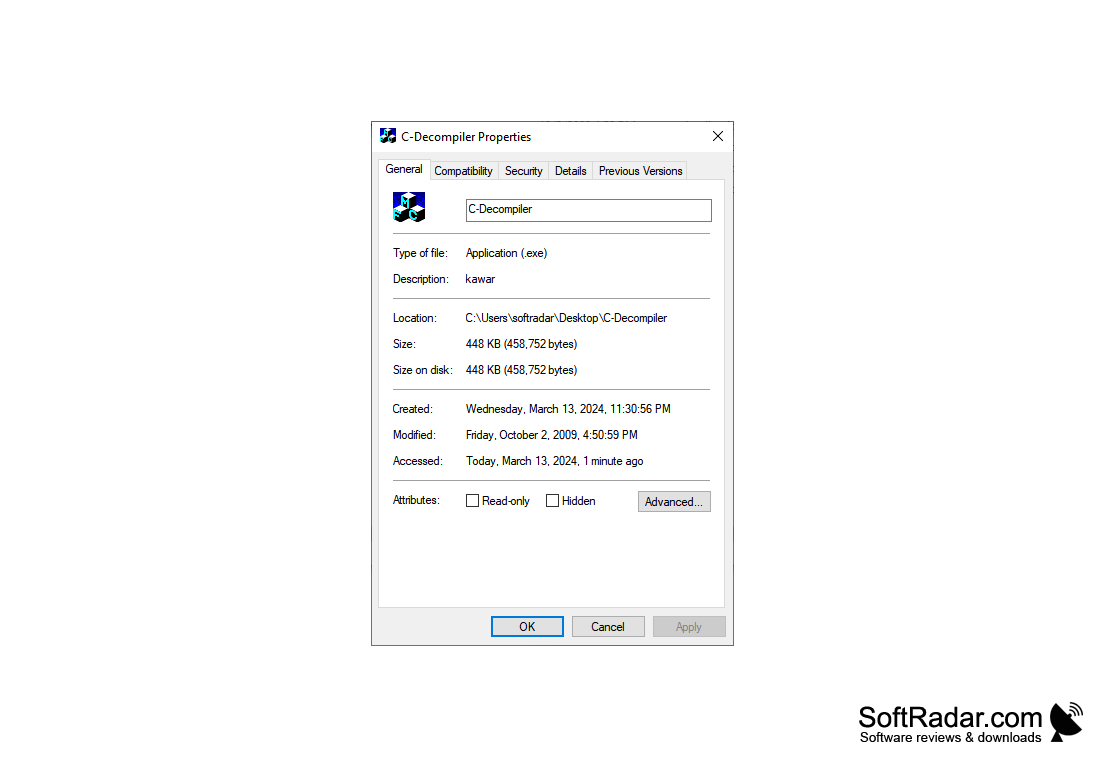
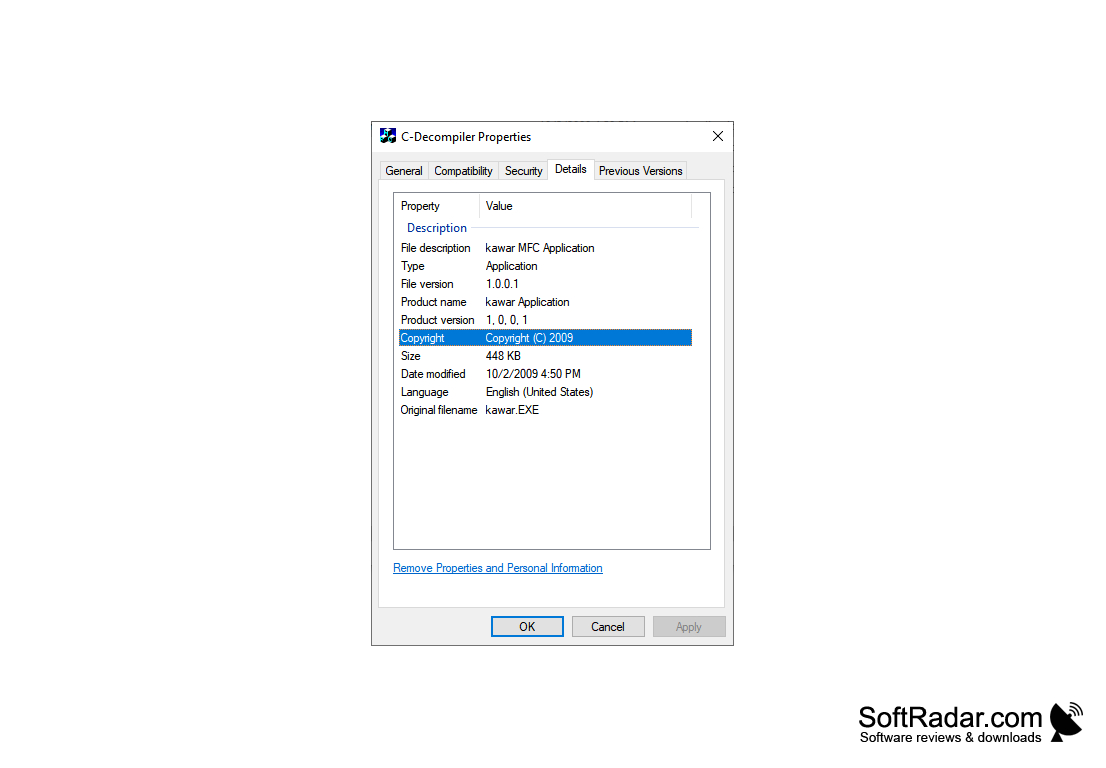
Also starts on Windows 10
PROS
Helps understand algorithms in old Visual C++ executables.
Generally user-friendly with an intuitive interface.
CONS
May produce inaccurate or incomplete results.
Cannot copy or save the decompiled code.


