
CDRoller
A data recovery software focusing on CDs, DVDs, Blue-ray discs and Flash Cards
Operating system: Windows
Publisher: CDRoller Soft Co. Ltd.
Release : CDRoller 11.40.60.0
Antivirus check: VirusTotal report
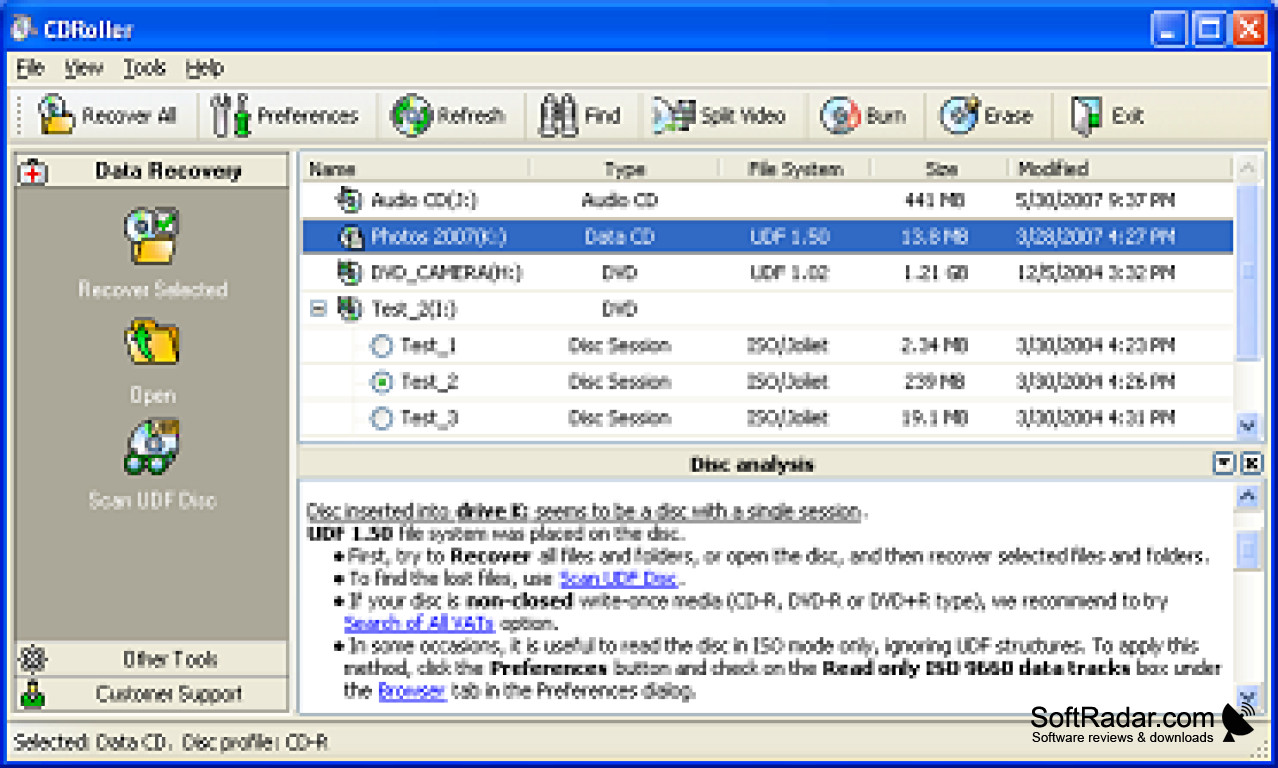
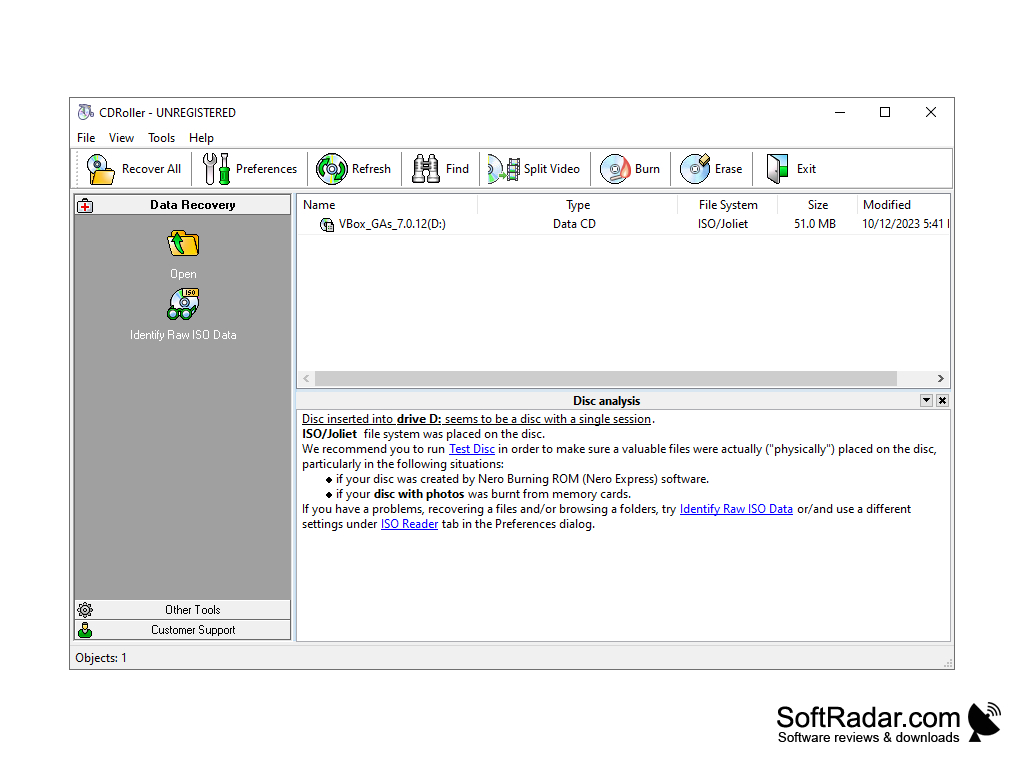
CDRoller is a multifunctional utility for working with CD/DVD-ROM. Allows you to recover data from unreadable disks and test the CD for errors. The contents of the disc can be used to create data archives with the ability to fully search them without installing the CD itself. Has a built-in CD-ripper, CD-media analyzer and much more. Supports CD/DVD/BD/HD-DVD discs.
CDRoller effectively recovers data from unreadable CD/DVD-ROM, which helps in salvaging important information from damaged discs.
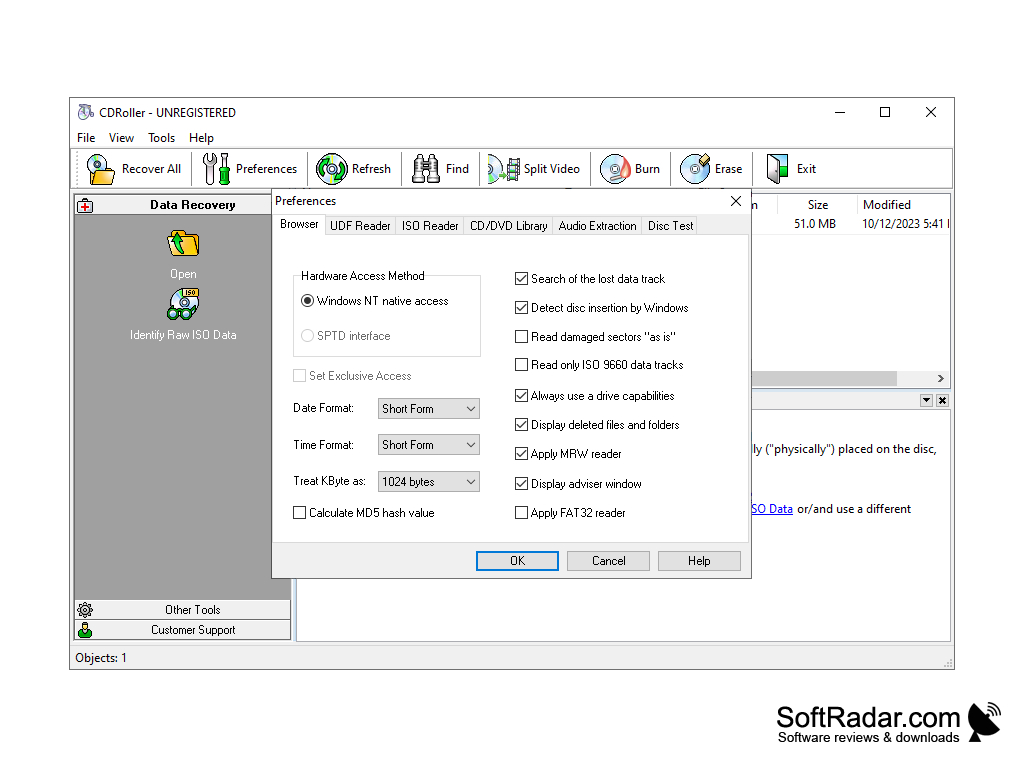
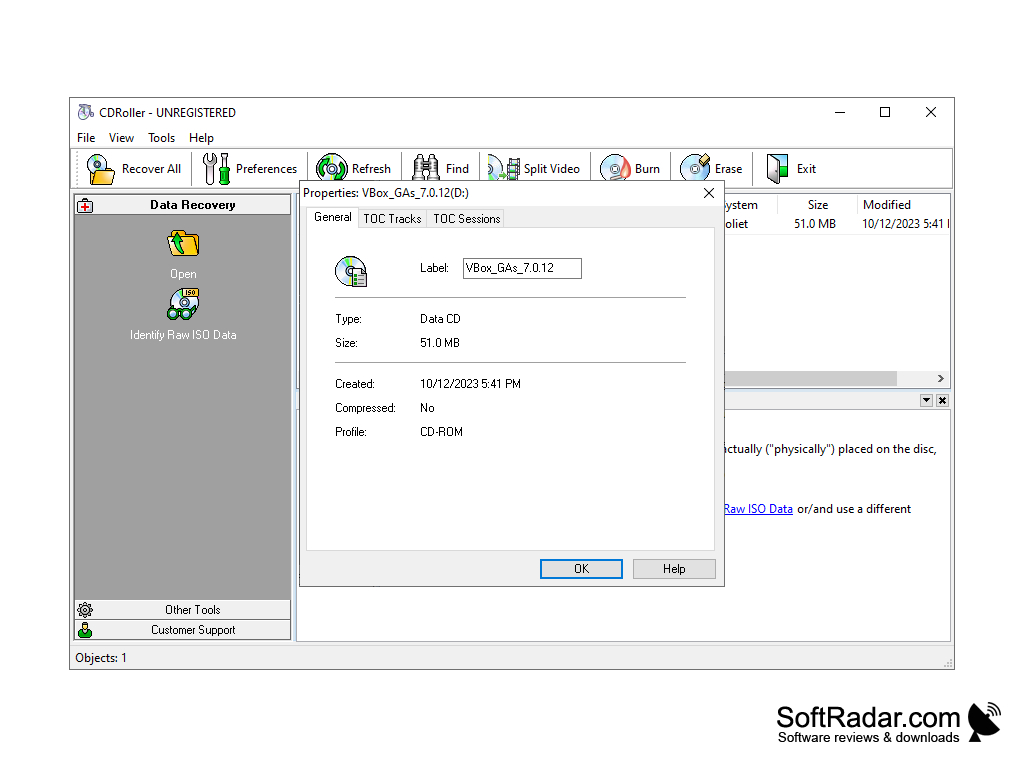
- effectively recovers data from CD/DVD/BDs created by "drag and drop" method;
- Built-in utility for burning discs, similar to the well-known packages such as Sonic (Roxio, Adaptec) and Ahead Nero;
- locates and recovers lost DVD movies and photos created by a wide range of standalone devices, including Hitachi, Canon, Panasonic, Samsung and Sony DVD camcorders, as well as standalone VCRs;
- Converts "raw" DVD video (VOB or VRO files) to MPEG files without loss of quality. The new DVD he created can be played on most DVD players;
- has a built-in CD/DVD/BD burn and erase function integrated into a common command shell;
- Recovers CD data recorded with Sony Mavica digital cameras;
- has its own built-in full-featured UDF-reader;
- locates and recovers lost files on UDF disks, including: accidentally deleted files, files on quickly formatted disks, files on improperly closed disks, etc;
- examines the disk sectors at a low level;
- saves data from scratched, damaged or defective disks;
- recovers files from disks recorded in several stages (multi-session disks);
- provides direct access to PC hardware, bypassing the Windows file system;
- supports SCSI and SPTD under Windows 2000/XP/2003/Vista/7;
- checks the disks for read quality;
- Removes the ISO images from the discs and burns them to a new disc;
- all the tools of the program are united into a single easy-to-use and intuitive shell.
PROS
User-friendly interface makes it easy to use for beginners.
Possesses extensive multimedia data recovery tools.
CONS
The interface can be confusing and not user-friendly.
Lacks advanced features compared to other data recovery tools.


