
Core FTP mini-sftp-server
Core FTP mini-sftp-server is a free, secure, and lightweight SFTP server that can be used to transfer files securely over a network.
Operating system: Windows
Publisher: Core FTP
Release: Core FTP mini-sftp-server 2.38
License: Free
Antivirus check: VirusTotal report
What is Core FTP Mini-SFTP Server?
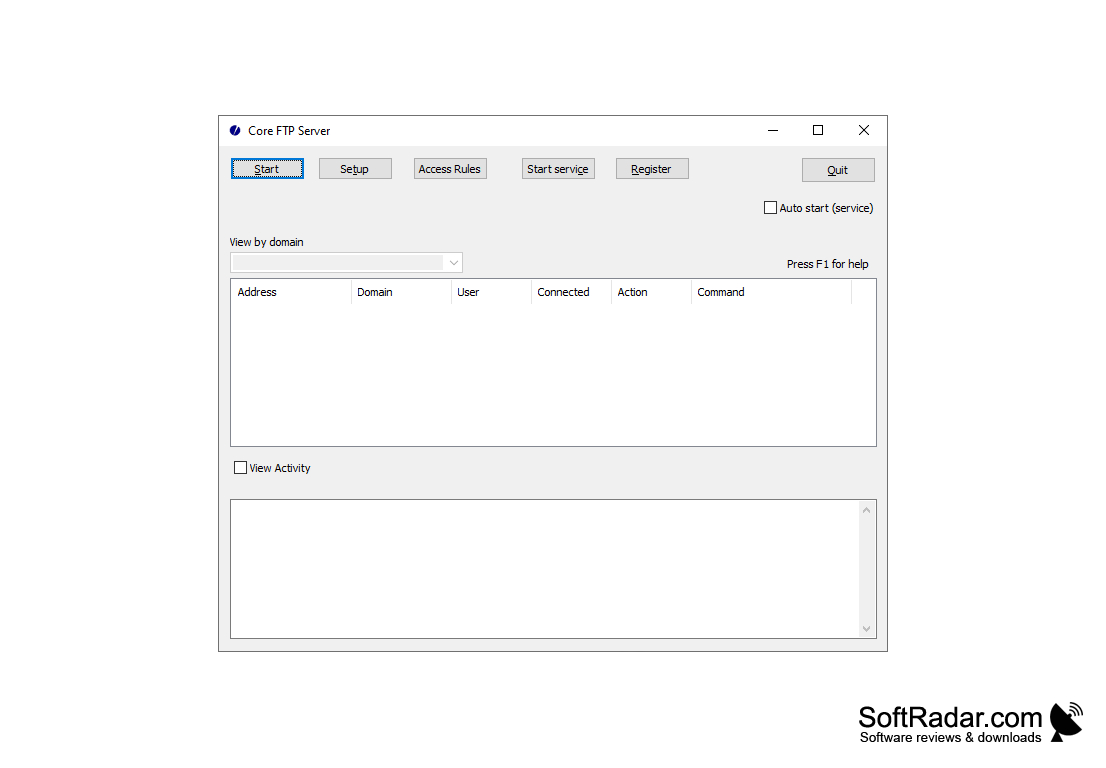
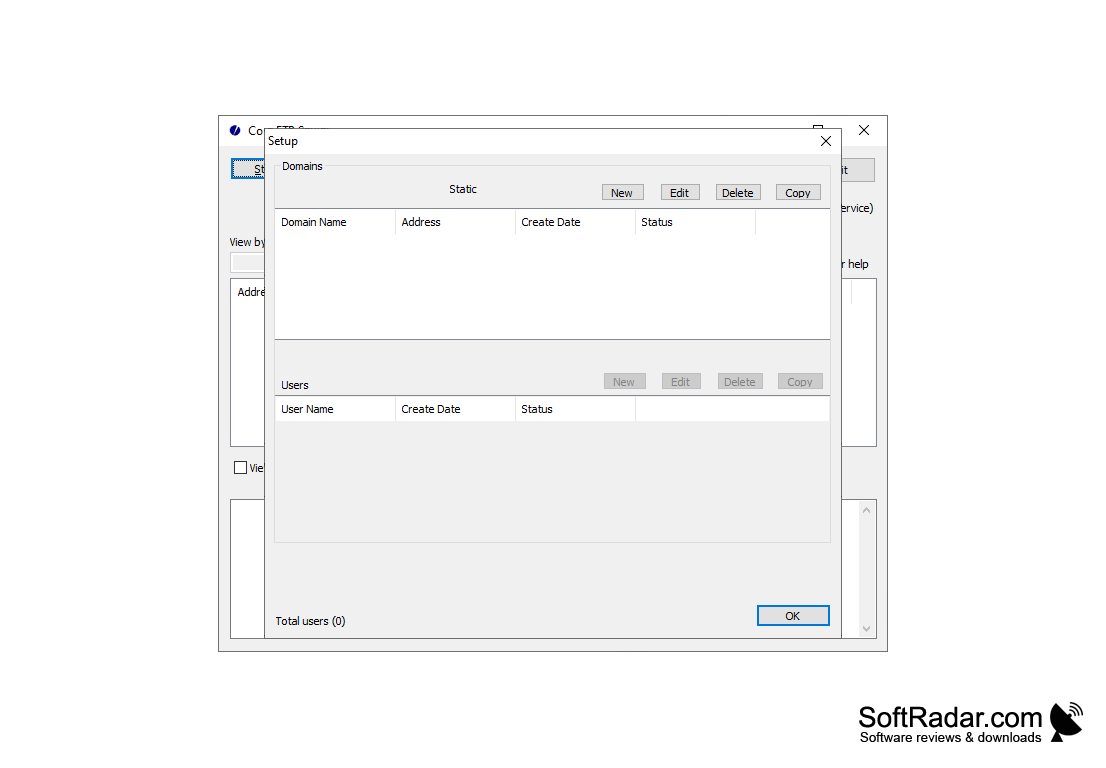
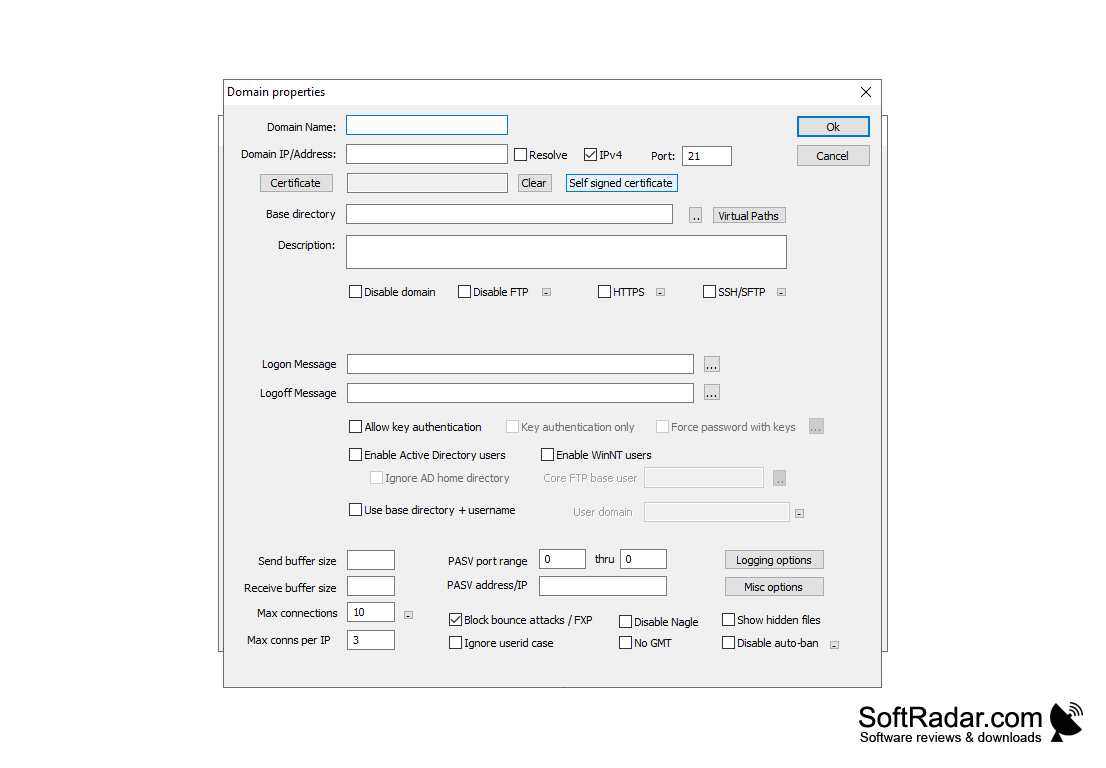
Core FTP Mini-SFTP Server is a free, tiny SFTP server for Windows from the makers of Core FTP. It is a stripped-down relative of the commercial Core FTP Server and is meant for quick, temporary file sharing: you type a user name and password of your choice, select the port and the folder to share, click Start, and another computer can connect with any SFTP client, such as Core FTP LE, WinSCP or FileZilla. It supports only the SFTP protocol over SSH2, so logins and transferred files are encrypted. The program is a single small executable that runs without installation, and separate 32-bit and 64-bit versions are offered on the Core FTP website. It is not a full file server: it has a single account, no permission settings and no administration features. A typical use is sending a large file to a colleague or moving data between a laptop and a desktop PC without setting up a permanent server. Because SFTP runs over a single port, only that port has to be opened in a firewall or forwarded on a router when clients connect from outside the local network.
Core FTP Mini-SFTP Server lets you share a folder over encrypted SFTP in seconds by entering a user, password, port and path.
Features:
• Supports the SFTP protocol over SSH2 only; FTP, FTPS and HTTPS are left to the full Core FTP Server
• One small window with four fields: User, Password, Port and Root Path
• A single user name and password combination, chosen by you for each session
• Any local folder can be shared as the root directory for the connected client
• The listening port can be changed, for example when another service already uses the default port
• Encrypted logins and data transfers thanks to SSH2
• Works with standard SFTP clients, including the free Core FTP LE client
• Portable: a single executable of about 1 MB that runs without installation
• Separate 32-bit and 64-bit editions
• The server can start automatically when the -start parameter is added to the command line or to a shortcut
• No built-in permission system: a connected user can delete files, so the developer recommends sharing a folder on NTFS with restricted file permissions or read-only files
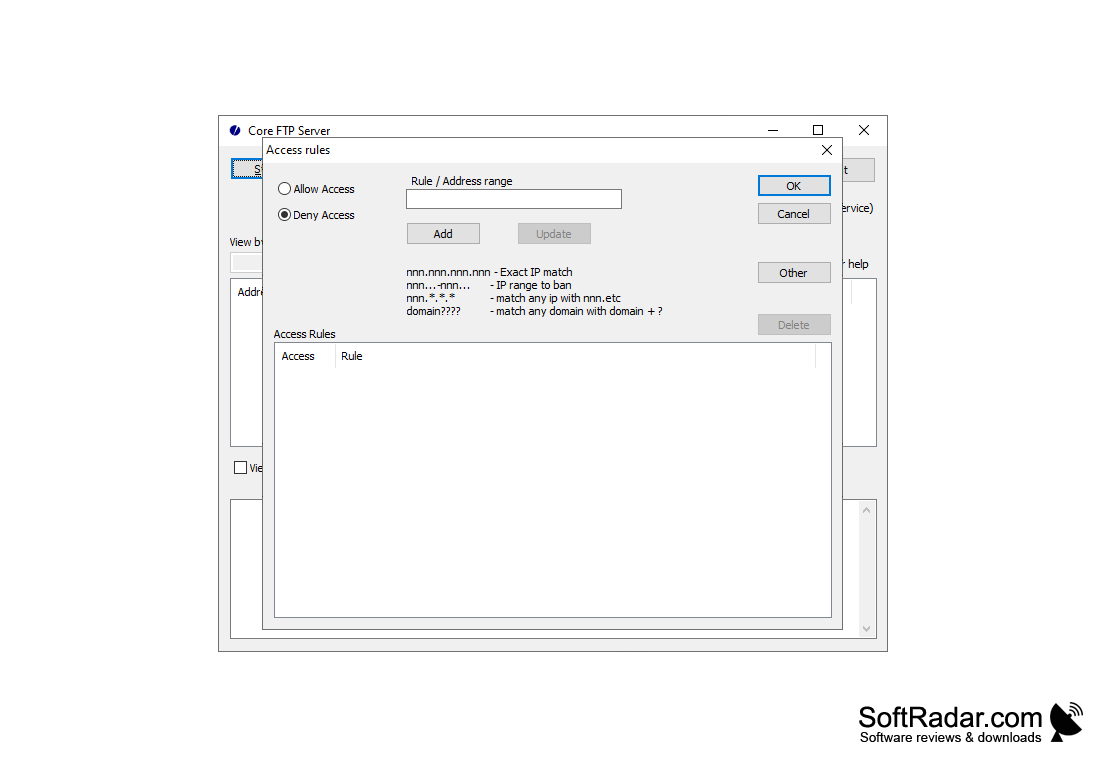
• No built-in FTP proxy server, tunnelling, user groups, IP filtering or remote administration
• Suited to quick transfers between two computers, for example on a home or office network
• Free to use; for multiple users, domains and access rules the developer offers the paid Core FTP Server
PROS
Setup takes only four fields and one click.
Provides strong data protection with SSH/SFTP encryption.
CONS
Supports only one user account at a time.
No permission settings to protect shared files.
