
Cursor
Cursor is a Windows source editor for programmers that combines coding tools with AI assistance for writing, reviewing, and changing projects.
Operating system: Windows
Publisher: Anysphere, Inc.
Release: Cursor 3.27.12
Antivirus check: VirusTotal report
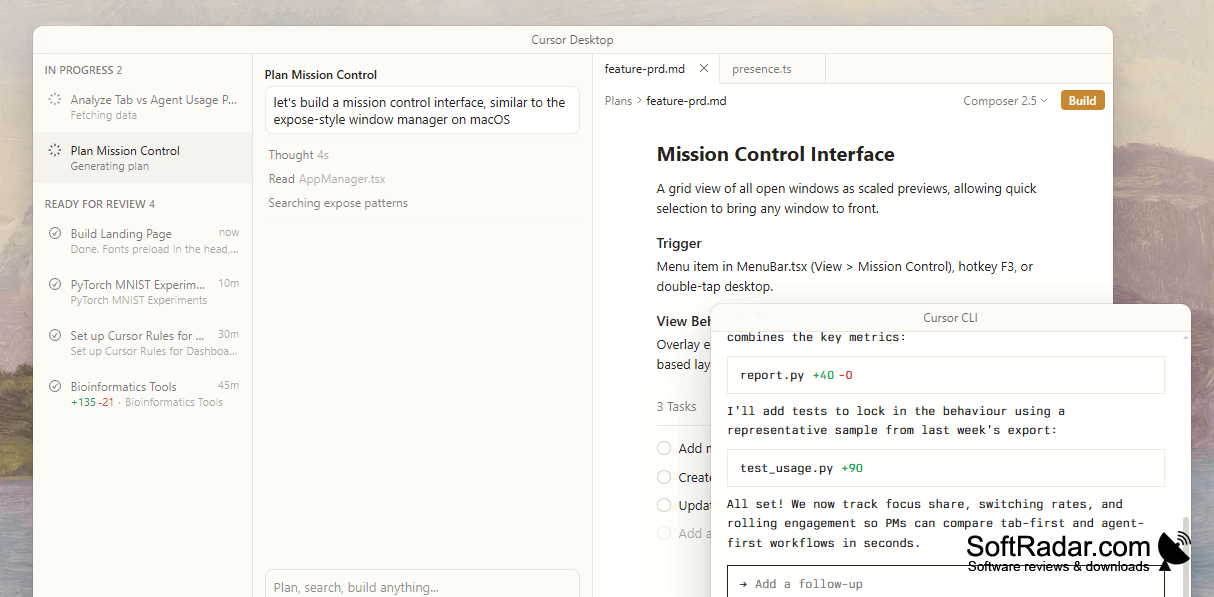
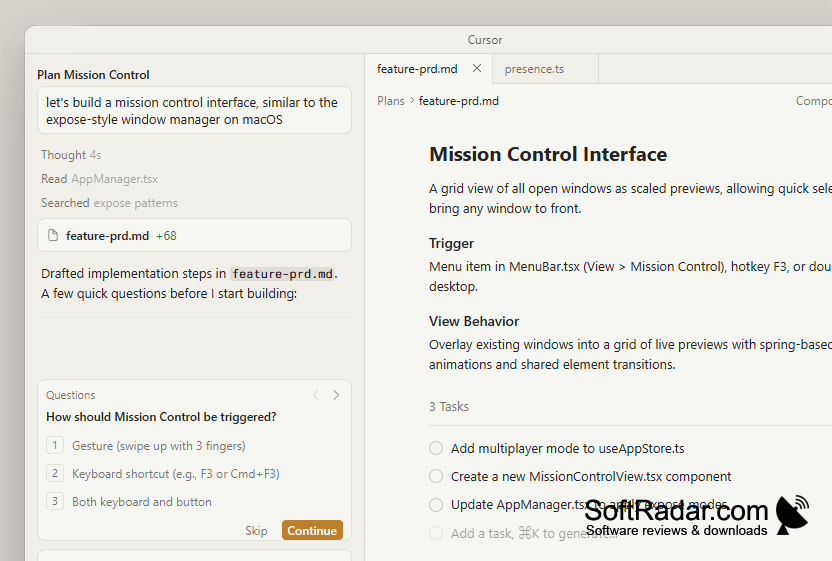
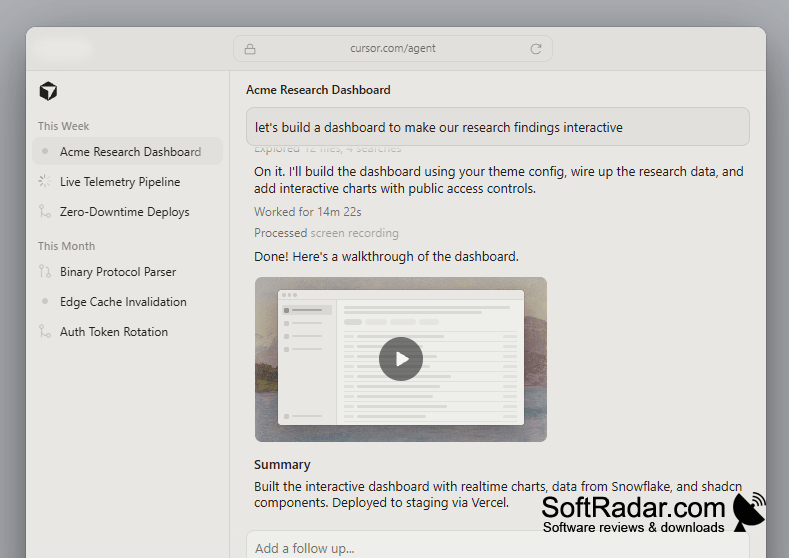
Cursor gives Windows developers a place to write software while consulting an AI assistant in the same workspace. It suits work on existing applications as well as new projects, from inspecting unfamiliar functions to drafting sections of code. The editor brings files, search, a terminal, and an assistant panel together, so programmers can move between manual changes and suggested edits during routine development.
Project-aware assistance helps coordinate edits across related files without leaving the editor.
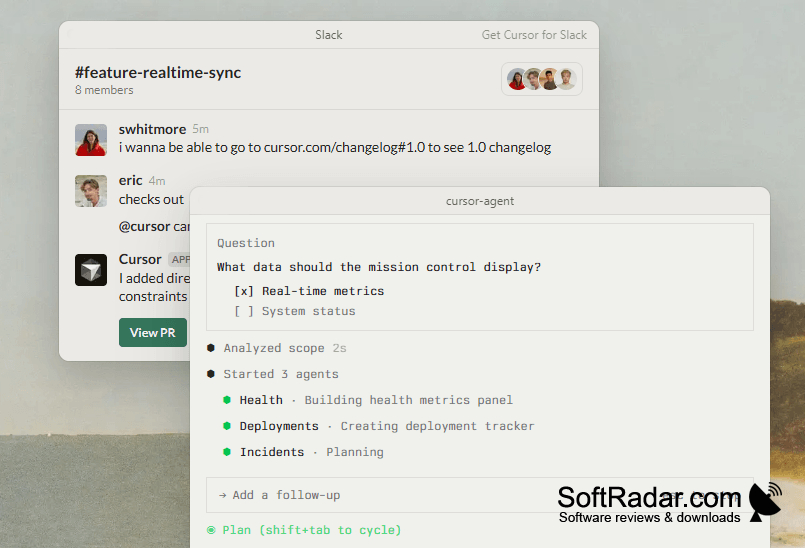
After opening a project folder, users can request explanations, describe an intended change, or select code for revision. The assistant uses project files when responding and can propose edits spanning several files. Inline completion helps while typing, while tools for examining errors and reorganizing code support maintenance work. The AI functions require an account and an internet connection.
Features:
- Complete code as you type
- Query project files in integrated chat
- Propose changes across several files
- Revise selected code from written instructions
- Inspect errors and suggest corrections
- Import editor settings and add extensions
PROS
Familiar editor supports existing extensions and shortcuts.
Codebase chat answers questions using project context.
CONS
Usage limits interrupt extended coding sessions.
Large projects can slow indexing and search.