
Zed
Zed is a Windows source editor for programmers working across project files, with tools for writing code, checking Git changes, and editing with teammates.
Operating system: Windows
Publisher: Zed Industries
Release: Zed 1.27.0
License: Open source (GPL-3.0)
Antivirus check: VirusTotal report
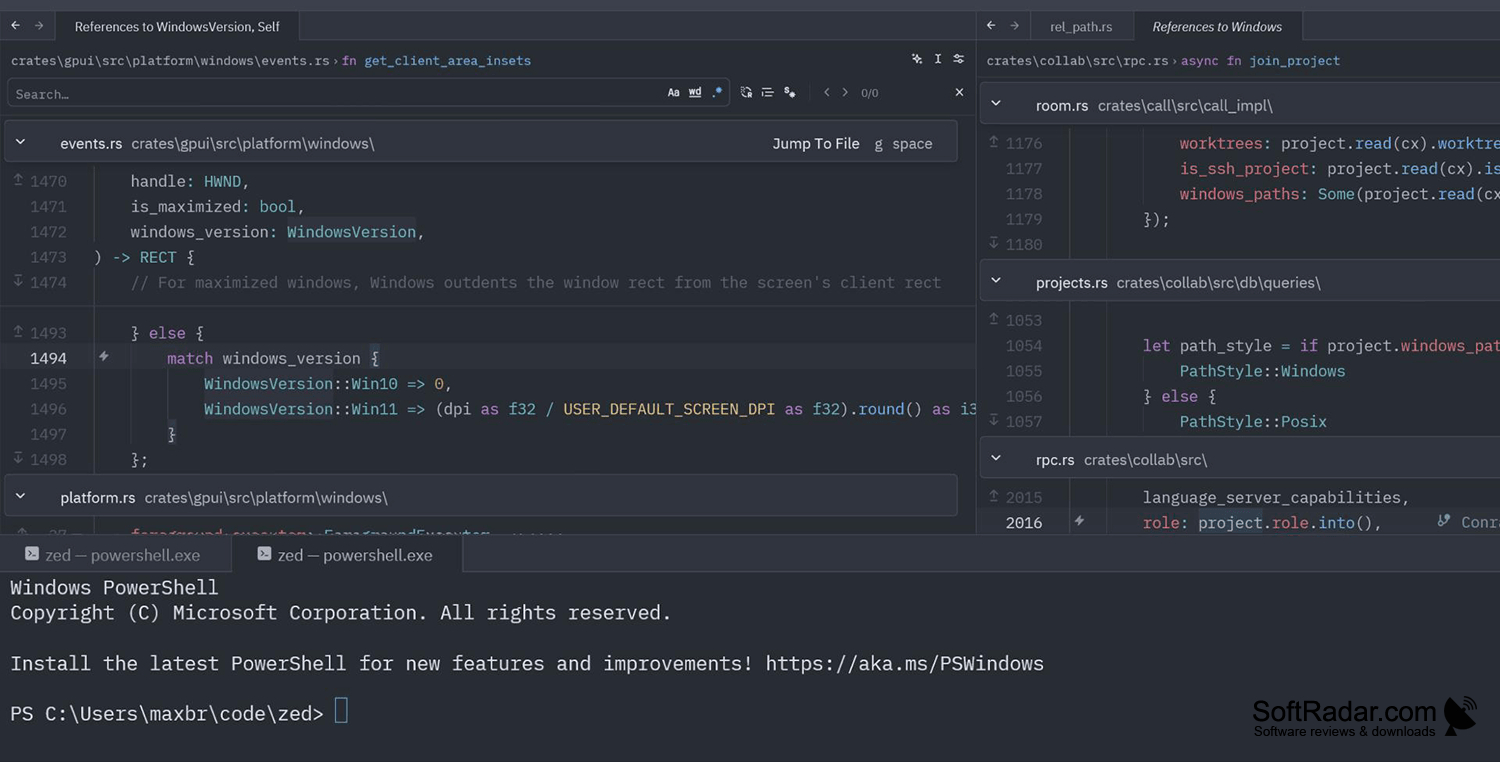
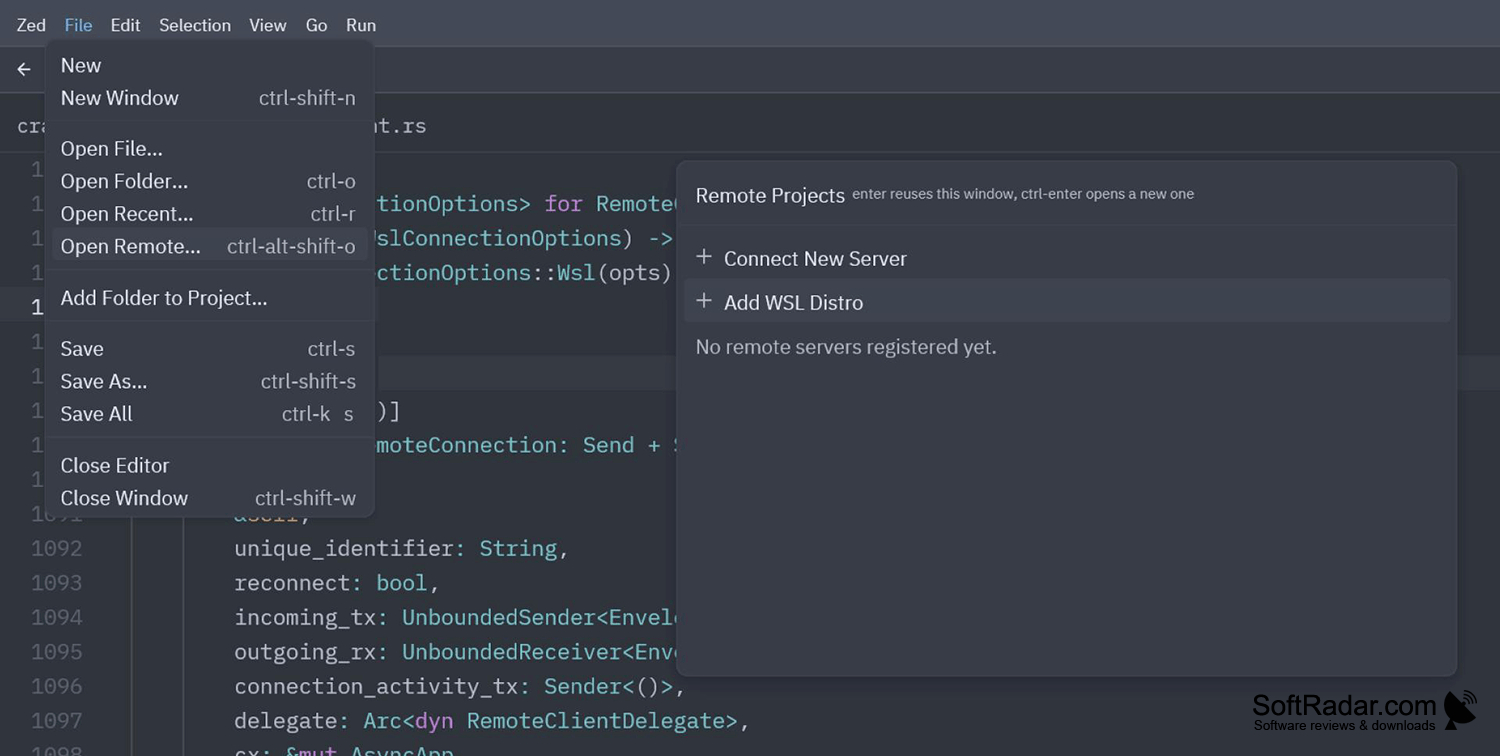
Zed gives programmers a desktop workspace for writing and maintaining code on Windows. Open a project folder, move between files, and work with color-coded code and language-aware tools. It suits tasks such as changing application code, reviewing repository updates, and running project commands without leaving the editor. The layout keeps the current file in view while other tools remain accessible.
Keep coding, repository review, terminal commands, and team edits within the same workspace.
A searchable action menu opens files, settings, and editor commands. The terminal handles scripts and build tasks, while Git controls show file differences and support commits. Developers can adjust themes, typefaces, and keyboard shortcuts. Shared editing displays teammates' changes as they happen, and optional AI tools can help generate, explain, or revise code.
Features:
- Color code supported programming languages
- Find files and actions through one menu
- Run scripts from an editor terminal
- Inspect Git differences and prepare commits
- Edit projects together with live changes
- Generate and revise code with AI tools
PROS
Built-in Git views simplify reviewing file changes.
CONS
Extension selection trails more established editors.

