Google Antigravity
Google Antigravity is a Windows coding environment for developers who want AI agents to work across code files, the command line, and a browser.
Operating system: Windows
Publisher: Google
Release: Google Antigravity 2.29.0
Antivirus check: VirusTotal report
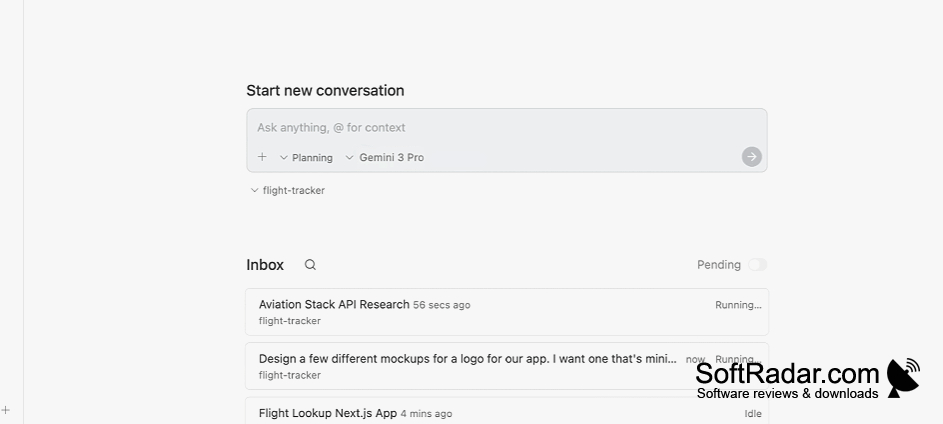
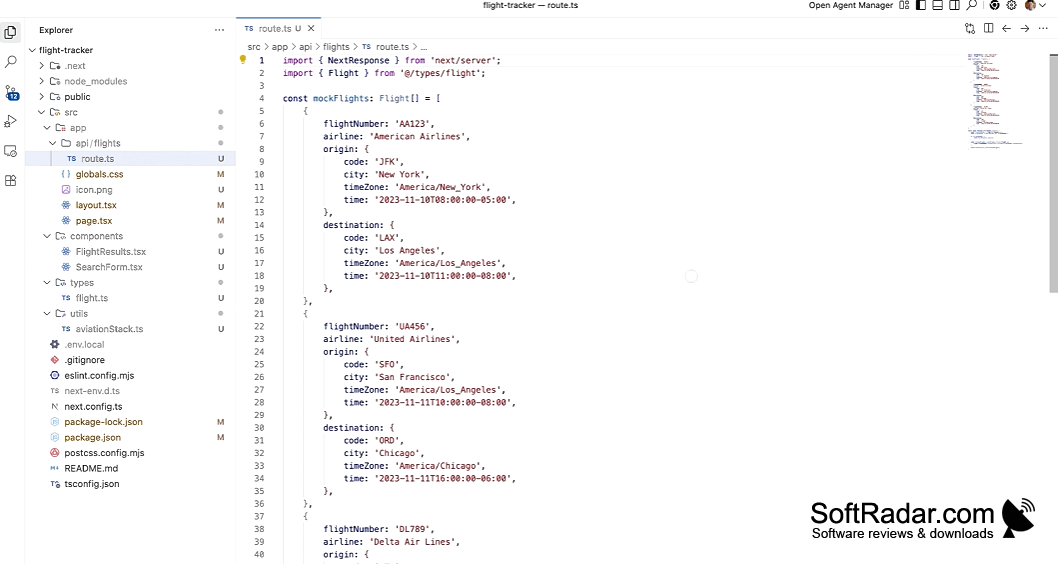
Google Antigravity lets developers write and revise code while giving broader project requests to AI agents. It can help with tasks such as adding functionality, fixing defects, and checking how an application behaves. Developers can open a workspace, describe the outcome they need, and inspect the proposed steps before an agent begins work.
Developers can delegate multi-step coding work while reviewing each agent's plan, progress, and results.
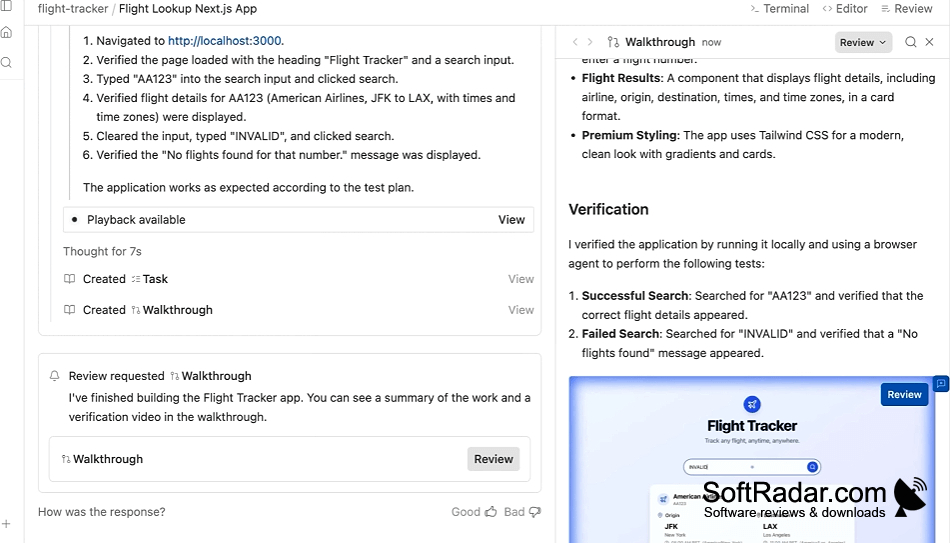
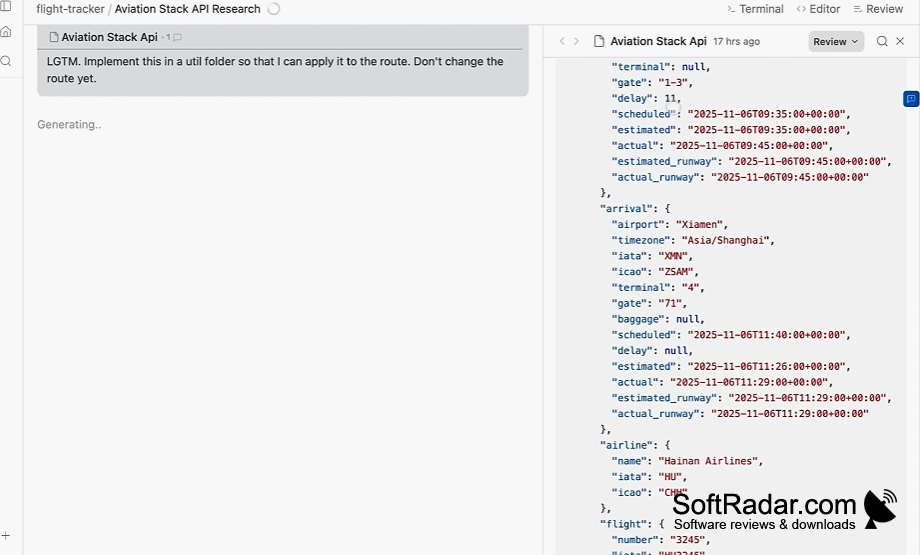
The coding workspace includes file navigation and a panel for communicating with agents. A separate management screen shows concurrent jobs and their progress. Agents can use the command line and a built-in browser to make changes and inspect results. They can also provide plans, checklists, screenshots, and recordings for review. Developers can choose from available AI models in the settings.
Features:
- Assign coding requests using everyday language
- Monitor several agents from one management screen
- Inspect proposed steps before agents proceed
- Run commands and check applications in the browser
- Review screenshots and recordings of agent activity
- Choose an available AI model in settings
PROS
Agent Manager tracks parallel tasks across workspaces.
Reviewable artifacts show agent plans and results.
CONS
Complex agent tasks can take longer than expected.


