
Pinegrow Web Editor
Pinegrow Web Editor is a desktop website editor for designers and developers who build or revise HTML pages using visual controls alongside source code.
Operating system: Windows
Publisher: Pinegrow Pte. Ltd.
Release: Pinegrow Web Editor 10.01
Antivirus check: VirusTotal report
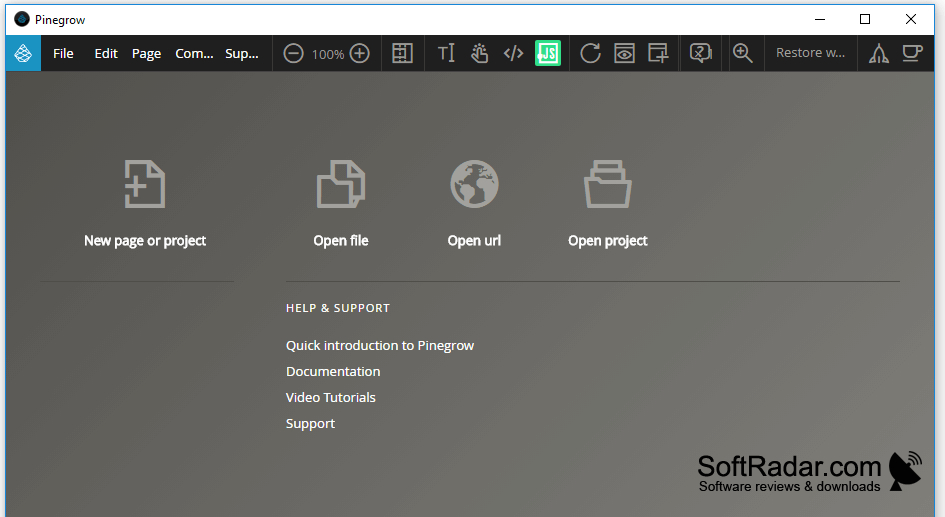
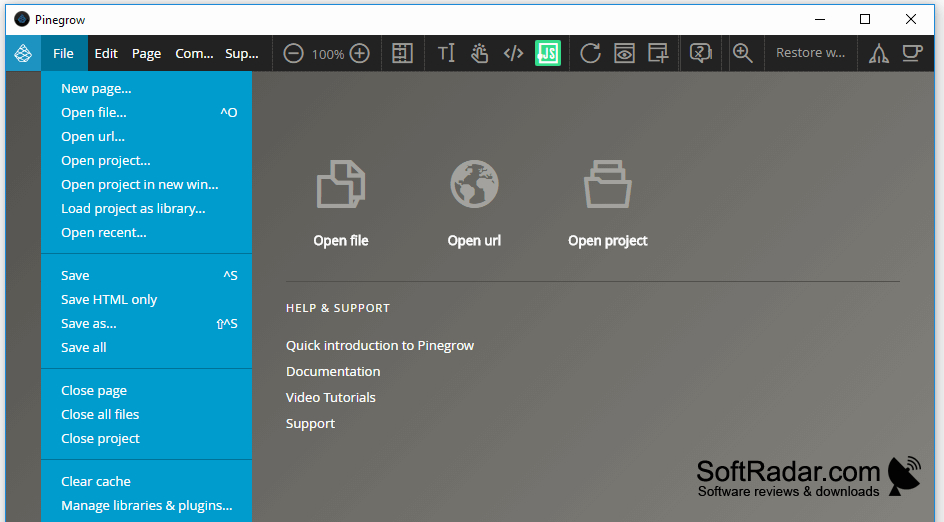
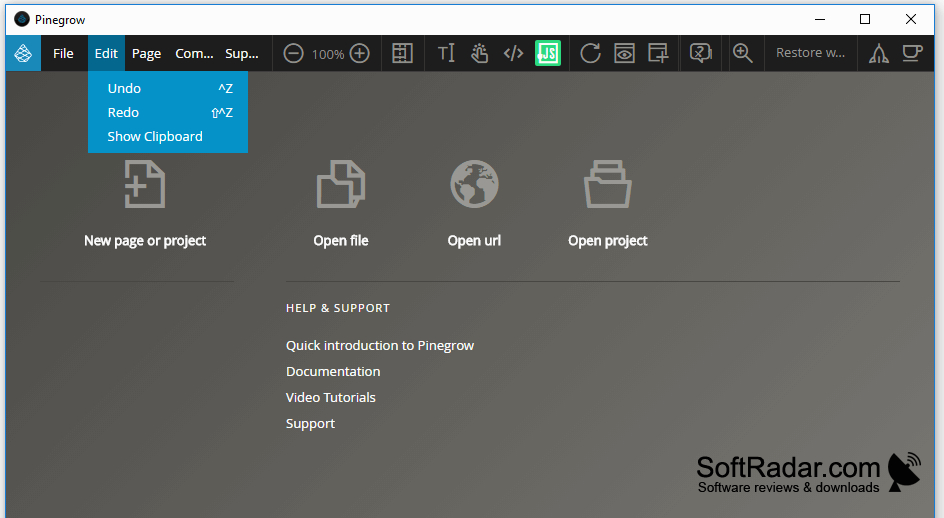
Pinegrow Web Editor helps web designers and developers create HTML sites or revise existing pages on a Windows desktop. It suits projects where layouts need to adapt to different screens and where the underlying markup remains important. Users can arrange elements, edit text, and assemble pages from reusable blocks or framework components without giving up access to the source.
Edit page layouts visually while keeping HTML and CSS available for direct changes.
The editor shows page changes alongside HTML and CSS, allowing visual adjustments and code edits in the same workflow. It can display several pages or screen sizes, apply changes to a shared stylesheet, and help manage responsive breakpoints. Styling tools include CSS, SASS, and LESS. Other tools support Bootstrap and Foundation layouts, reusable page components, and WordPress theme exports.
Features:
- Arrange and duplicate HTML elements visually
- Edit HTML and CSS beside the page preview
- Preview layouts at several screen sizes
- Adjust breakpoints with media query tools
- Build layouts with Bootstrap and Foundation components
- Export HTML designs as WordPress themes
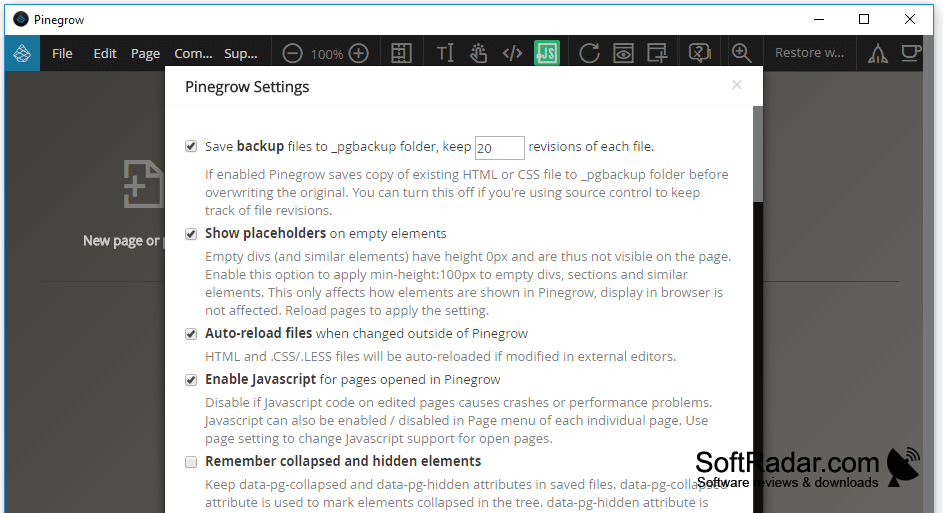
PROS
Combines visual editing with direct source access.
Previews responsive layouts across multiple screen sizes.
CONS
Large projects can slow visual editing.
