
CWShredder
A shredder program for elements of malicious threats on device
Operating system: Windows
Publisher: Trend Micro Inc
Release: CWShredder 2.19
Antivirus check: VirusTotal report
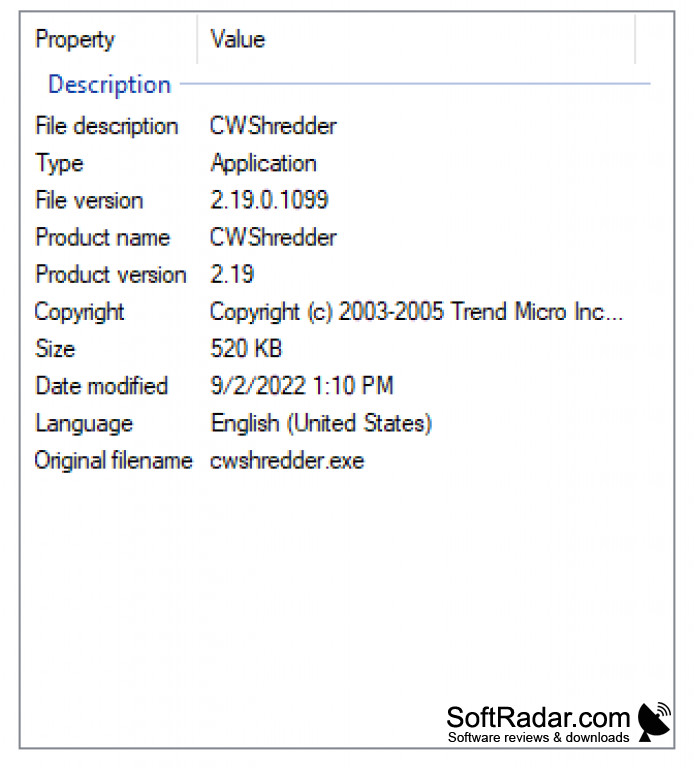

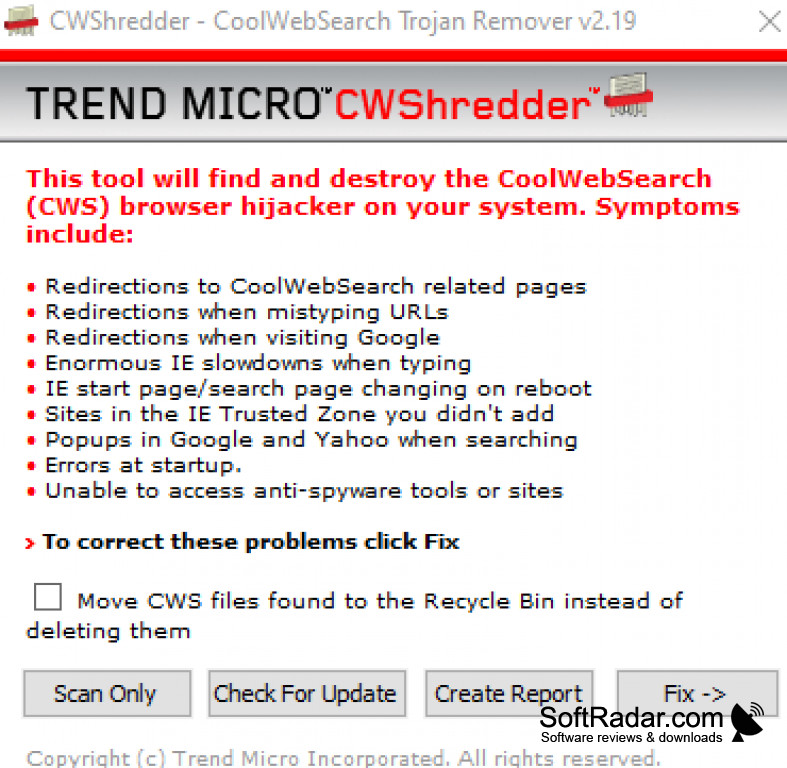
CWShredder works to help users find and get rid of any elements of CoolWebSearch, which is the given name for a wide variety of browser hijackers from the PC. It also allows users to find and delete several bookmarks, such as those to explicit porn sites and other sites which seek to find and obtain user information without consent. It often immediately reverts any changes made by the user back to those put in effect by the virus or other threat, and then it remains on the home page, desktop interface, and in other areas. It functions to remove these threats, which again come in a wide variety of fo names and identities.
It is crucial that this program is installed in this case as not only does it find and locate threats in this category but it also removes them completely so that there are no traces of it which could still function to completely alter and decrease your device performance as well as alter the different visual aspect of your devices such as home screen, screen saver, background, bookmarks, and other useful elements.
CWShredder also helps to prevent and deal with the events of computer freezing, crashing, and rebooting, which is highly associated with these types of threats. The only way to really reliably deal with these threats is to download this program and to deal with them that way. In doing this, the user does not have to frustratingly deal with the same steps performed to correct the device alterations not to effect. I would highly recommend and think that this is indeed one of only a few options that you have to restore the state of and increase the performance of your device without hassle in these cases. This program is built specifically for that, and the name as it implies suggests that the program does get rid of all traces of the threat so that it does not come back to cause more hassle to the user. Users should know of this program when dealing with device issues of this type.
Allows easy deletion and removal of any traces of the threat to revert device performance back to normal
Features:
- Gets rid of traces of CoolWebSearch device threat elements
- Prevents reverting of user settings by the threat
- Deals with computer or device delays related
- Simple and easy
- Reliable and free solution for a variety of threats under the name
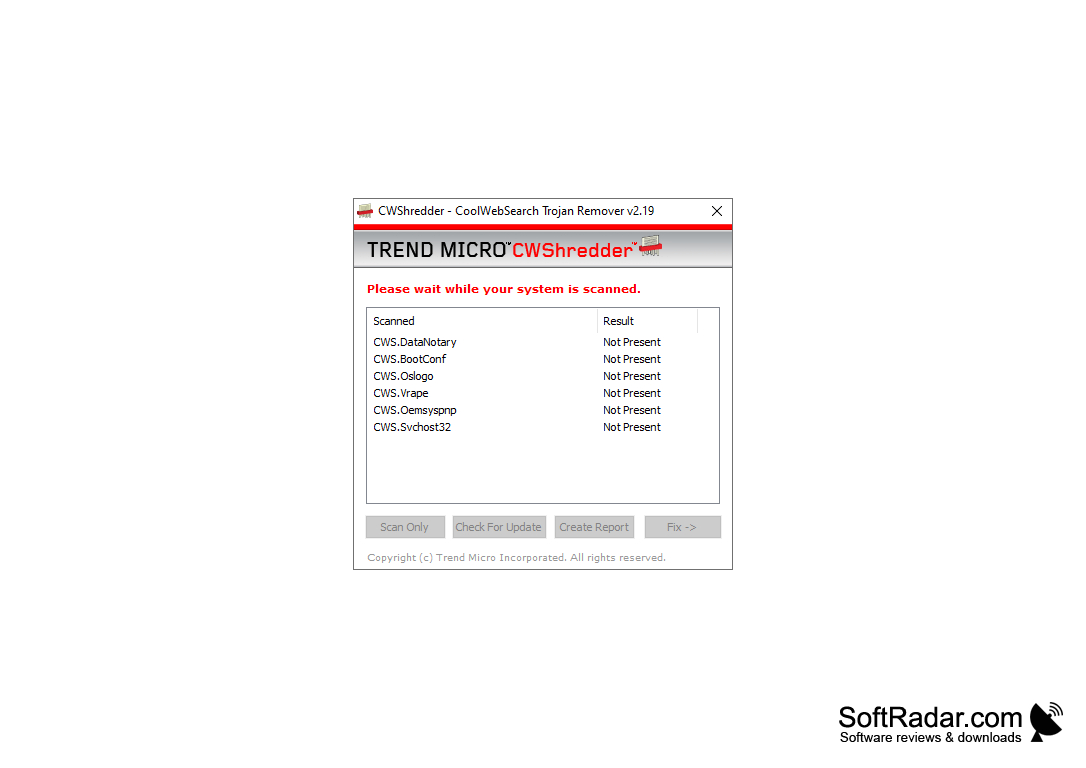
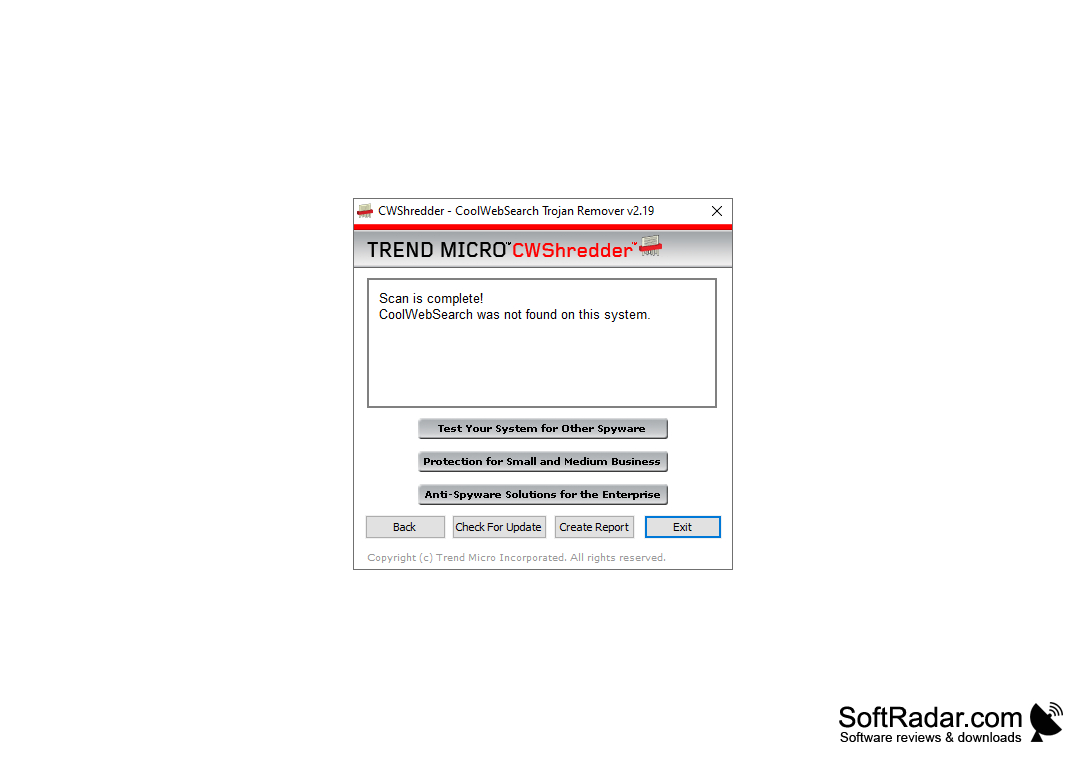
For Windows users
PROS
Highly efficient with minimal system impact.
User-friendly interface and easy to navigate.
CONS
Limited features compared to other malware detectors.
No tech support or customer service available.