Driver Identifier

by Driver Identifier

The most updated driver source for your Windows computer.
Operating system: Windows

Publisher: Driver Identifier

Release : Driver Identifier 4.2.8.0

Antivirus check: passed

Report a Problem

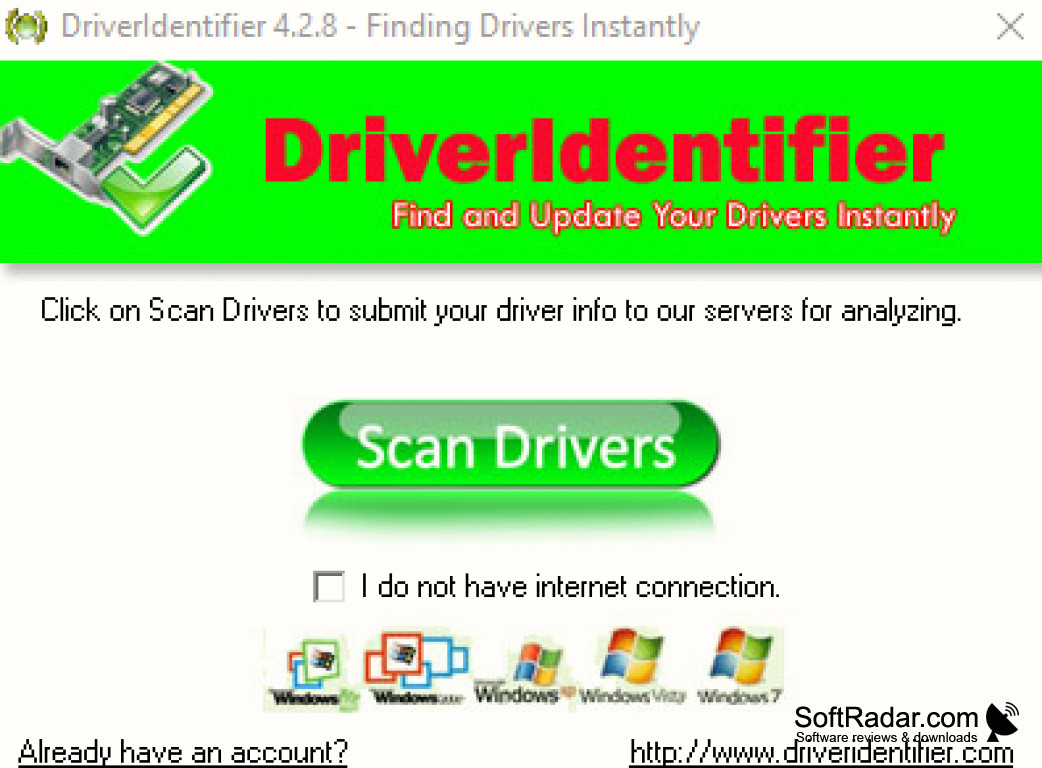
A comprehensive database of the most updated Window drivers.  Easy, simple, and foolproof updating of all your drivers.

The main benefit of using Driver Identifier software is its ability to easily and safely update all your Windows drivers to the latest versions.
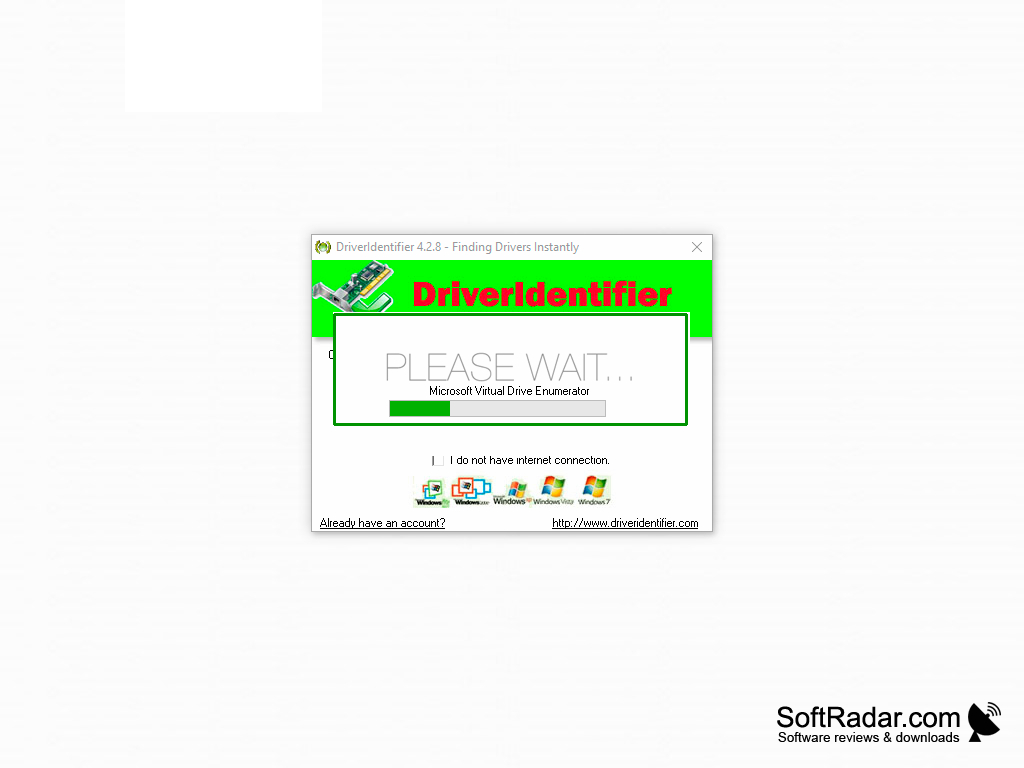
Features:

  • Easy, simple, and foolproof updating of all your drivers.
  • A comprehensive database of the most updated Window drivers.  
  • Easy installation & no internet connection is required, just download to a USB and install to your computer. 
  • Driver Identifier will also recognize installed drivers and update them to the latest version available. 
  • Compatible with Windows XP / Vista / 7 /8 / 10 (x86-x64) and supports all modern operating systems, whether  64-bit or 32-bit versions! 
  • Compatible with Windows XP / Vista / 7 /8 / 10 (x86-x64) and supports all modern operating systems, whether  64-bit or 32-bit versions! 

PROS
Easy to use with straightforward interface.
Supports all Windows versions.
Identifies outdated drivers instantly.

CONS
Limited driver database compared to other similar tools.
Ads can interrupt user experience.
Lacks automatic driver download and installation feature.

Rhys
Sat, Jan 13, 2024

Driver Identifier is a specific application tool for installing drivers. This tool only supports the Windows operating system.

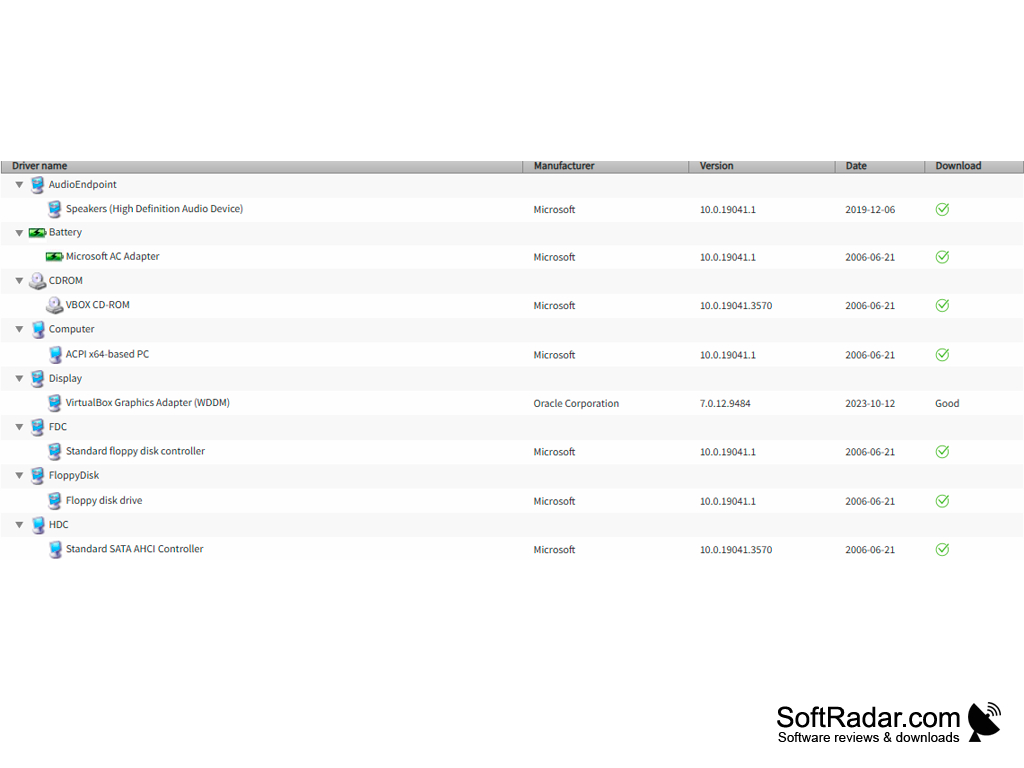
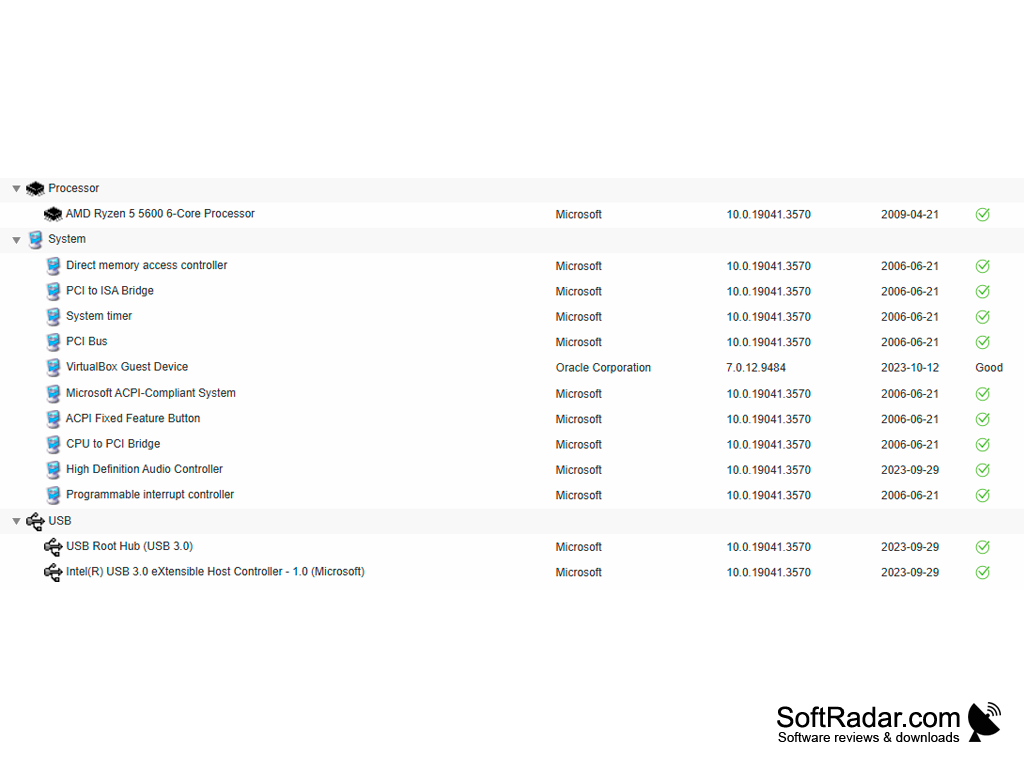
It has a comprehensive database that has widely updated Windows drivers. This tool can immediately identify all the attached hardware in a computer. It can also identify the installed driver versions and their update status. It can update all the drivers and updates in a batch.

However, its database is very old compared to other similar applications. There are frequent ads in the application. Sometimes users might face interruptions in batch processing.
image/svg+xmlBotttsPablo Stanleyhttps://bottts.com/Florian Körner Archie
Driver Identifier is a best application program to reduce manual driver finding for system, it search and install all required drivers on a system automatically.
image/svg+xmlBotttsPablo Stanleyhttps://bottts.com/Florian Körner Ruaridh
it's a tool that makes it easy to monitor what drivers are on my computer that need updating. I can also use this tool to scan and track down drivers that might be missing. Once the tool detects an outdated or missing driver, it will reroute me to a website so I can obtain the version that was most recently released.
image/svg+xmlBotttsPablo Stanleyhttps://bottts.com/Florian Körner Jake
Driver Identifier for Windows has a main purpose of locating the most up to date drivers specific to the user's computer system. The application contains a very user friendly interface, with access to a rather extensive database. The best feature of the app is its up to date databases and its quick speed in completing its main objective to locating the drivers.
image/svg+xmlBotttsPablo Stanleyhttps://bottts.com/Florian Körner Rhys Y.
Driver Identifier is a software utility used to identify outdated drivers on a computer system. It scans the computer’s hardware devices and provides a list of all the drivers that need to be updated. It then gives the user the option of downloading and installing the updated drivers. Driver Identifier is an easy-to-use and reliable software that helps keep your system up to date.
Free YouTube to MP3 Converter
Easiest way to snag your favorite YouTube songs
WinX YouTube Downloader
Great choice for 4K/HD MP4 and live streaming videos offline
Free Audio Converter
An audio file format conversion tool for Windows
.NET Framework Version 2.0
.NET Framework Version 2.0 is a software framework for Windows