
Dynu IP Update Client
Dynu IP Update Client is the official Windows client for the Dynu dynamic DNS service that detects changes of the public IP address and updates the account's hostnames automatically.
Operating system: Windows
Publisher: Dynu Systems, Inc.
Release: Dynu IP Update Client 5.3
Antivirus check: VirusTotal report
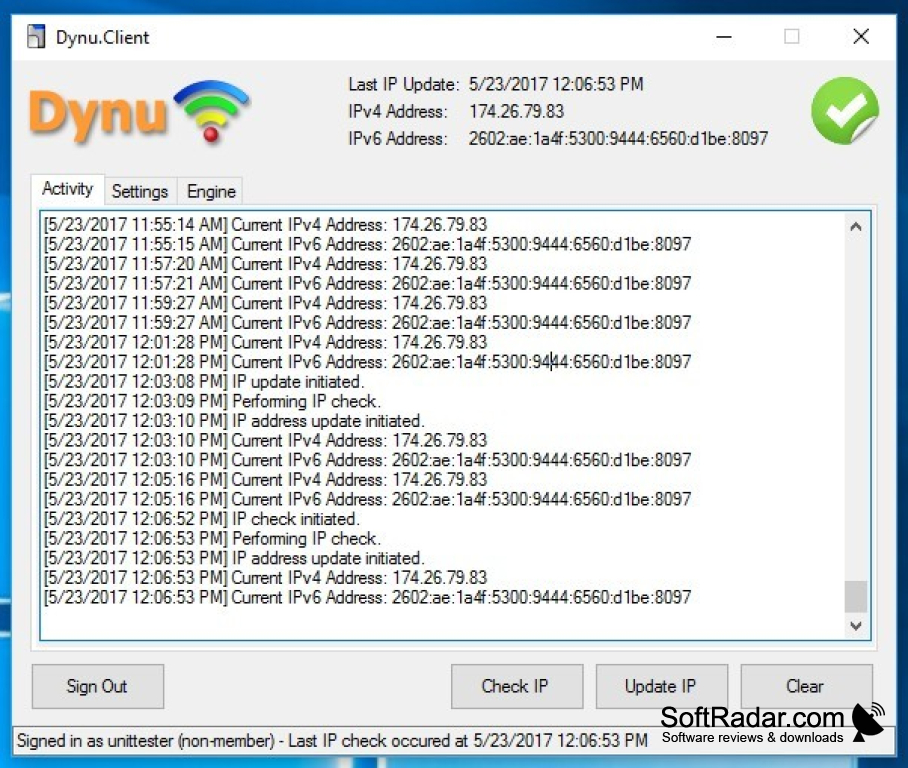
Dynu IP Update Client is published by Dynu Systems, Inc. for users of its dynamic DNS service. On connections without a static address it watches the public IP address of the computer or router and reports every change to the Dynu name servers, so that a hostname under dynu.com or a domain of its own keeps pointing at the right machine.
Keeps a home server, camera or NAS reachable under the same hostname when the IP address changes.
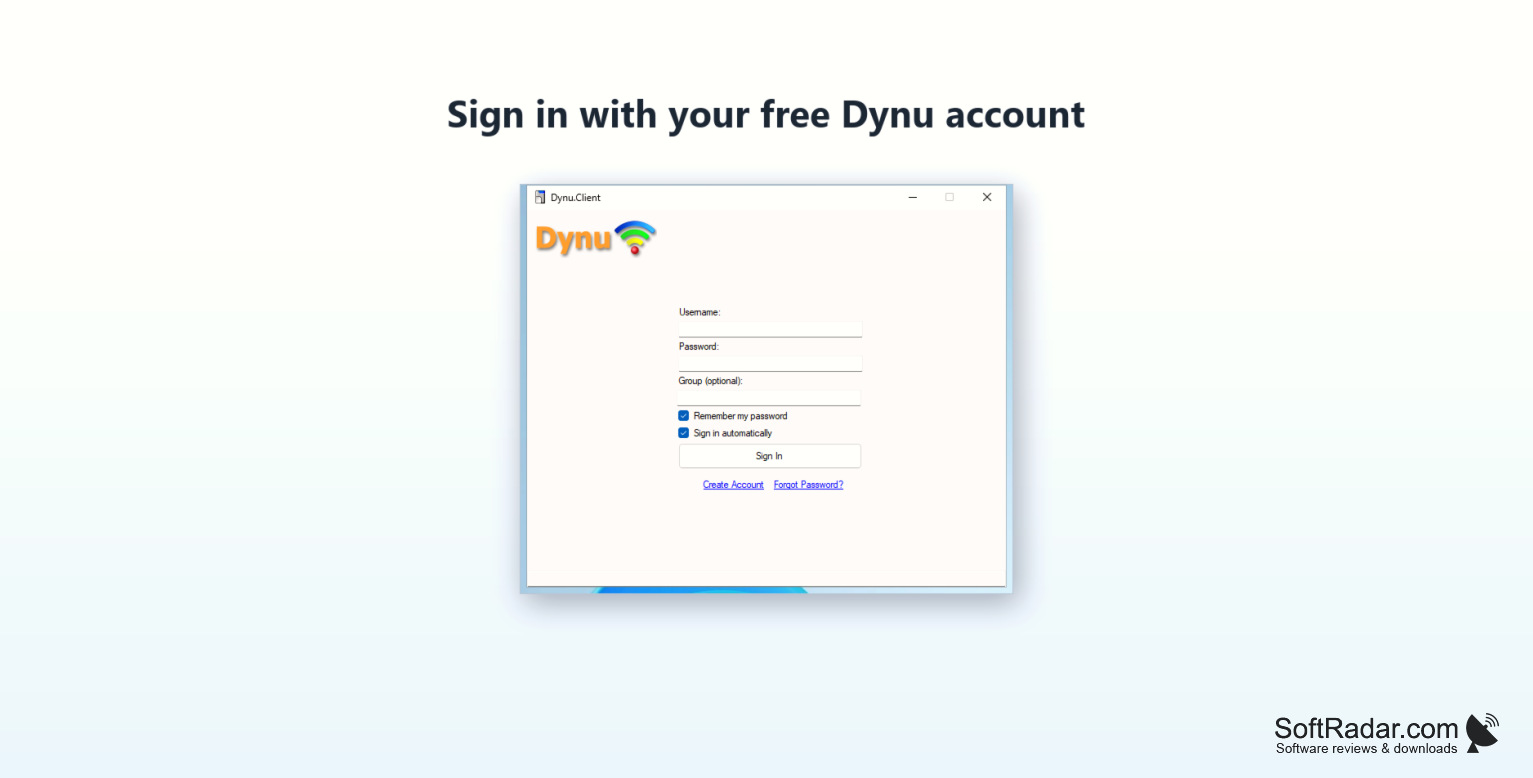
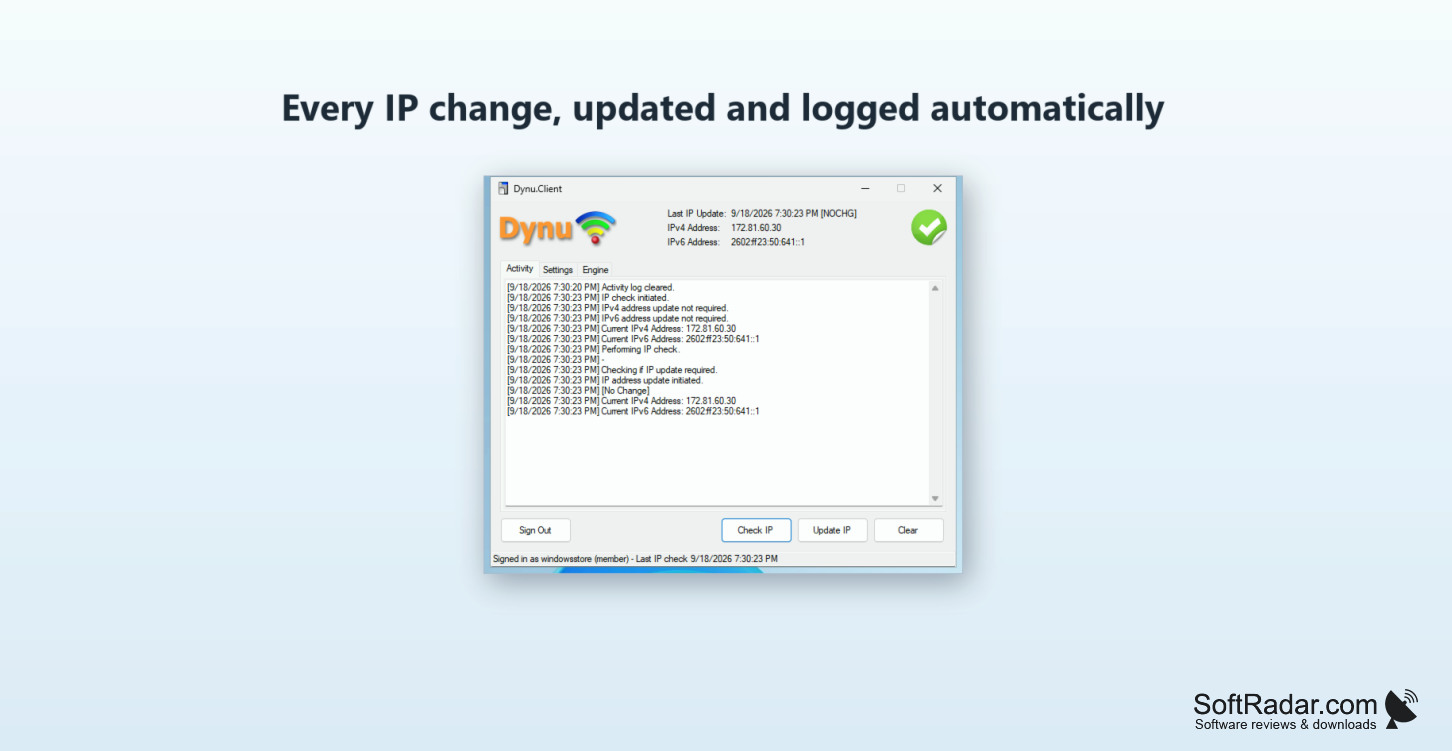
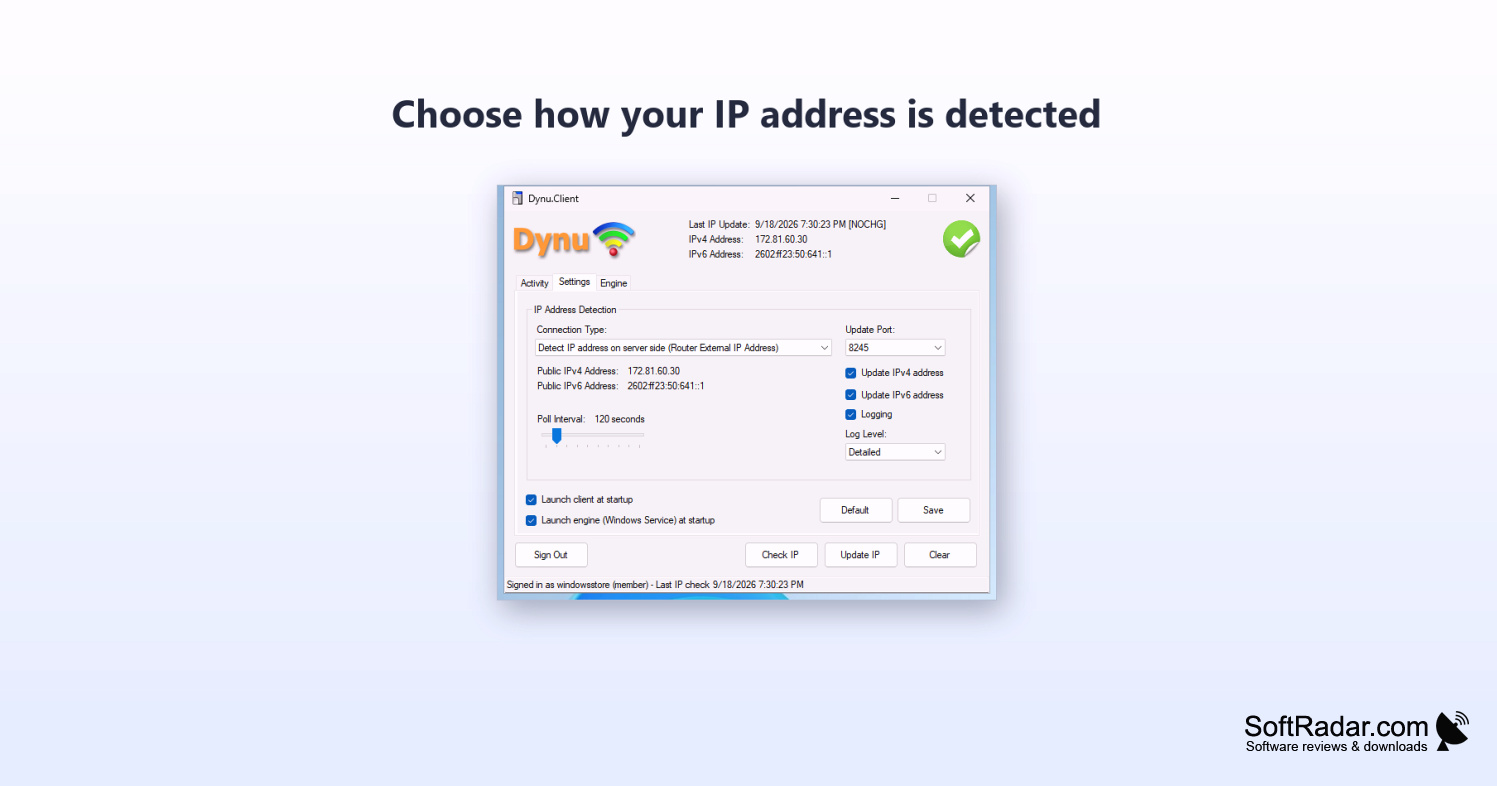
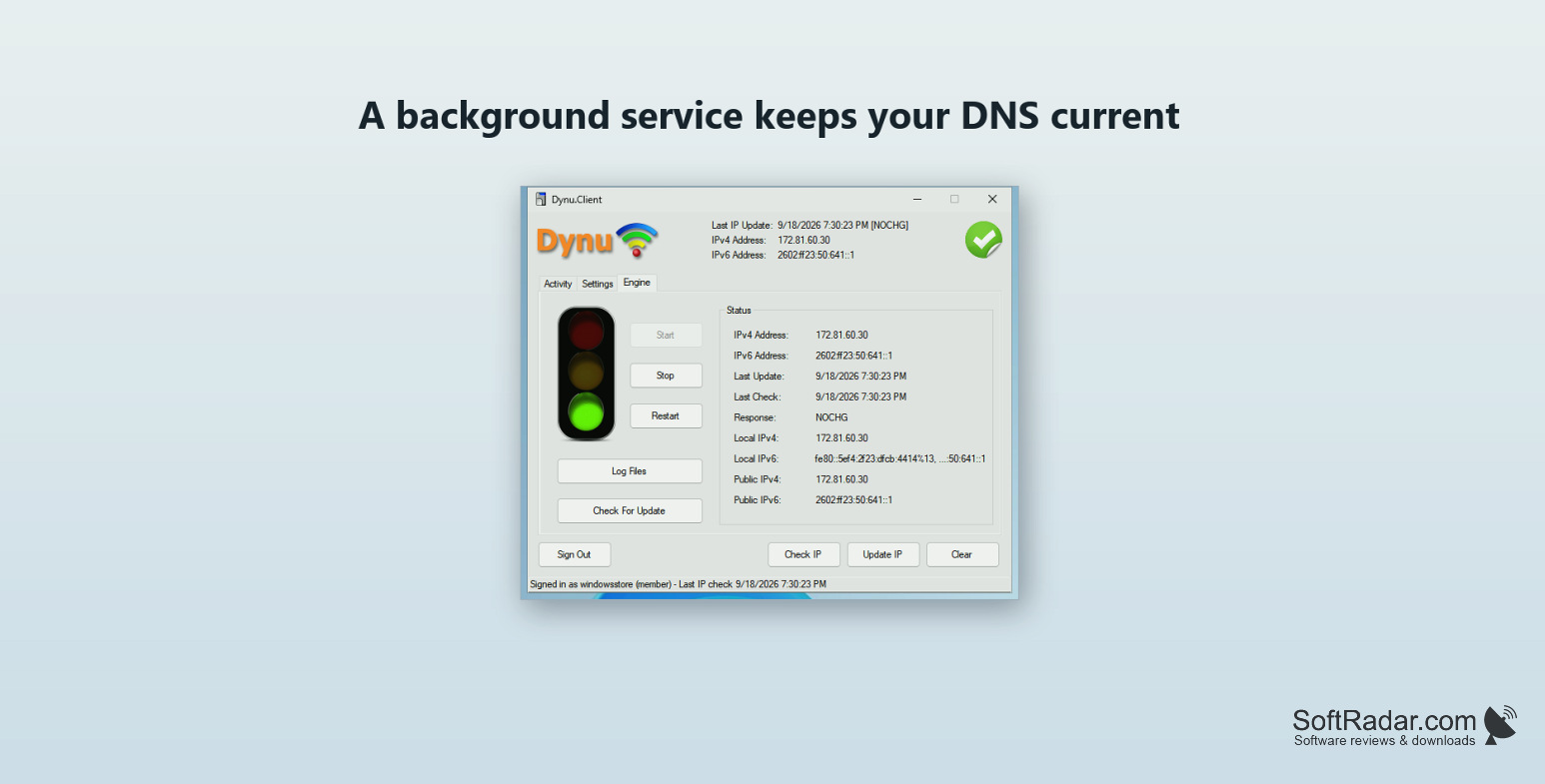
The update engine runs as a Windows service, so hostnames stay current when nobody is signed in or the window is closed. IPv4 and IPv6 addresses are supported, several hostnames can be updated together or as groups defined in the Dynu control panel, and the address can be detected locally, from the server side or entered by hand. The check interval is adjustable and a log records every update. The client is free and needs a Dynu account, which is also available free of charge.
Features:
- Automatic hostname updates when the IP changes
- Runs as a background Windows service
- IPv4 and IPv6 support
- Several hostnames and hostname groups
- Choice of IP detection methods
- Update log and status display
.NET Framework 4.8 (included in Windows)
PROS
Updates continue when no user is signed in.
Supports both IPv4 and IPv6.
CONS
Needs a Dynu account and hostname.
