
UniFi Network Server
UniFi Network Server helps administrators configure and monitor Ubiquiti network devices from a Windows computer, whether they oversee one location or several.
Operating system: Windows
Publisher: Ubiquiti Inc.
Release: UniFi Network Server 10.6.109
Antivirus check: VirusTotal report
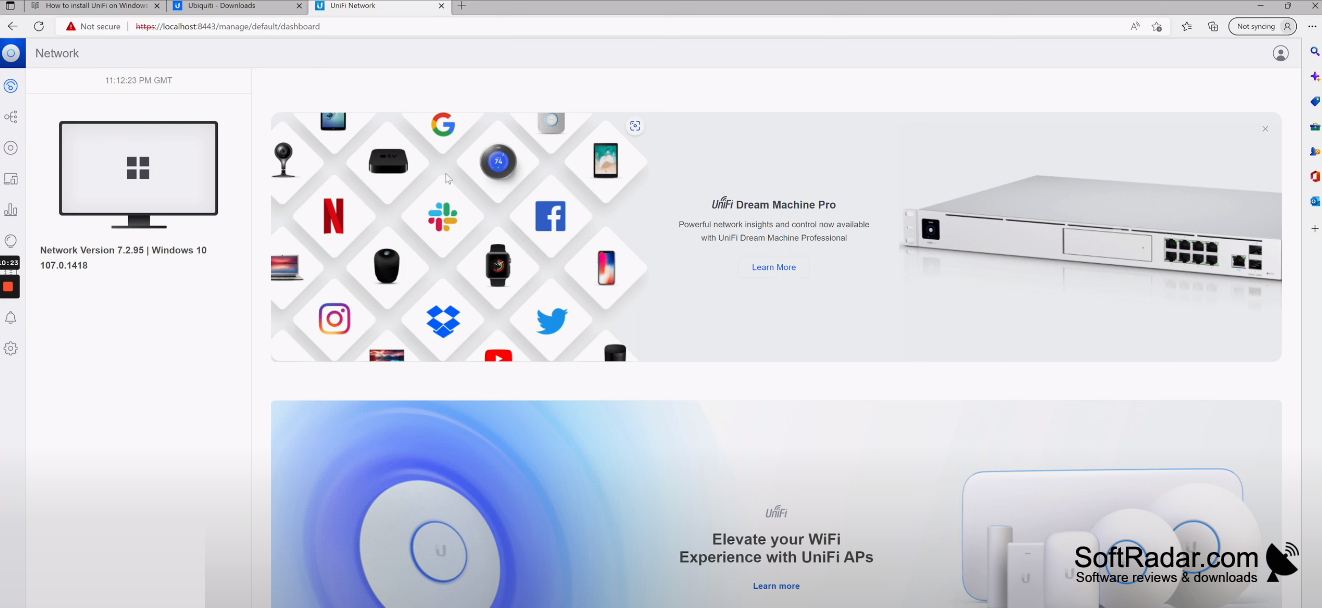
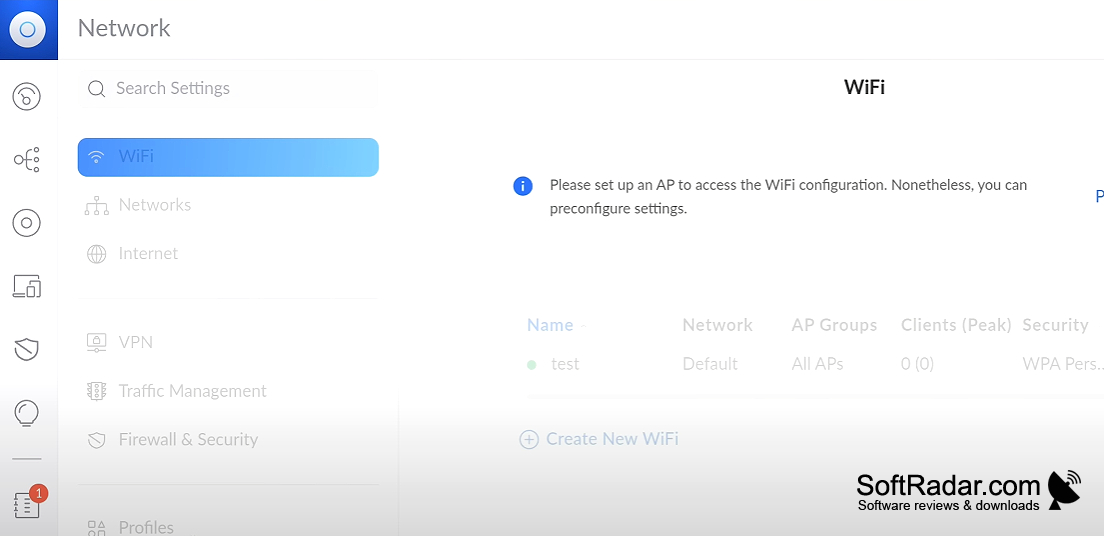
UniFi Network Server lets administrators oversee Ubiquiti networking equipment from a Windows computer. It brings access points, switches, and gateways into one place for routine setup and troubleshooting. Teams can use it to check connected devices, adjust wireless networks, and track activity across a single location or several sites without working on each device separately.
It puts device settings and network activity in one browser-based interface, reducing the need to manage equipment individually.
After installation, administrators open the management interface in a web browser rather than a separate desktop window. The interface shows device settings, client information, traffic statistics, and diagnostic views. It also supports guest access pages, VLAN settings, firewall and VPN configuration, and scheduled firmware updates, so administrators can handle ongoing network tasks in one workspace.
Features:
- Configure wireless network names and VLANs
- View traffic statistics and connected clients
- Monitor access points, switches, and gateways
- Administer devices at different sites
- Set up guest access with vouchers
- Schedule firmware updates for managed devices
At least 2 GB of RAM
PROS
Visual topology and client statistics aid troubleshooting.
Supports managing multiple sites from one interface.
CONS
Large deployments can demand substantial host resources.
Advanced settings can be difficult to locate.