
Wi-Fi Scanner
A Windows wireless network analyzer from LizardSystems that finds nearby Wi-Fi networks and shows their detailed parameters.
Operating system: Windows
Publisher: LizardSystems
Release: Wi-Fi Scanner 25.05
Antivirus check: VirusTotal report
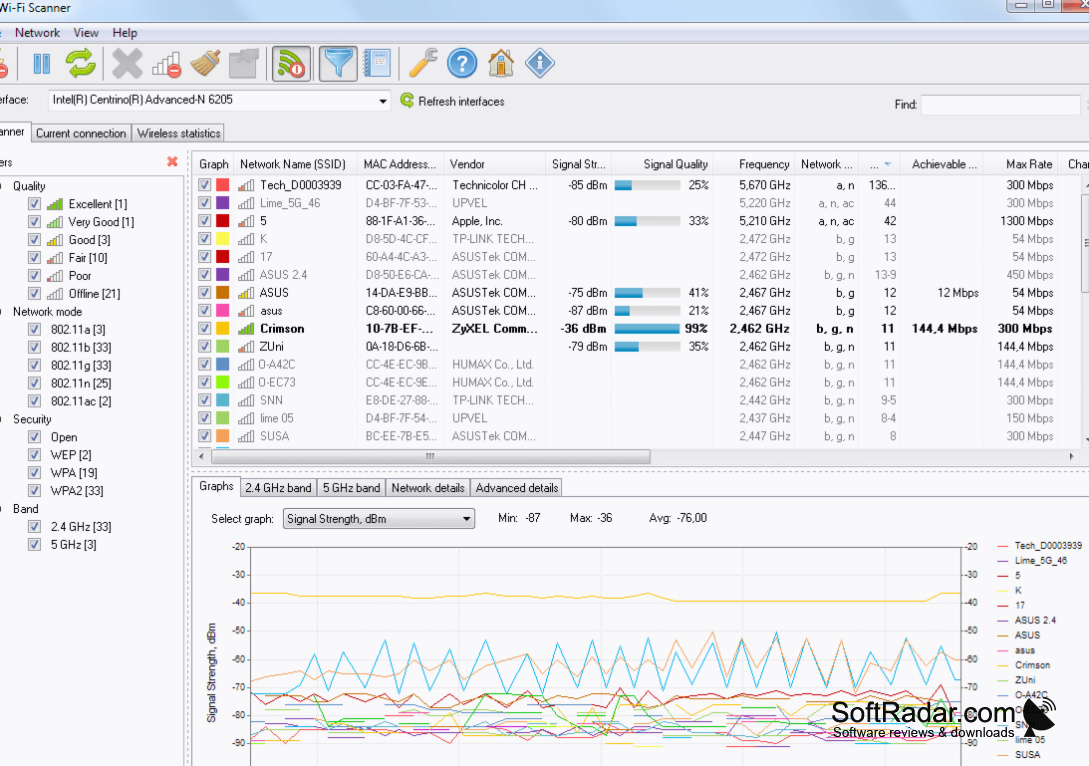
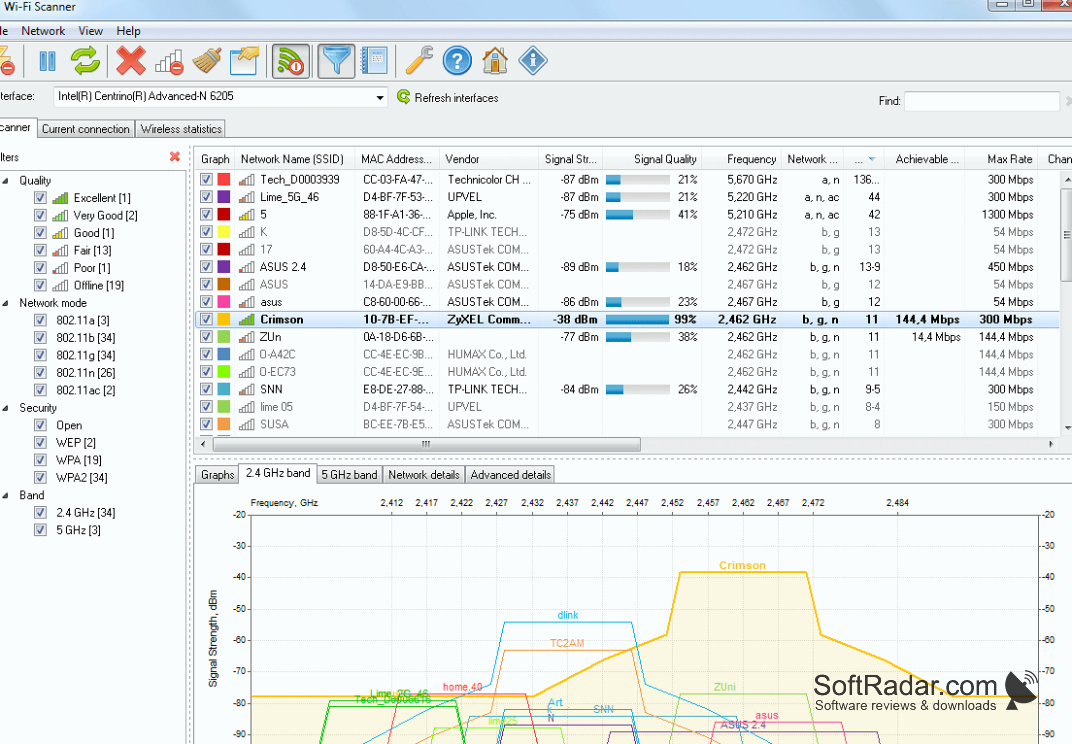
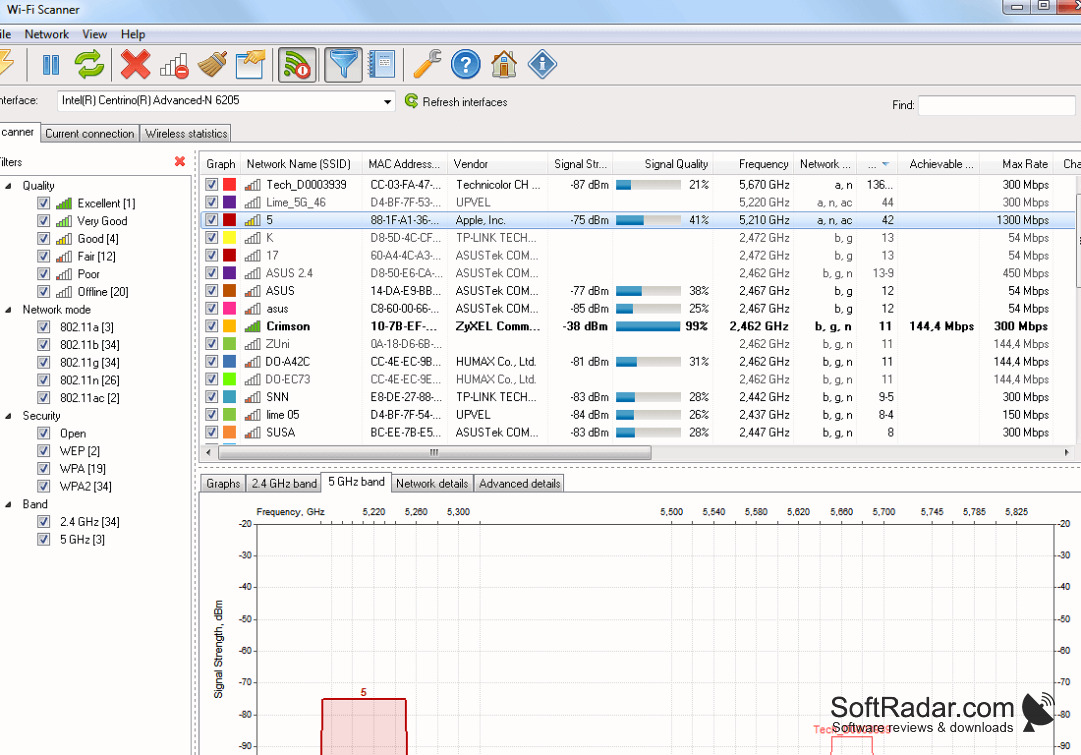
Do you know what the best way to find a good Wi-Fi access point is? This can be done by using an efficient and reliable Wi-Fi scanner. This application is designed to locate the wireless networks within your reach. This way, you can view multiple wireless networks and choose the best one, or the best channel for your own router. The software also lets you see the security information, channel graphs, and data rates of a wide range of access points.
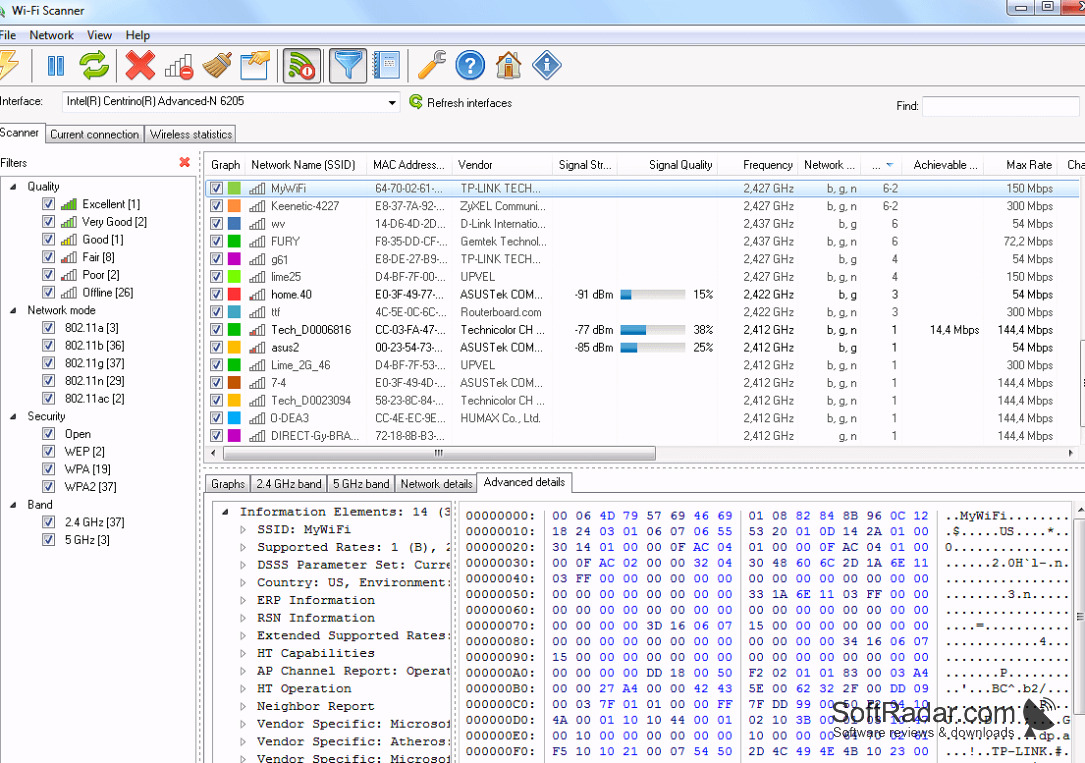
With the help of this Wi-Fi Scanner, you can perform a scan and get results within seconds. Along with the vendor and MAC address (BSSID), it displays the network name, also known as SSID, the signal strength (RSSI) and signal quality of every network. By watching how the signal level changes over time, you can find the best place for a wireless connection at home or in your office. It features a clean interface with filters by signal quality, network mode, security and band. All of this can be done with just a few clicks.
Features:
- A quick and reliable network search tool for Wi-Fi networks at home or at work.
- It supports 802.11a/b/g/n/ac/ax networks in the 2.4 and 5 GHz bands with channel widths from 20 to 160 MHz.
- You can see how networks overlap on the 2.4 GHz and 5 GHz band graphs, with a signal spectrum mask for each network.
- The advanced details show the information elements of each access point, so you can troubleshoot different network issues.
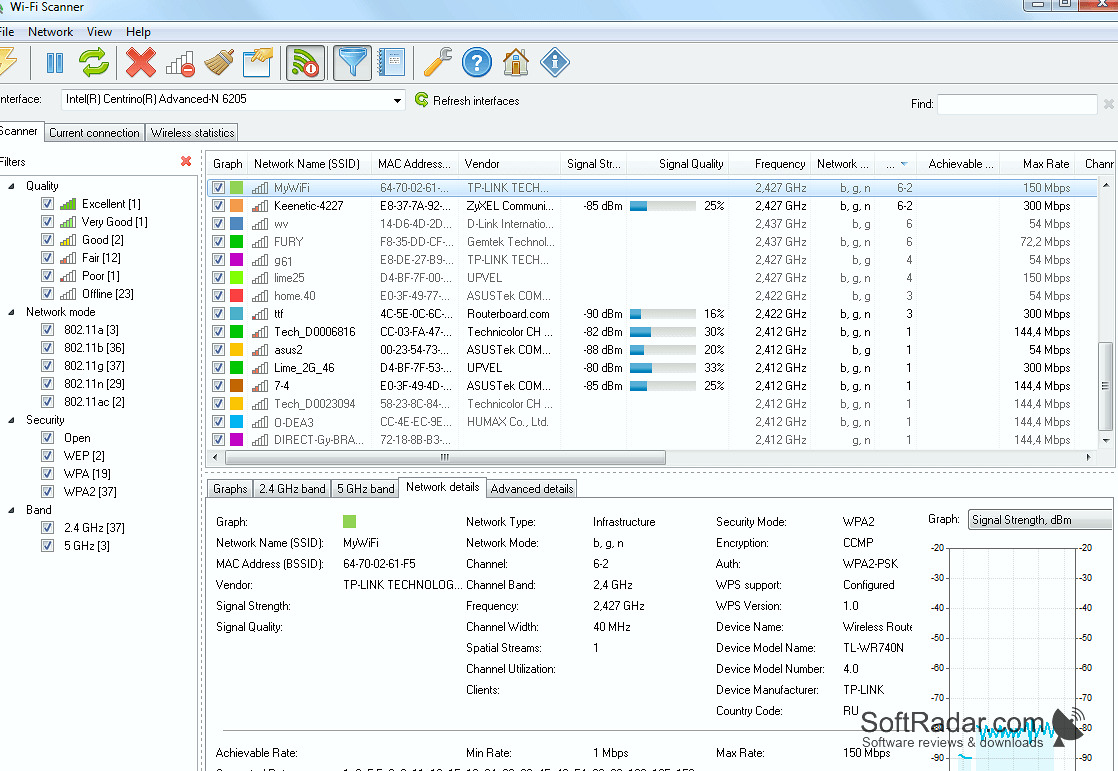
- You can view encryption, WPS support, device name and model, channel utilization and the number of clients.
- It runs on Windows desktop and server systems and is free for personal non-commercial use; business licenses are paid.
Wi-Fi Scanner lists the available wireless networks with signal strength, channel, security and data rate details for each access point.
The best thing about Wi-Fi Scanner is that it also helps with your own connection: you can connect to detected networks, manage wireless profiles and view connection statistics as graphs and tables. This way, you can check channel width, MAC address, signal quality and maximum data rate in one place. Install it on a supported version of Windows to analyze and measure Wi-Fi problems without any technical difficulties.
Windows Server 2012, 2012 R2, 2016 or 2019
1 GHz processor, 512 MB RAM
50 MB of free disk space
A Wi-Fi network adapter
PROS
Detects and shows detailed information on all nearby networks.
Helps identify open and weakly secured access points.
CONS
Commercial use requires a paid business license.
Doesn't offer solutions to detected network issues.


