Easy CD-DA Extractor
A tool for your music consolidation, bridging your analog and digital collections
Operating system: Windows
Publisher: Poikosoft
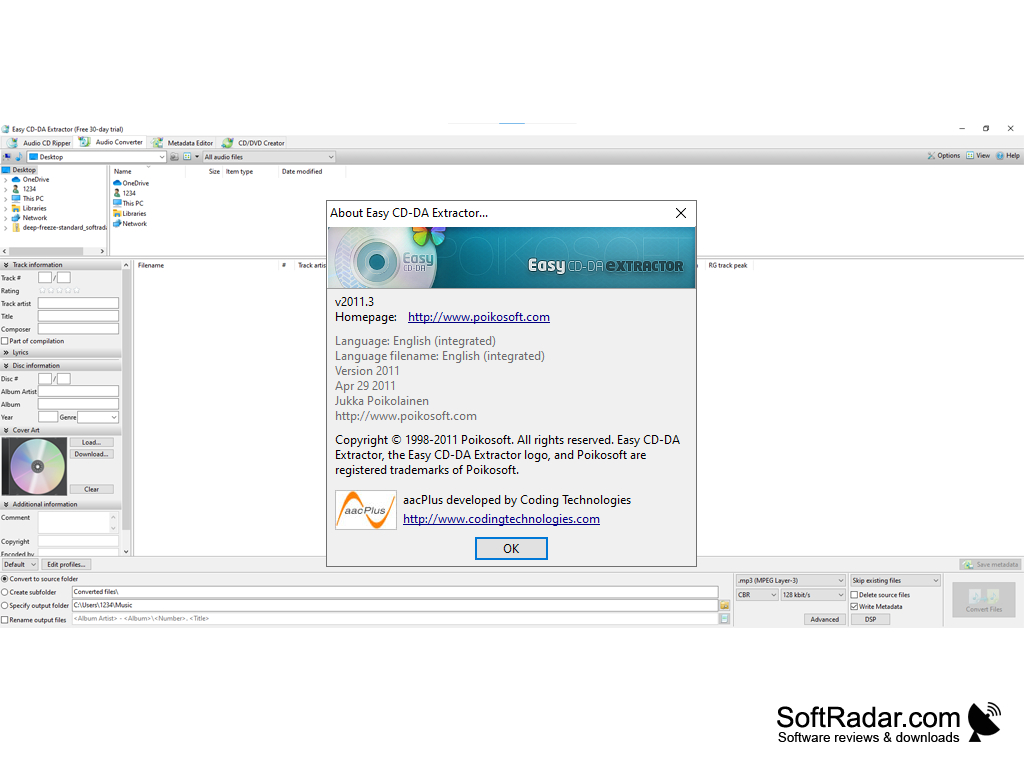
Release: Easy CD-DA Extractor 2011.3
Antivirus check: VirusTotal report
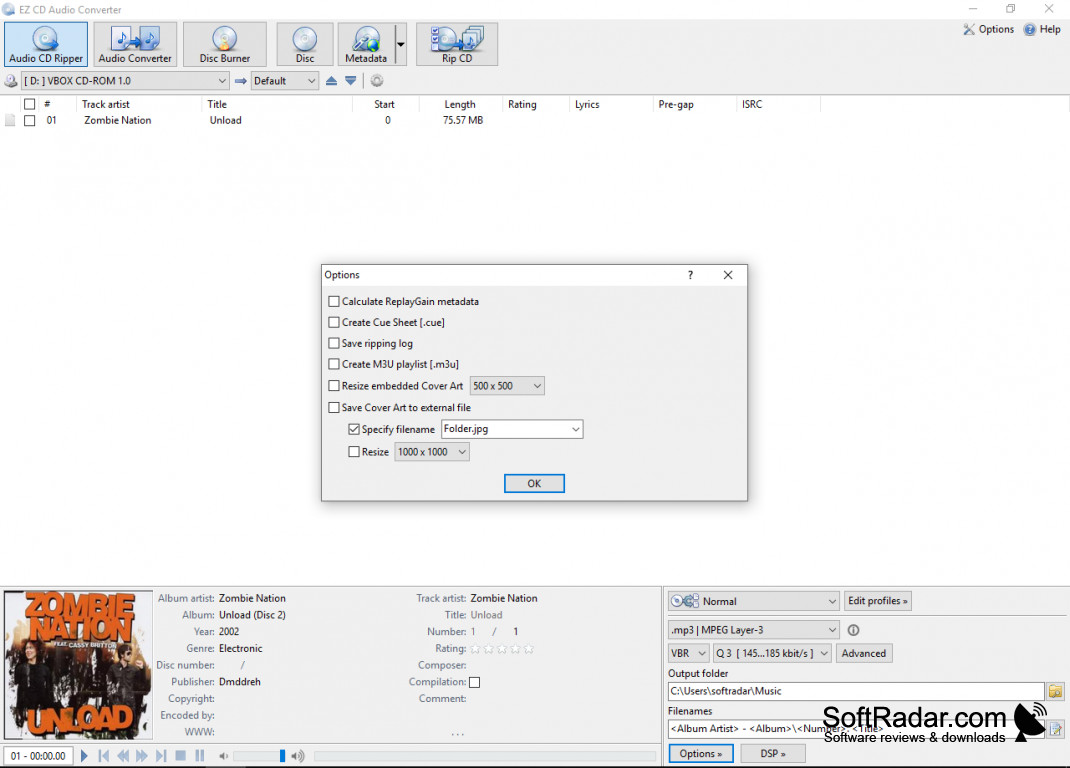
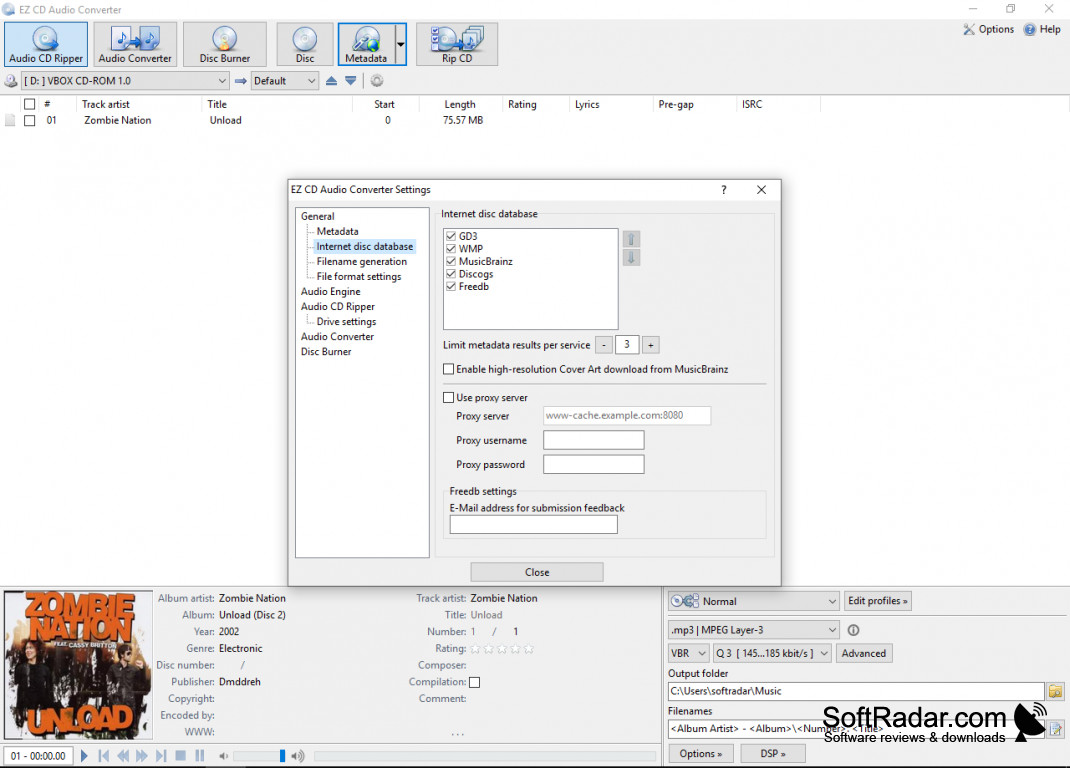

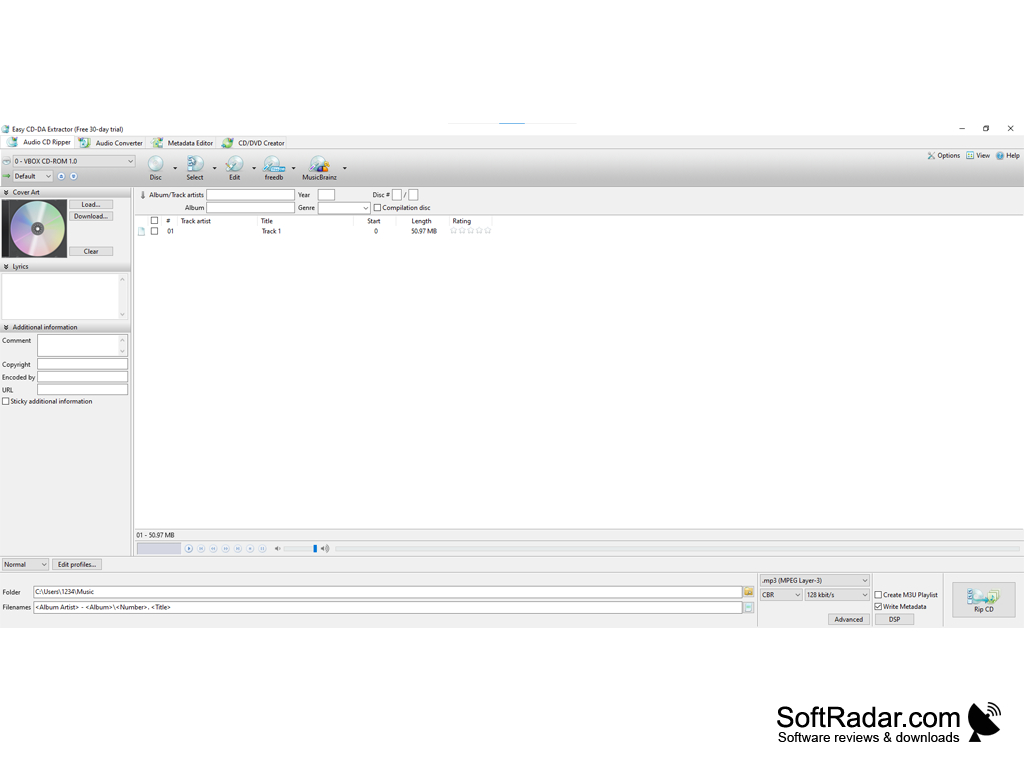
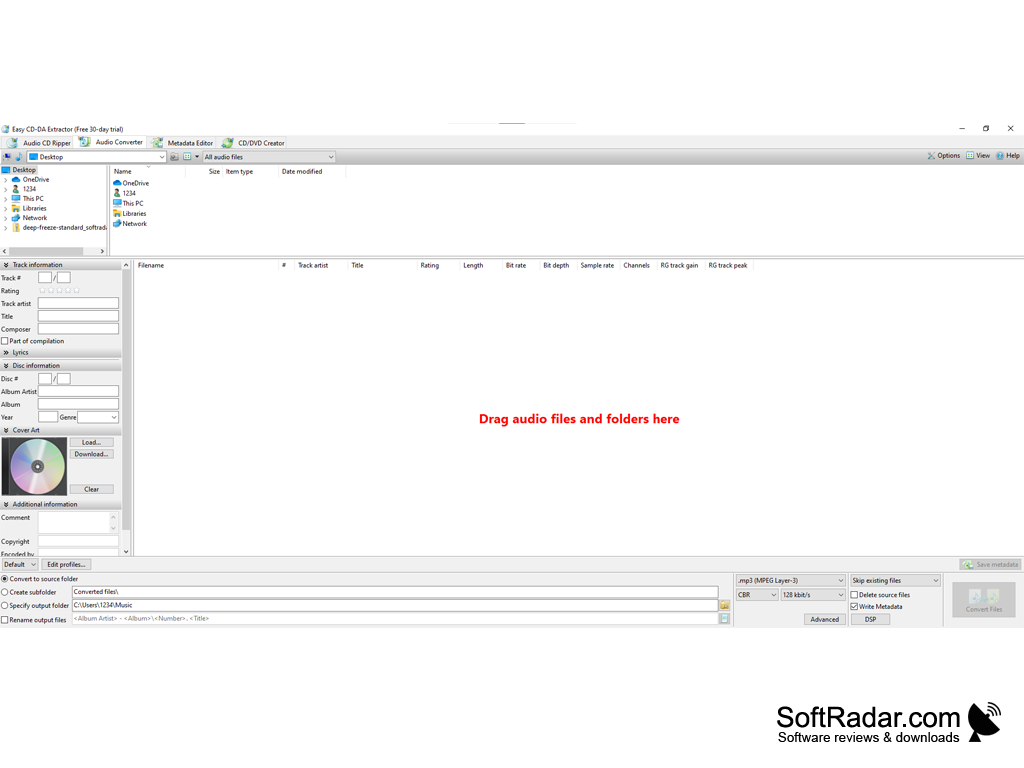
Easy CD-DA is an easy and powerful tool to convert all your CD collections into your digital library. It's intuitive while maintaining a relatively small installation size.
Features:
- Automatically rip the whole CD into your digital library
- Support of multiple different digital formats, both Loss and lossless.
- Powerful codecs to maintain best sound quality
- Auto ID3 Tag extraction, no need to manually reorganize your library
- Auto metadata matching from online providers
- Volume adjustment
Powerful and intuitive
When it comes to converting your old CDs into your digital library, there is much software out there. Easy CD-DA Extractor is easily one of the most powerful and intuitive software out there. In this digital age when an average person owns thousands of songs, it's really hard to keep track of them and organize them. It becomes worse when your collection consists of songs from both analog and digital age. Using Easy CD-DA Extractor, you will be able to easily reorganize everything based on the extracted ID 3 tags from your converted files. Moreover, Easy CD-DA Extractor will automatically use the information to look for the corresponding cover art for your album, there is no need to manually add it.
Nowadays people own many different types of hardware. Sometimes we want high definition lossless media so that we can put them in our HD audio playback devices. Sometimes we just want a smaller size file so that we can listen to all those music on our smartphones without them occupying most of our storage. Easy CD-DA Extractor can easily help you achieve that. Easy CD-DA Extractor supports most mainstream music formats, such as CD-DA, AAC, MP3, FLAC, APE, and even the lastest and more powerful DTS. It takes advantage of some of the best codecs so that you always get the best sound quality possible. When doing the conversion, you can adjust the bitrate, sampling rate and even normalize the volume for the final files.
With all the features, Easy CD-DA Extractor comes in a really lightweight package, around ~30mb. It should definitely be your first chose when it comes to CD Ripping.
CPU: 1GHz or faster processor
RAM: 512MB or more
30MB free disk space
PROS
Offers high-quality audio extraction.
Includes handy tools for burning and converting files.
CONS
Limited functionality for advanced audio editing needs.
Occasional lags and crashes reported by users.


