
Exact Audio Copy
Exact Audio Copy is a free audio CD ripper for Windows that extracts tracks accurately and converts them to MP3, FLAC and other formats.
Operating system: Windows
Publisher: Andre Wiethoff
Release: Exact Audio Copy 1.8
Antivirus check: VirusTotal report
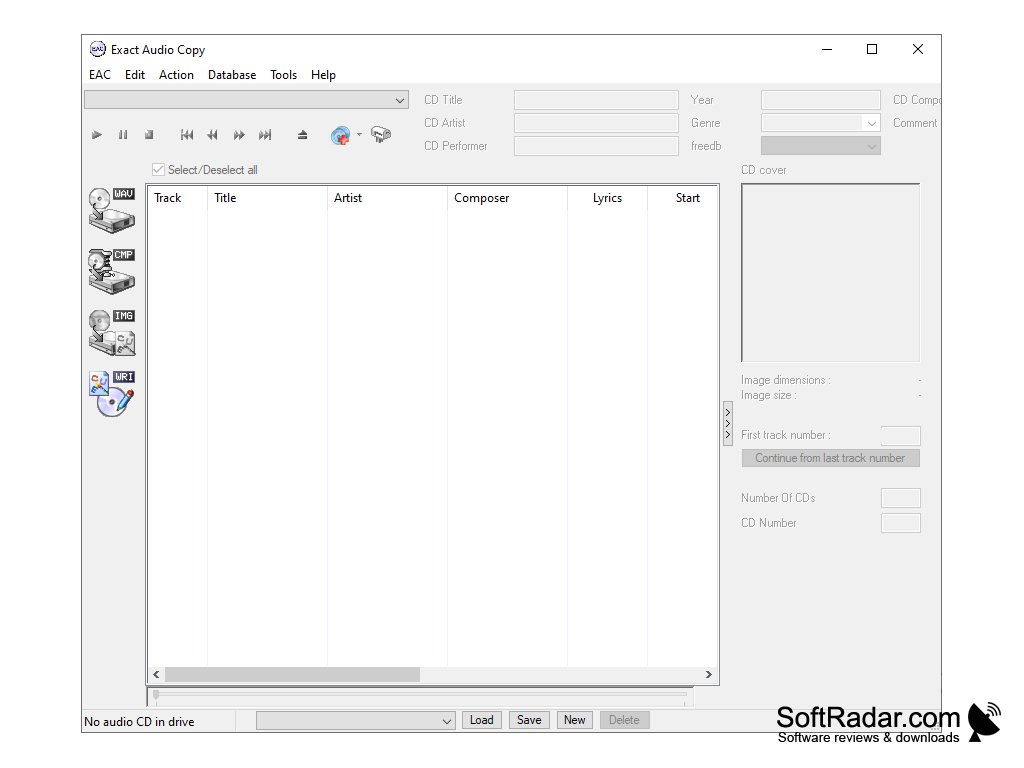
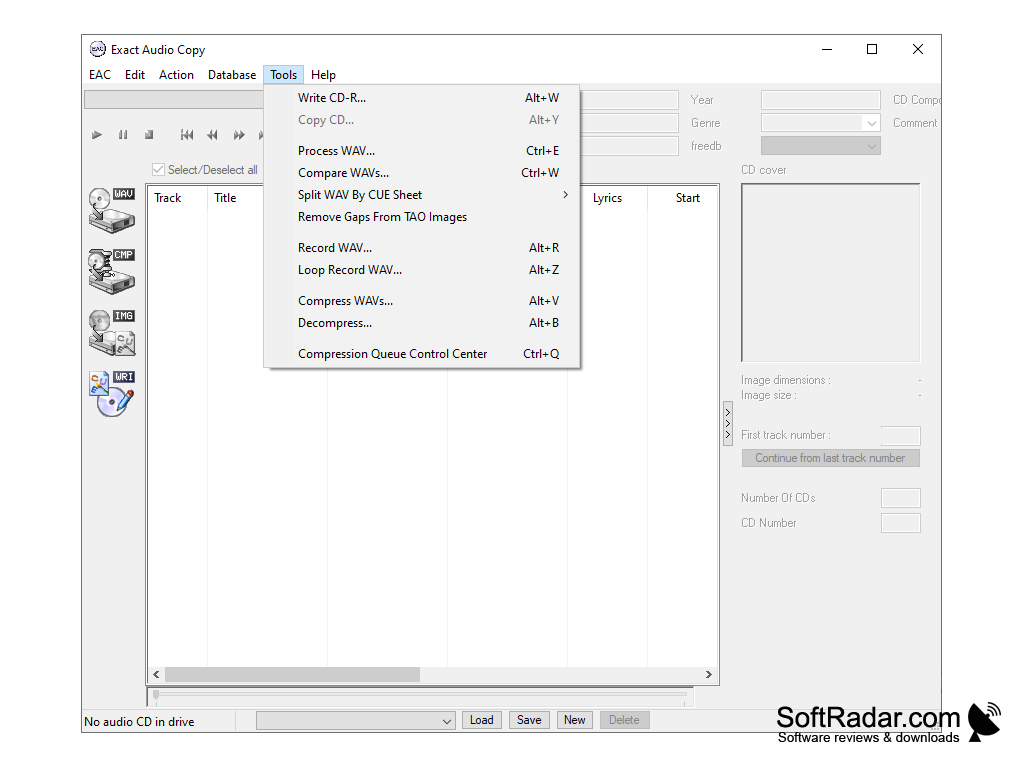
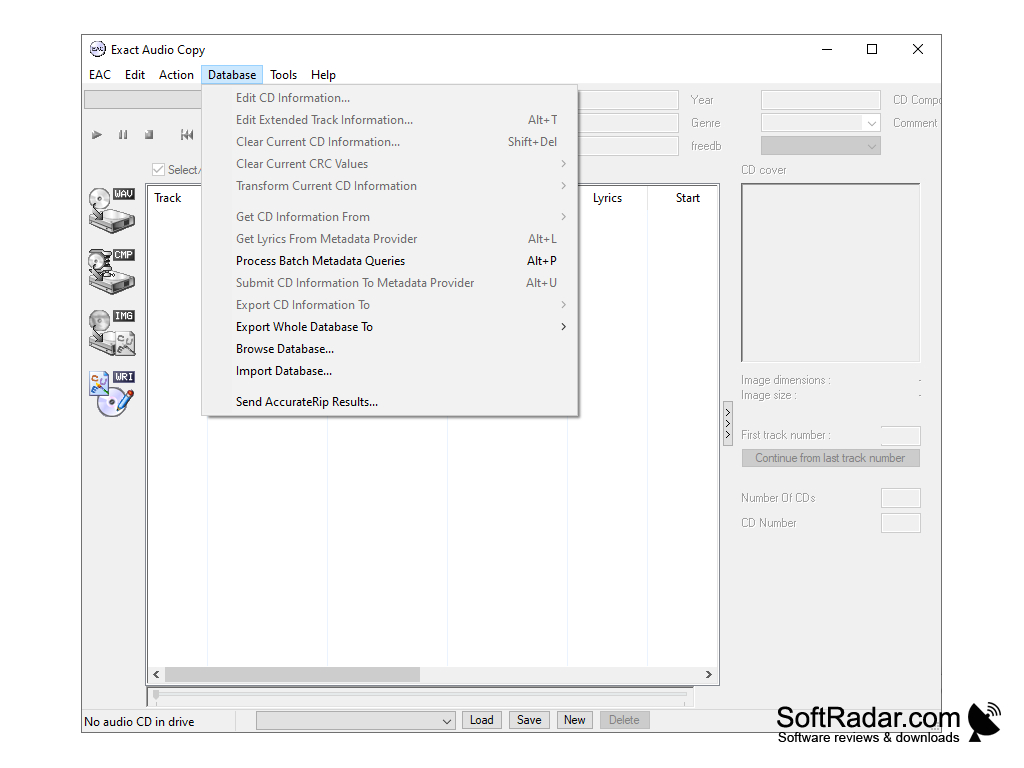
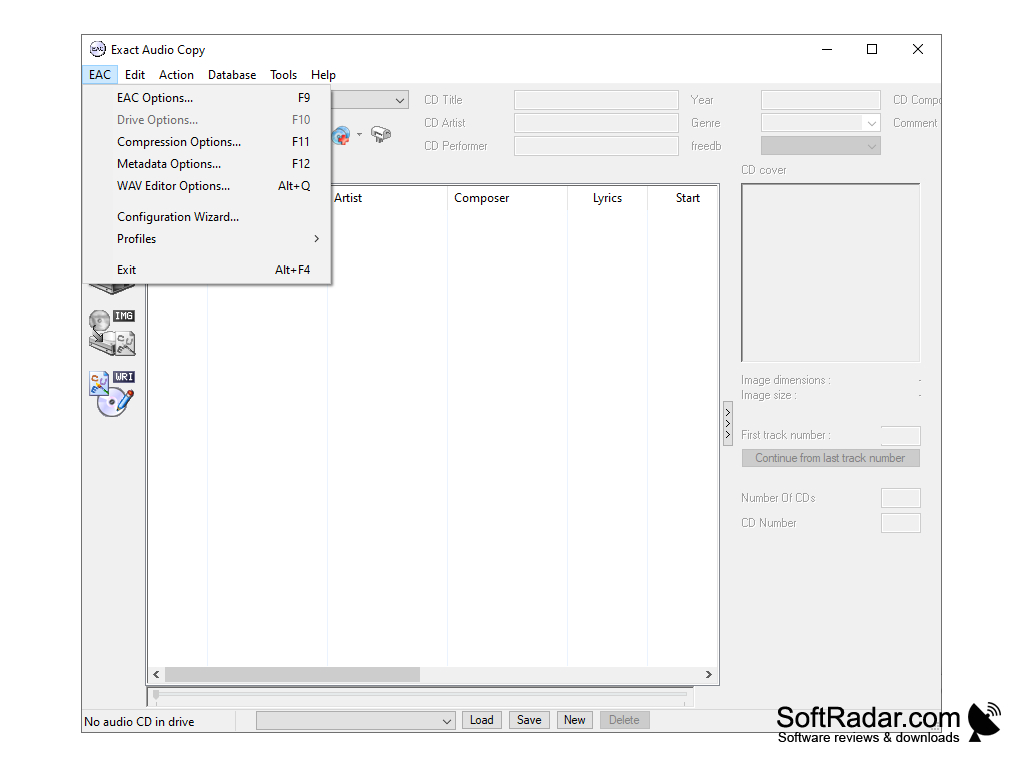
Exact Audio Copy is a utility that allows you to convert music from audio CDs to other formats, such as MP3 if you convert with loss of quality, or FLAC if you use lossless compression.
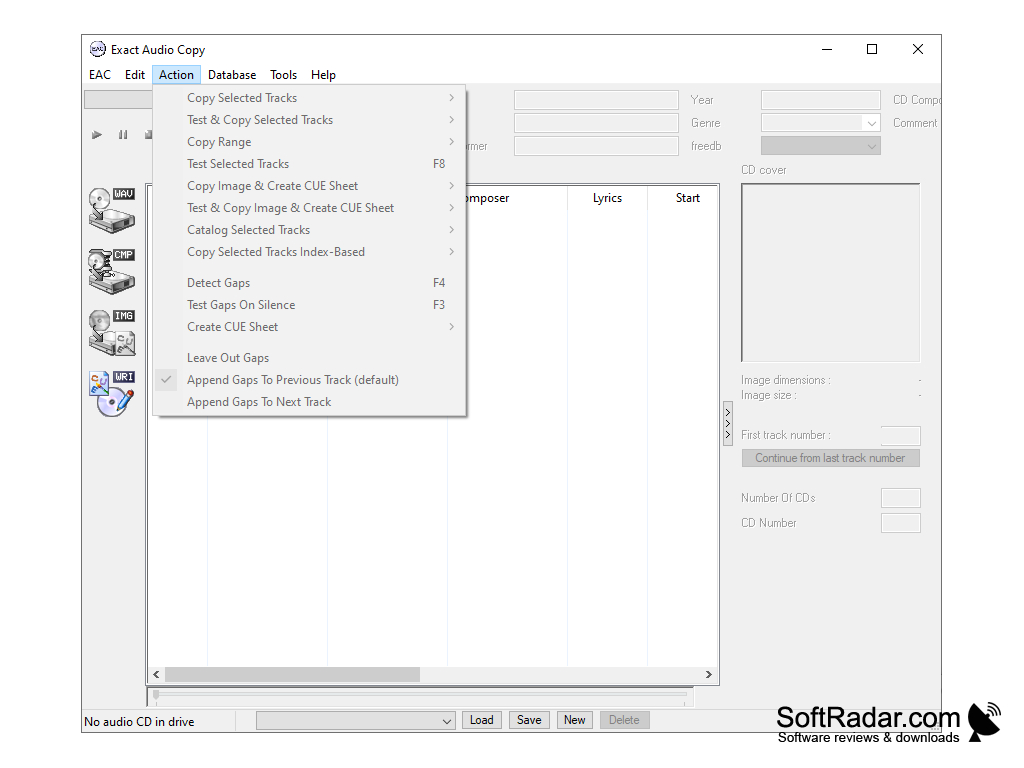
Exact Audio Copy extracts audio from the CD and saves it in WAV format, which can then be converted to AAC, MP3, Ogg Vorbis, WavPack, FLAC, APE and other formats if external encoders are available. You can choose between secure, fast and burst extraction: the secure mode reads the disc several times with verification and uses AccurateRip to detect and correct errors, and it reports the time positions of any errors that could not be corrected, so you can check them by listening.
In addition to the basic functionality of the program - converting tracks from audio CDs to audio files - Exact Audio Copy offers the following tools:
Exact Audio Copy provides precise and high-quality audio extraction from CDs, offering customizability and error correction.
CD-R(W) writing with a CD layout editor - a tool for recording and creating audio CDs, also from other rips, based on CUE sheet (.CUE) files; in this case it can create an exact copy of the audio CD, or add custom tracks;
Copy CD - the program copies an audio CD 1:1 to another disc;
Audio Editor - a small WAV editor with delete, trim, pad, normalize, fade in/out, glitch removal, pop detection, interpolation of ranges and noise reduction; tone changes with an equalizer need a separate tool;
WAV file comparison, WAV splitting by CUE sheet, compression management, metadata lookup from AccurateRip, MusicBrainz and other providers, CD information editing, ID3 tag editing and much more. EAC is free for non-commercial use.
CD or DVD drive (internal or external)
PROS
Features advanced error detection capabilities.
Supports various file formats and audio codecs.
CONS
Lacking thorough user instructions and support.
Some features require additional downloads or plugins.


