
Exe Icon Changer
by SoftBoy
Software which enables the change of an icon for different executable types



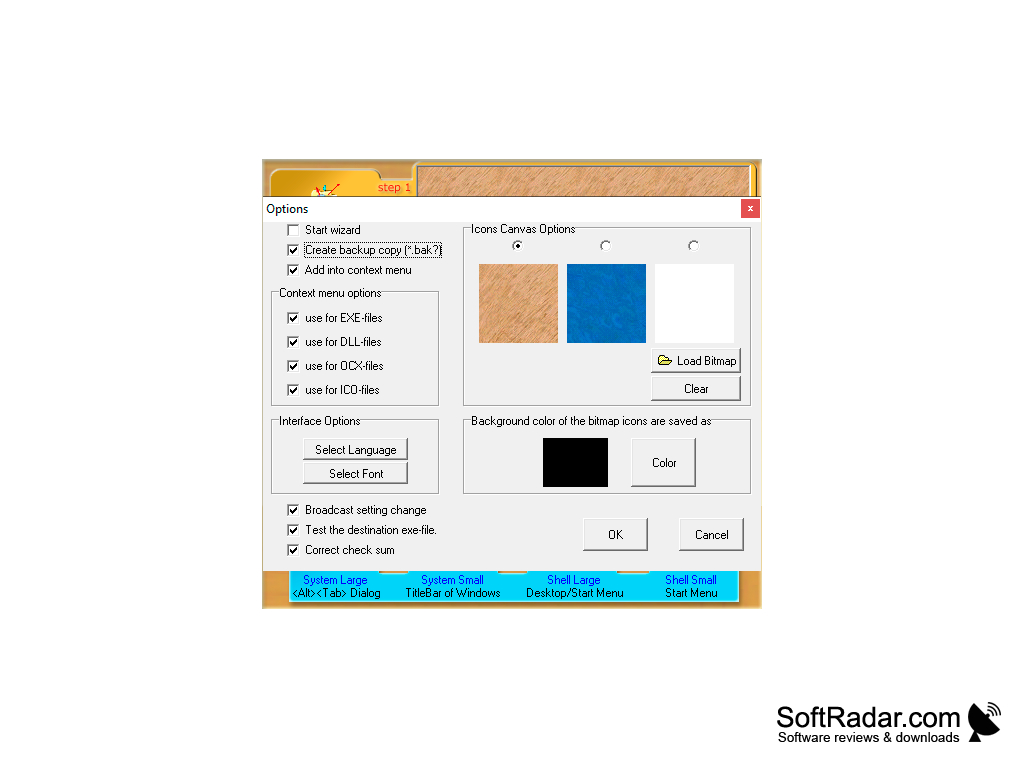
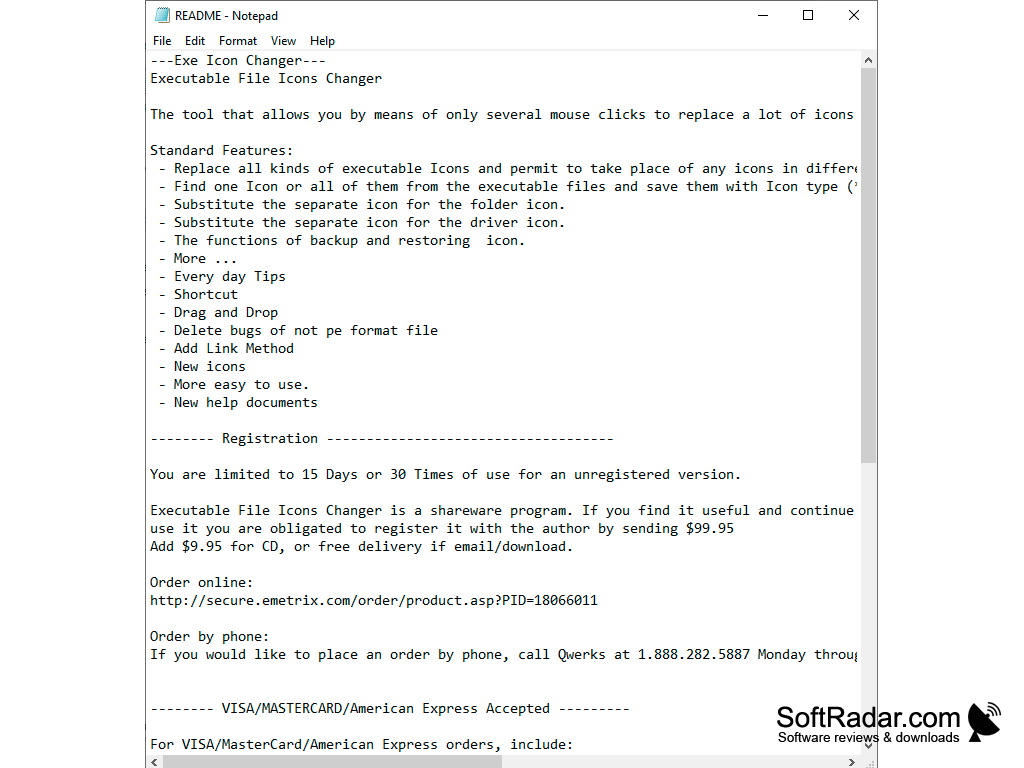
Exe Icon Changer is a program by SoftBoy for replacing executable file icons. This application supports almost any PE format EXE (including packed), DLL, OCX, SCR, etc. executable files, and the new file icon will be displayed not only on the computer with Exe Icon Changer installed, but also on any other computer. In addition to file icons, the program allows you to change the icons of folders and drives. The application can extract icons from EXE files, save them in BMP and ICO formats, create icon backups and automatically adjust their sizes to the required ones. Support for WMF and JPG formats is available. Exe Icon Changer is shareware: the unregistered version works for 15 days or 30 uses.
The main benefit of using Exe Icon Changer is its ability to seamlessly change icons of any executable file, enhancing visual organization and customization.
Microsoft Windows
PROS
Easy to use with a user-friendly interface.
Supports a wide range of file formats.
Backs up original icons so they can be restored.
Supports a wide range of file formats.
Backs up original icons so they can be restored.
CONS
Interface might be confusing for non-technical users.
No longer receives regular updates.
Trial is limited to 15 days or 30 uses.
No longer receives regular updates.
Trial is limited to 15 days or 30 uses.


