ezCheckPrinting Free
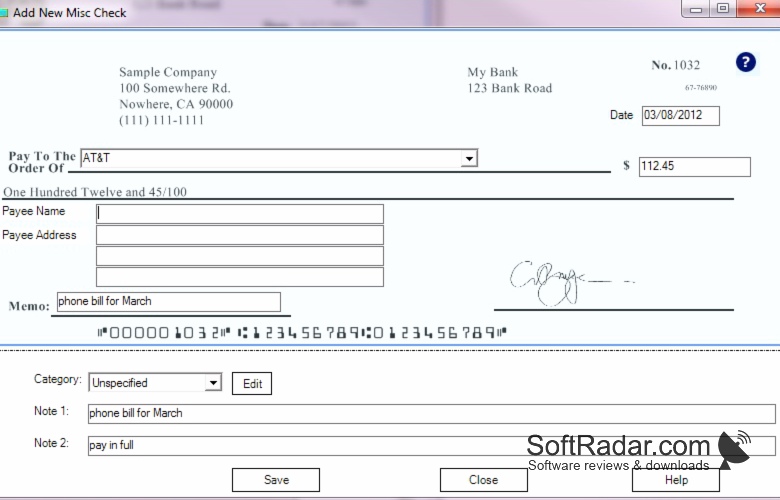
ezCheckPrinting is a check printing software from Halfpricesoft designed to print professional-looking checks with logo and signature on blank check stock.
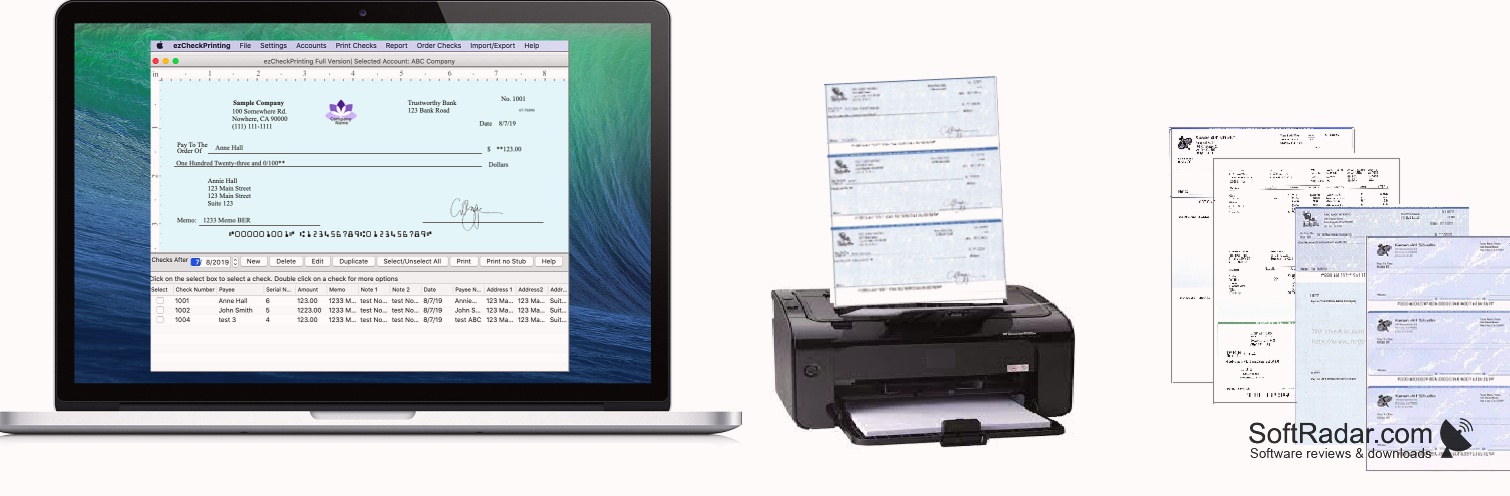
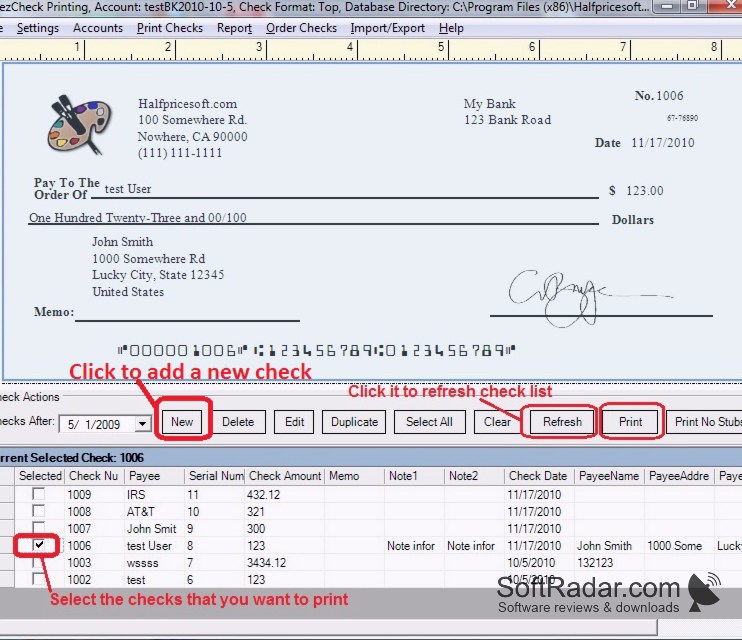
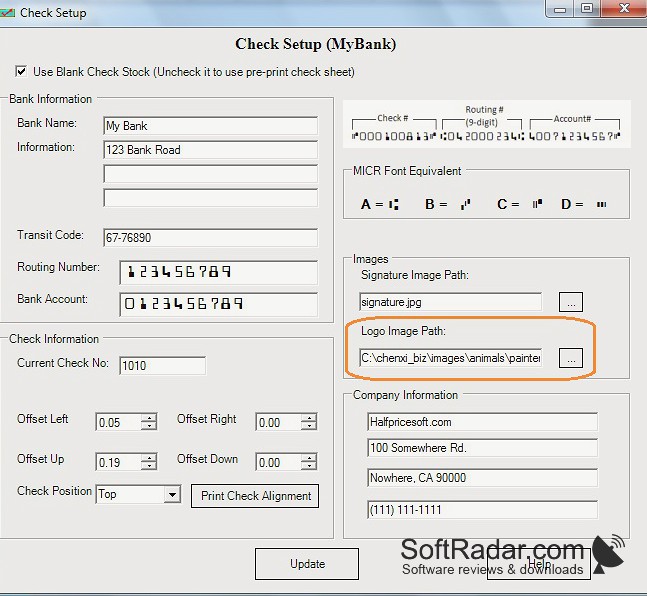
ezCheckPrinting is a business check writing and printing software from Halfpricesoft that allows you to print checks on blank check stock or pre-printed check paper. It works with ordinary office printers and supports the check-on-top, check-in-middle, check-on-bottom and 3-per-page layouts used by most check papers. The program prints the MICR line itself, so there is no need to order pre-printed checks from the bank, and it can add your company logo and signature to every check. The free download is an unlimited trial: all functions work, but the word TRIAL is printed on every check until a license key is entered. The software runs on Windows with the .NET Framework 4.0 or later, and a separate Mac edition is sold in the App Store. The QuickBooks and network editions cost more than the single-user edition, and all editions are a one-time purchase with no monthly fees.
Features:
• Print checks on blank check stock or pre-printed check paper
• Print the MICR line on blank check stock for bank processing
• Print company logo and signature on checks
• Check-on-top, middle, bottom and 3-per-page check formats
• Customize the check and stub layout, fonts and text labels
• Unlimited bank accounts and companies in one program
• Unlimited checks with no per-check fees
• Draft checks and recurring checks
• Print checks directly from QuickBooks and Quicken through a virtual printer (QuickBooks edition)
• Import and export check data from CSV and Excel files
• Back up and restore account data
• Reports by payee, category and date range
• Network version for several users working with the same data
• Unlimited free trial with a TRIAL watermark on printed checks
• One-time license fee with no monthly subscription
• Free email support for registered users
• Check paper and other supplies available from the publisher
• Runs on Windows XP, Vista, 7, 8, 10 and 11
ezCheckPrinting Free allows users to print business checks on blank check stock quickly and easily.
Microsoft .NET Framework 4.0 or later
A printer for check output
PROS
Supports unlimited accounts and checks with no extra charges.
Offers a user-friendly interface with easy setup and operation.
CONS
May appear complicated for beginners.
QuickBooks integration requires a pricier edition.