Foxit Advanced PDF Editor
Allows for easy and simple PDF editing on Windows
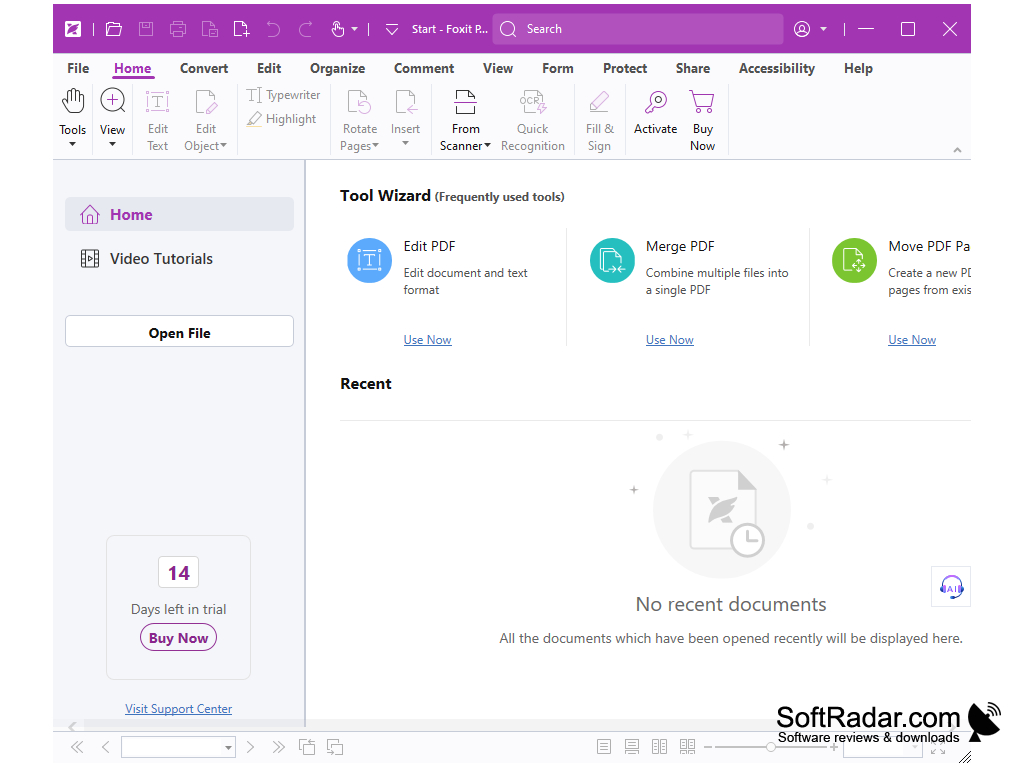
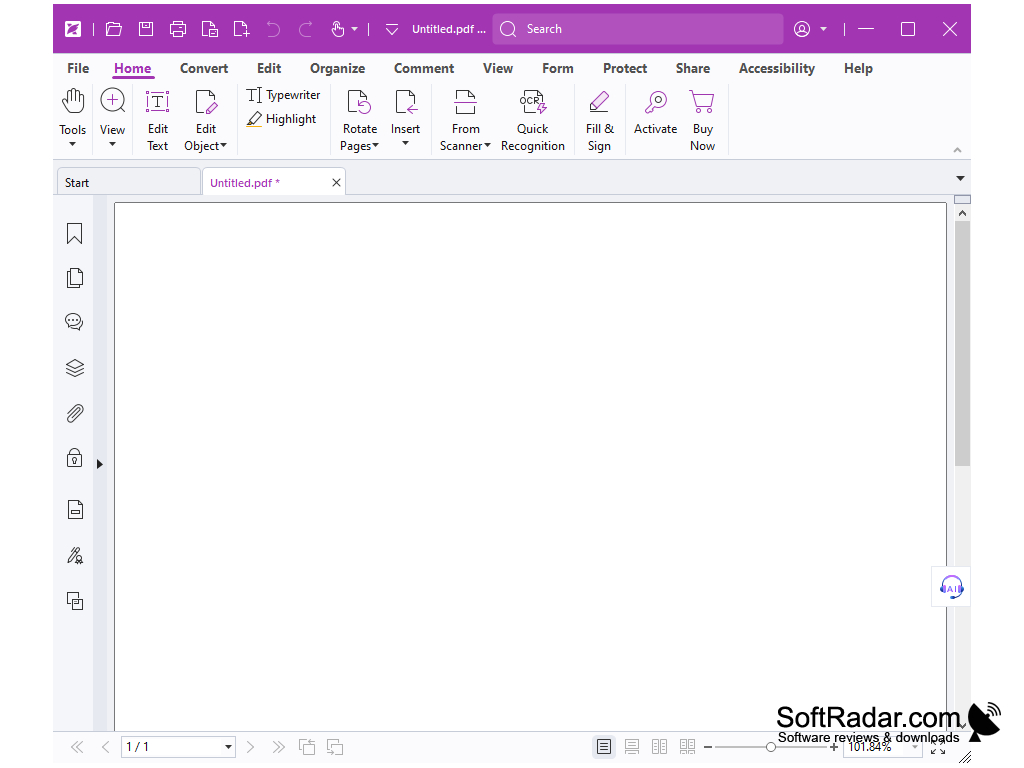
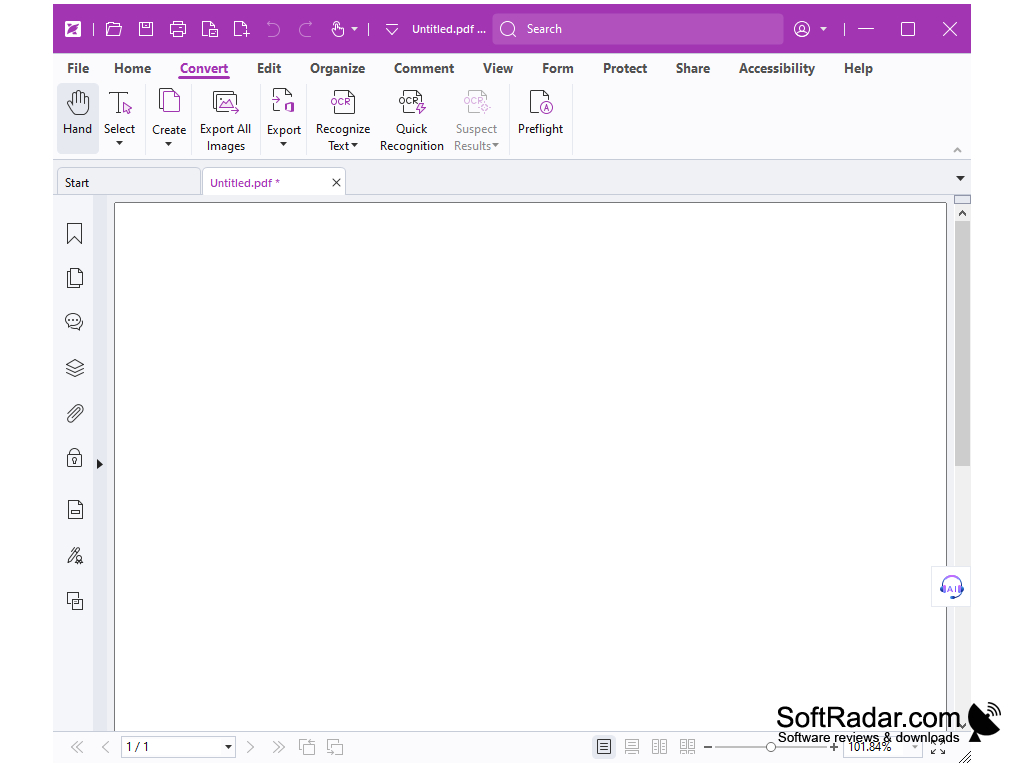
ATTENTION: Foxit Advanced PDF Editor is outdated and ceased to be developed, it was replaced by Foxit PhantomPDF Business from the same developer.
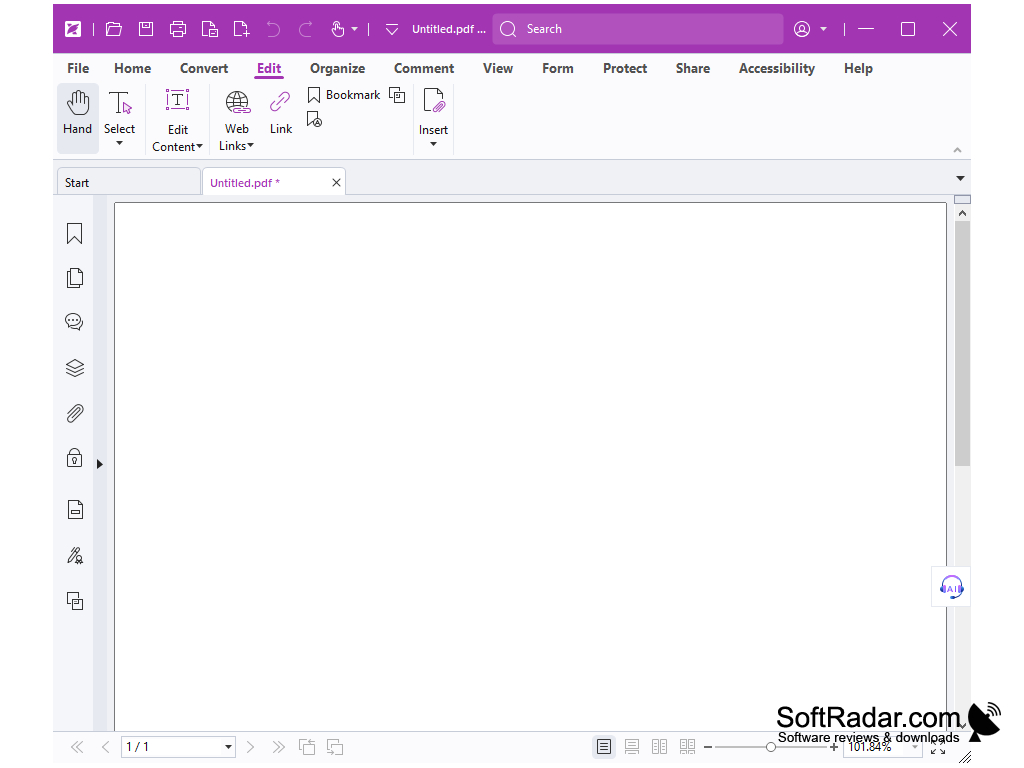
Foxit PDF Editor is an application that allows you to edit documents in PDF format without installing any additional software components. To open the document and start working, you can use the browser or just drag and drop the file into the program window. Before you start editing the text, you will also have to select some parts of the document, where changes will be made, because Foxit PDF Editor does not allow you to edit the whole page. With the help of the program it is possible not only to change the text itself, but also its font, style, indentation from the edges of the sheet, the interval between words, letters and lines, as well as scale, shift and much more. In order to modify the text, you just need to double-click on it. Besides, Foxit PDF Editor allows you to add new text, making it automatically indistinguishable from the rest of the text on the page.
The editor also contains a lot of tools to change the images present in the document. Among them there are such useful means as a restoring brush, a magic wand, a patch and so on. One of the drawbacks of Foxit PDF Editor is the fact that it will take a lot of time for lazy users to understand the purpose of all its functions and study the interface, so it is unlikely that lazy users will have enough patience to master this program. There are some other inconveniences when working with the application, for example, in order to enter the color of the text it is necessary to enter its RGB-value. So, of course, Foxit PDF Editor is not perfect, but it has a decent functionality and practical unlimited possibilities.
Foxit Advanced PDF Editor provides the ability to extensively edit both text and images within PDF documents without additional software.
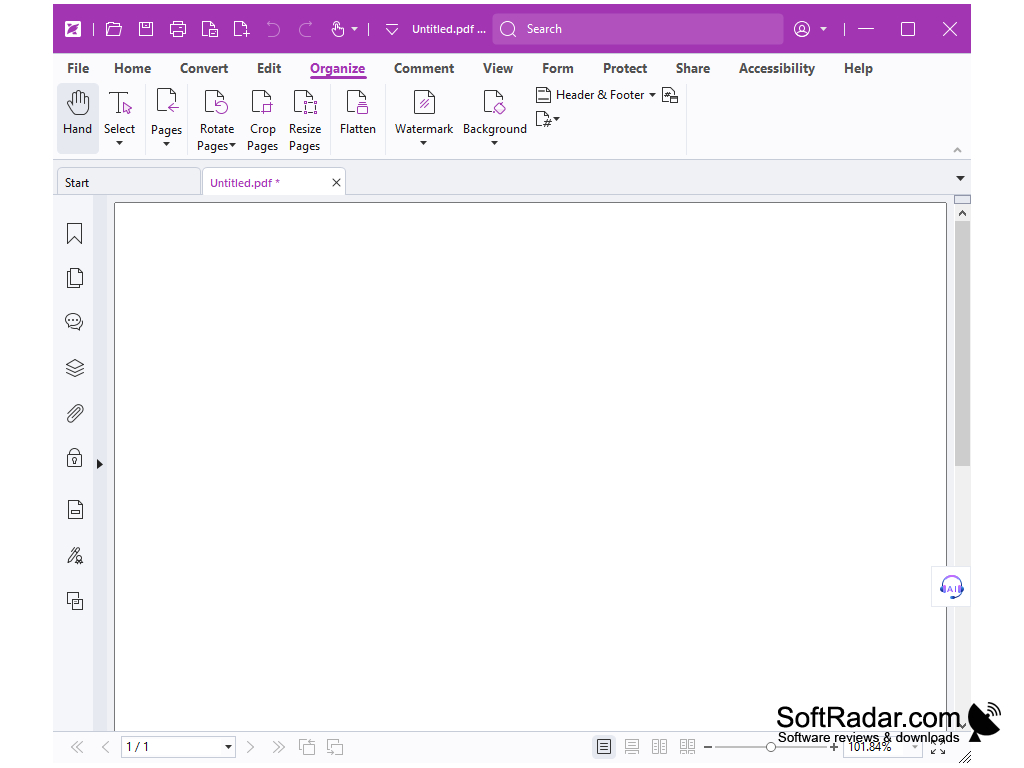
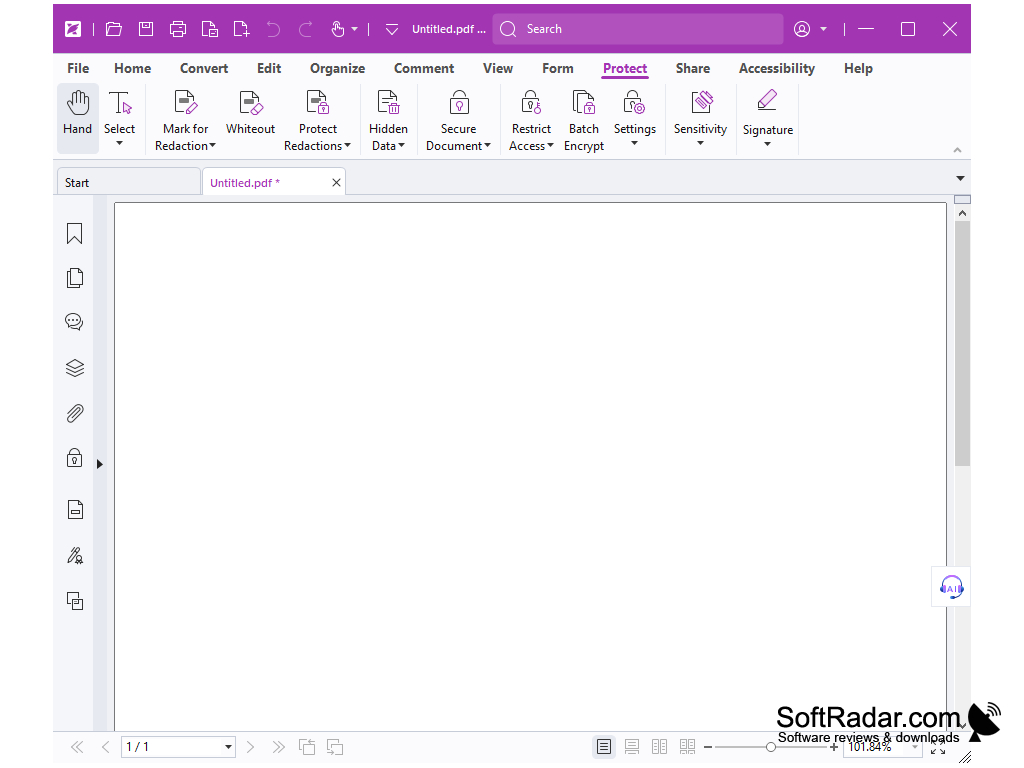
- the program allows both opening existing documents and creating new ones;
- The application displays all data about the file, and the document itself can be viewed in a quality comparable to that of Adobe Reader;
- you can easily zoom in and out of the page;
- a convenient way to edit text - what you see when editing, then you get the end result.
PROS
Supports multiple file formats.
Provides advanced editing and security features.
CONS
High price point compared to other PDF editor options.
Lacks optimization for Mac operating systems.