
Free RAR Extract Frog
Extract RAR files. Fast, simple and free.
Operating system: Windows
Publisher: Philipp Winterberg
Release: Free RAR Extract Frog 7.00
Antivirus check: VirusTotal report
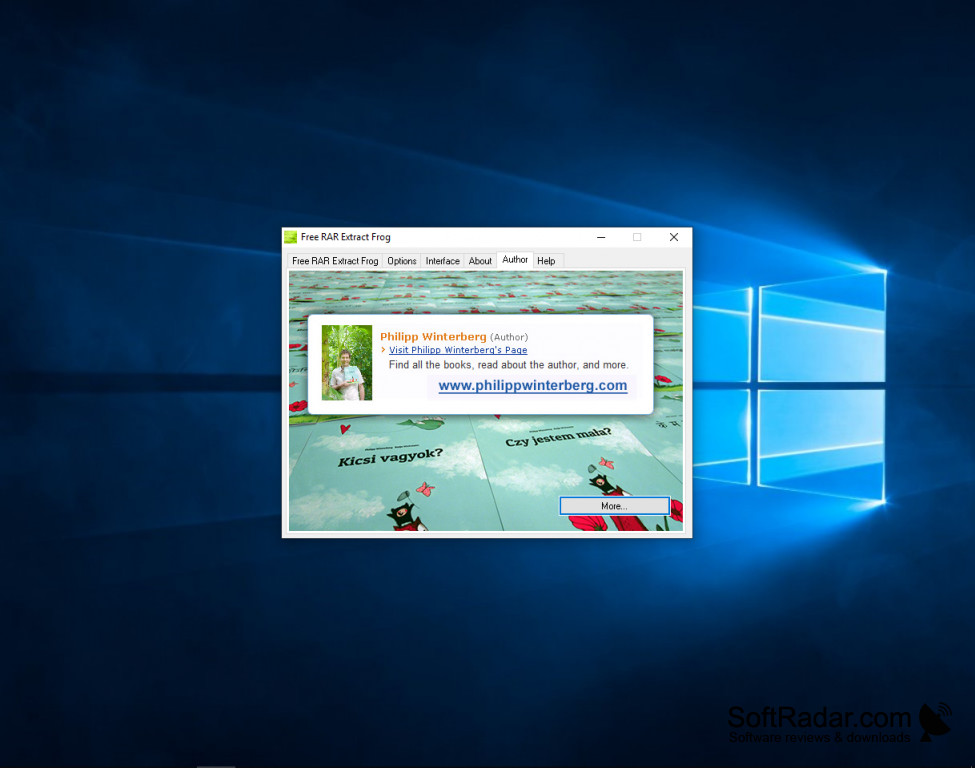
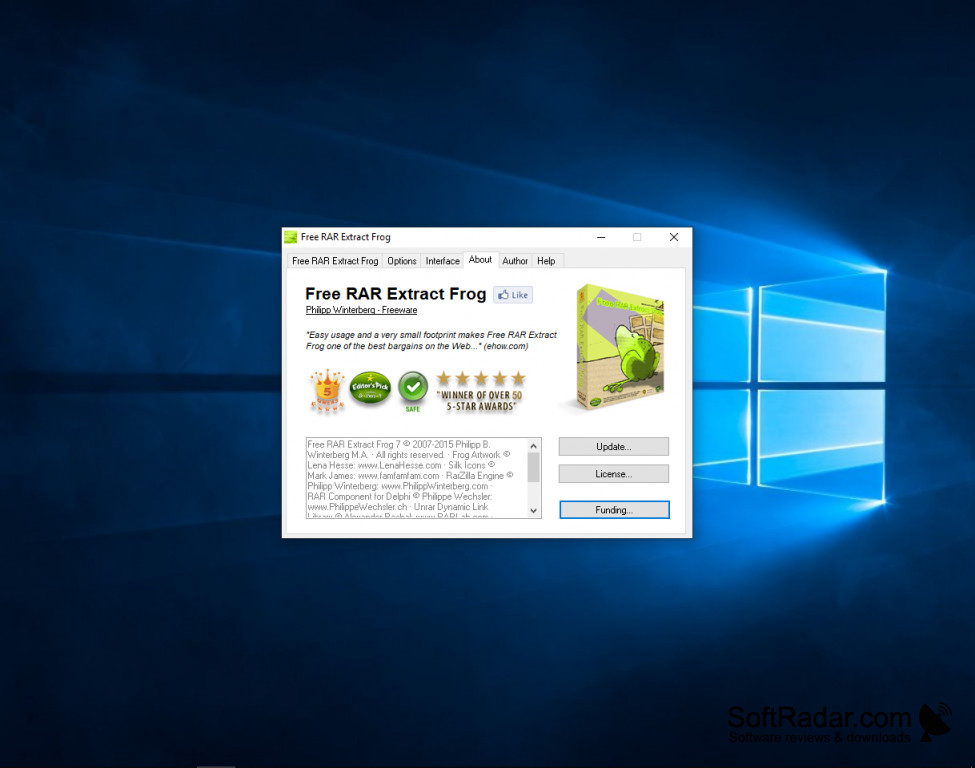
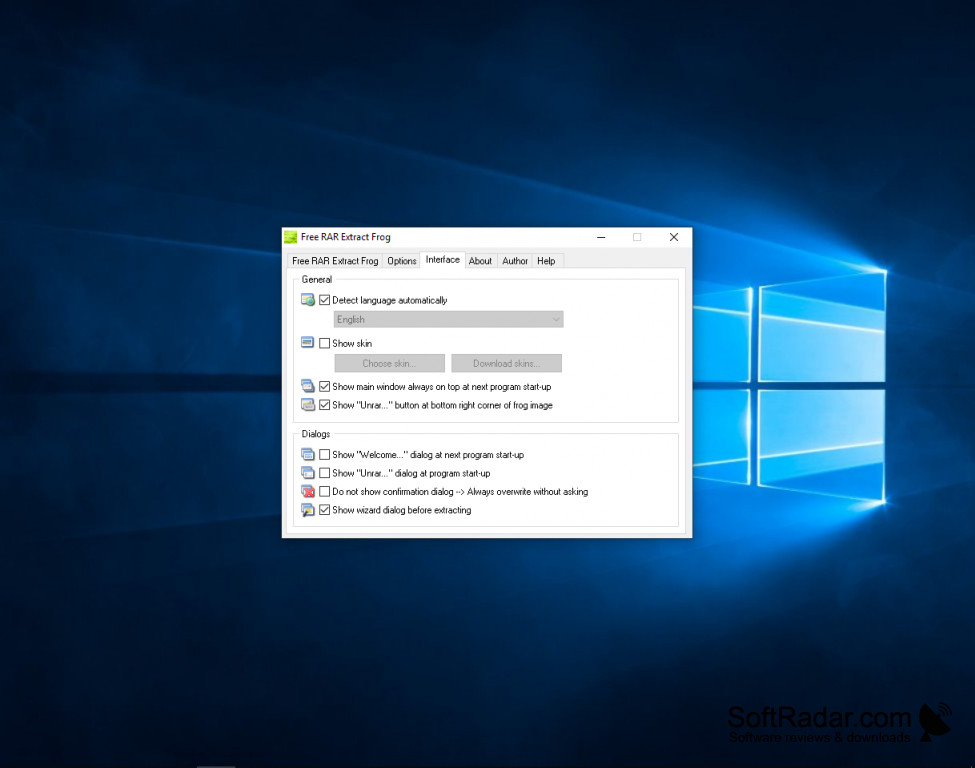
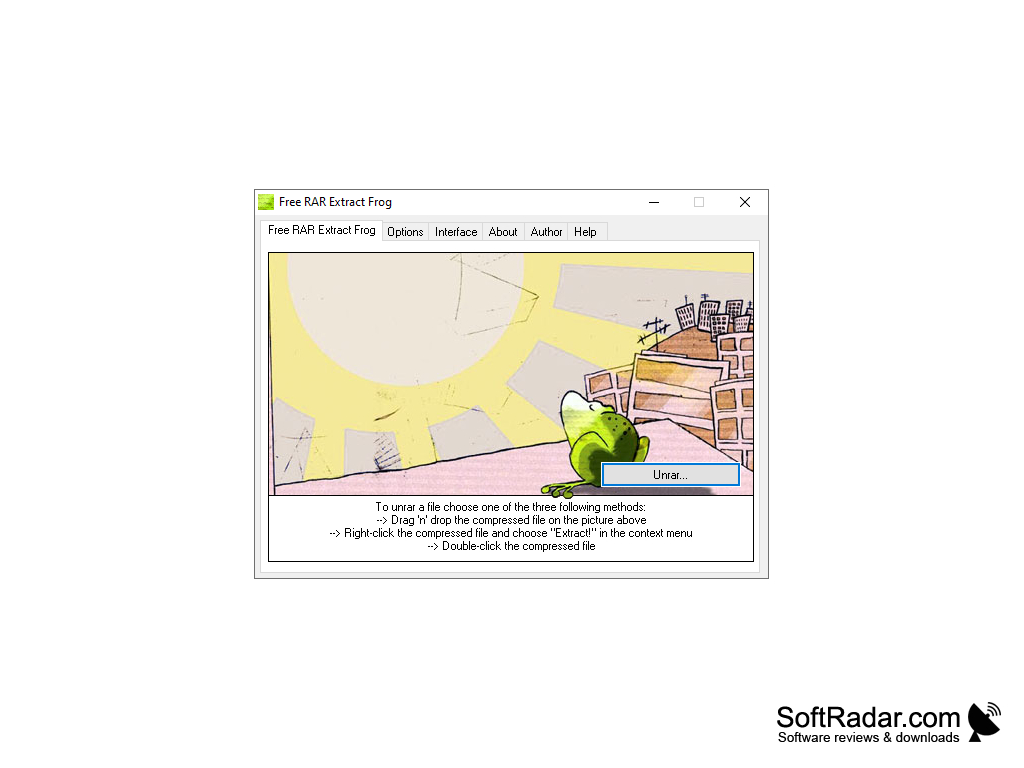
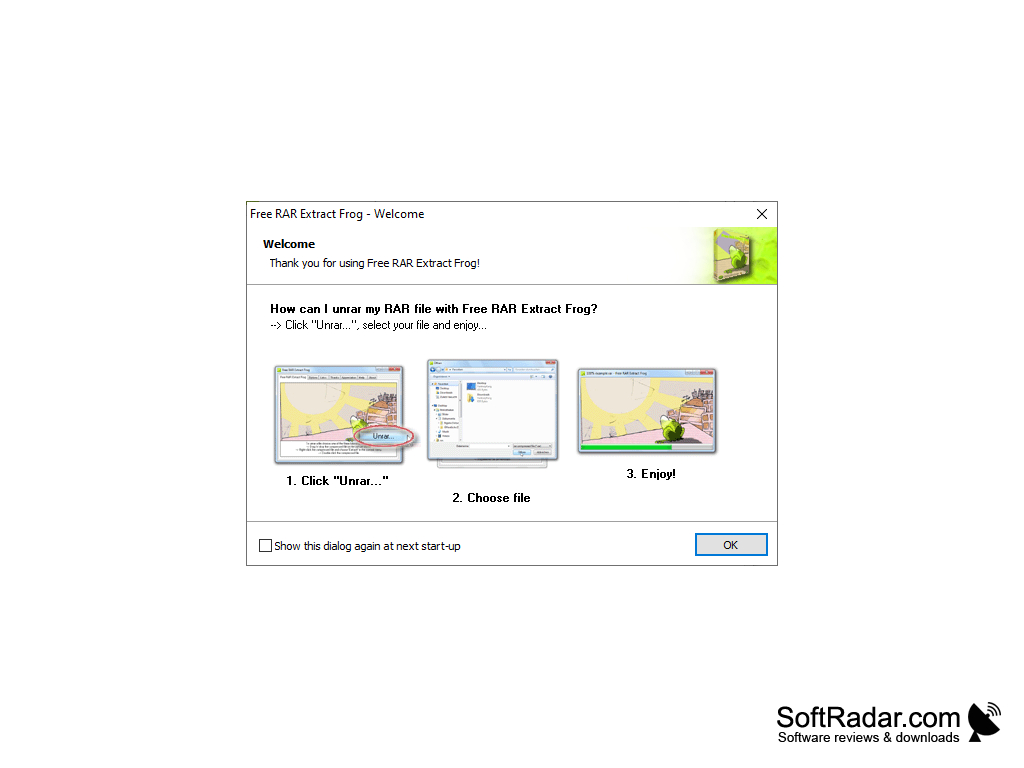
The RAR Extract Frog is a great tool to add to your windows tools because it is a very light small app that does not take up much data but it will do its job. The RAR tool helps me open up RAR files quick and easy. All I have to do is to drag and drop the RAR files that I need to open quickly and the RAR frog tool does it for me. The hardest part of the tool is downloading it since it can be found on multiple websites that have ads. However, the product is free to use and you can download it for free in any of the sites. The app is easy to use once you've downloaded it. The icon sits in your window and does not have any pop-ups or ad clicks to your computer. This makes it an easy app that does its job and does not bother you with constant updates. I like the drag and drop ability on the application because it makes getting the RAR file from my computer files or from an internet browser easier since I have to drag and drop from my browser to the RAR installer which makes it much faster. Also, the RAR installer automatically will place the file to a designated file into my computer which makes keeping all my files neater and saves time.
Features:
- Drag and drop tool helps get files out quick and easy, no
- It is free so you can install and uninstall with no cost or loss.
- Automatic file location helps you keep track of all your files.
- Program instructions are translated in 50 languages so the file is accessible to many people.
It is easy to use and will be able to do its job.
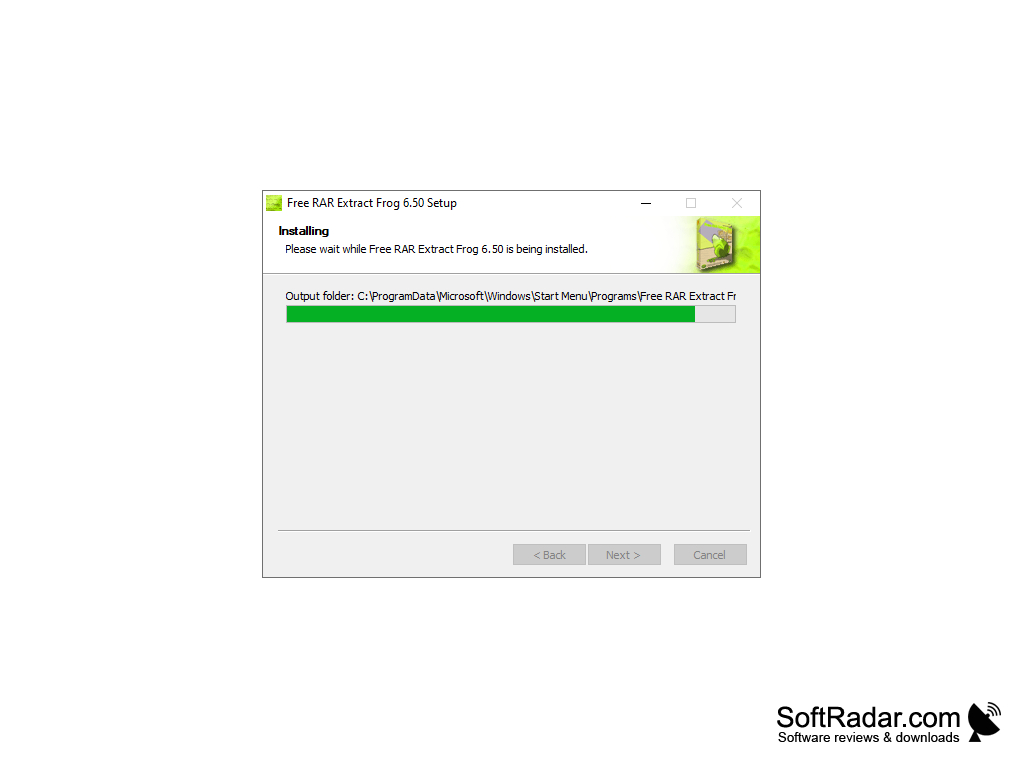
The RAR frog installer application is a great app for installing RAR files quickly and easily for no cost at all. I would highly recommend this product.
- Free Disk Space: Minimum 1MB
- Internet Connection for Downloading and Installation
PROS
Easy to use, user-friendly interface.
Offers password support for encrypted files.
CONS
Can be slow with large files.
Ad-supported, which can be intrusive.


