
Gravit Designer
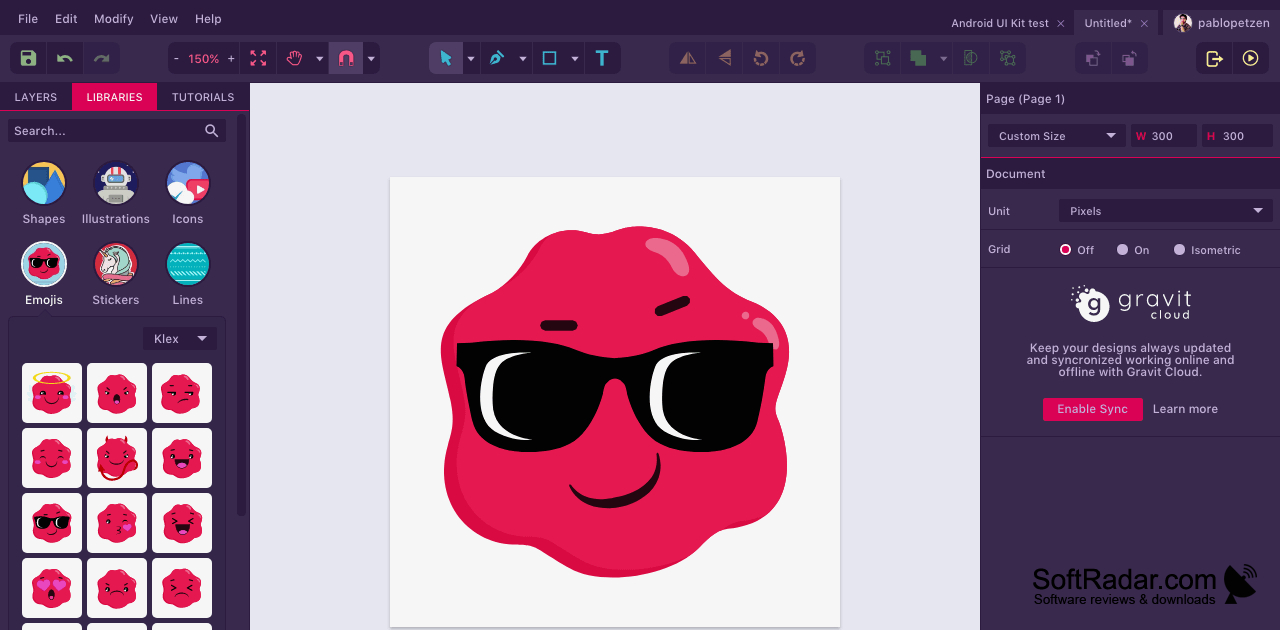
Gravit Designer is a vector graphics editor for people creating illustrations, icons, interface mockups, and presentation visuals on Windows.
Operating system: Windows
Publisher: Corel Corporation
Release: Gravit Designer 3.5.73
Antivirus check: VirusTotal report
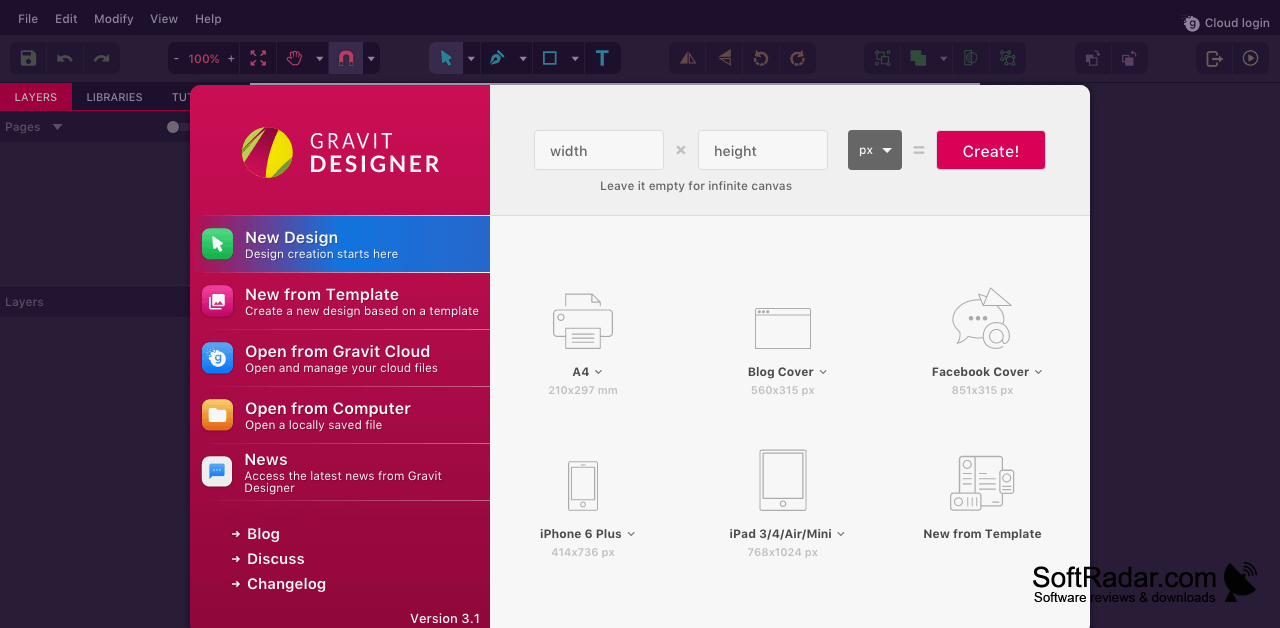
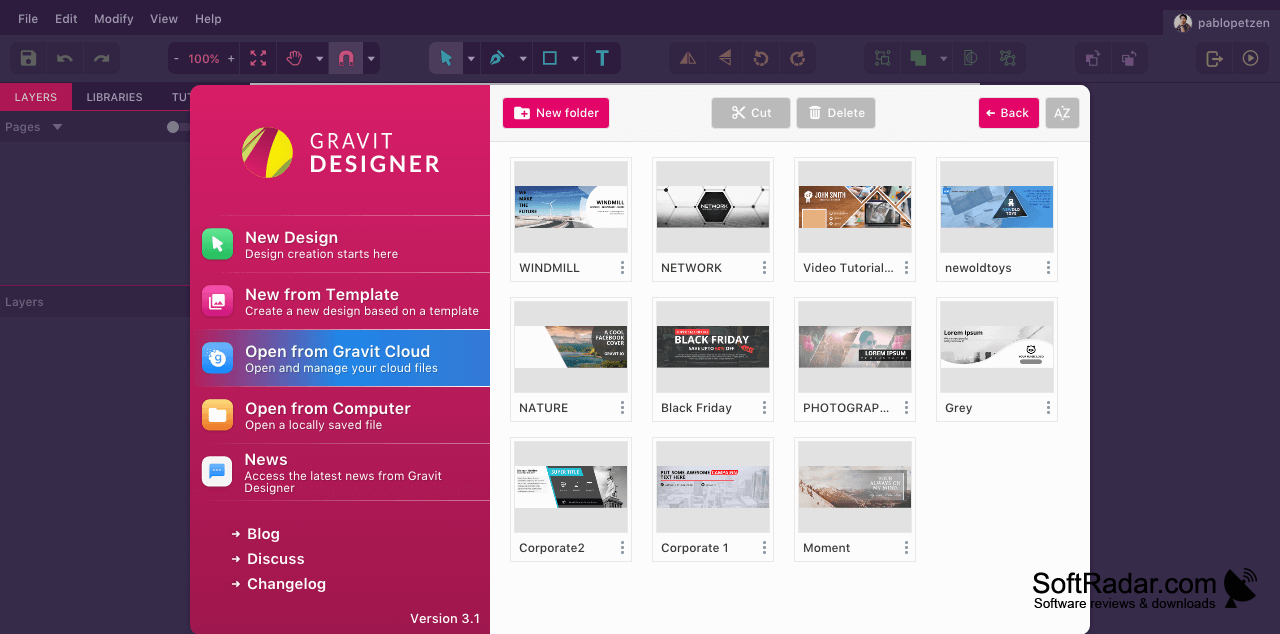
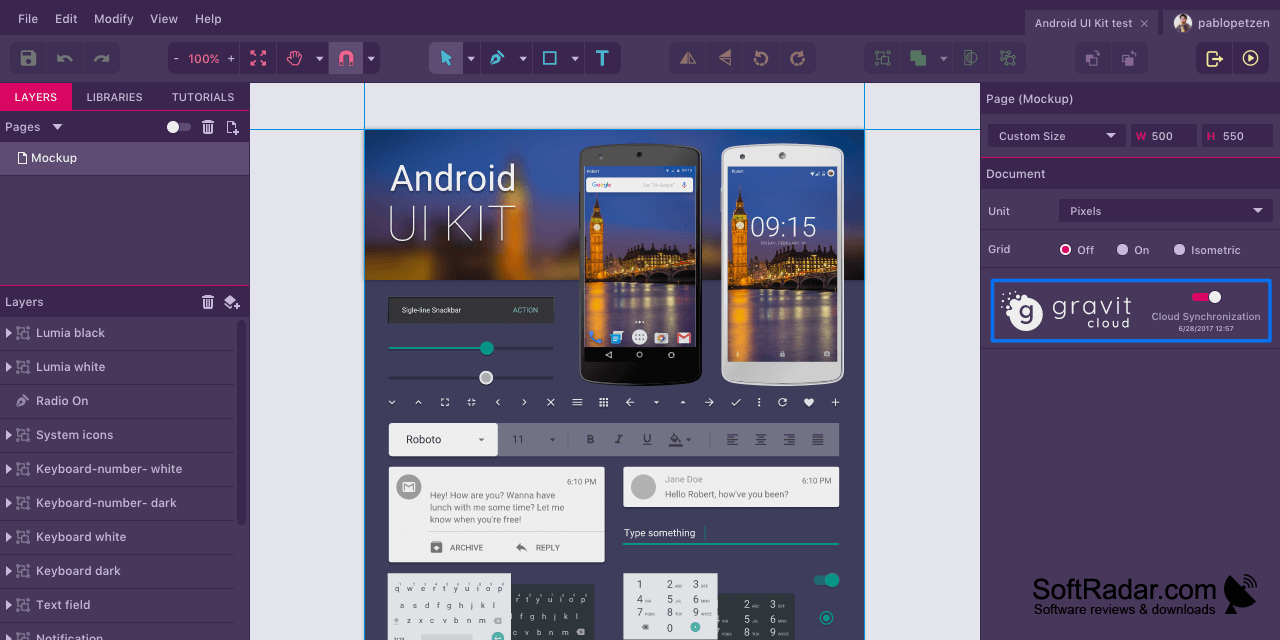
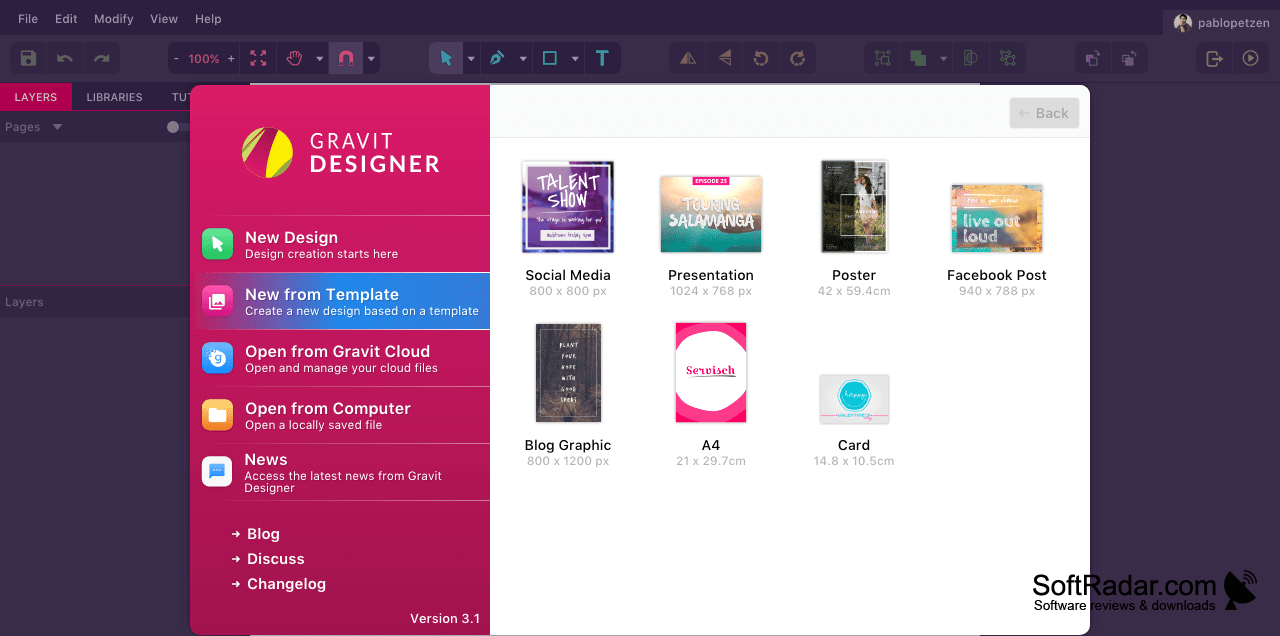
Gravit Designer helps illustrators and interface designers build graphics that can be resized without redrawing. Use it to make icons, diagrams, presentation artwork, and layouts for websites or apps. The editor supports projects with several pages, so related screens or visual concepts can stay in one document. Its adjustable workspace lets users arrange the editing environment around the task at hand.
It brings drawing, layout, and export controls into one workspace for creating vector artwork.
Draw with pen, freehand, and preset shape tools, then refine outlines through path editing and shape operations that leave the original objects intact. Layers, symbols, and grids help organize compositions. Text can follow a path, while fills, borders, and blending options control appearance. Slices and asset export tools prepare finished work as PDF, SVG, or image files.
Features:
- Draw and edit paths with pen tools
- Combine shapes while retaining the original objects
- Organize artwork with pages, layers, and symbols
- Align interface layouts using grids and anchors
- Place styled text along vector paths
- Export selected assets as SVG, PDF, or images
PROS
Precise path tools support detailed illustrations.
Pages and symbols help organize complex designs.
CONS
Large projects can feel sluggish during editing.


