
HitPaw VoicePea Voice Changer
HitPaw VoicePea Voice Changer alters microphone speech for Windows users who want different voices in calls, games, or recordings.
Operating system: Windows
Publisher: HitPaw
Release: HitPaw VoicePea Voice Changer 2.2.1
Antivirus check: VirusTotal report
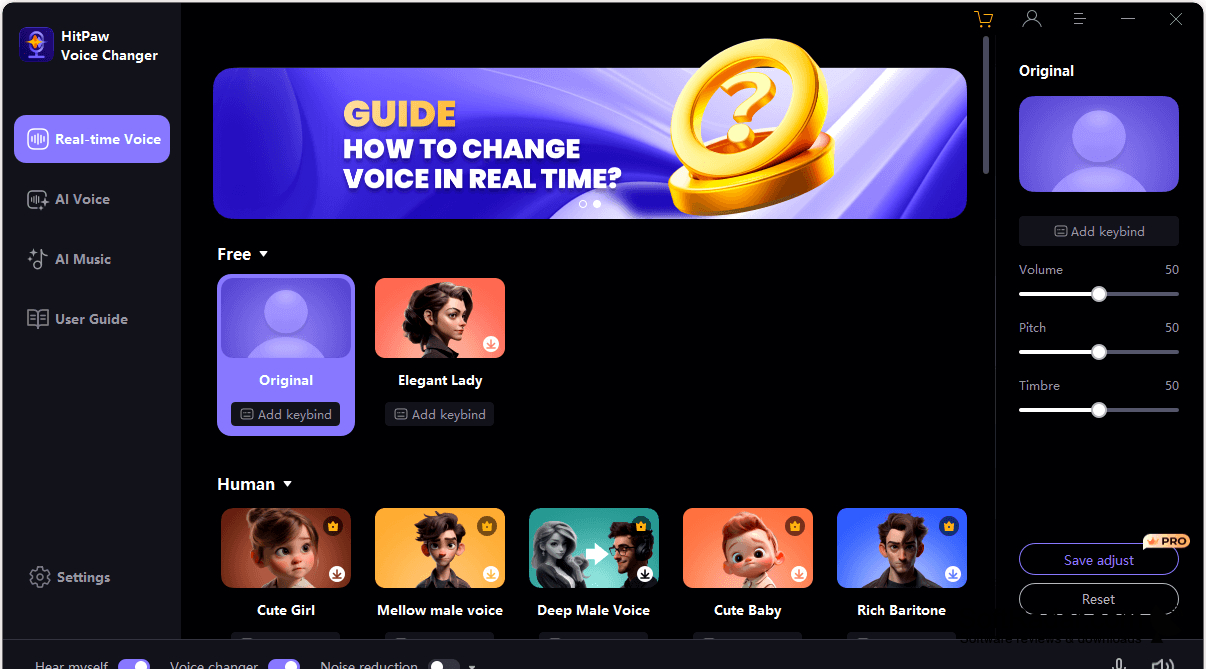
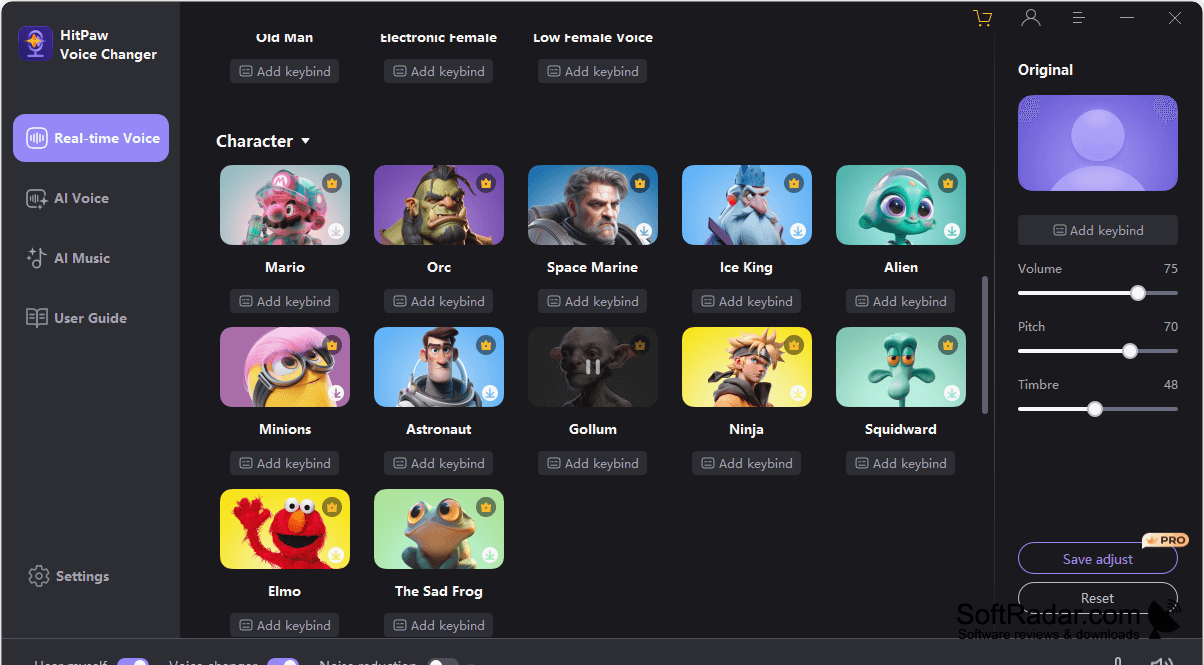
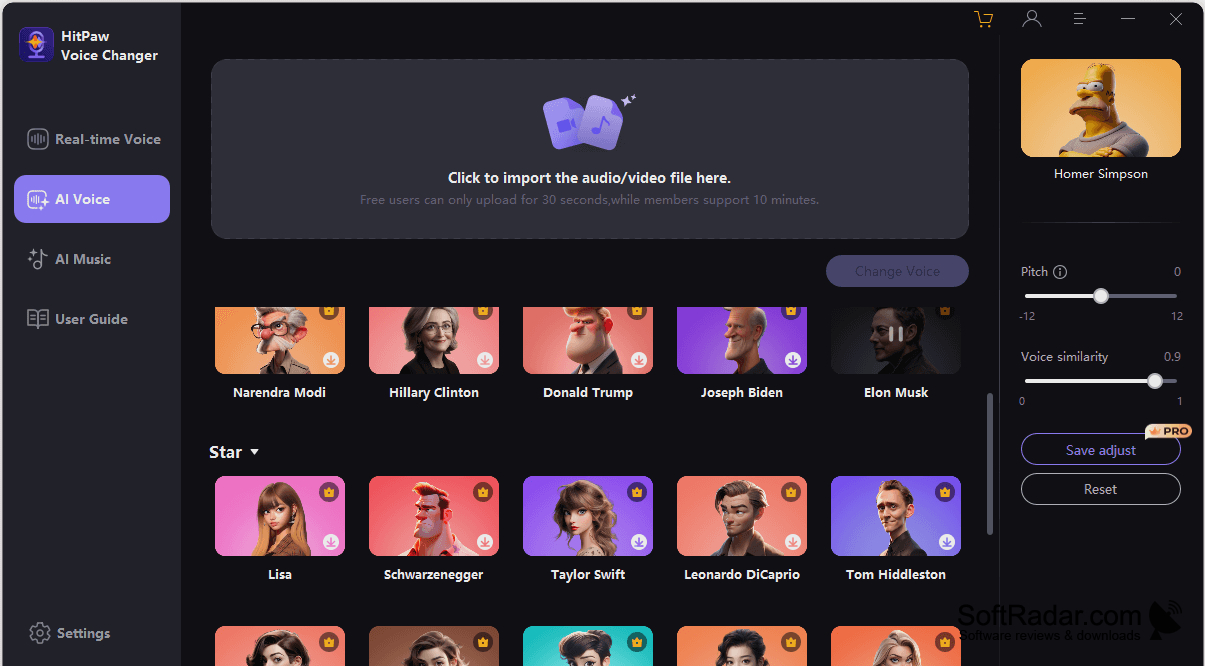
HitPaw VoicePea Voice Changer lets Windows users alter their microphone speech during conversations, games, and recordings. It is intended for people who want a different voice for chats or audio projects without editing each clip afterward. The program can send altered speech to calling and gaming apps, and its preset voices provide starting points for different kinds of spoken content.
You can change your voice as you speak, without editing each recording afterward.
Select a microphone and a preset, then tune loudness, pitch, and vocal tone to shape the result. You can assign a key to change voices while speaking. Separate controls manage microphone input, playback, and filtering of ambient sound. The software can also identify voices in existing video files, generate songs from text, and turn speech into singing.
Features:
- Alters microphone speech during calls and games
- Provides robot, alien, and other voice presets
- Adjusts loudness, pitch, and vocal tone
- Changes voices with an assigned key
- Filters ambient noise from microphone input
- Identifies voices in prerecorded video
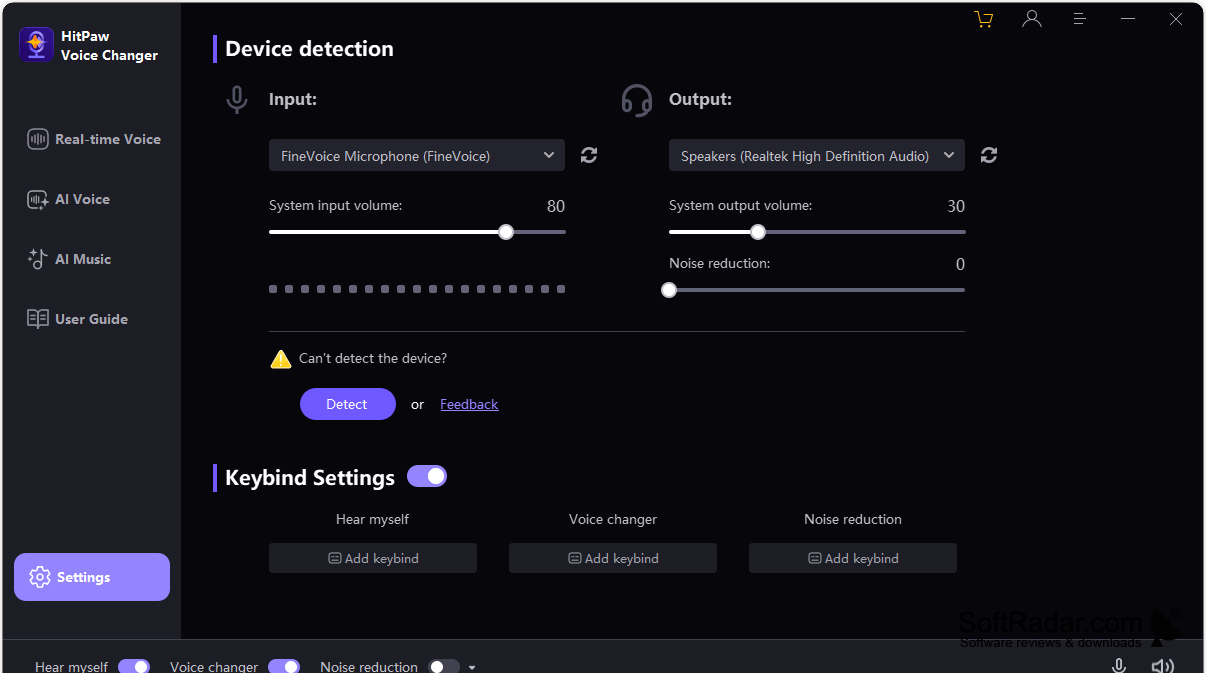
Microphone for real-time voice effects
PROS
Virtual microphone works across games and chat apps.
CONS
AI voices can sound unnatural or lag.
