
Clownfish Voice Changer
A free Windows application that changes or distorts your voice in every program that uses the microphone.
Operating system: Windows
Publisher: Shark Labs
Release : Clownfish Voice Changer 1.98
Antivirus check: VirusTotal report
Clownfish voice Changer is a Windows application used to change or distort a person's voice.
Features:
- The product has more than a dozen voice effects, including Alien, Atari, Clone, Mutation, Radio, Robot, male, female, helium and baby pitch, plus a custom pitch.
- It has a music player with enhanced audio controls and a playlist. These controls can be used to manage the background music sent through your microphone, with play, pause, next/previous track and volume commands.
- Sound player with built-in sounds that can be played with hotkeys.
- Virtual Studio Technology plugin support.
- Easy installation procedure: users just keep clicking Next while it is being installed. By default Clownfish is installed on the default audio capture device, and other microphones can be selected in the Setup window.
- The software also has a voice assistant that converts typed text into speech for users who need it. It has several different voices to choose from in a drop-down menu.
- The changed voice works in Discord, Skype, TeamSpeak, Mumble, Viber, Ekiga, Jitsi, Hangouts, Steam and other apps.
- Optional external effects: the VCClient add-on can be connected for AI-based real-time voice conversion.
- The authors of this product are Shark Labs in Sofia, and it is free.
It changes your voice system-wide, so the effect works in Discord, Skype, Steam, TeamSpeak and other voice apps.
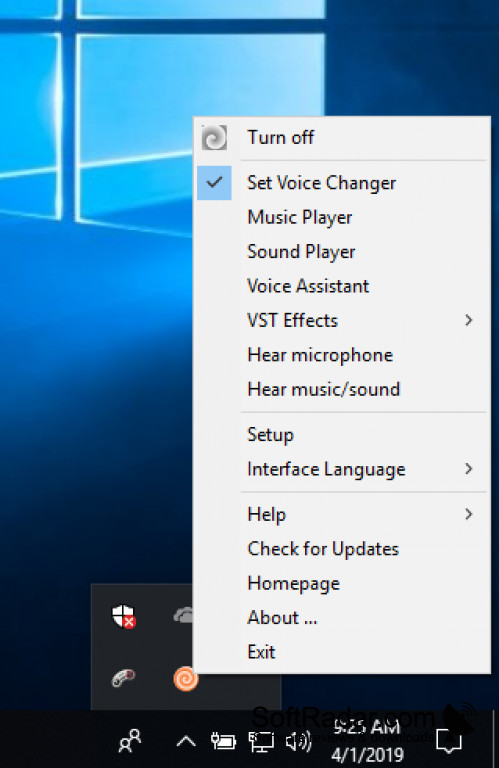
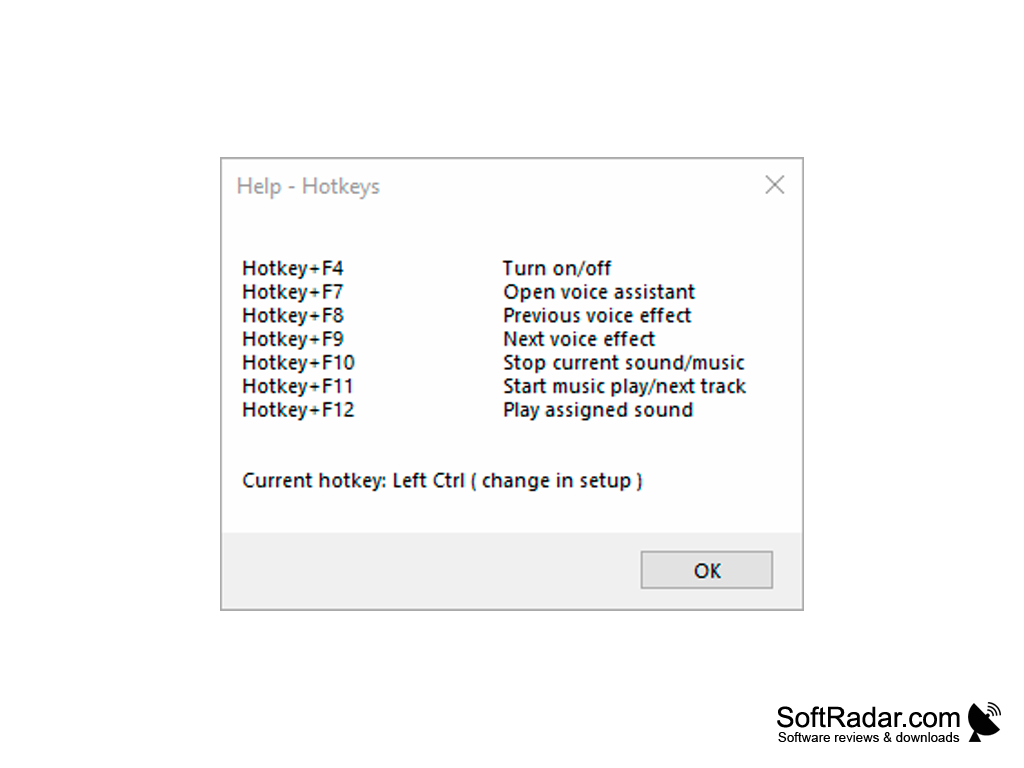
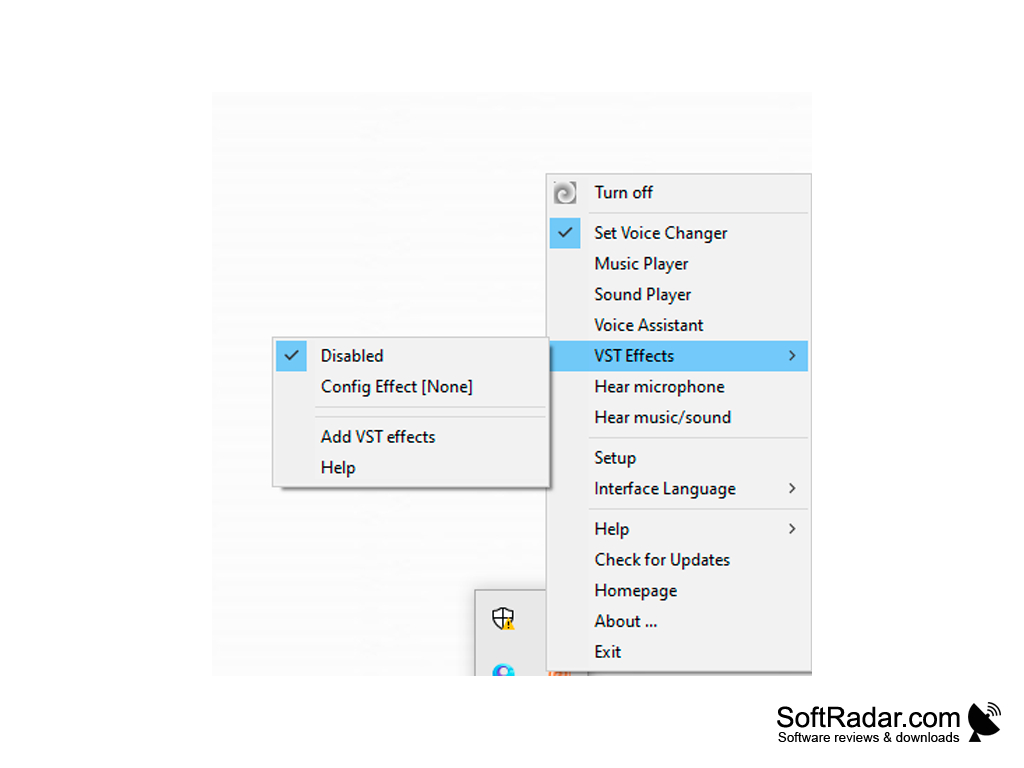
Clownfish Voice Changer is installed at the system level, so every application that uses the microphone or another audio capture device receives the modified voice. It runs on Windows Vista, 7, 8, 8.1, 10 and 11, with separate 32-bit and 64-bit installers. After installation, the Clownfish icon appears in the Windows tray: right-clicking it opens the main menu, and double-clicking turns the effect on and off. The Hear microphone option lets you listen to your modified voice. Settings are easily modifiable from within the application once it has been fully installed, and hotkeys switch effects, start music or play sounds.
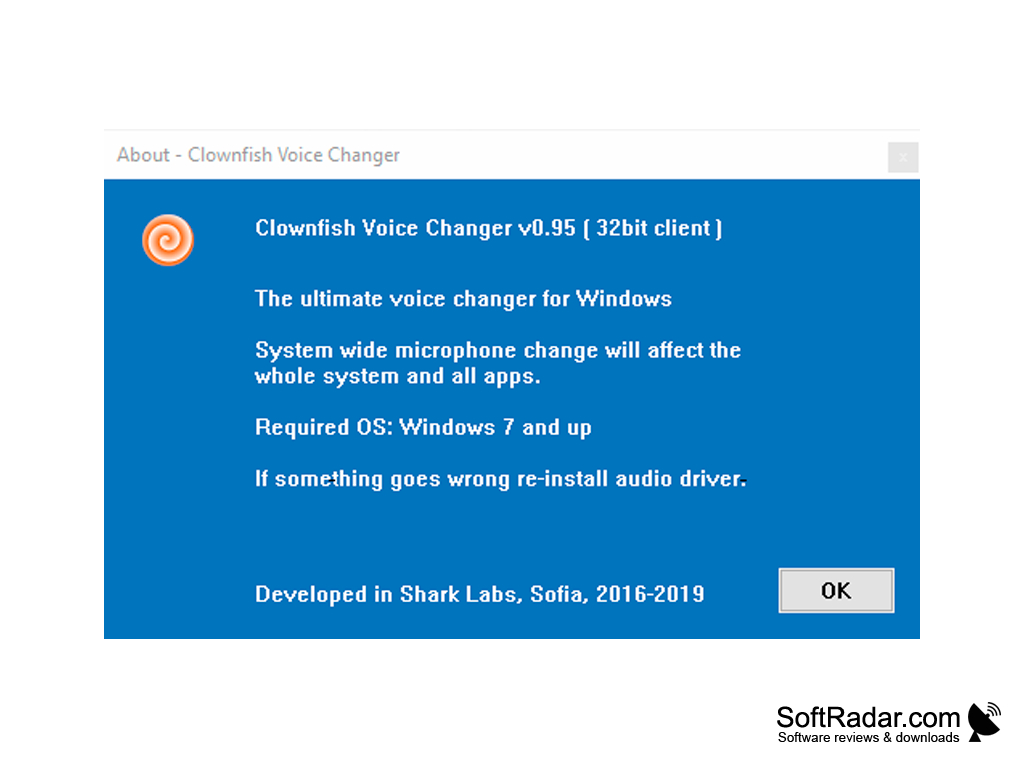
Separate 32-bit and 64-bit installers
Microphone or other audio capture device
PROS
Easy to use with intuitive interface.
Compatible with various communication applications.
CONS
Some audio setups need extra configuration.
Installation could be complicated for novices.


