
iTop Voicy
iTop Voicy changes microphone speech and recorded media with AI voice effects on Windows. It is for people using voice calls, games, streams, or audio projects.
Operating system: Windows
Publisher: iTop Inc.
Release: iTop Voicy 1.4.0.1709
License: Free
Antivirus check: VirusTotal report
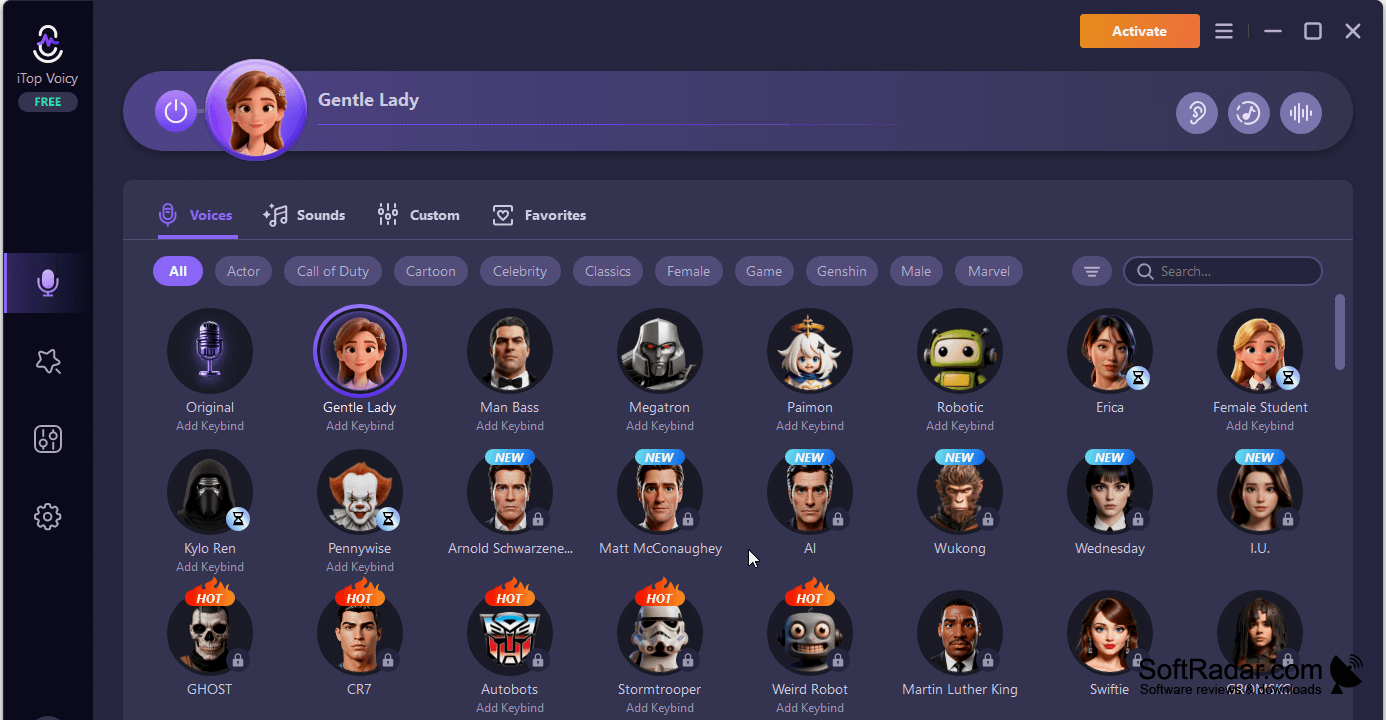
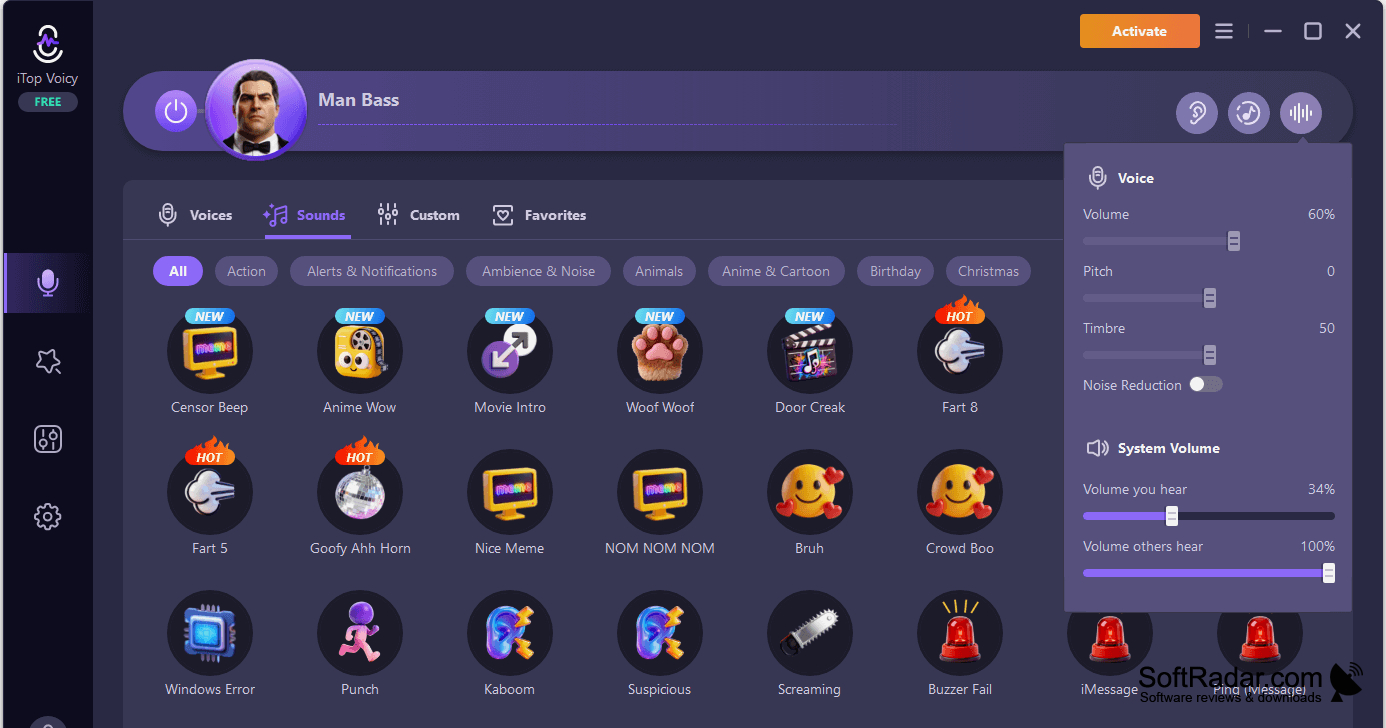
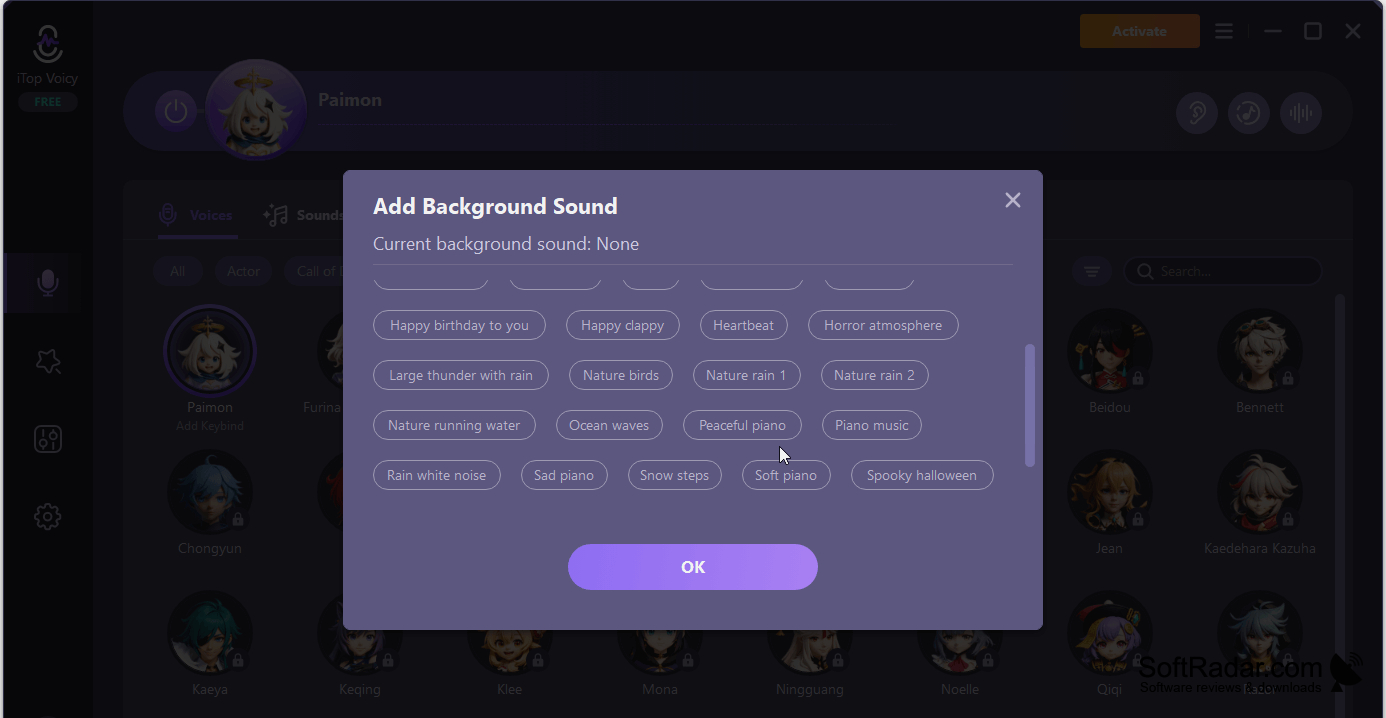
iTop Voicy lets Windows users alter how they sound in conversations, gameplay, broadcasts, and recordings. It processes microphone input as they talk, so a chosen voice can be used in other applications that accept a microphone. People making clips can also change speech in existing audio or video files rather than recording everything again.
Hear an altered microphone feed while speaking, then use it in calls, games, or streams.
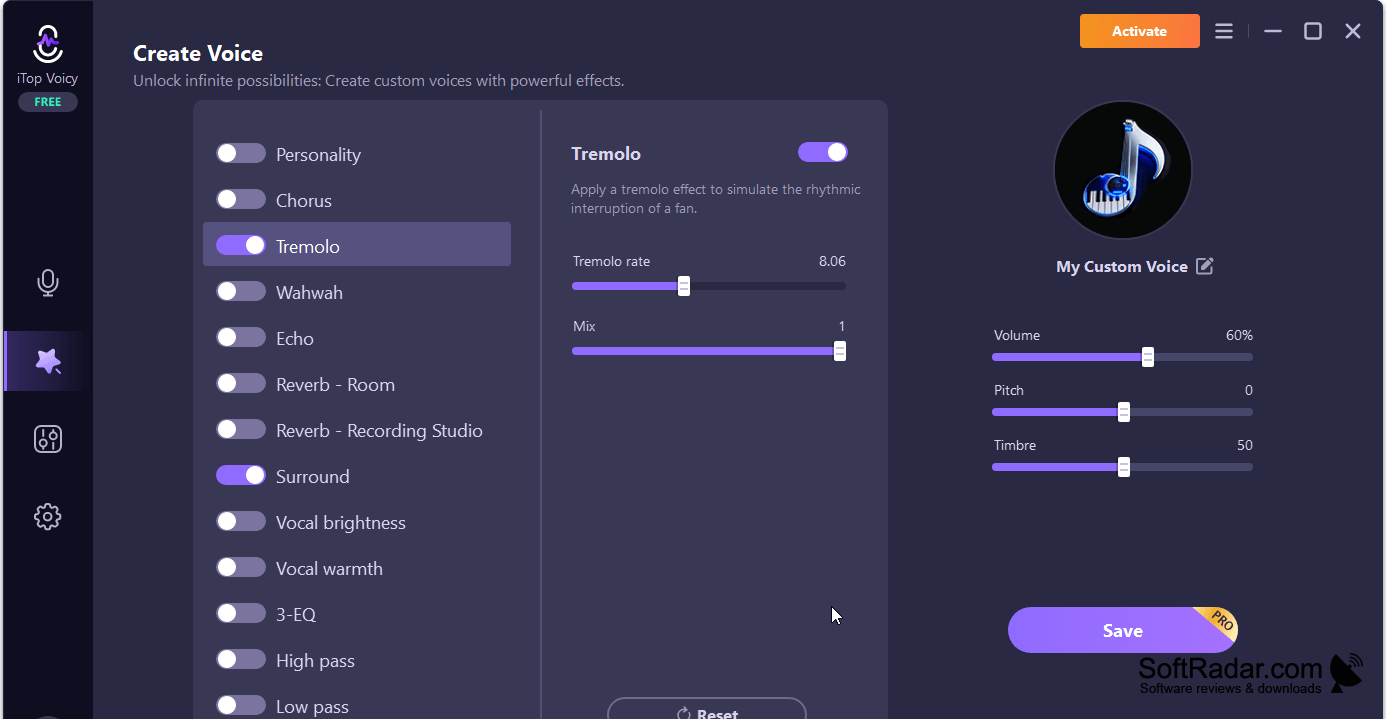
Users can choose from preset voices or make their own profiles by changing pitch, speaking speed, vocal tone, and other settings. A listening option lets them check the result before using it elsewhere. To route the processed sound into a chat or streaming application, they select the program as the microphone in that application's audio settings.
Features:
- Changes microphone speech during calls and games
- Processes speech in saved audio and video files
- Offers character and gender voice presets
- Adjusts pitch, timbre, formant, and speech rate
- Creates custom voices with adjustable settings
- Lets users hear voice changes before broadcasting
PROS
Applies voice effects to existing audio and video files.
CONS
Custom voices take experimentation to sound convincing.

