
Icecream Image Resizer
A free program to change image sizes
Operating system: Windows
Publisher: icecream apps
Release: Icecream Image Resizer 2.14
Antivirus check: VirusTotal report
IceCream Image Resizer can't transform your small scoop of butter pecan caramel into a big one, but it can do that for your images. Image resizer by Icecream Apps is a program designed to resize images fast, and free.
When it comes to getting people to view your social media or website, visual appearance is the single most crucial factor. So make sure you use beautiful, high-quality photos of the right size. You don't have to be a graphic designer. You just need IceCream Image Resizer.
The app is designed to be convenient. You can resize multiple files at once. You can resize multiple folders in a matter of seconds. Just choose a destination folder and hit the button.
With IceCream Image Resizer, you can resize part of the picture by way of a cropping tool. You can also rotate and flip the picture, or use image effects and color manipulation. The tool supports all major graphic formats: JPEG, JPG, PNG, BMP, TIFF, and more.
For distribution and storage, you can shrink your photos to a lower resolution. Or you can convert them to a more efficient format.
With the rise of social media and smartphones that take incredibly beautiful photos, image resizing has become mandatory. Those high-quality photos are large. And if you are like most people posting on their website and social media, you need a good image resizer to make them fit without losing any quality.
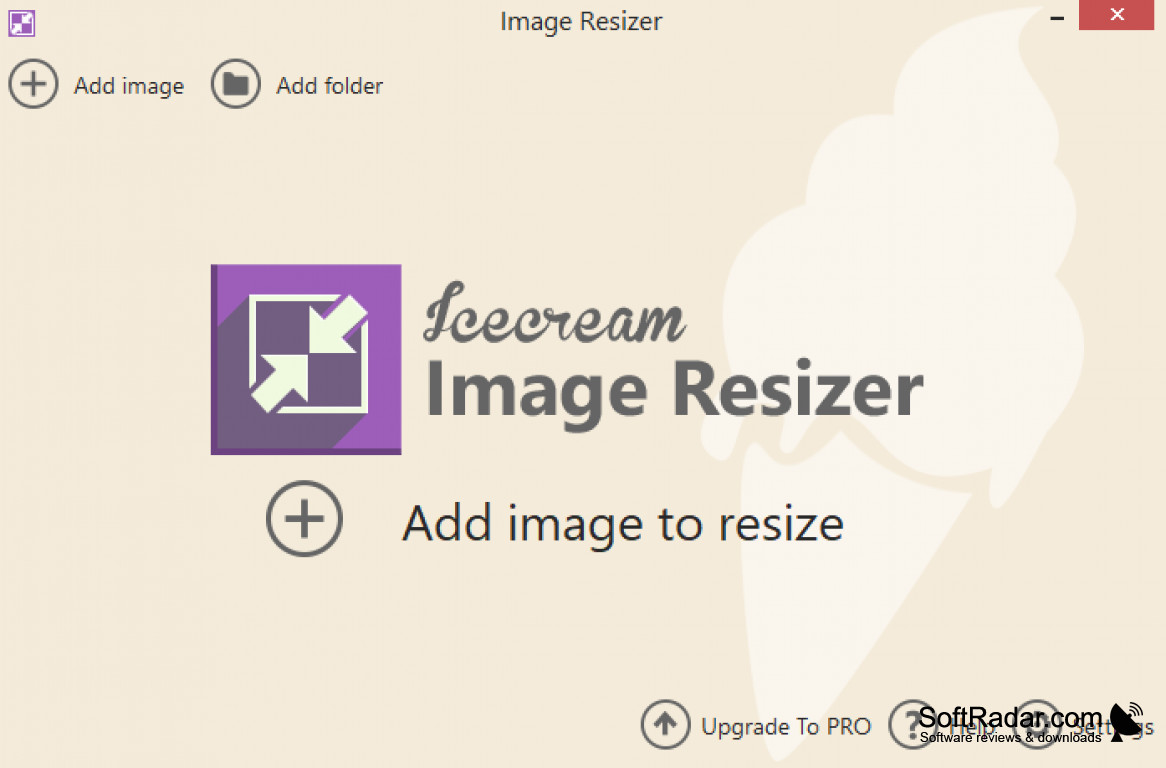
IceCream Image Resizer is an excellent application that allows you to do just that. It has a clean and simple interface that is easy to use. It is very easy to navigate and change settings. You can intuitively tell where to start editing. It also has a lot of features. It supplies a host of custom sizes and device options for sizing.
Features:
- Allows users to convert files in bulk
- Has presets
- Drag & drop mechanism
- Supports JPG, JPEG, BMP, TIFF, and BMP files
- Automatically applies reversed size setting
This app is quick and convenient
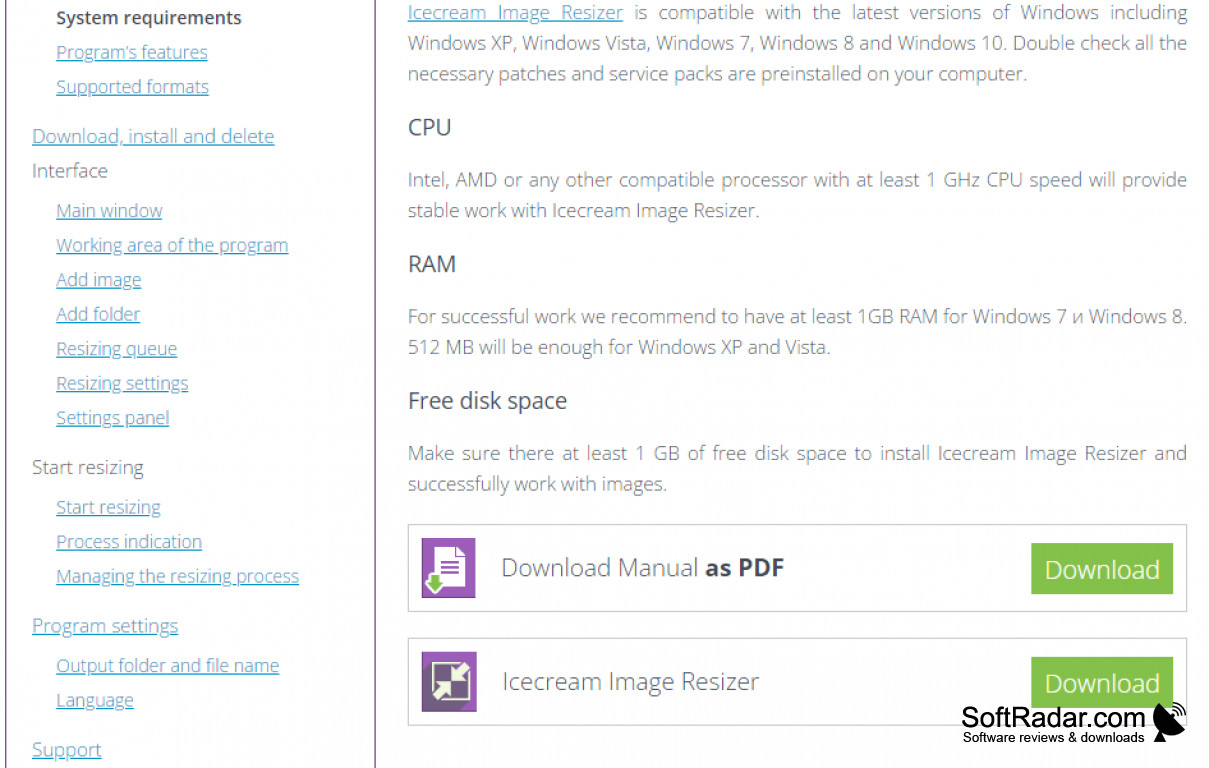
At least 2GB of RAM
Supports most graphic formats: JPEG, JPG, PNG, BMP, TIFF
Bulk file and folder conversion capabilities
PROS
Supports multiple image formats for resizing.
Batch resizing feature saves time and effort.
CONS
No option to customise the aspect ratio.
Lacks advanced image editing features.


