
Internet Connection Monitor
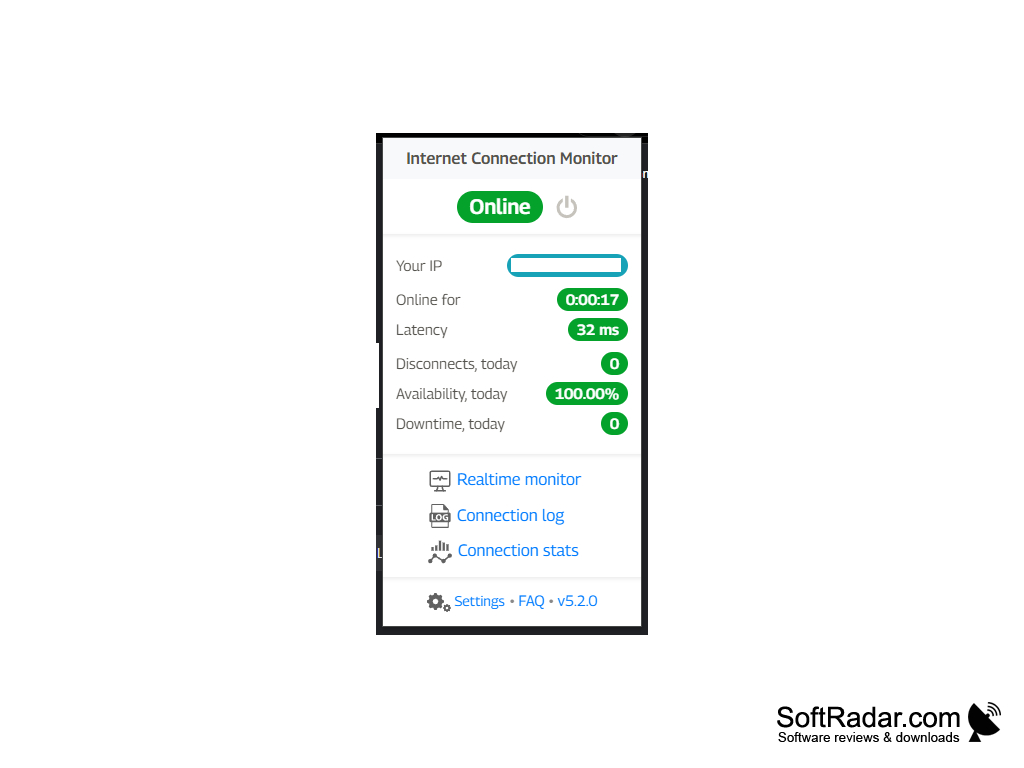
Connection Monitor is a tool that monitors your Internet connection and notifies you of any changes or issues.
Network Connection Monitor
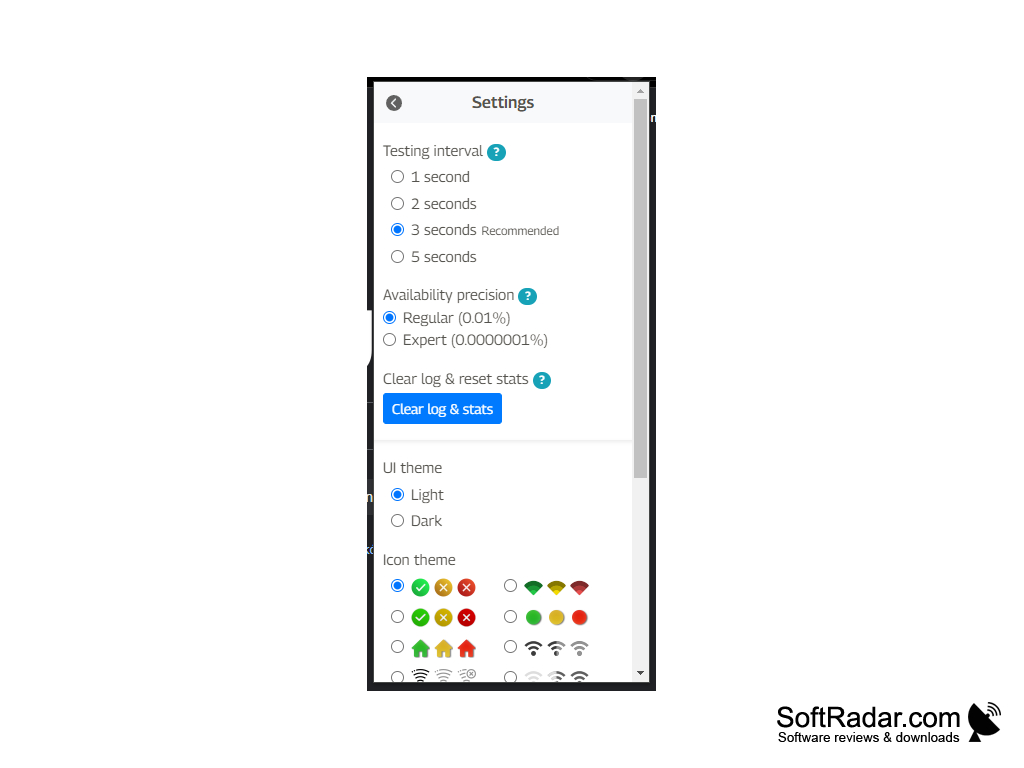
Network Connection Monitor is an advanced software tool that helps you to monitor your network connection and alert you of any potential problems. It is designed to provide you with an easy to use and intuitive interface that allows you to keep an eye on your network connection in real-time. This software is ideal for those who need to ensure that their network connection is secure and reliable.
The Internet Connection Monitor allows users to monitor their internet connection and receive notifications when the connection drops.
Features
• Monitor your network connection in real-time
• Receive alerts when connections are lost or slow
• Identify and troubleshoot any potential connection problems
• Track your network activity with detailed graphs and reports
• Scan for any unauthorized or malicious networks
• Monitor your internet speeds
• Monitor the performance of your devices
• Schedule scans for specific times to ensure your network is secure
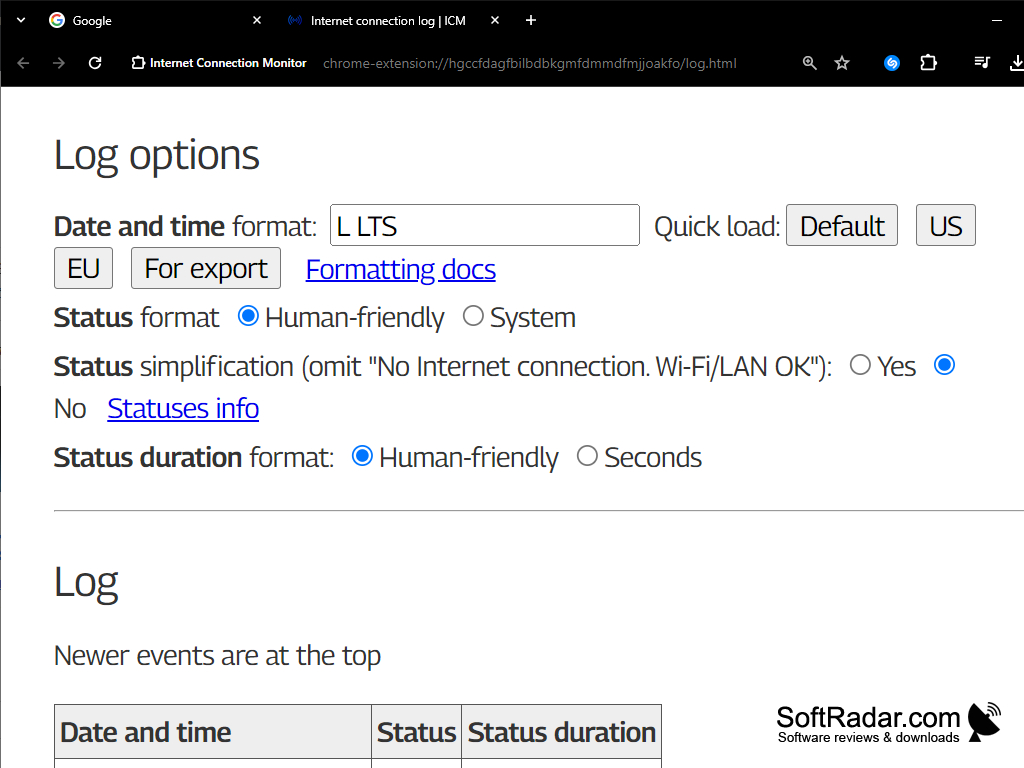
• Keep track of your connection history
• Automatically detect and alert you of any new devices on your network
• Block any unwanted or suspicious devices from connecting to your network
• Securely store all your connection details
• Set up custom alerts for specific events or activities
• Monitor multiple networks from one dashboard
• Support for various routers and devices
• Easy to use and intuitive interface
Network Connection Monitor is the perfect solution for anyone who needs to keep an eye on their network connection. With its easy to use interface and powerful features, it is the ideal tool for monitoring your network connection and ensuring that it is secure and reliable. Whether you need to monitor one network or multiple networks, Network Connection Monitor has the features you need to keep your network secure and running smoothly.

2. Ability to monitor and report on the speed of each internet connection.
3. Ability to identify slowdowns, connection drops, and other anomalies on each internet connection.
4. Ability to send out alerts when an internet connection is down or experiencing slowdowns.
5. Ability to set up scheduled reports on the status of the internet connections.
6. Ability to monitor and report on the usage of each internet connection.
7. Ability to configure settings for each internet connection.
8. Ability to track the history of each internet connection.
9. Ability to support multiple operating systems.
10. Ability to integrate with existing network management solutions.
PROS
Provides detailed reports and historical data on internet usage.
Helps detect and troubleshoot internet connectivity issues quickly.
CONS
Not compatible with all operating systems.
Might consume excessive system resources.


