
KLayout
KLayout is an open source, cross-platform layout viewer and editor for semiconductor devices.
Operating system: Windows
Publisher: Matthias Kofferlein
Release: KLayout 0.30.12
License: Open source (GPL-3.0)
Antivirus check: VirusTotal report
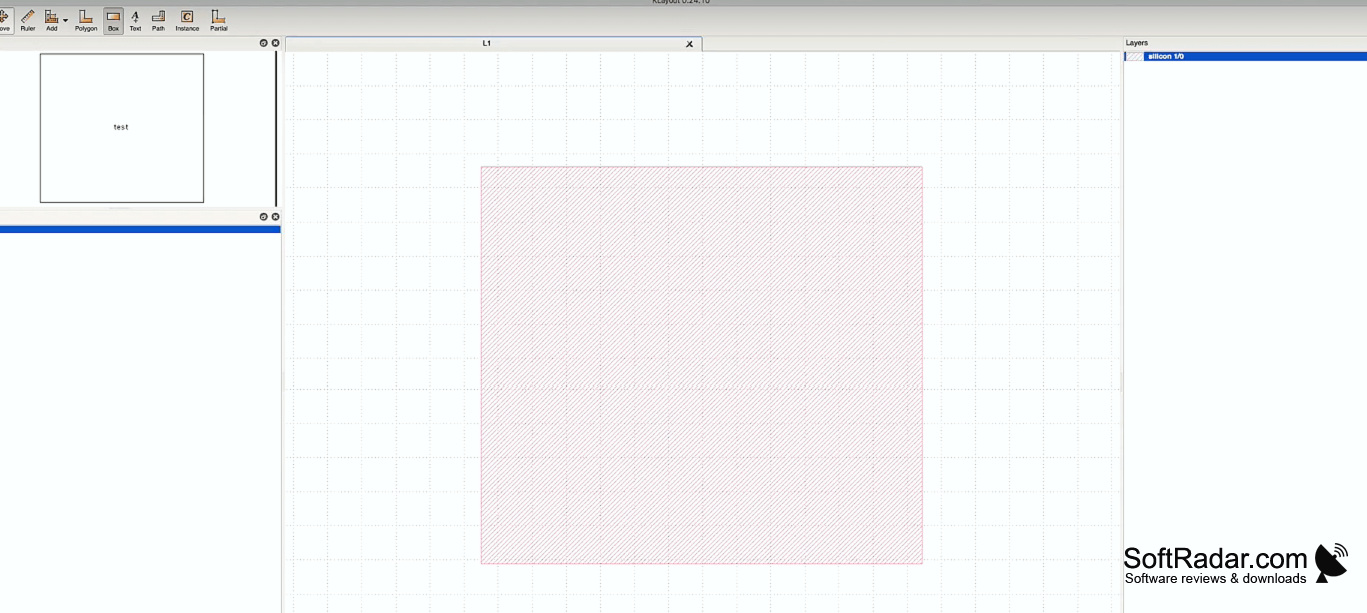
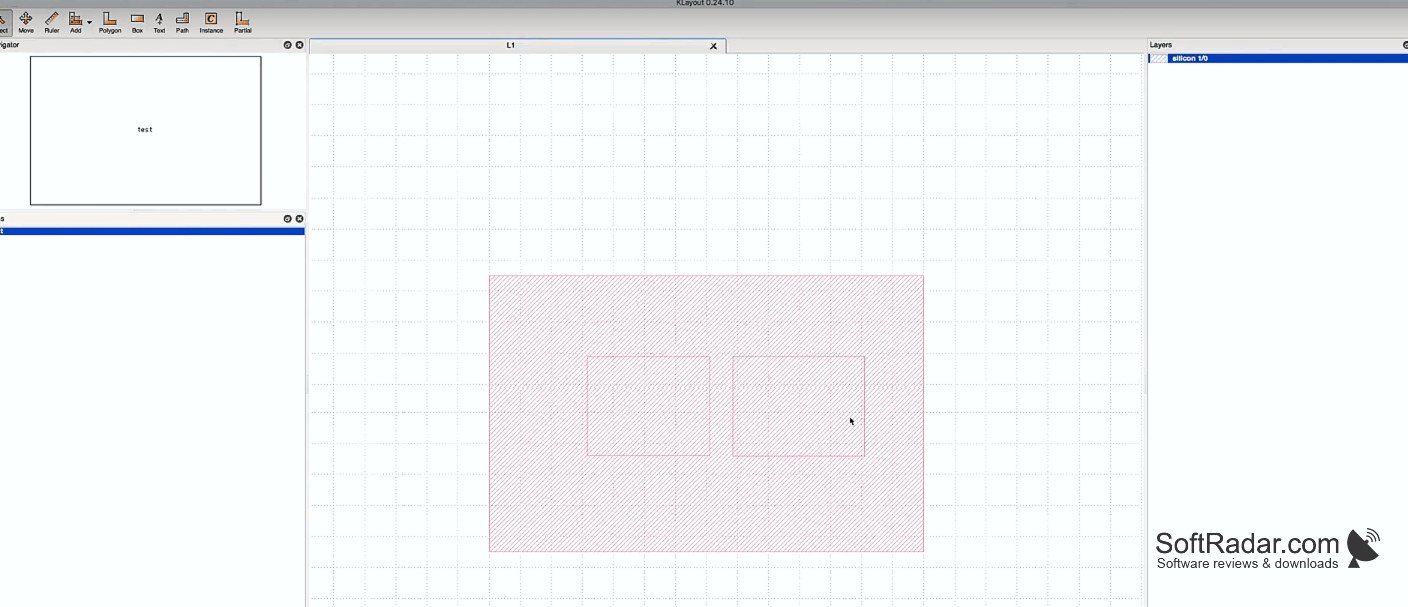
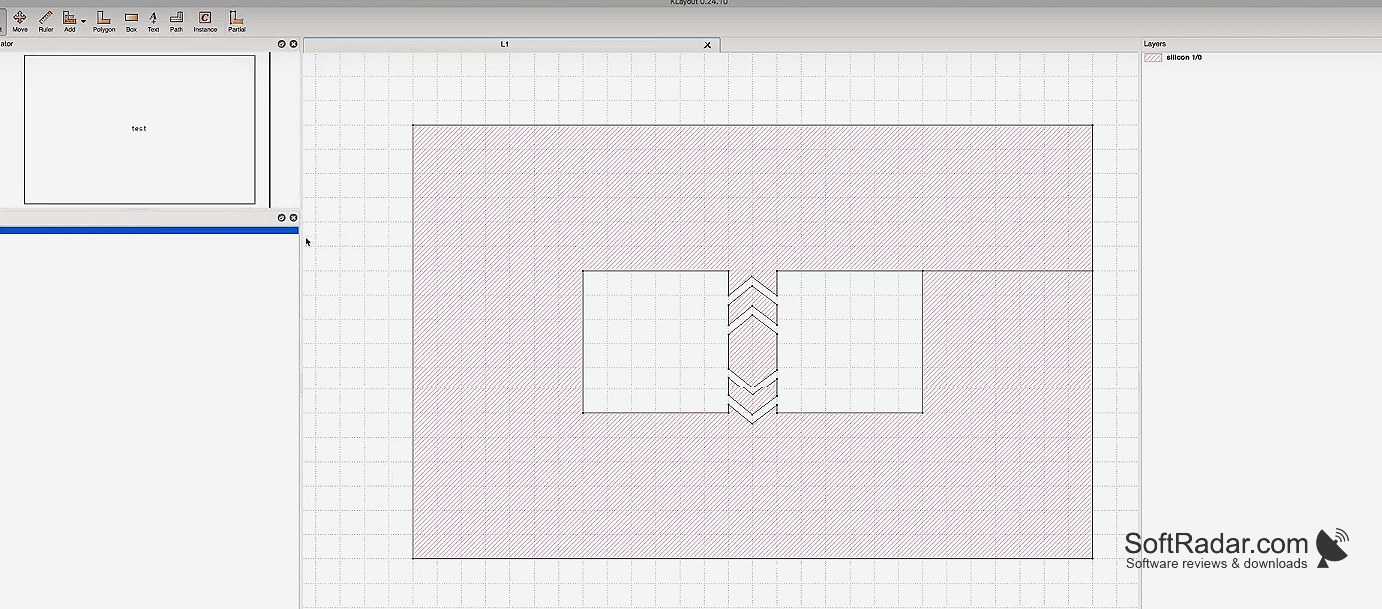
KLayout is an open source, cross-platform layout viewer and editor for semiconductor photomasks developed by the KLayout Team. It supports a wide range of design rules and technologies, including standard-cell, analog, RF, and mixed-signal ICs. It also includes powerful routing tools and a complete set of image processing tools. KLayout is available on Windows, Mac OS X, and Linux operating systems.
Features
• Cross-platform: KLayout works on Windows, Mac OS X, and Linux operating systems.
KLayout allows for efficient, powerful and intuitive layout design.
• Powerful design rule checking (DRC): KLayout provides a full set of design rule checks, including rules for standard-cell, analog, RF, and mixed-signal ICs.
• Advanced routing tools: KLayout includes a powerful router that allows users to easily create complex layouts.
• Image processing tools: KLayout includes a complete set of image processing tools that allow users to manipulate images, such as zooming and rotating.
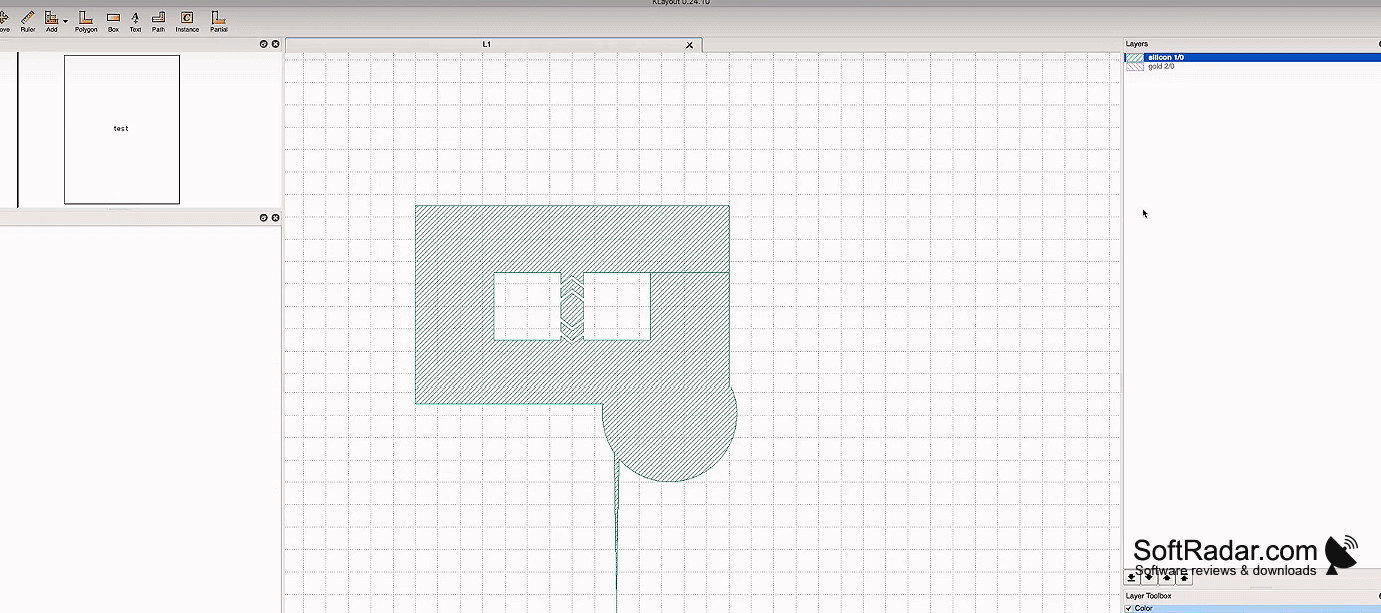
• Layer support: KLayout supports up to 32 layers, including layers for electrical, physical, and artistic elements.
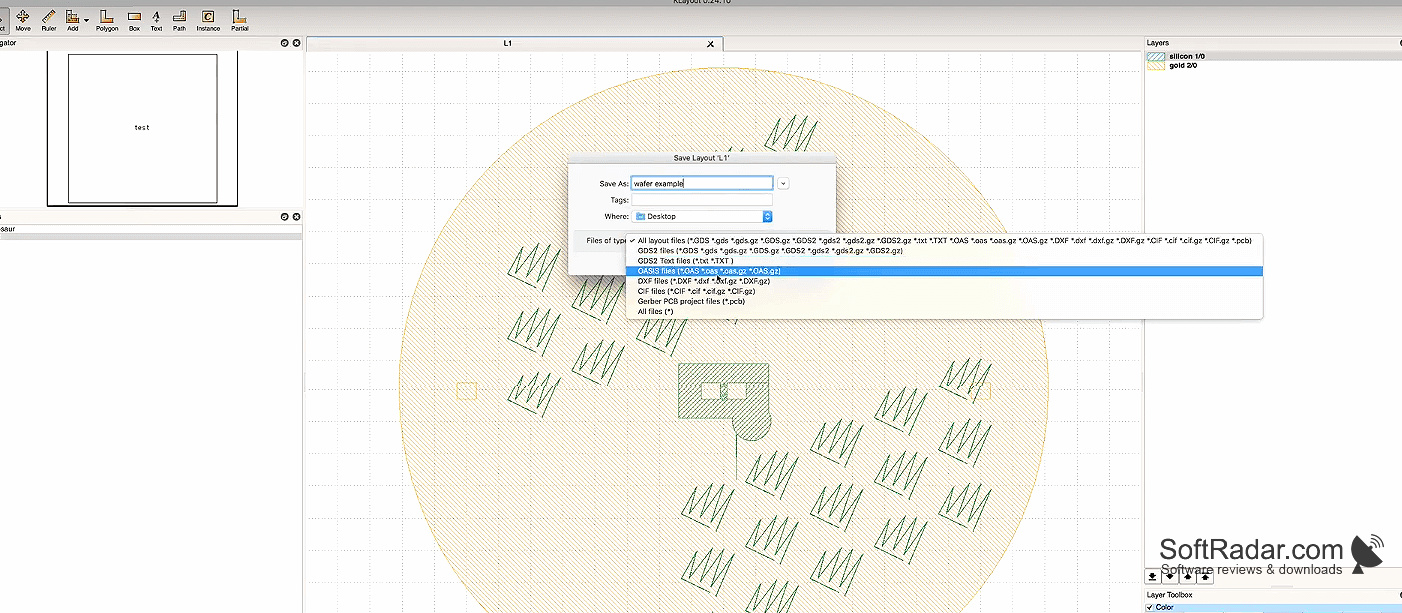
• File format support: KLayout supports a wide range of file formats, including GDS, OASIS, DXF, and Gerber.
• Scripting support: KLayout includes a scripting interface for creating custom scripts for automating design tasks.
• Batch processing: KLayout includes a batch processor for automating design tasks.
• User-friendly interface: KLayout includes a user-friendly interface that makes it easy to use and learn.
• Open source: KLayout is open source and free to use.
• Active development: KLayout is actively developed and maintained by the KLayout Team.
PROS
Supports a variety of file formats.
Includes an extensive set of design rule checks.
CONS
Limited documentation and tutorials available online.
Occasional performance issues with complex designs.