
VoiceMeeter Banana
VoiceMeeter Banana lets Windows users combine and direct sound from microphones, applications, and other devices. It suits streaming, recording, and setups with several audio sources.
Operating system: Windows
Publisher: Vincent Burel
Release: VoiceMeeter Banana 2.1.3.0
License: Free
Antivirus check: VirusTotal report
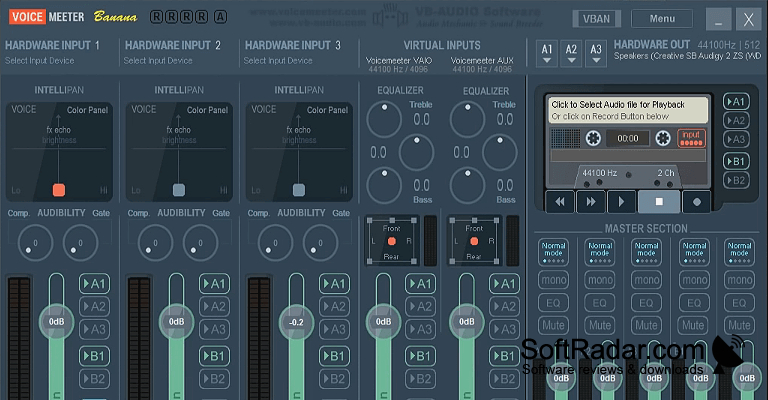
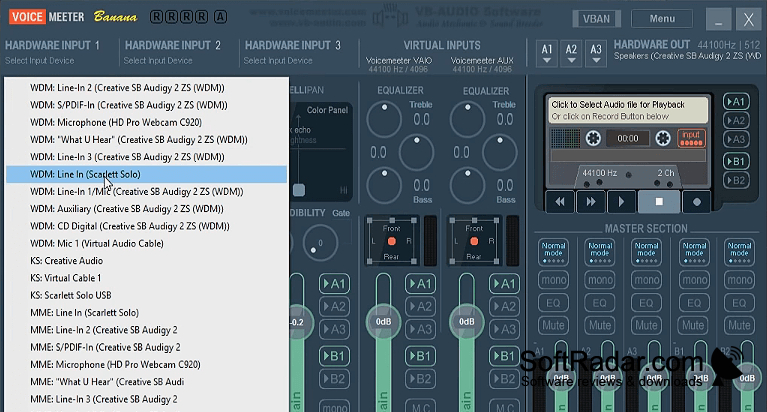
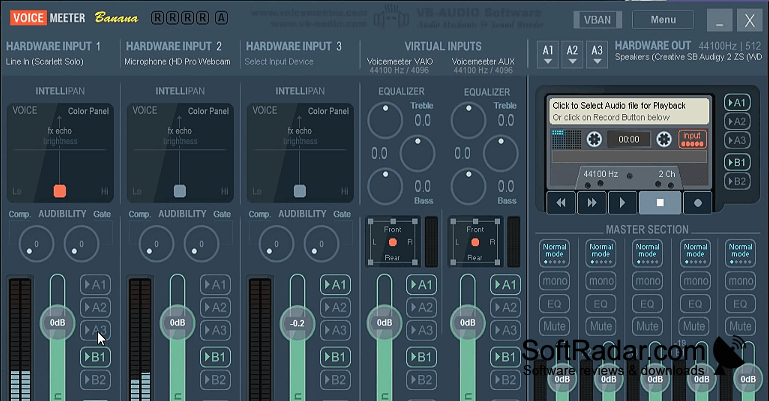
VoiceMeeter Banana brings microphone, application, and device sound into one mixer on a Windows PC. Streamers can keep speech and desktop audio on separate controls, while musicians can manage instruments alongside software playback. It also suits recording or calls where several sources need different volume settings or must reach different speakers, headphones, or applications.
Send sound from several devices and applications to the outputs you choose without adjusting each source separately.
The mixer provides three inputs for connected equipment and two for software audio, with controls for levels and output assignments. Channel settings include equalization, compression, limiting, and gating. It can handle stereo or multichannel signals, capture audio as WAV or MP3 files, and accept commands from MIDI controllers. ASIO compatibility and stored configurations provide options for setups that change between tasks.
Features:
- Route microphone and application audio independently
- Adjust channel tone and dynamics
- Record mixes to WAV or MP3
- Control mixer functions through MIDI
- Connect with ASIO audio applications
- Store and recall mixer configurations
PROS
Built-in compression and gating help control microphone audio.
Saves complex routing setups for quick reuse.
CONS
Audio glitches may require buffer adjustments.
