Livewire
Livewire is a Windows program for designing electronic circuit diagrams and simulating how the circuits work.
Operating system: Windows
Publisher: New Wave Concepts Limited
Release: Livewire 1.20
Antivirus check: VirusTotal report
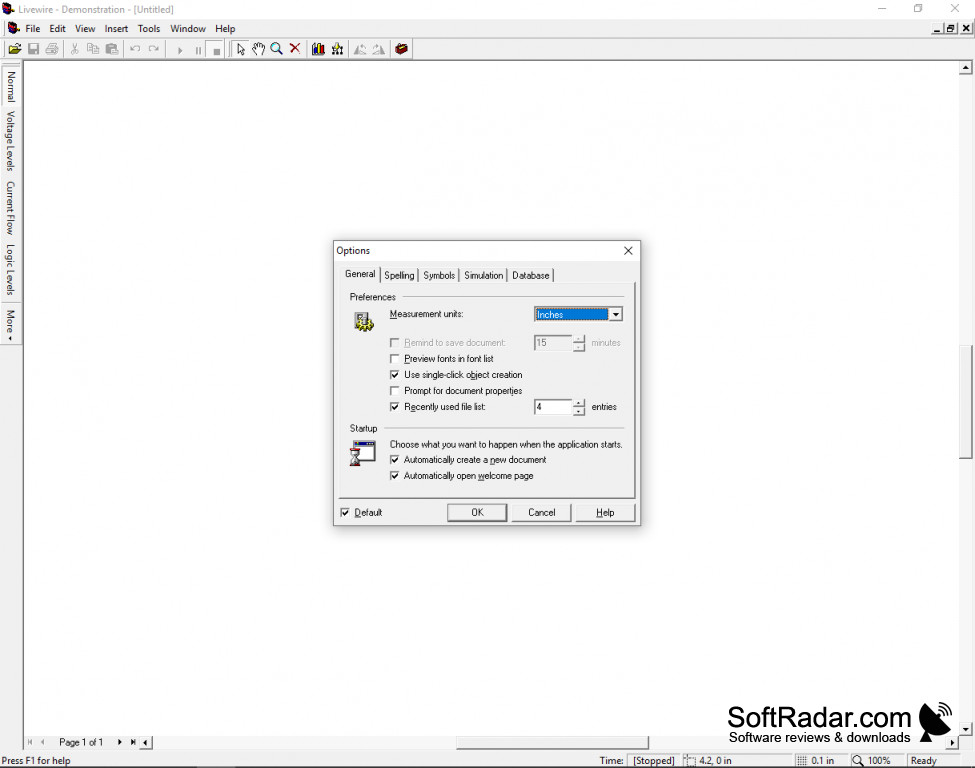
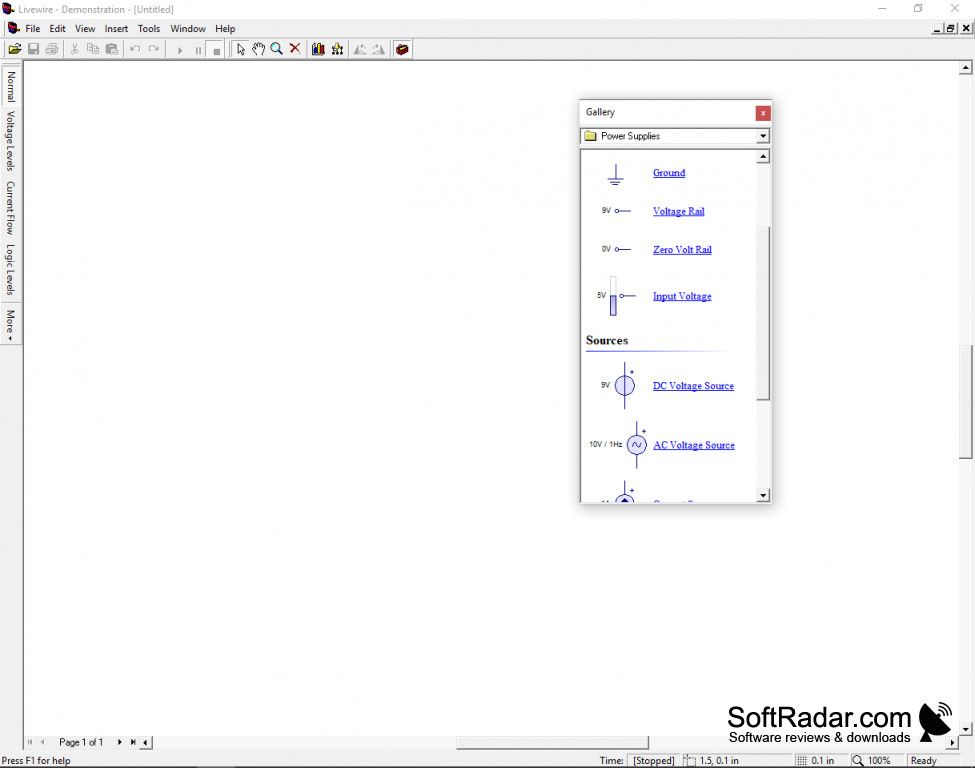
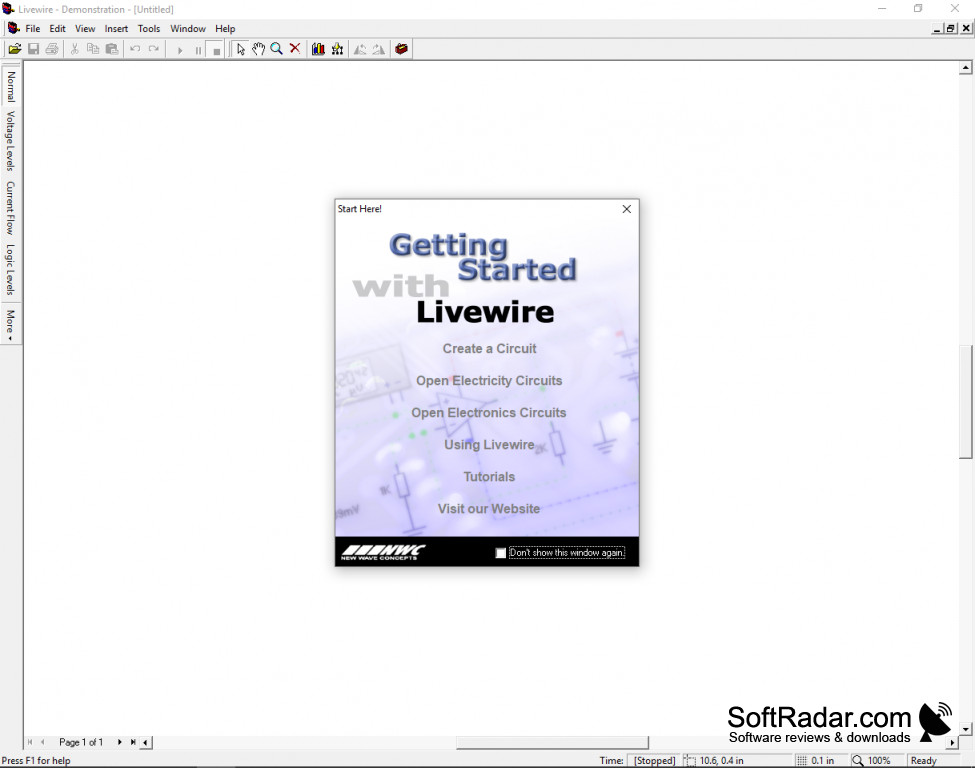
Livewire is an educational and design program from New Wave Concepts for anybody interested in learning about electricity and circuitry. It allows you to draw a circuit diagram on your computer and then simulate it to see whether it works as intended.
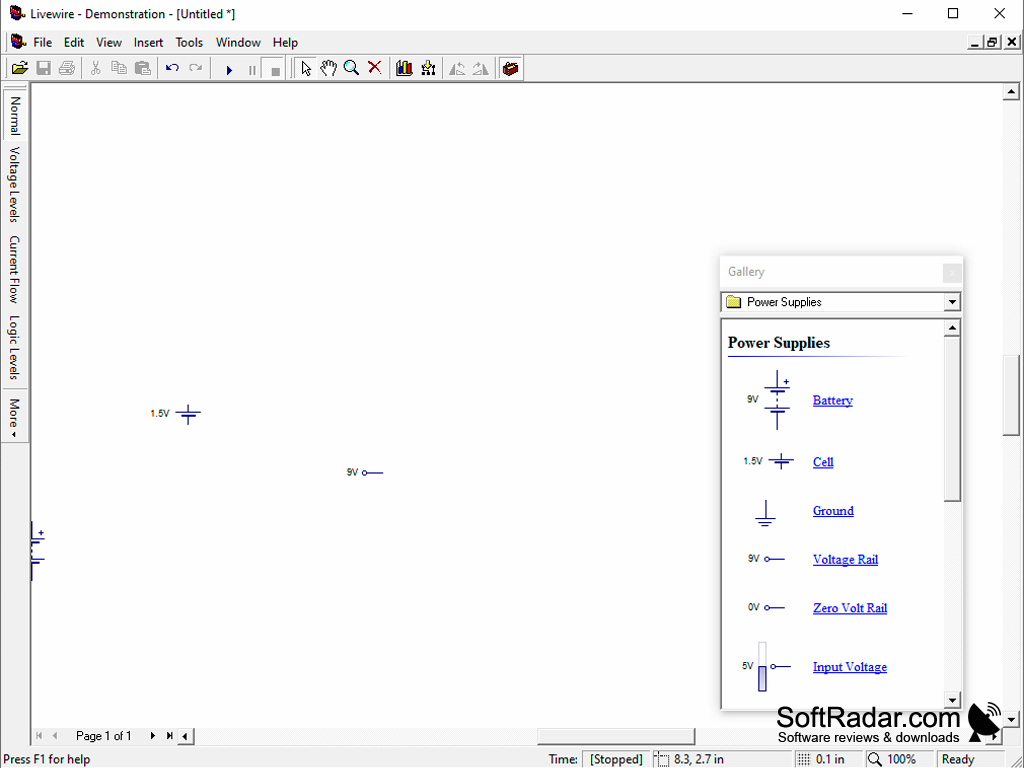
Livewire lets you create fairly complicated systems consisting of switches, transistors, diodes, integrated circuits, among hundreds of other available components. Once you've created your system you can simulate running it to see how it performs. On-screen animation shows current flow, voltage levels and logic levels, and components that are pushed beyond their ratings are shown being destroyed. Livewire allows you to zoom in up to 1000% so you will be able to get a very clear view of any issues that may be occurring.
This saves time and energy, since you can create and troubleshoot the entire circuit on screen rather than having to build it in the real world and then possibly tear it down or move pieces around depending on the severity of the error.
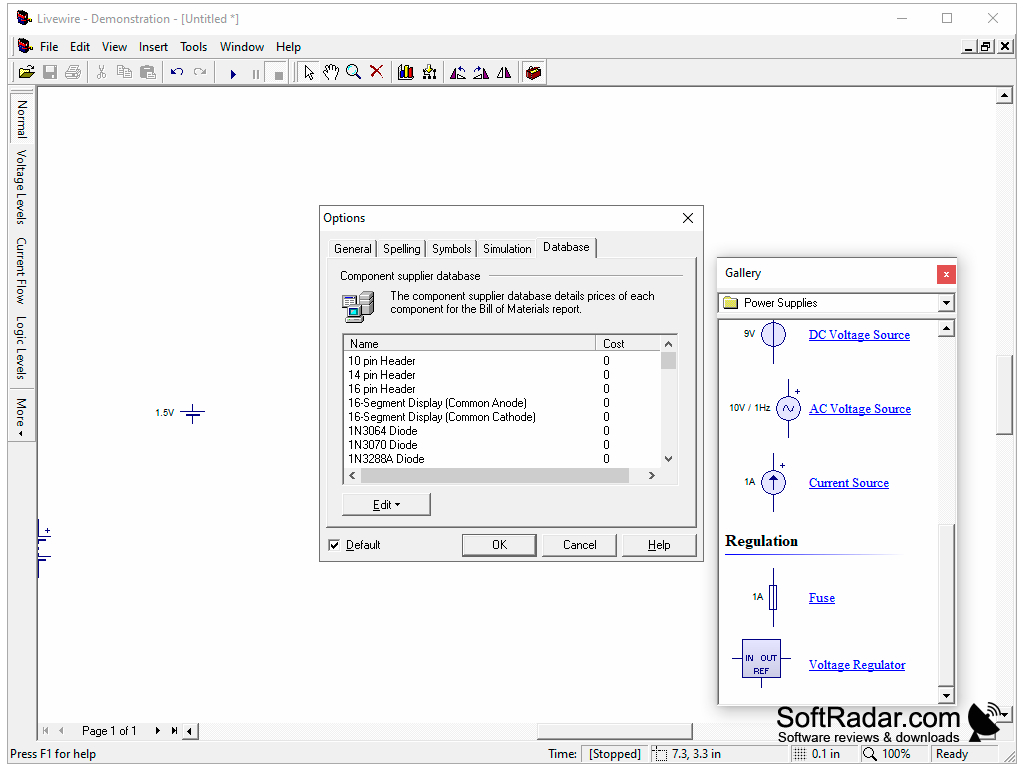
The Standard edition includes about 500 component models and the Professional edition more than 1,500, with virtual instruments such as an oscilloscope and a multimeter (the Professional edition adds a logic analyzer, a function generator and a word generator). With PCB Wizard 3 installed, a Livewire circuit can be converted into a PCB layout.
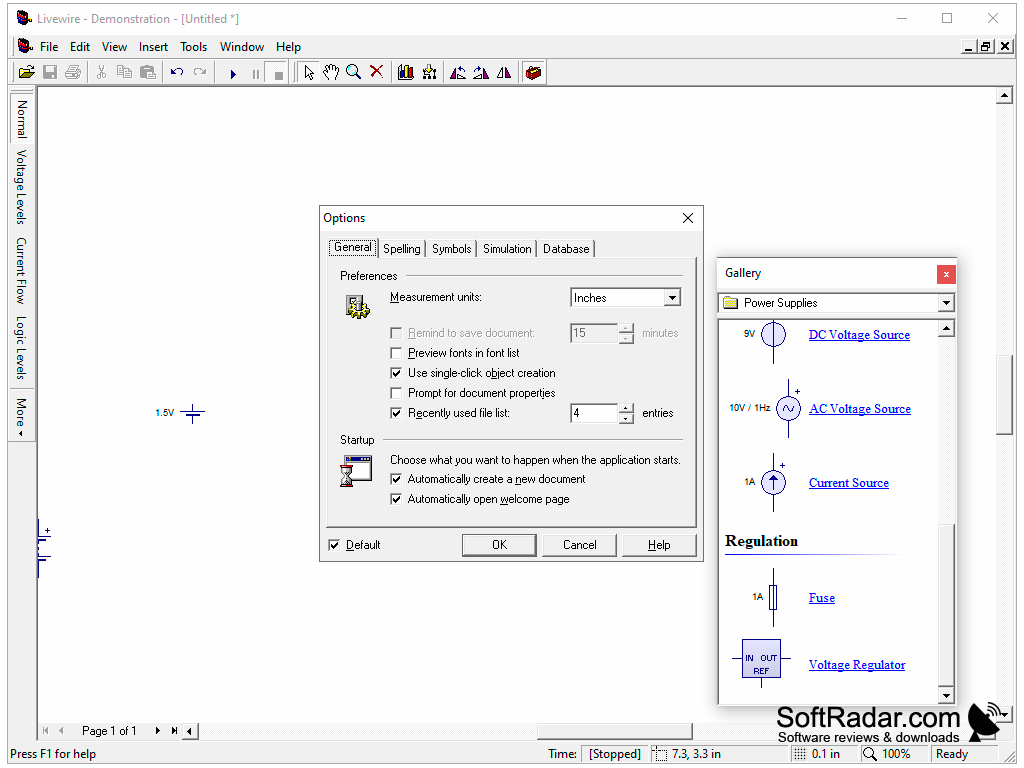
Livewire comes with a Getting Started window, tutorials and free courseware so you can get a full understanding of how circuits work. It even comes with examples of prebuilt electricity and electronics circuits which you can adapt to your needs to further simplify the whole process.
Livewire lets you build and test circuits on screen before assembling them, with animated current flow and voltage levels.
x86 processor
64 MB RAM (128 MB recommended)
10 MB of disk space
VGA or higher-resolution monitor
PROS
Animates current flow and voltage levels.
Large library of real-world component models.
CONS
No Mac or Linux version is available.
The Standard edition lacks some virtual instruments.


