
MADRIX
MADRIX is a powerful and intuitive lighting control software for professionals.
MADRIX 5
MADRIX 5 is a powerful and intuitive software for creating and controlling dynamic lighting systems. It enables users to quickly and easily create stunning visuals from a variety of light sources, including LED panels, moving heads, and conventional lighting. MADRIX 5 provides a comprehensive set of features for creating, programming, and controlling lighting systems, making it ideal for use in a variety of applications including entertainment, live events, and architectural lighting design.
Madrix allows users to easily design and control LED lighting effects with intuitive software and reliable hardware.
Features
MADRIX 5 offers a comprehensive set of features for creating and controlling dynamic lighting systems. These include:
• Real-time 3D Visualization: MADRIX 5 provides a powerful 3D visualization system, allowing users to quickly and easily create stunning visuals from a variety of light sources.
• Multi-Device Control: MADRIX 5 allows users to control multiple devices simultaneously, making it ideal for use in large-scale lighting installations.
• Comprehensive Programming: MADRIX 5 provides a powerful set of programming tools, enabling users to quickly and easily create sophisticated lighting sequences.
• Art-Net Support: MADRIX 5 supports the industry-standard Art-Net protocol, allowing users to seamlessly integrate their lighting systems with existing systems.
• MIDI/OSC Support: MADRIX 5 supports both MIDI and OSC protocols, allowing users to integrate their lighting systems with a wide range of external devices.
• Standalone Mode: MADRIX 5 can be used in standalone mode, allowing users to quickly and easily create basic lighting sequences without the need for a computer.
• Networking: MADRIX 5 supports a variety of networking protocols, allowing users to control and monitor their lighting systems from any location.
• Visual Effect Library: MADRIX 5 includes a comprehensive library of visual effects, allowing users to quickly and easily create stunning visuals from a variety of light sources.
• Timeline-Based Programming: MADRIX 5 provides a timeline-based programming system, allowing users to quickly and easily create sophisticated lighting sequences.
• Modular Design: MADRIX 5 is designed to be modular, allowing users to easily customize their lighting systems to meet their specific needs.
• Support for Multiple Platforms: MADRIX 5 is available for Windows, Mac OS X, and Linux, allowing users to use the same software on multiple platforms.
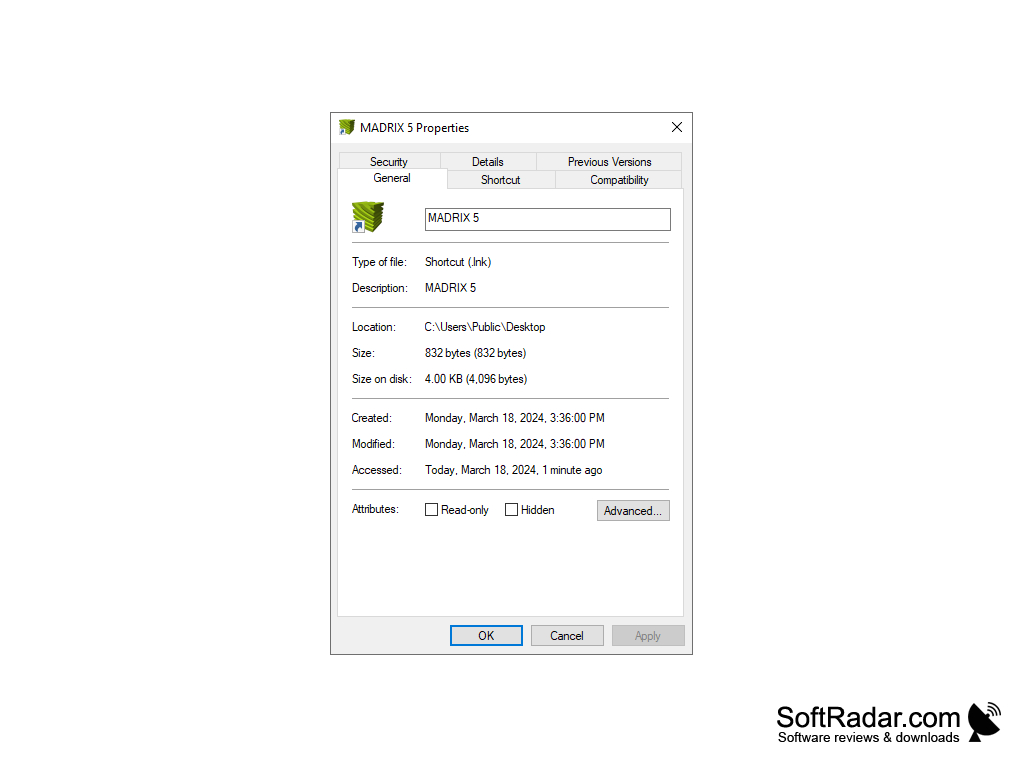
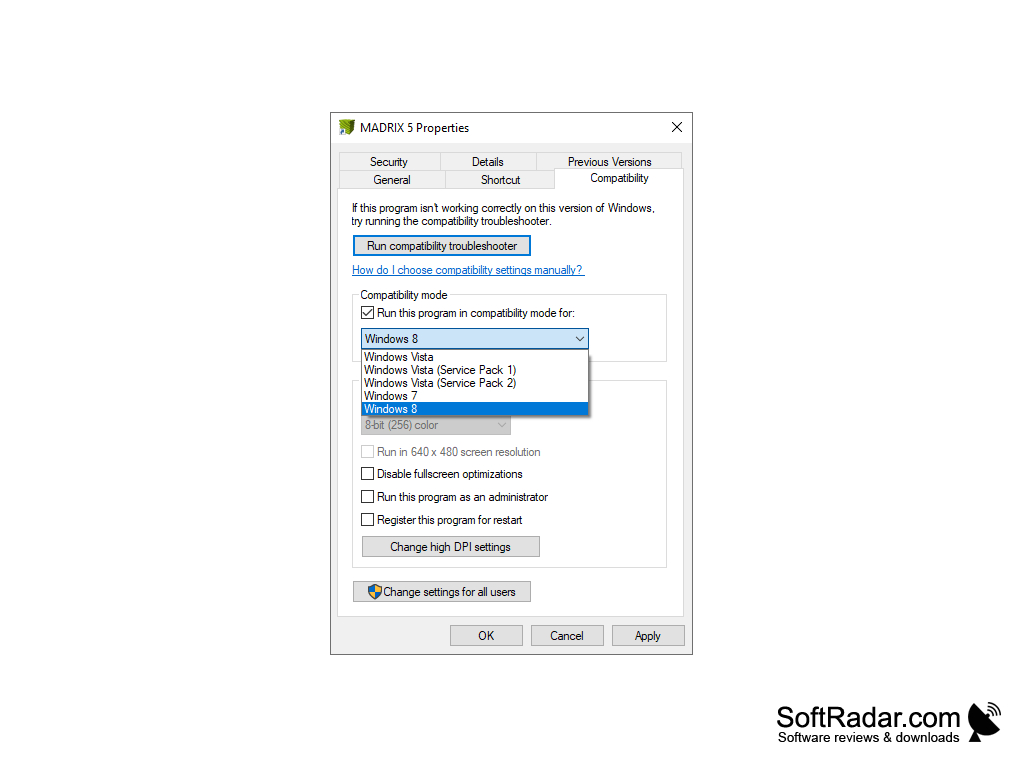
• Windows 7, 8, or 10 (64-bit)
• Intel Core i3 processor or equivalent
• 4GB of RAM
• 500MB of free disk space
• OpenGL 4.3 compatible graphics card
• Ethernet connection to MADRIX hardware
• USB port for MADRIX PLEXUS interface
PROS
User-friendly interface ensures easy operation.
Supports a wide range of lighting protocols.
CONS
Steep learning curve for beginners.
License cost can be prohibitive for small projects.


