
Mail PassView
Mail PassView is a free NirSoft tool that reveals passwords and account details stored by email clients on Windows.
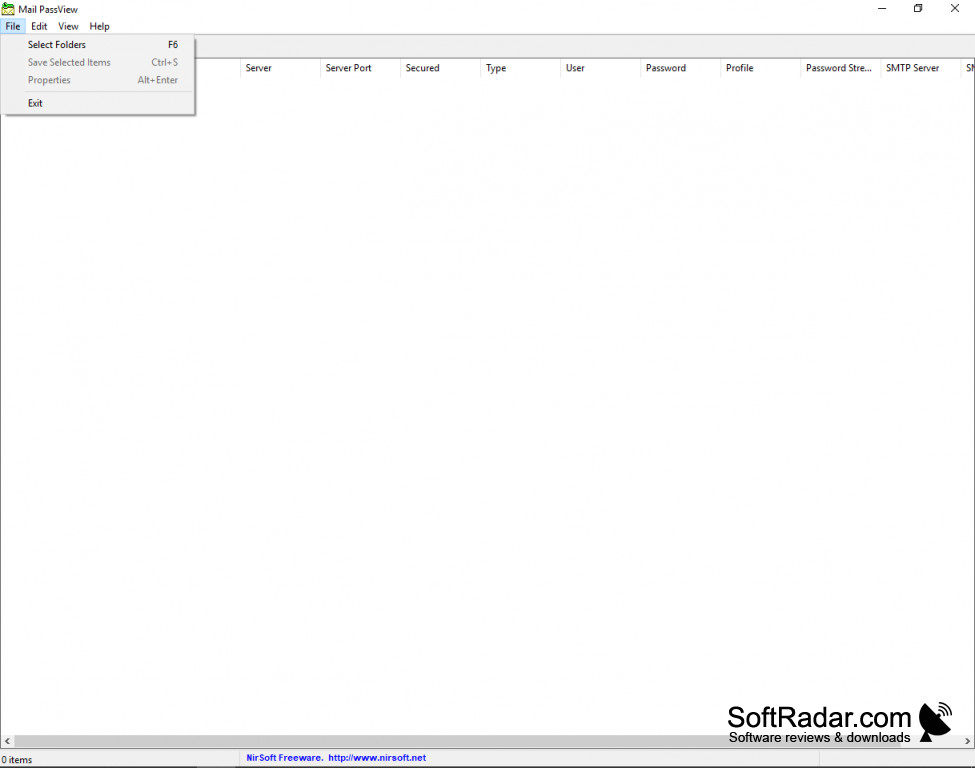
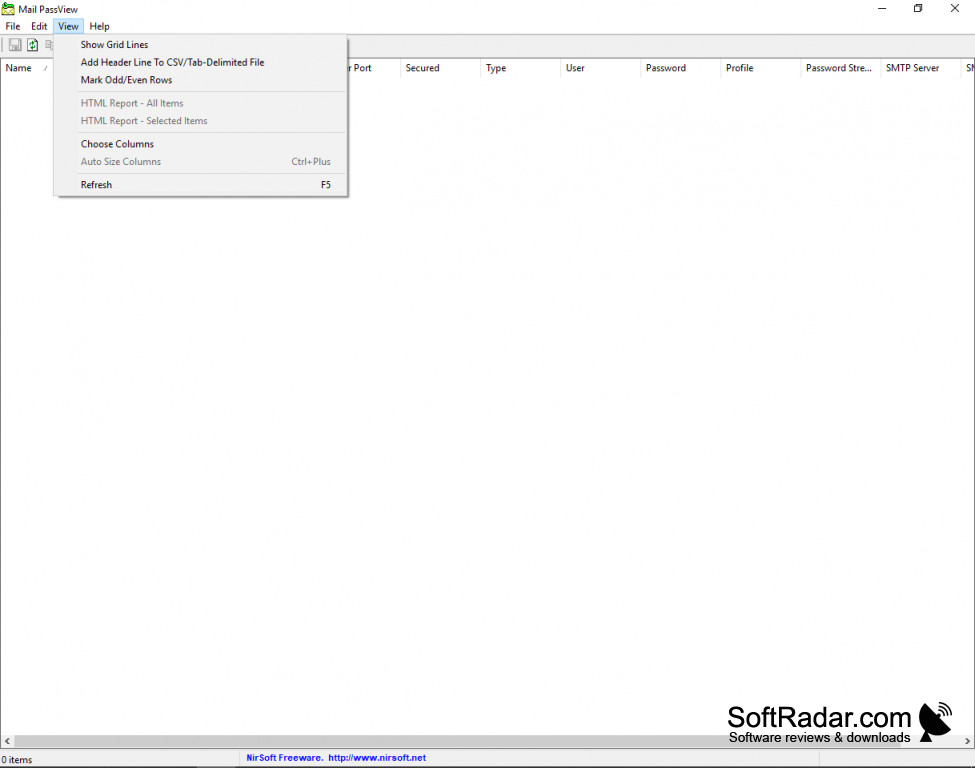
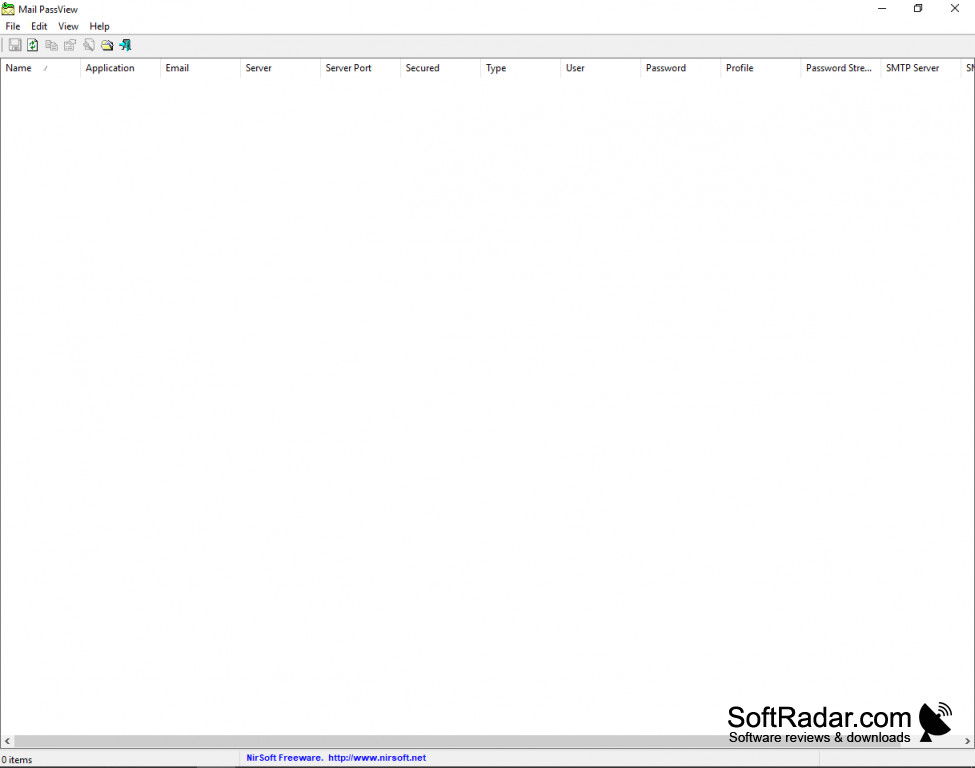
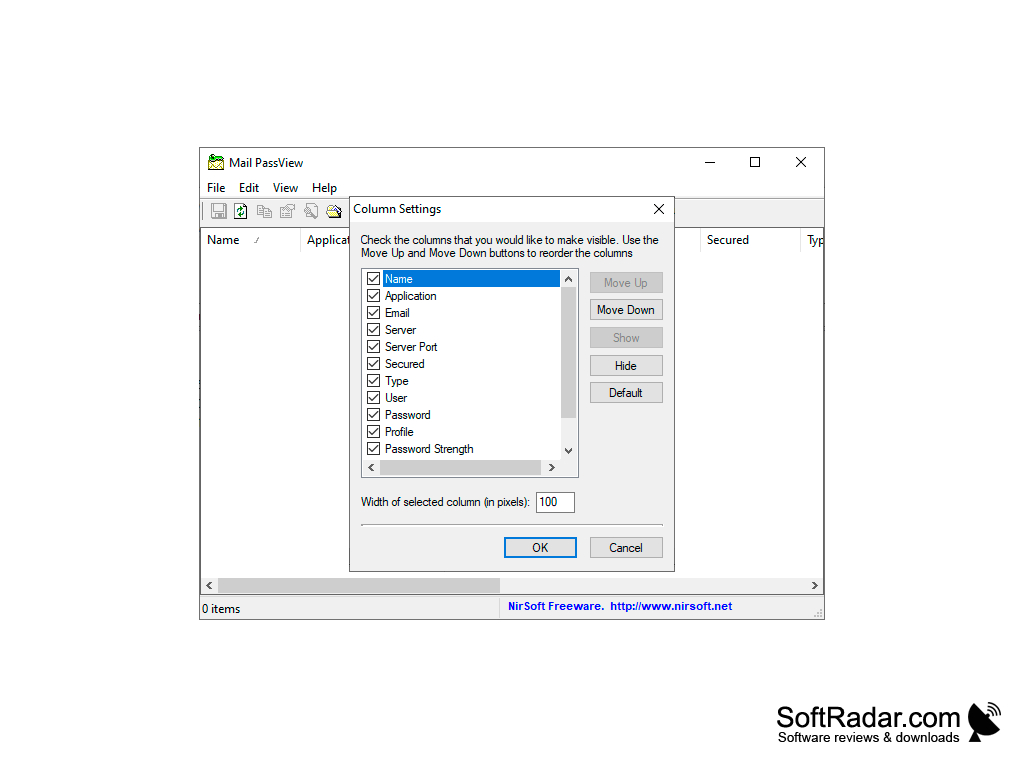
Mail PassView is a small password recovery tool from NirSoft for Windows users. It is simple, easy, and free to use. Simply download and run the program and you will recover usernames, passwords, and other important account details with no extra work from you. No installation is needed; however, this is a password recovery program and some antivirus programs will falsely flag it as a threat. There is no need to scan your computer, and after launch everything is automatic. After the program has run, you see a display of all account information from email clients that are compatible. Mail PassView works with Outlook, Outlook Express, Windows Mail, Windows Live Mail, Thunderbird, IncrediMail, Eudora and more, and it can read Gmail, Yahoo! and Hotmail passwords stored by their notifier applications. For each account you see the account name, email, server, server type (POP3, IMAP or SMTP), user name, and password. Mail PassView also offers a Copy Password command (Ctrl+P) that copies a password right from the PassView interface. You can save the selected items to a text, HTML, CSV or tab-delimited file, or export them for KeePass, so you'll never lose a password again. The best part about it, it's freeware!
Features:
- Free and easy to use.
- Offers user the ability to save passwords to a text, HTML or CSV file.
- Compatible with many popular email clients.
- No installation needed.
Mail PassView recovers lost email account passwords from Outlook, Thunderbird, Windows Mail and other email clients.
Remembering every password is hard, and with technology constantly changing it's easy for them to get lost in the shuffle. Mail PassView runs on Windows from Windows 98 up to Windows 10, with a separate 64-bit build, and works quickly to gather forgotten usernames, passwords, or other account details from many email clients. It even makes it easy to save the passwords it recovers to a simple text file. Mail PassView works well for all levels of computer skill and is made easy to use. The tool is still maintained by NirSoft, with the latest update released in December 2025.
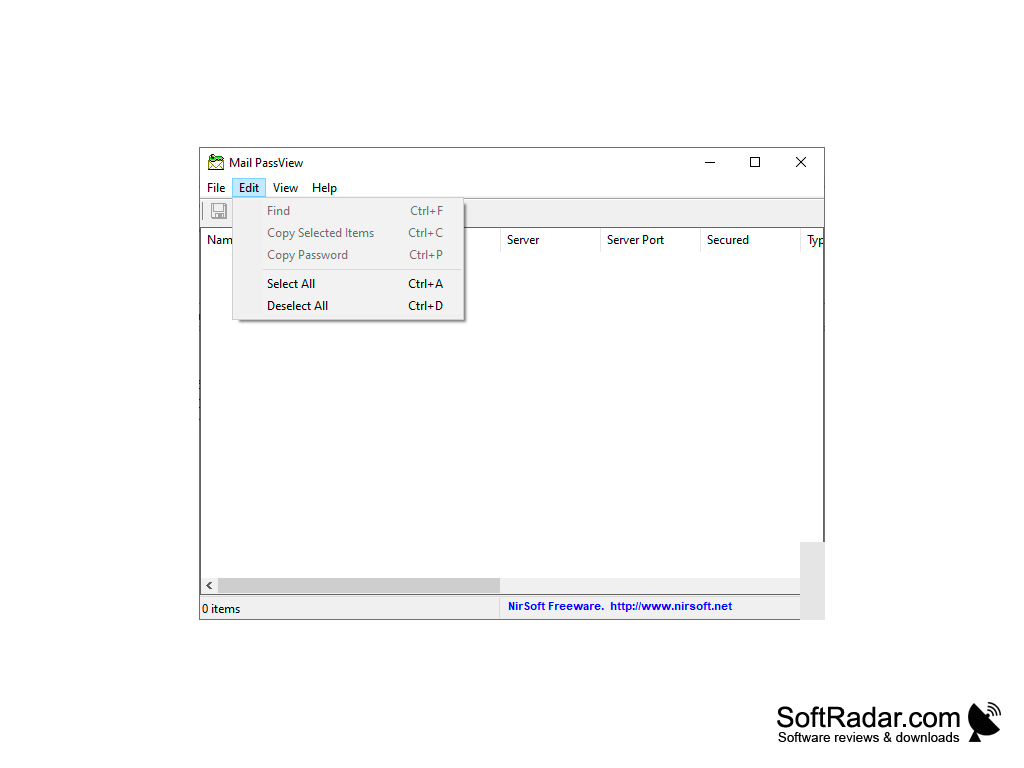
Separate 64-bit build for x64 Windows
PROS
Supports a variety of email clients.
Very user-friendly and requires no technical knowledge.
CONS
Does not support all email programs.
Webmail passwords are found only via notifier programs.