
MiniTool Video Converter
MiniTool Video Converter helps Windows users change video and audio formats, handle several files together, and save media from YouTube.
Operating system: Windows
Publisher: MiniTool Solution Ltd.
Release: MiniTool Video Converter 5.0.0
Antivirus check: VirusTotal report
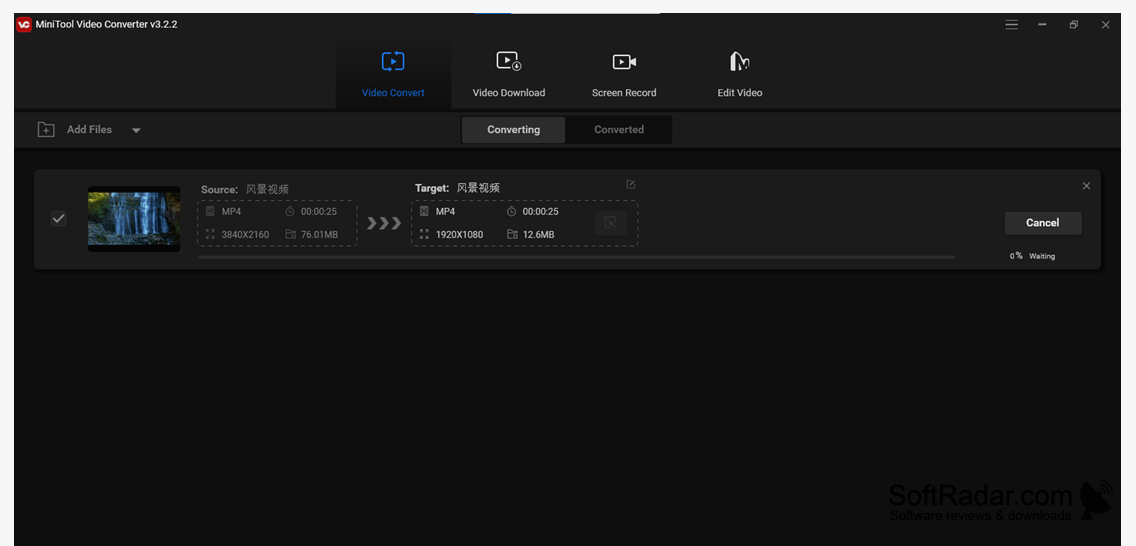
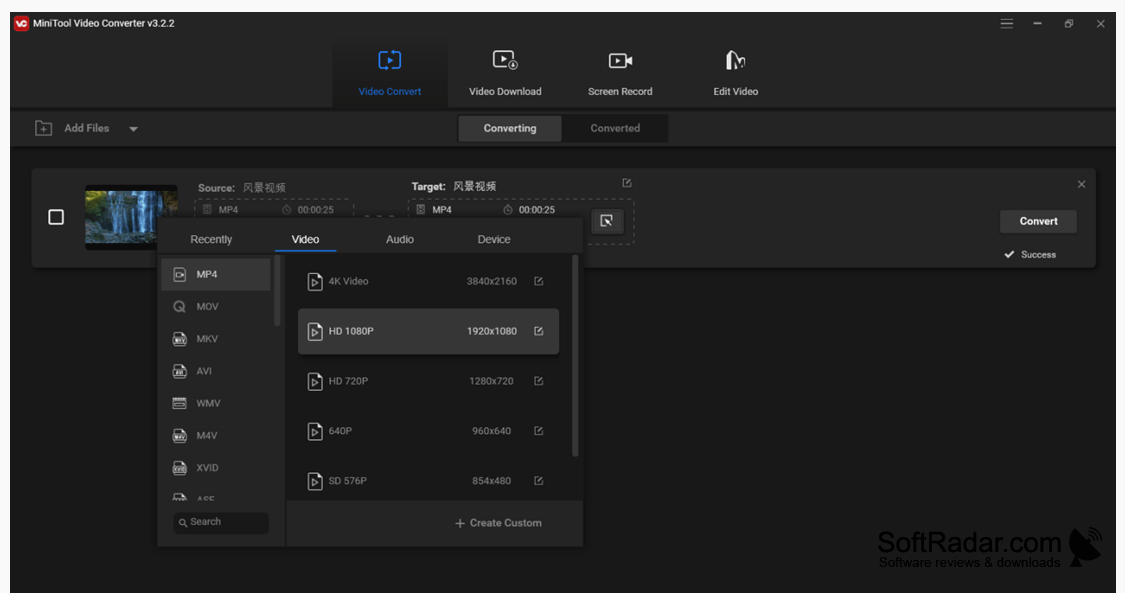
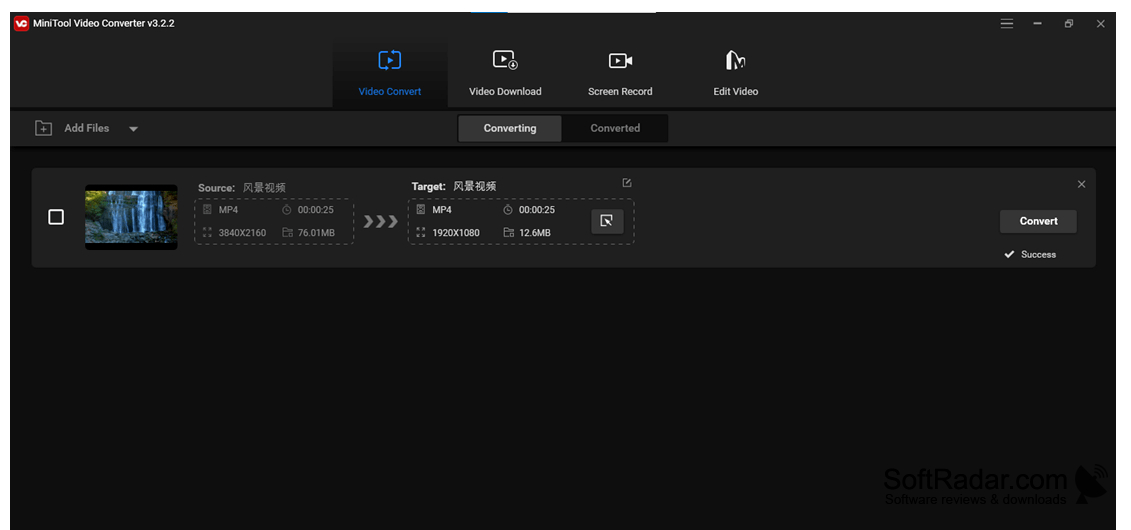
MiniTool Video Converter is a Windows utility for people who need media files in a different format for playback, sharing, or use in another application. It works with video and audio, including tasks that extract sound from a video or turn an audio file into a video file. It can also retrieve material from YouTube.
Convert several media files in one run, choosing a different output format for each file when needed.
Import files, choose an output format and folder, then start the conversion. You can queue multiple items and apply one format to the group or make individual choices. Available outputs include common video containers and audio file types, and you can adjust output quality. The YouTube tool can save videos, audio, playlists, and subtitles.
Features:
- Change video files to other formats
- Extract sound from video files
- Convert several files in one run
- Choose formats for individual queued files
- Adjust the quality of converted files
- Save YouTube videos, playlists, and subtitles
PROS
Supports many video and audio output formats.
Downloads YouTube videos and extracts their audio.
CONS
YouTube downloads may fail after site changes.


