
Inviska MKV Extract
Inviska MKV Extract lets Windows users save individual tracks, attachments and metadata from MKV and MKA files, including content from several files at once.
Operating system: Windows
Publisher: Inviska
Release: Inviska MKV Extract 11.0
Antivirus check: VirusTotal report
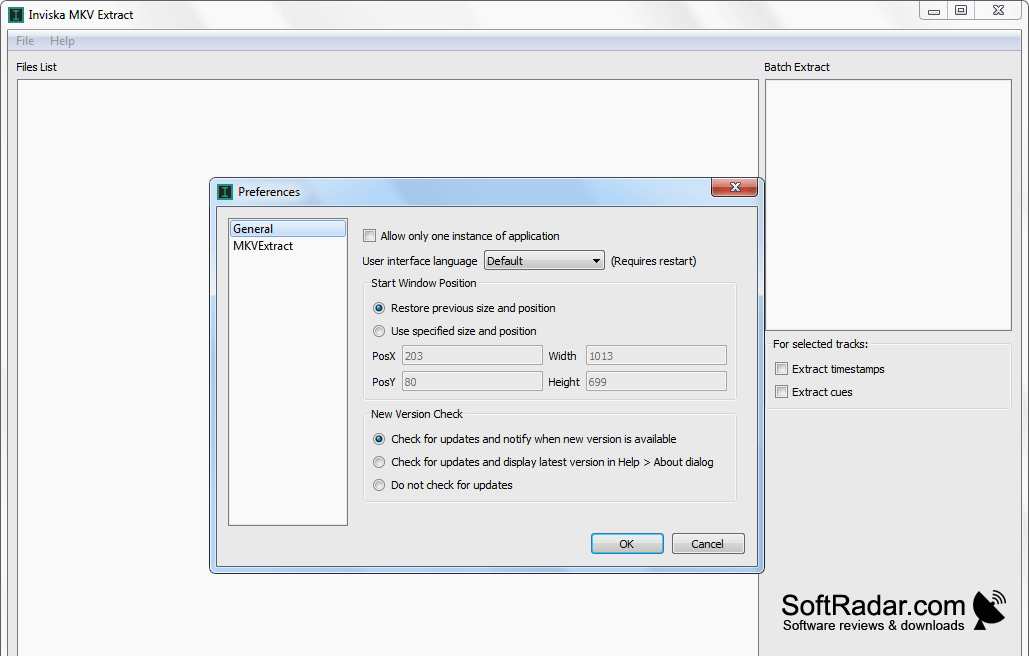
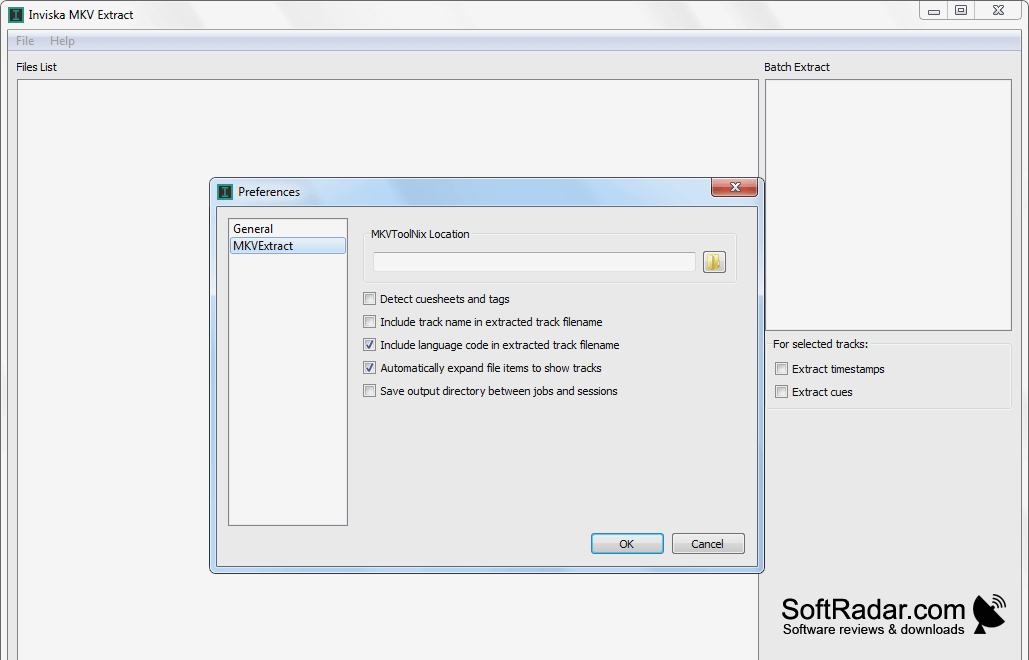
Inviska MKV Extract helps Windows users save selected content from MKV and MKA containers without saving every component. It is useful when a subtitle needs to be kept separately, an audio stream is needed on its own, or embedded fonts and images must be retrieved. It can also save chapter information and other metadata.
Select the components you need and save them from multiple files in one job.
Files can be dragged into the window or added through the file menu. The interface lists available components, with track languages, track names and attachment filenames to help identify what to save. Users can choose a destination folder or place output beside the source file. For several files, the same component choices can be applied in one job, with indicators showing its progress.
Features:
- Save video, audio and subtitle streams separately
- Retrieve embedded fonts and other attachments
- Apply component choices across multiple files
- View track languages and attachment filenames
- Choose a folder for saved content
- Save chapters, tags, cues and timestamps
Requires MKVToolNix for extraction
PROS
Track languages and names simplify subtitle selection.
Extracts attachments, chapters, tags, and timestamps.
CONS
Cannot extract codecs unsupported by MKVToolNix.


