
XRECODE
XRECODE converts audio between common formats for Windows users who need to prepare tracks for different devices or organize a music collection.
Operating system: Windows
Publisher: XRECODE Team
Release: XRECODE 1.193
Antivirus check: VirusTotal report
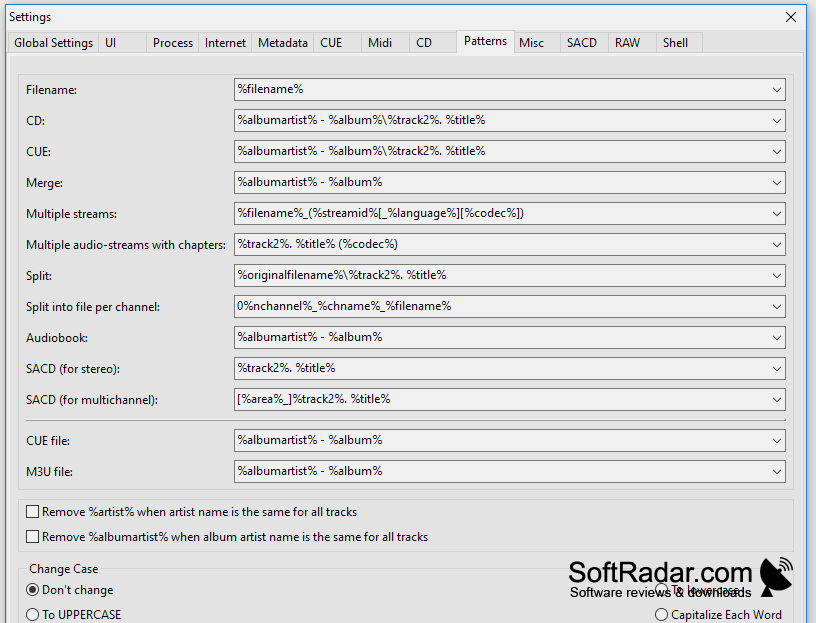
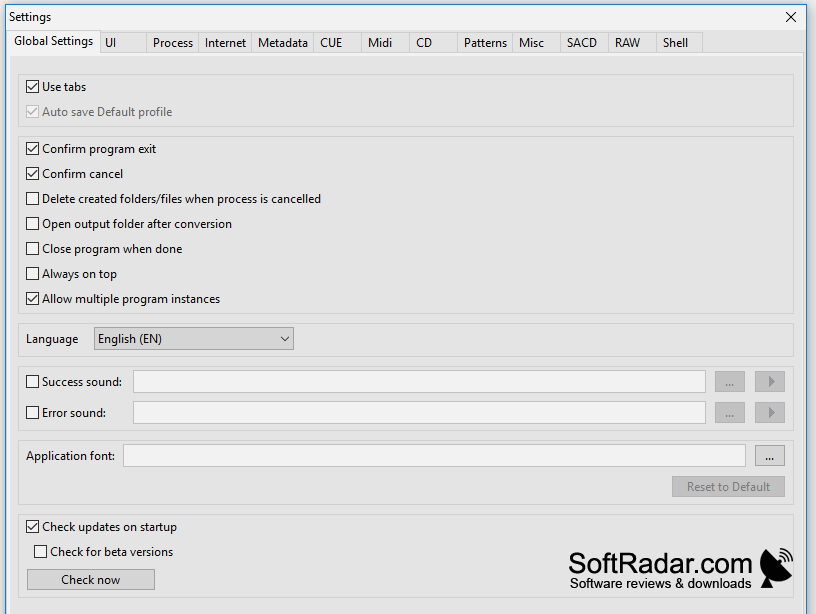
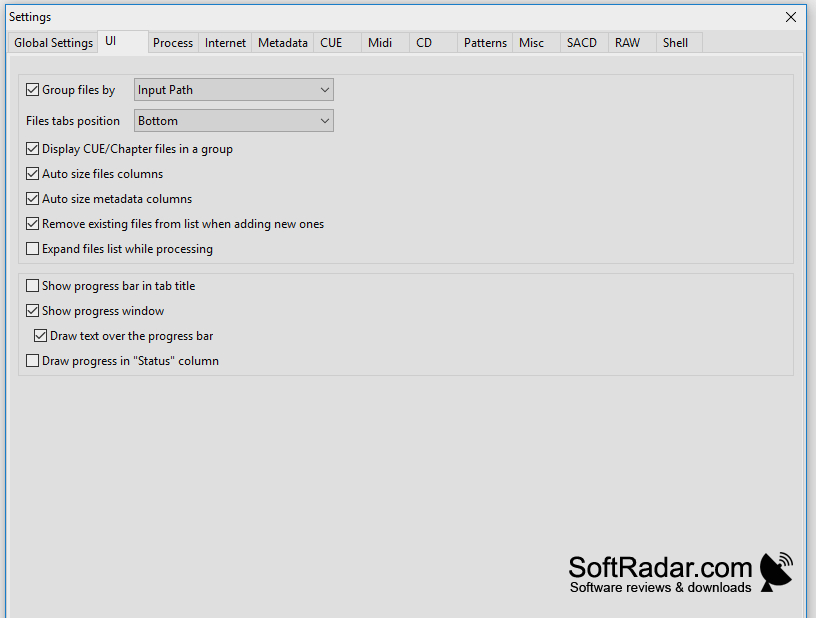
XRECODE converts recordings between common audio file types on Windows. It is useful when preparing music or spoken-word tracks for a device that needs a different format, or when bringing a collection into a consistent format. It can also save the soundtrack from a video file as a separate audio file.
Convert groups of recordings while keeping track information and artwork available for editing.
Files and folders can be added by dragging them into the window. Before conversion, users can choose settings such as bit rate, sample rate and channel layout. The program can handle several files at once, edit tags and cover art, and divide long recordings into tracks using CUE information or detected pauses. Existing track information can be carried into the converted files.
Features:
- Convert between MP3, FLAC, WAV and other formats
- Process multiple recordings at the same time
- Extract soundtracks from supported video files
- Split recordings using CUE track information
- Divide audio at detected pauses
- Edit tags and cover art
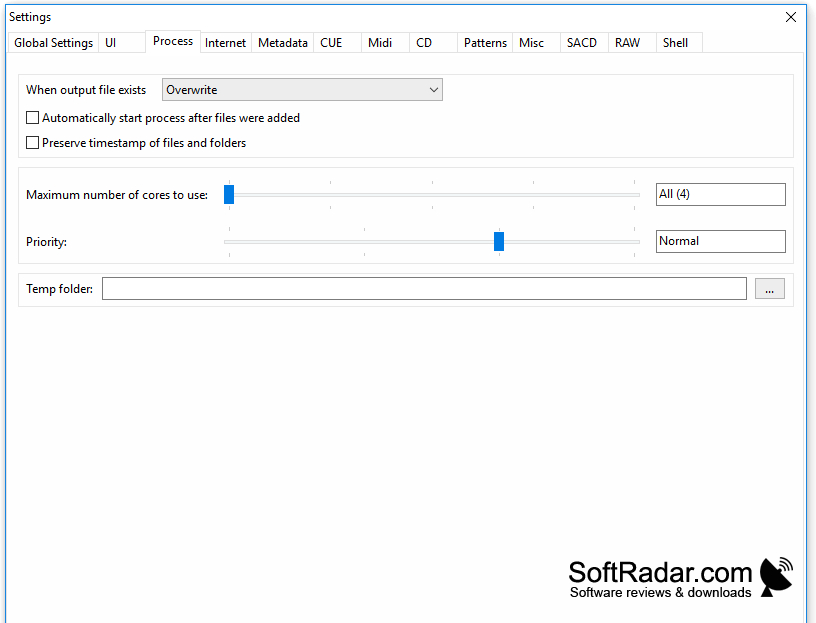
Available in 32-bit and 64-bit builds
PROS
Handles uncommon audio formats and CUE-based track splitting.
CONS
Trial reminders interrupt the conversion workflow.


