
MSI Command Center
MSI Command Center lets Windows users with compatible MSI motherboards check hardware readings and adjust processor, memory, and cooling settings from the desktop.
Operating system: Windows
Publisher: MSI
Release: MSI Command Center 3.0.1.03
Antivirus check: VirusTotal report
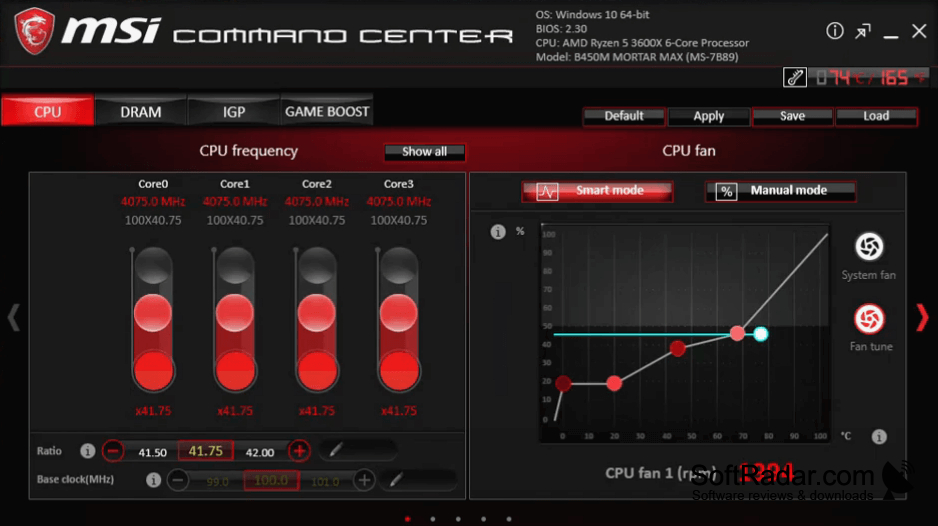
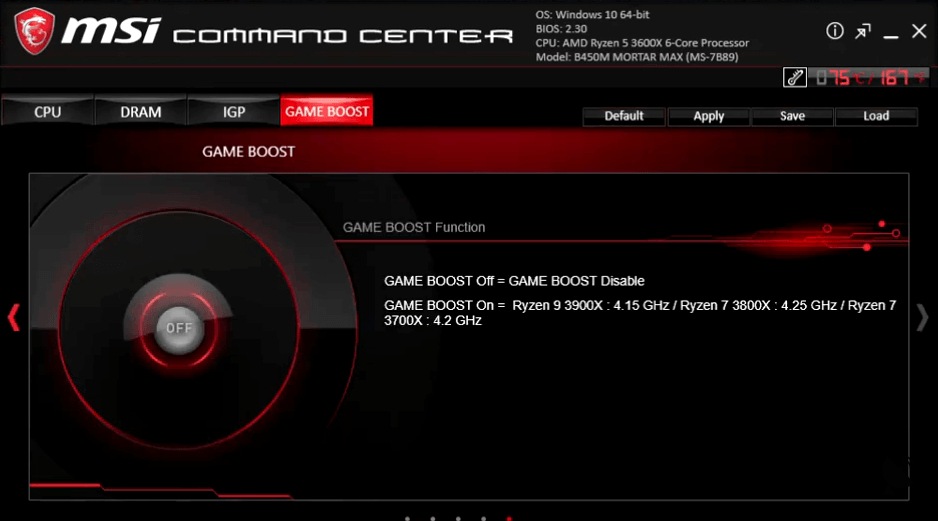
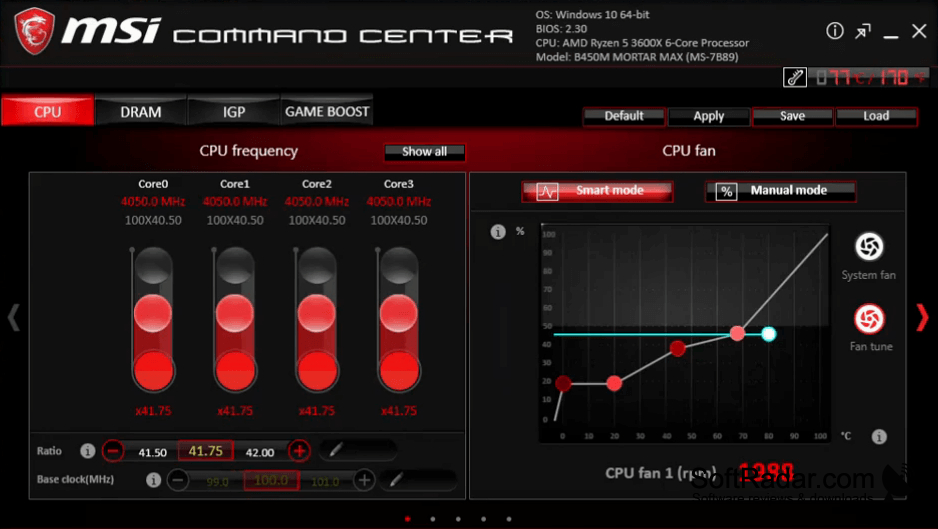
MSI Command Center is a desktop utility for people with compatible MSI motherboards who want to inspect their PC's operating conditions and change hardware settings without opening firmware menus. It can be used to check processor readings, review cooling activity, or tune a system for different tasks. Available controls depend on the motherboard and its supported components.
It brings motherboard readings and hardware adjustments together in one Windows interface.
The interface shows the speed of individual processor cores and provides controls for clock ratios, voltages, memory, and integrated graphics. Cooling options include direct fan adjustment and temperature-based fan behavior. Supported boards may also offer preset overclocking levels, lighting controls, and saved settings. On models with built-in Wi-Fi, users can connect a companion mobile app for remote control.
Features:
- View processor speeds and hardware temperatures
- Adjust processor and memory clock settings
- Set processor and memory voltages
- Configure manual or temperature-based fan operation
- Save and recall hardware settings
- Control supported boards through a mobile app
Compatible MSI motherboard required
PROS
Shows temperatures and fan speeds in real time.
Offers customizable CPU fan speed curves.
CONS
Settings sometimes reset after reboot or sleep.


