
MV RegClean
MV RegClean is a free registry cleaner for Windows that finds and removes invalid registry entries left behind by old programs.
Operating system: Windows
Publisher: Marcos Velasco Security
Release: MV RegClean 7.0
Antivirus check: VirusTotal report
MV RegClean is a free registry cleaner for Windows by Brazilian developer Marcos Velasco. It is used to find and remove invalid entries in the Windows registry that point to files and programs which no longer exist, entries that pile up as software is installed and uninstalled over time.
Features:
- Current releases run on 64-bit Windows 10 and Windows 11
- Thoroughly scans the registry for invalid keys and lists every problem found
- Lets you select which of the found entries are removed
- Removes only registry entries and never deletes files
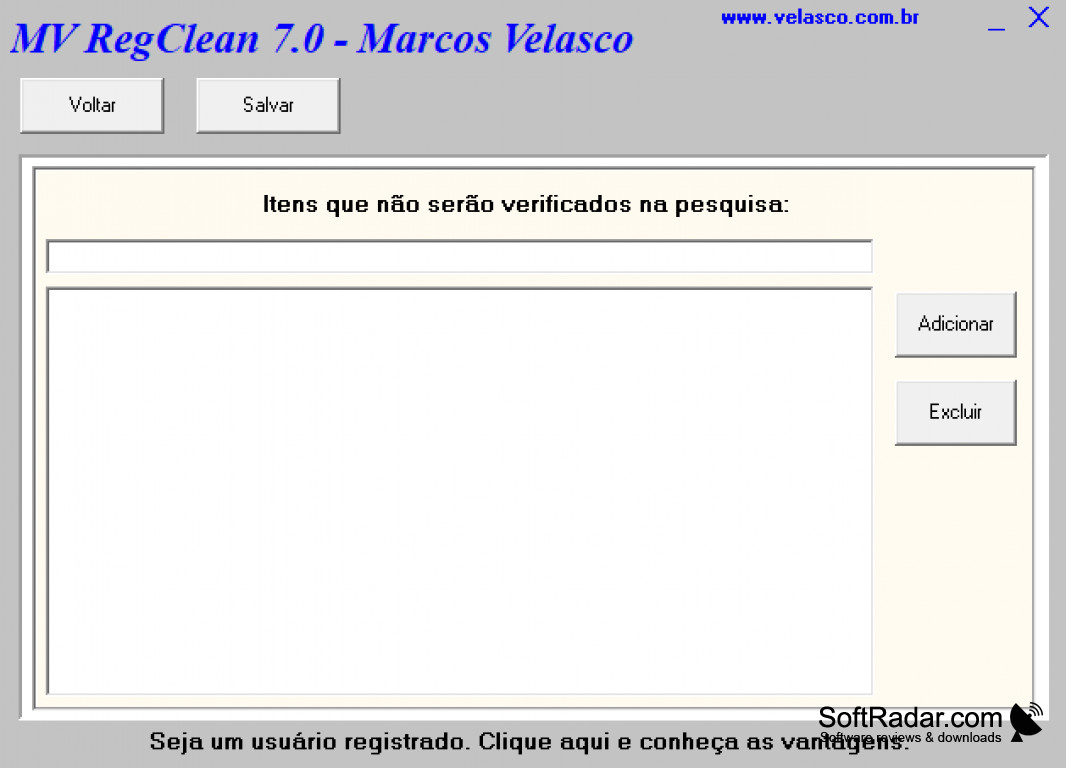
- Exclusion list for items that should not be checked during the scan
- Removes orphaned references left behind by uninstalled programs
- Safely makes backups of any registry changes
MV RegClean removes obsolete registry entries safely, backing up every change so a cleanup can be undone.
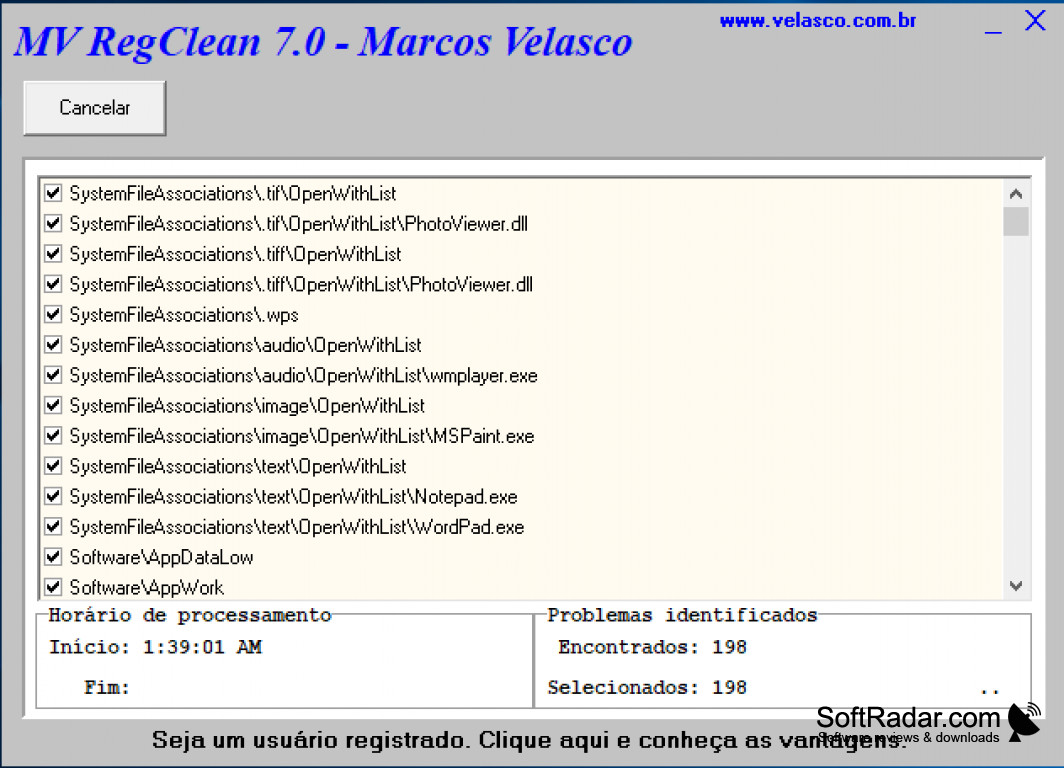
MV RegClean is a registry cleaner designed to find and remove obsolete entries from the Windows registry. The registry stores settings of the operating system and of installed programs, and every installation and removal of software can leave behind keys that refer to files which no longer exist. MV RegClean scans the registry for such invalid keys and shows the results in a list with check boxes, together with the scan start and end time and the number of problems found and selected. The user can review the list, uncheck any entry that should be kept and then clean the selected items. Registry locations that should never be touched can be added to an exclusion list, so they are skipped in future scans. Before changes are made, the program creates a backup of the affected registry data, so a cleanup can be undone if a program stops working afterwards. According to the developer, the program is safe because it does not delete any files, only registry entries that refer to missing files. Older versions such as 7.0 have a Portuguese interface, while current versions are available in eight languages, including English, Portuguese, Spanish, French, Italian, German and Greek. MV RegClean has been developed since 2000; the current MV RegClean Pro 9 is written in C# and is also available from the Microsoft Store. As with any registry cleaner, the effect on overall speed is usually small, so it is best used to tidy up leftovers after uninstalling software rather than as a cure for serious system problems.
PROS
Intuitive and user-friendly interface.
Supports backup for safety and recovery.
CONS
Speed gains from registry cleaning are usually small.
Current releases no longer support older Windows versions.


