
SRS One Click Root
A free Windows tool that roots Android phones and tablets connected by USB in one click, with SmartRoot, unroot and ADB Toolbox functions.
Operating system: Windows
Publisher: One Click Root
Release: SRS One Click Root 1.0.0.3
Antivirus check: VirusTotal report
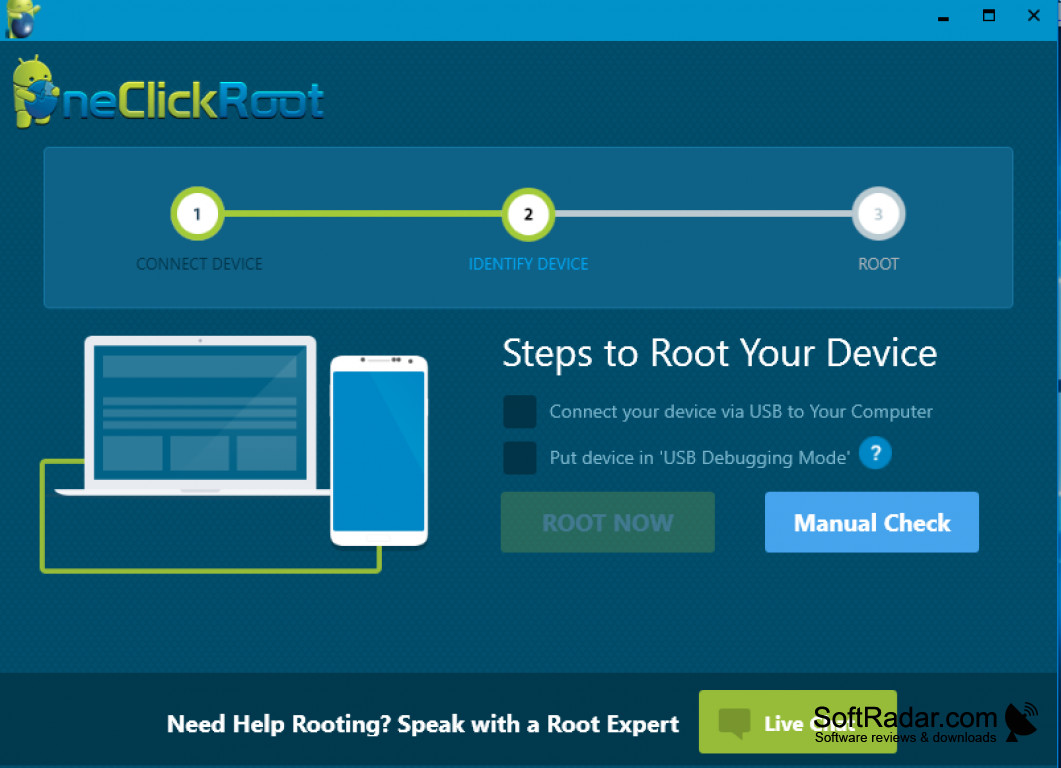
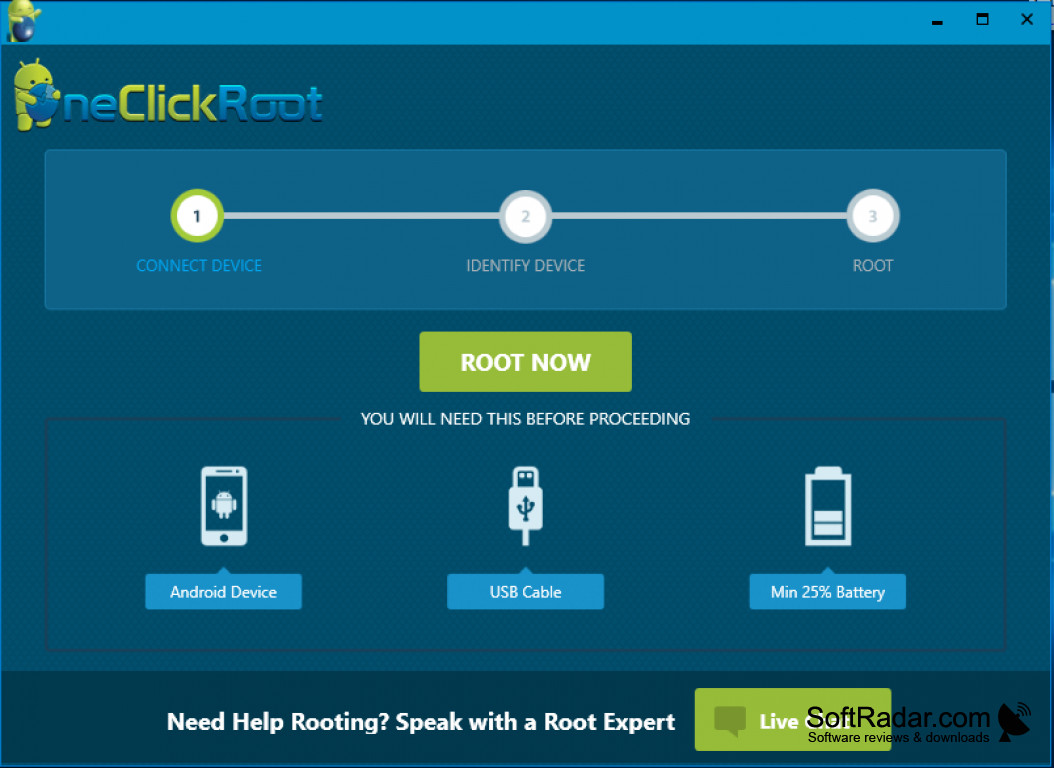
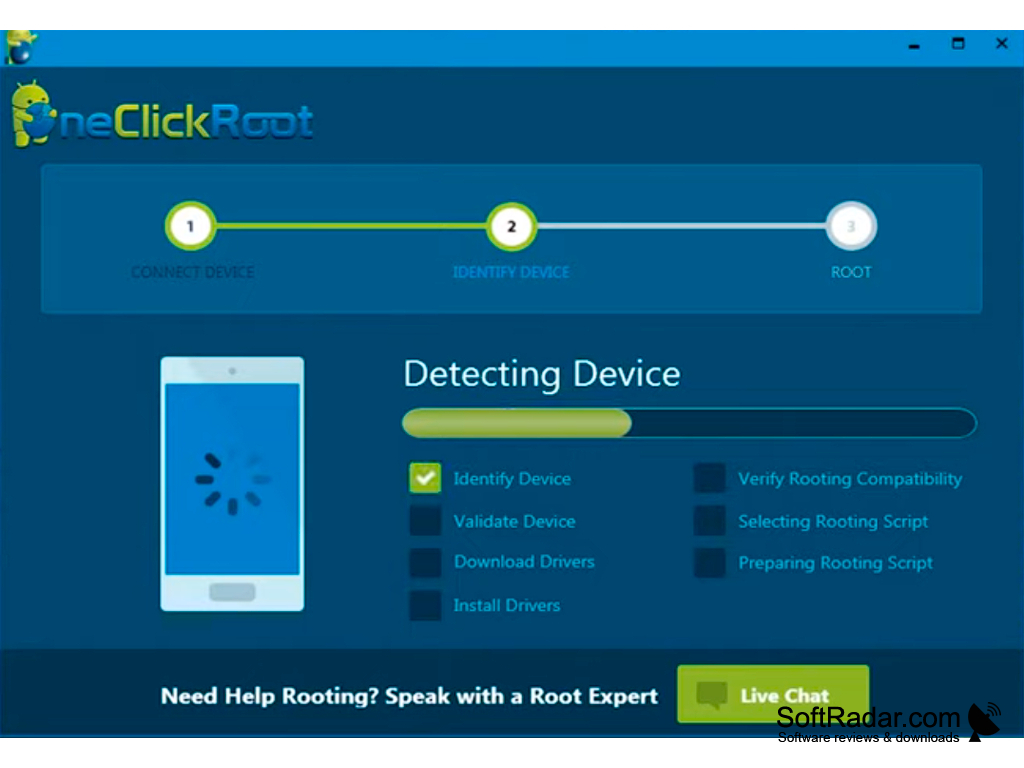
SRS One Click Root is an intuitive application filed as a mobile phone tool, available for Windows, and provided with an English interface. Its installer is about 7.8 MB, requiring very little space in comparison with its counterpart tools. The program roots Android smartphones and tablets that are connected to the computer with a USB cable.
Features:
- One-Click Rooting Tool
- SmartRoot
- ADB Toolbox
- Easy Unroot
- Easy installation with no configuration
- Automatic driver download and rooting script selection
- Step-by-step wizard: connect, identify and root the device
- Support for Windows XP/Vista/7/8/10 with 32-bit and 64-bit operating systems
- Supports Android versions 1.5, 2.1, 2.2, 2.3, 3.1, 3.2, 4.0, 4.1, 4.2
- Roots older models like Samsung Galaxy S2 / S3, Note / Note2
The application gives an Android device connected to a Windows PC full root privileges in a few clicks.
SRS One Click Root is free to download and easy to use: it gives root access to the Android device connected to the computer in a few clicks of the mouse. Rooting changes system files and usually voids the warranty, so a backup of the phone should be made first.
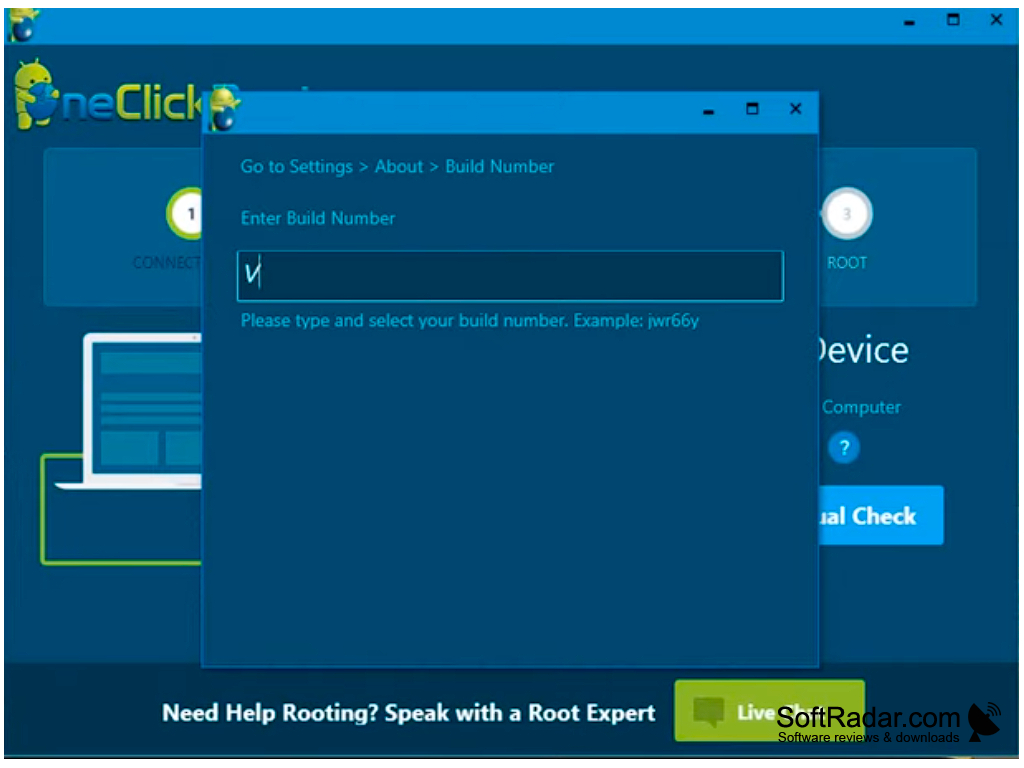
SRS One Click Root begins its work on a computer after a simple installation process and requires no configuration. The Android device is connected to the computer with the USB debugging option enabled and at least 25% battery charge. The tool then identifies and validates the device, downloads and installs drivers, verifies rooting compatibility and prepares a rooting script before the main rooting commences. A Manual Check option lets you enter the build number when the device is not recognized.
SRS One Click Root is meant for Android smartphones and tablets of the Android 4.x era and older. Its SmartRoot feature is an advanced feature that helps in determining the most efficient method to root a device. The ADB Toolbox offers functions such as resetting the user lock, gesture lock and Gmail account or wiping all data. The Easy Unroot feature reverts a device previously rooted on the computer. The project is no longer developed and its website is offline, so current Android phones are not supported.
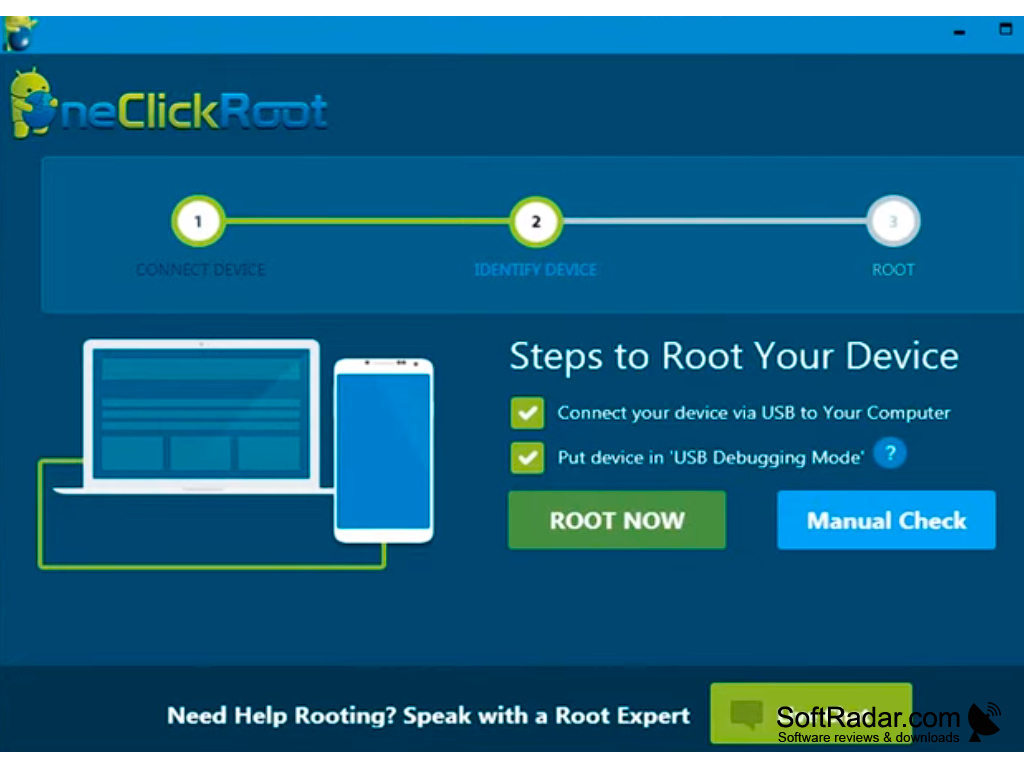

Android device with USB debugging enabled
USB cable, device battery charged to at least 25%
PROS
Offers unrooting feature for reverting changes.
Detects the device and selects a rooting method.
CONS
Supports only older Android releases, not current phones.
The project is no longer developed or updated.


