Omnicode Snatch
by Omnicode Inc.
Great Software for Screen Recording!
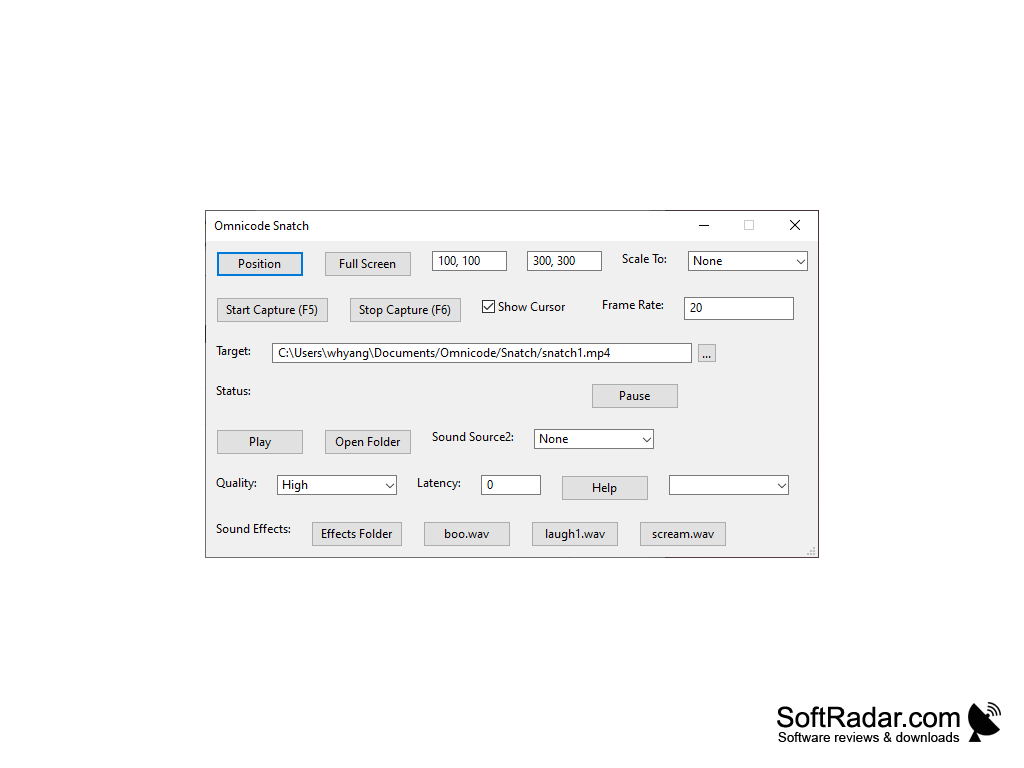
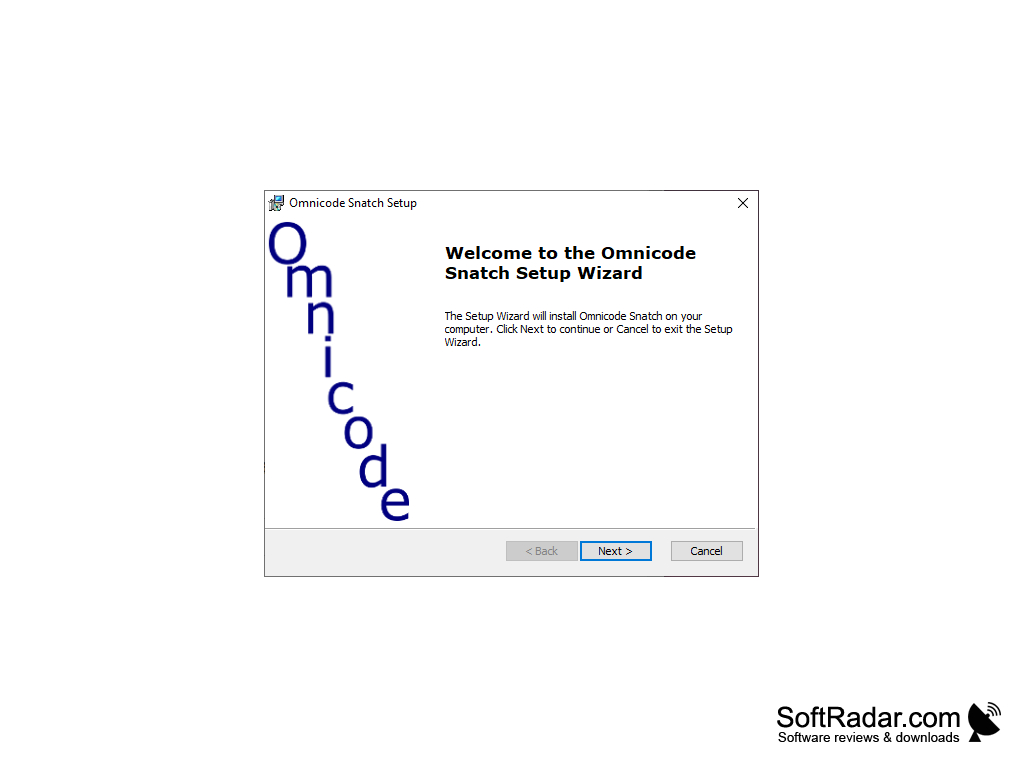
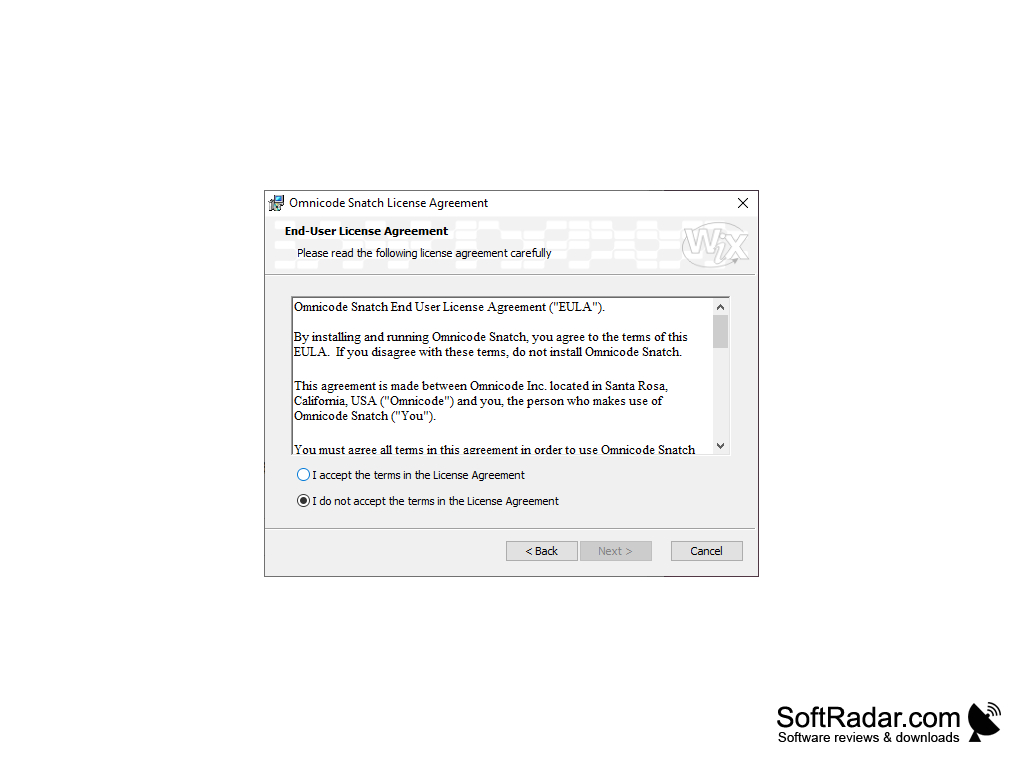
Omincode Snatch for Windows is a free software used to record your desktop screen and audio.
Features:
- It can screen record and capture audio from your desktop and microphone. You can have different sound qualities and different frame rates.
- It is easy to use despite having a complicated interface. There's no menus, toolbars, or panels.
- This software also has a target box with enables you to choose what you want to record on your screen. You can also save your video to different file types. The default save type is MP4, but it can also be saved as AVI video or OGG or WAV audio.
- You can scale your video to different resolutions. (50%, 320x240, 640x480, 1280x720)
- With the addition of being able to record your audio. You can choose the secondary source of where your audio comes from. Additionally, there is a tab that allows you to play special sound effects through a button such as a boo, laugh, or scream.
To capture your desktop screen and audio!
Windows 7 or later operating system
1 GB RAM or more
A sound card for audio recording
100 MB free hard disk space
1 GB RAM or more
A sound card for audio recording
100 MB free hard disk space
PROS
Allows for seamless multi-language coding.
Comes with an intuitive, user-friendly interface.
Offers robust debugging tools.
Comes with an intuitive, user-friendly interface.
Offers robust debugging tools.
CONS
Limited customer service and technical support available.
Features may be too complex for beginners.
Lacks customizable user interface options.
Features may be too complex for beginners.
Lacks customizable user interface options.