
ownCloud Desktop Client
ownCloud Desktop Client synchronizes folders on a Windows PC with an ownCloud server for people who use files across multiple devices.
Operating system: Windows
Publisher: ownCloud Team
Release: ownCloud Desktop Client 7.1.1
License: Open source (GPL-2.0)
Antivirus check: VirusTotal report
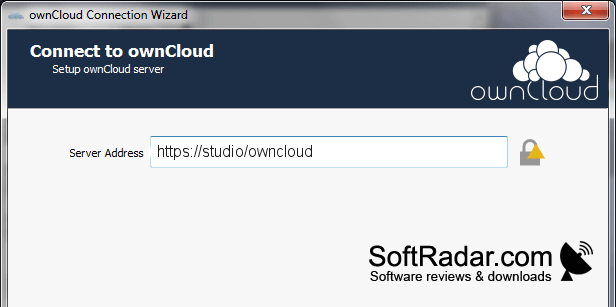
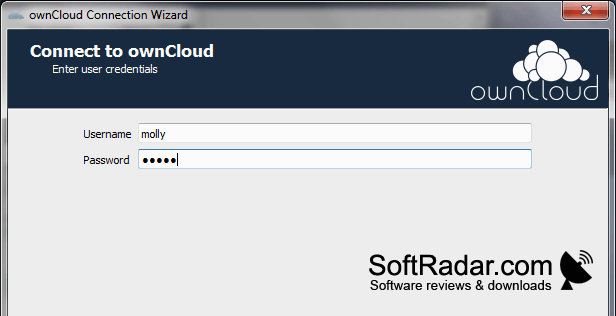
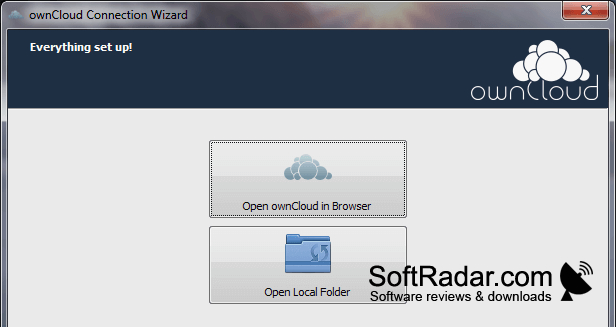
ownCloud Desktop Client connects a Windows computer to an ownCloud account and synchronizes chosen folders with the server. It suits people who keep documents or photos on a home server, a hosted account, or a workplace installation and want local copies on their PC. Changes to synchronized files can then appear on other connected devices.
Keep selected PC folders aligned with server files without moving them manually between devices.
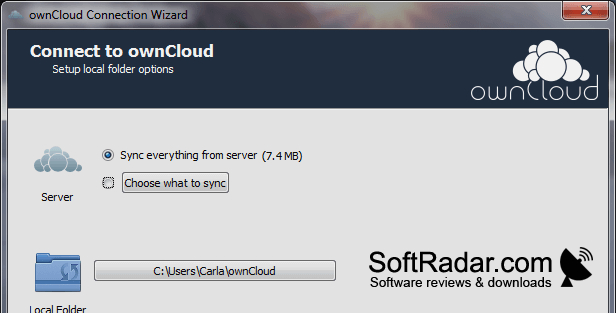
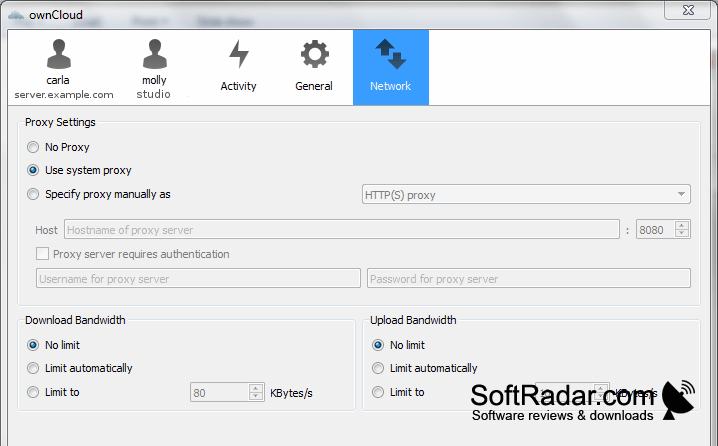
After signing in, you can select one or more local folders to synchronize and check their progress in the client. Settings cover transfer bandwidth and notifications, while account controls let you disconnect when necessary. You can manage synchronized files through Windows and use the client to share files with other people.
Features:
- Synchronizes selected folders with an ownCloud server
- Supports multiple local sync folders
- Displays file synchronization status
- Adjusts bandwidth use for transfers
- Provides notification settings for sync activity
- Shares files with configurable permissions
PROS
Supports syncing multiple folders with an ownCloud server.
Keeps synchronized files accessible in Windows Explorer.
CONS
Initial synchronization of large folders can be slow.


