Perfect365
A photo touch-up application for Windows that allows you to enhance facial images
Operating system: Windows
Publisher: ArcSoft Inc
Release: Perfect365 1.8.0.3
Antivirus check: VirusTotal report
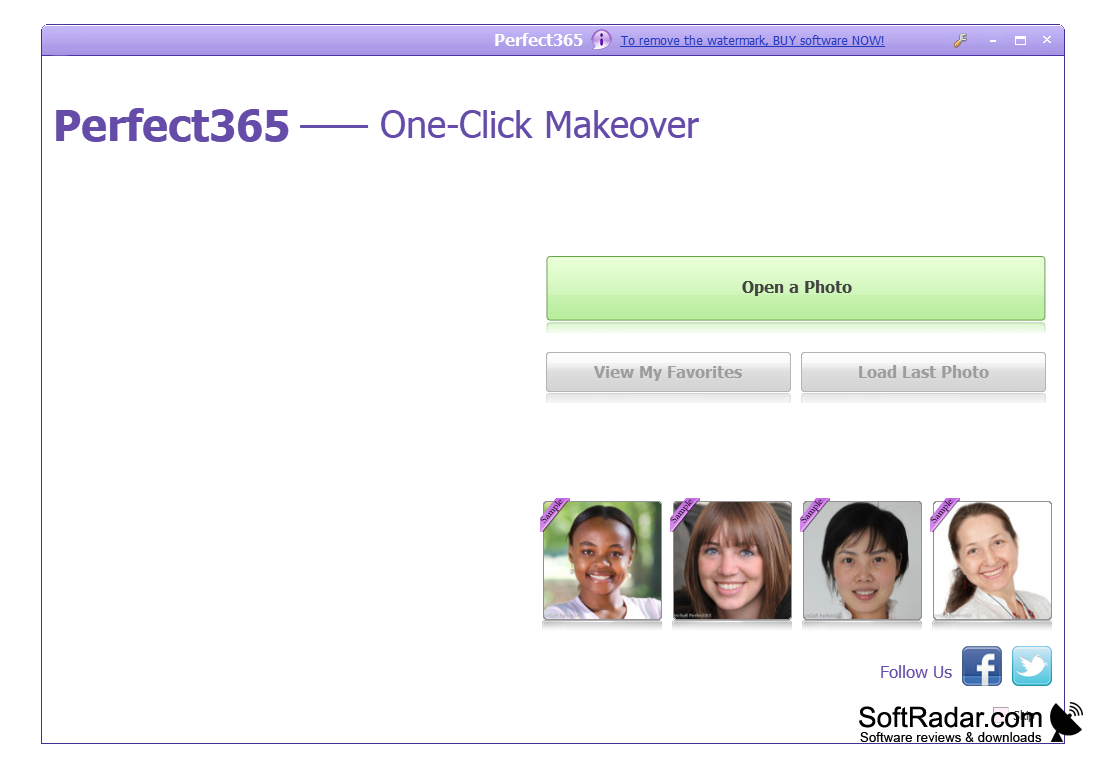
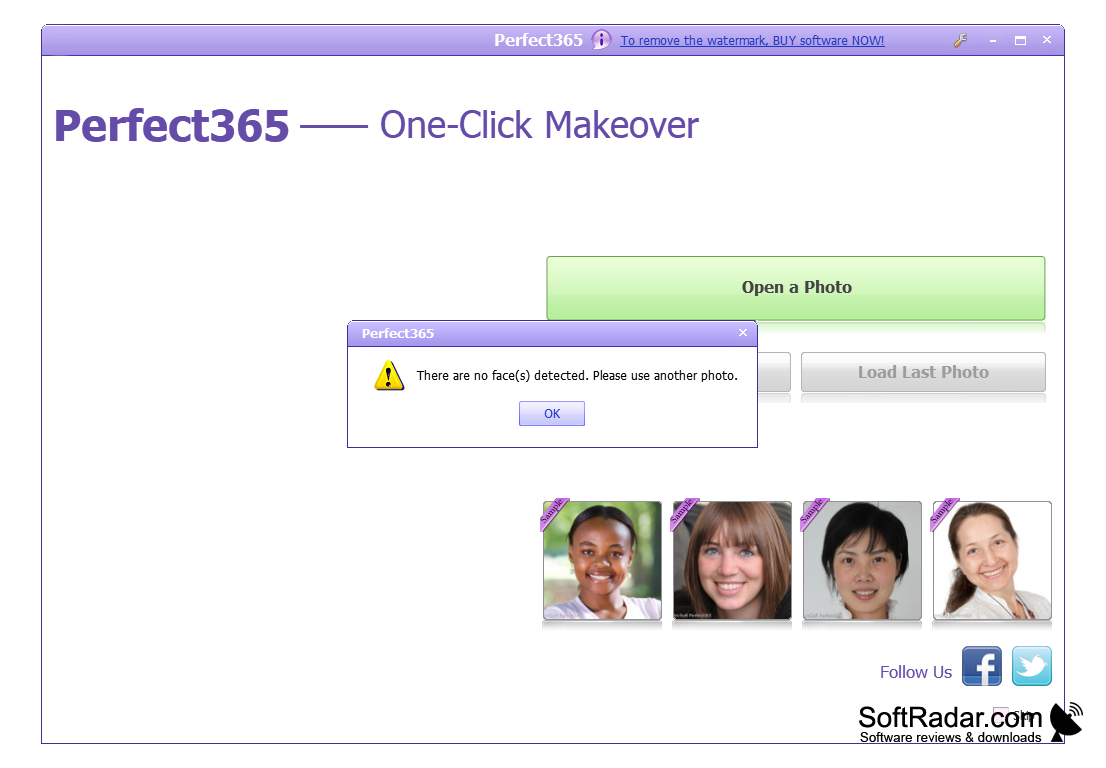
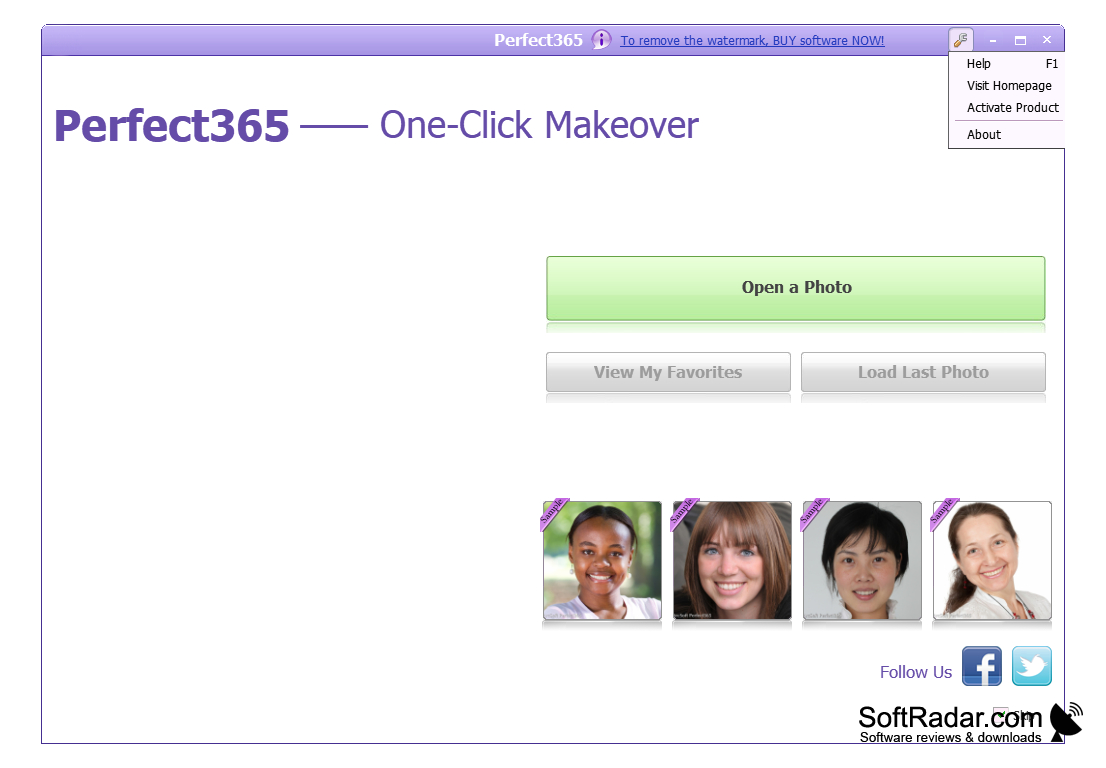
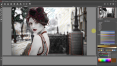
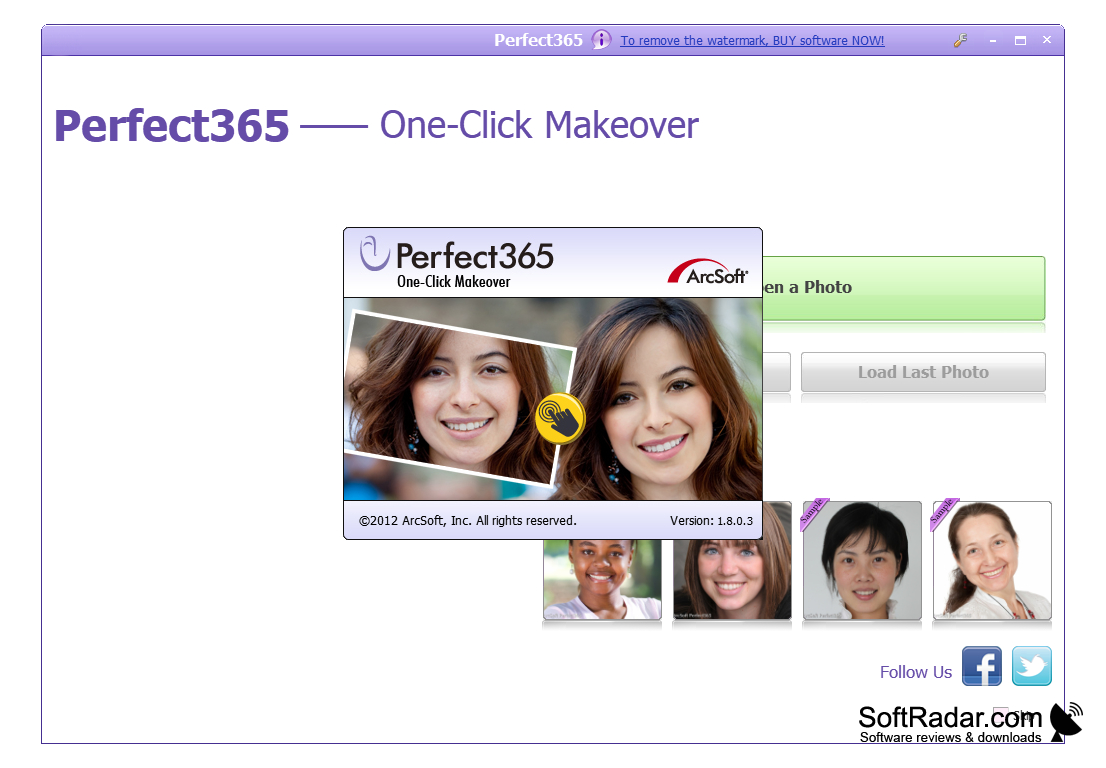
Perfect365 is a program that will help girls to adjust their photos to make them more attractive. Working with the program is very simple - just choose the desired template and it will be superimposed on the photo. When you open Perfect365 for the first time, the program offers us to open the photo right away. As soon as you select the desired file in Explorer, a simple image editing window opens. On the left is the list of templates (31 templates), by clicking on which you will see the result in your photo. Template overlay is not accurate, you need to click on the button "Adjust Key Points" and set the correct location of the main points of the face. Then press the same button again. The resulting image can be uploaded to social networks via the "Share button at the bottom". As you can see in the screenshots, the photo will be overlaid with the copyright of the authors of the program, and in order to avoid it, you need to register the program.
Perfect365 allows users to enhance their photos effortlessly with a variety of attractive templates.
At least 1 GB RAM
Graphics card compatible with DirectX 9 or later
Enough disk storage for installation and operation
PROS
Offers a wide range of editing tools.
High-quality results and realistic makeup effects.
CONS
Interface may be confusing for beginners.
Lack of advanced editing tools.