
PrimoCache
Improves system performance through a disk caching scheme that uses RAM or an SSD as a fast cache.
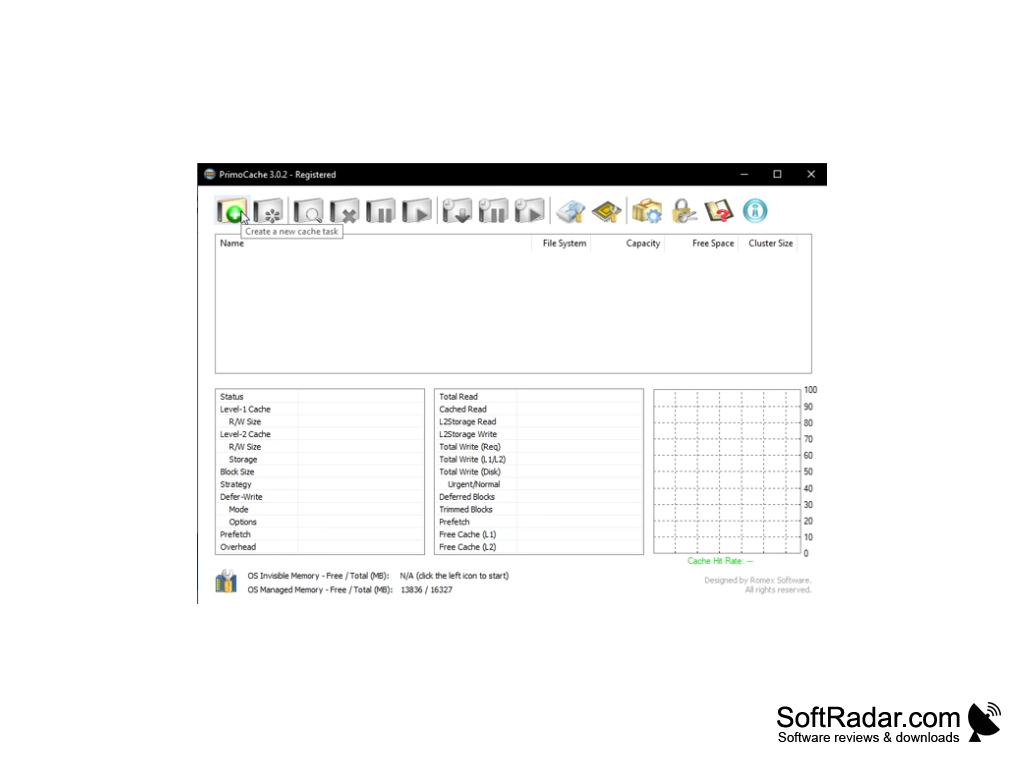
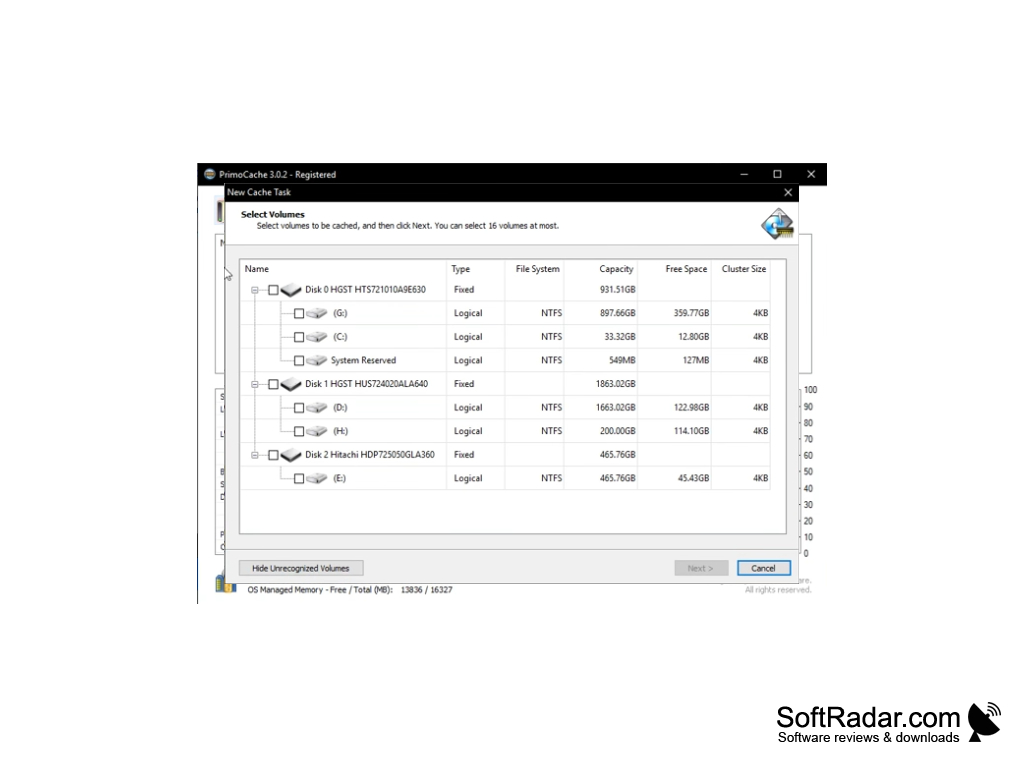
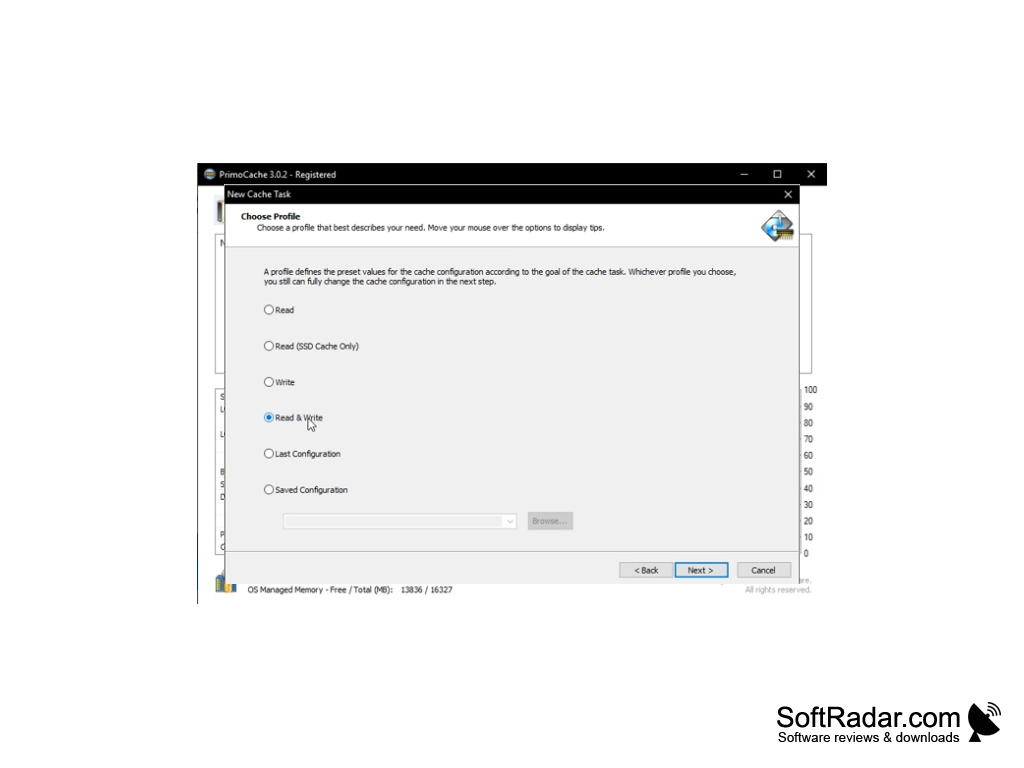
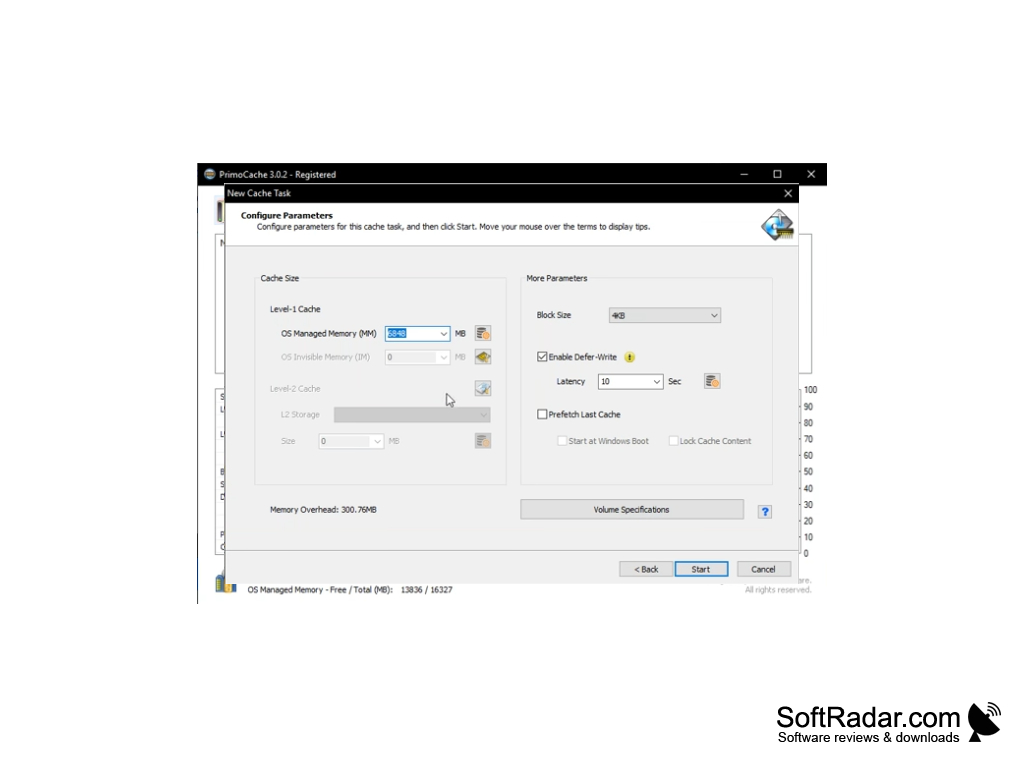
PrimoCache is a program that speeds up disk performance by allocating a certain amount of RAM to the cache of your drives. It works with both SSDs and HDDs, but the largest performance gains are seen on slower mechanical hard disks. You can specify the amount of RAM used by yourself. The program checks how much memory is installed in the system and offers recommended values. Besides the RAM (level-1) cache, a fast SSD can be used as a larger, persistent level-2 cache for slower disks.
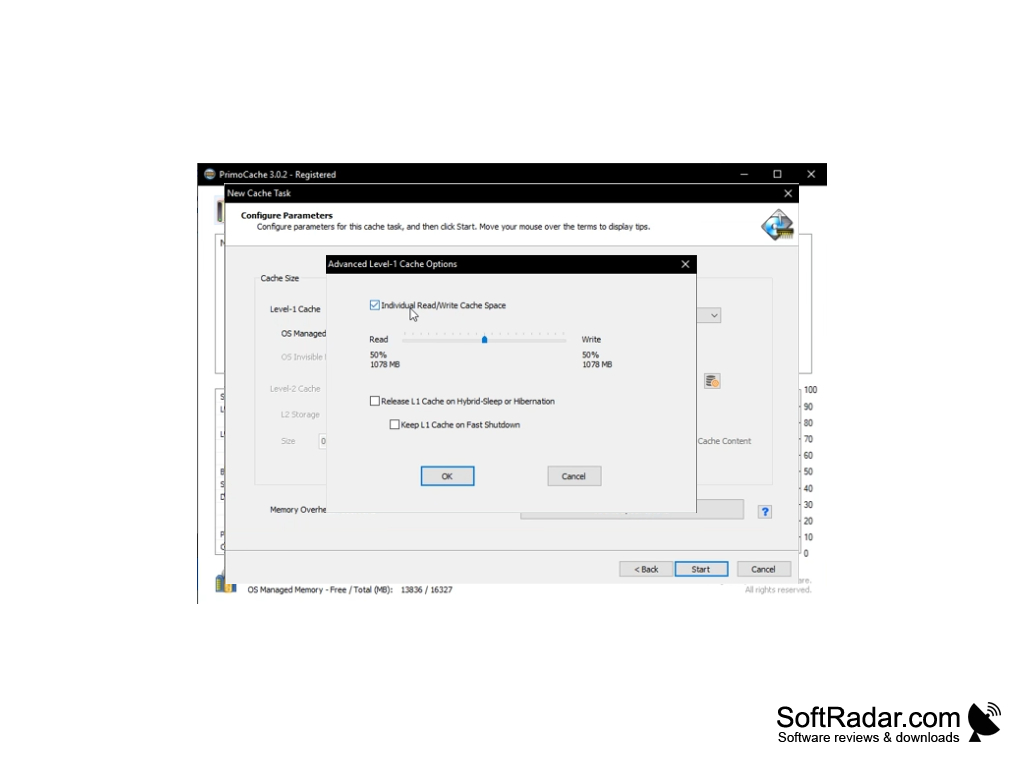
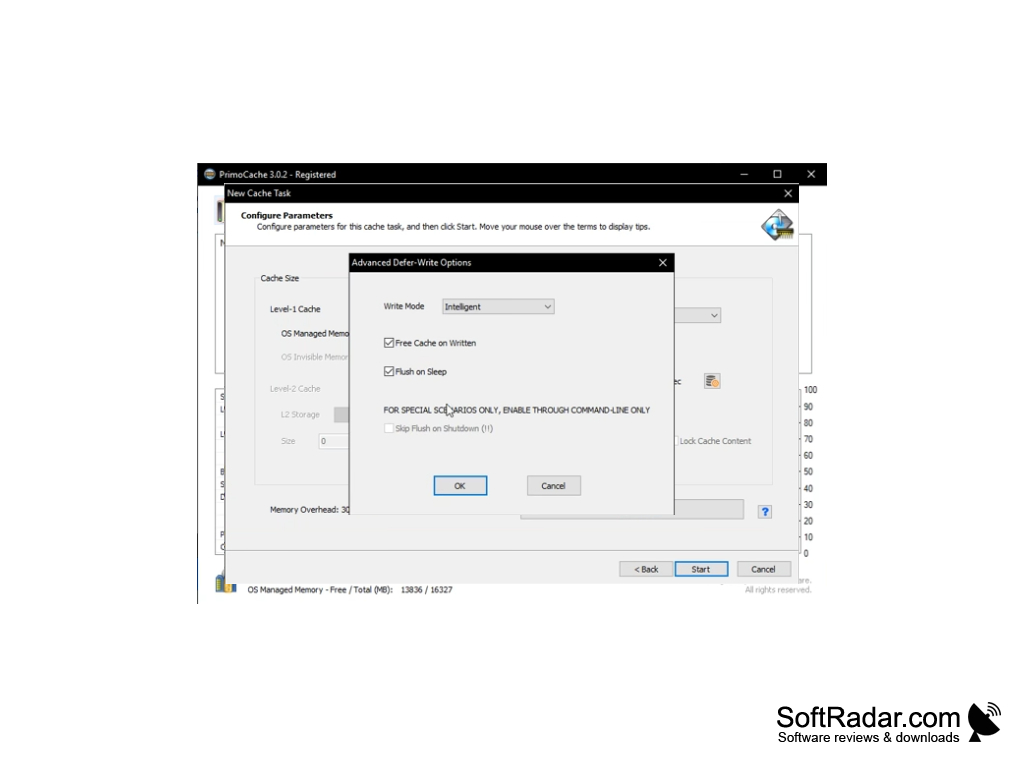
The interface of the program is rather simple and clear. All new operations with the disk are carried out by creating a new cache task in a special wizard. There you need to select the disks or partitions that will be cached by PrimoCache and choose a profile that matches the actions most often performed on them. The program can give priority to read caching, write caching or both, and offers options such as block size, defer-write, prefetch of the last cache and individual read/write cache space.
PrimoCache can also be used as a tool to monitor disk usage: the main window shows the cache hit rate, the amount of cached and total data read and written, and other statistics for every cache task. The program is paid software with a 30-day fully functional trial; Desktop (standard and Pro) and Server editions are offered, and it supports Windows XP through Windows 11 as well as Windows Server. Keep in mind that the defer-write mode holds written data in memory for a while, so a power failure or system crash can cause data loss.
PrimoCache significantly enhances hard drive performance by dedicating part of your RAM to cache drives.
Windows Server 2003 to 2025 (Server edition)
32-bit or 64-bit system
PROS
User-friendly interface for easy navigation and use.
Can use both RAM and an SSD as cache levels.
CONS
Offers no free version, only a time-limited trial.
Defer-write mode risks data loss on power failure.


