
ProArt Creator Hub
ProArt Creator Hub lets people using compatible Asus displays and computers adjust color settings, check device details, and organize creative tasks on Windows.
Operating system: Windows
Publisher: Asus
Release: ProArt Creator Hub 2.1.34.0
Antivirus check: VirusTotal report
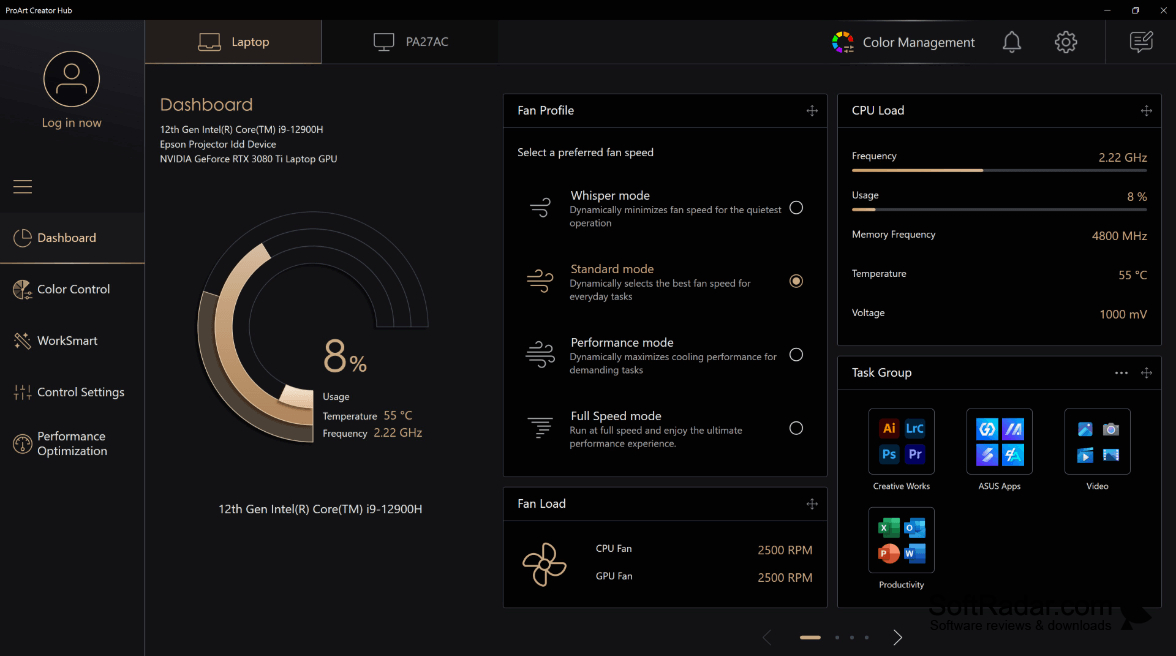
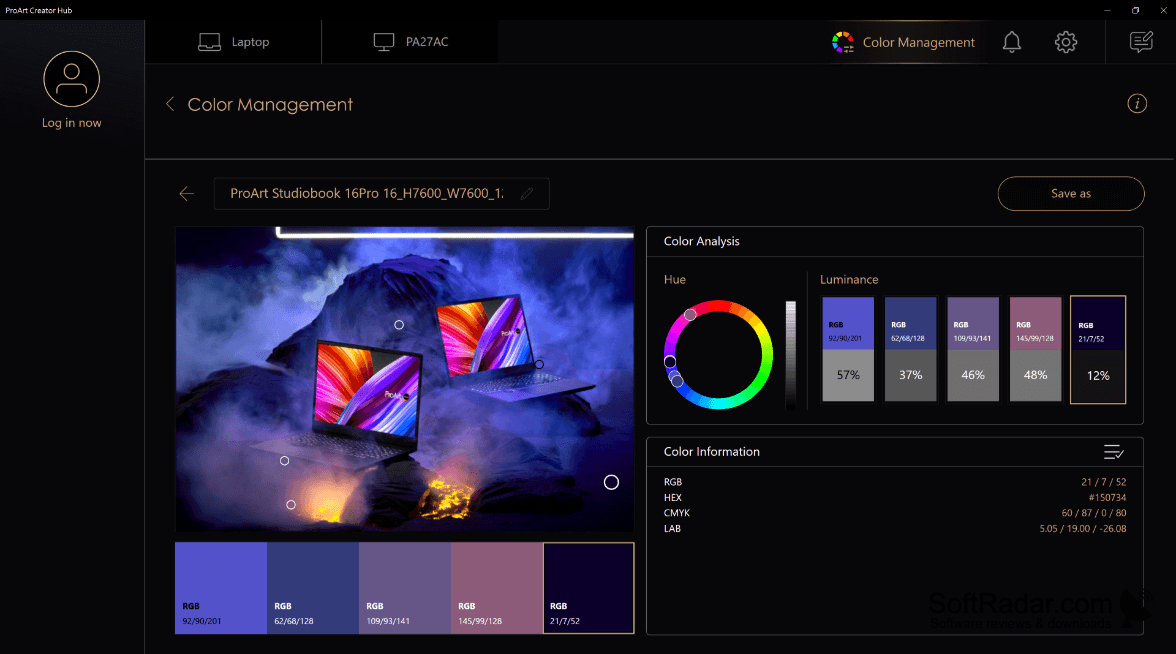
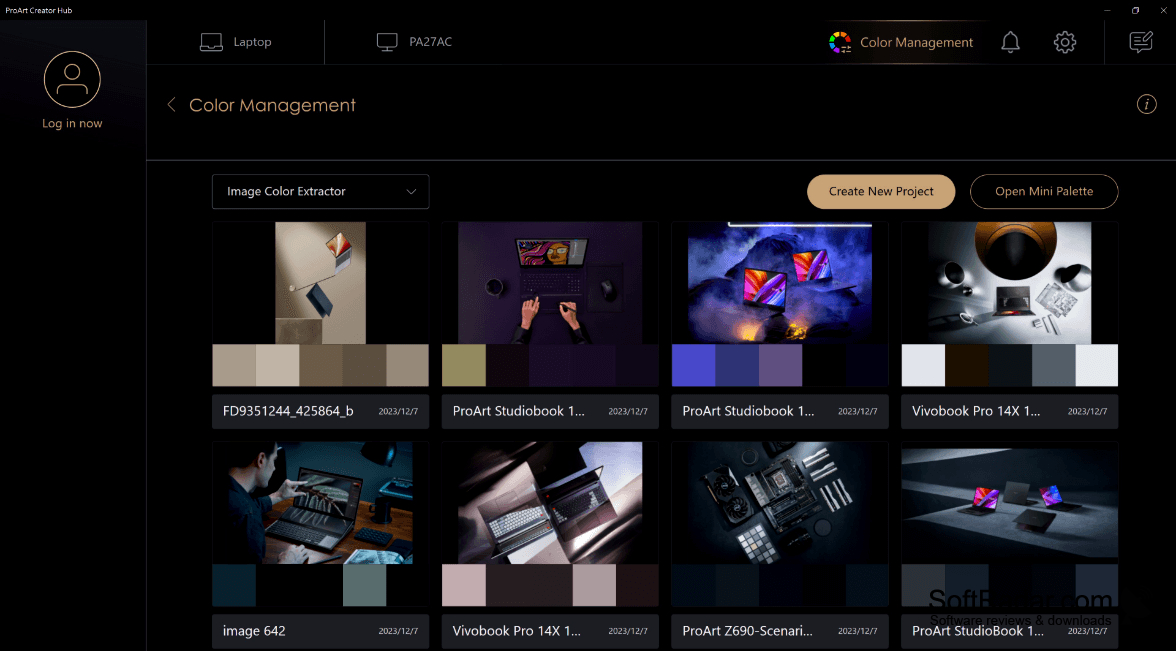
ProArt Creator Hub is a Windows utility for people working with compatible Asus ProArt monitors, laptops, and accessories. It provides controls for display color and computer settings used in photography, video editing, and design. Users can choose a color profile or adjust a monitor before starting a project, then check device information from the same interface.
It brings display calibration and color profile controls together for compatible ProArt equipment.
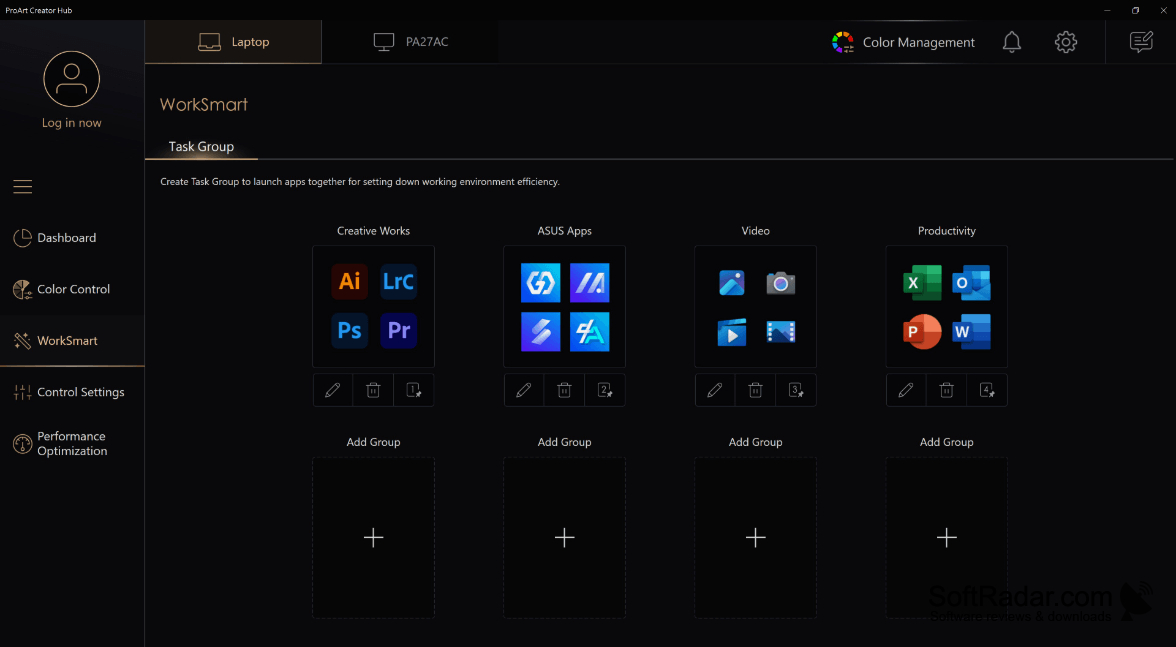
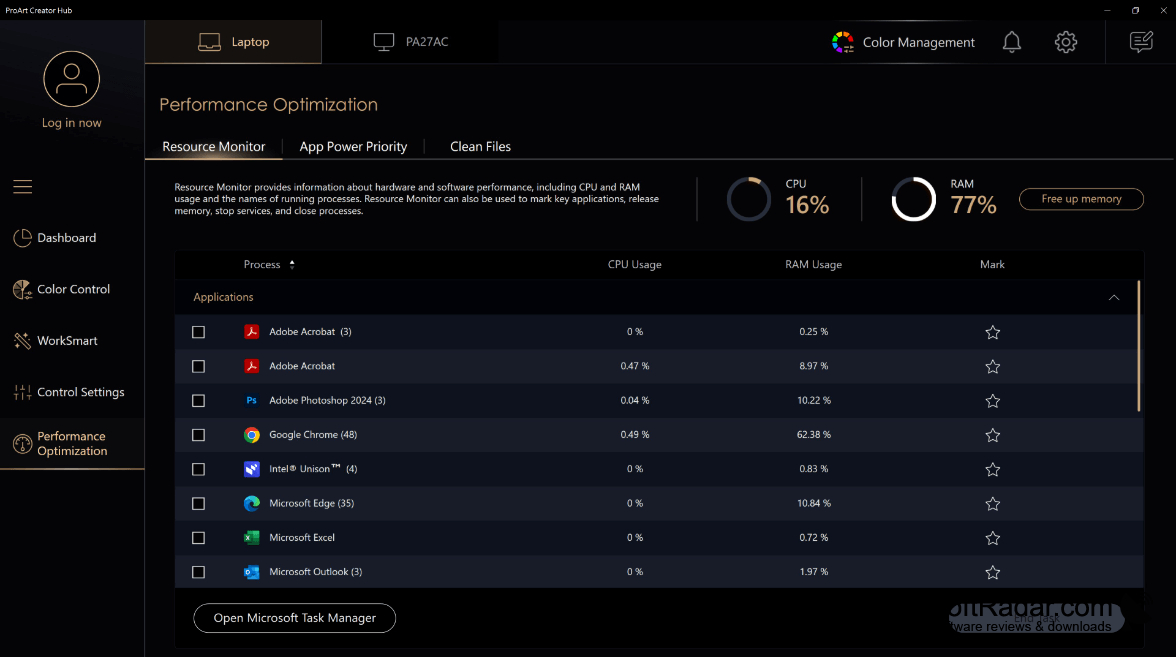
The app detects supported hardware and offers calibration controls for gamma, white point, and uneven screen brightness. It can apply color presets, show display details such as resolution and display frequency, and manage more than one device. WorkSmart groups open several applications together. Other tools cover memory use, resource allocation for individual programs, file cleanup, and controls for compatible Asus Dial accessories.
Features:
- Adjust monitor gamma and white point
- Apply presets for supported color spaces
- Compensate for uneven screen brightness
- View connected display specifications and status
- Open grouped applications with WorkSmart
- Assign controls to compatible Asus Dial accessories
Compatible ASUS ProArt hardware
Supported colorimeter for hardware calibration
PROS
Groups creative applications for one-click launching.
Centralizes display and system controls on supported devices.
CONS
Calibration features vary between device models.


