
QIF2CSV
by Etratek
Organize Your QIF Files with This Converter
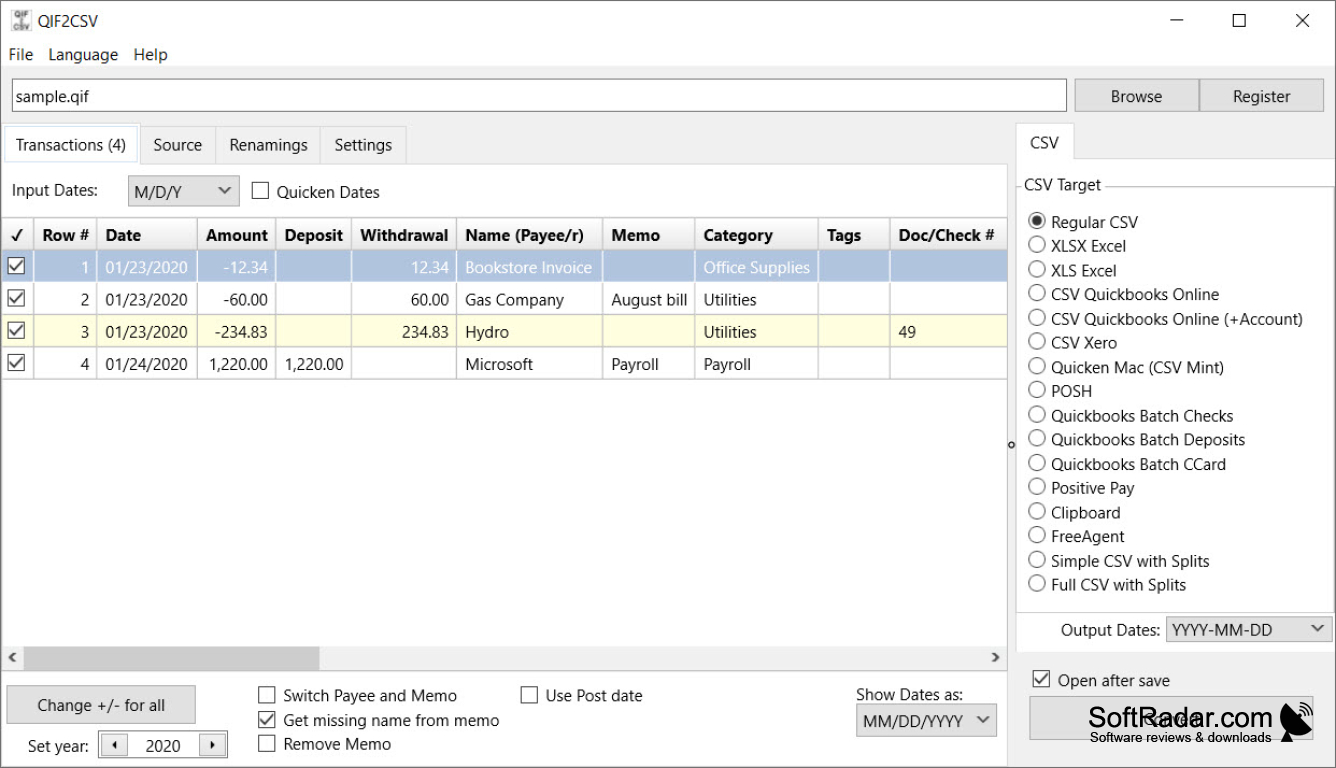


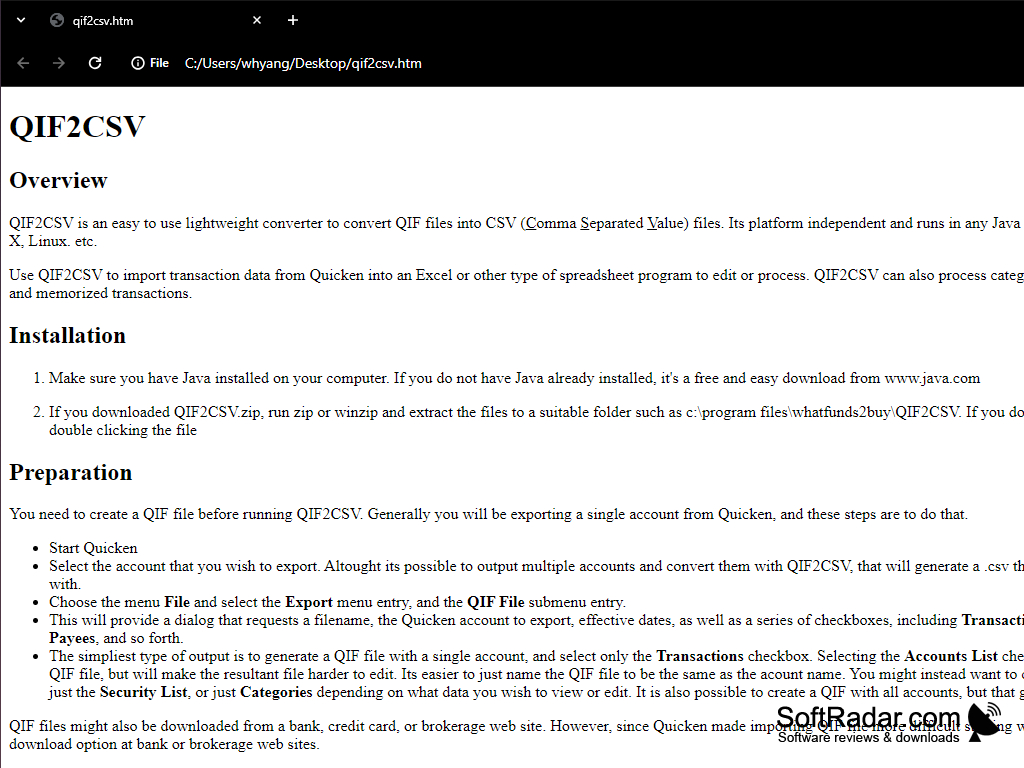
Just as its name implies, QIF2CSV converts your QIF files—”Quicken Interchange Format” files exported from Quicken servers—to CSV or “comma-separated values” files. QIF files are text files containing financial data and it can be hard to take note of the entries in such a format.
That’s why this app allows you to convert to CSV, which is in a tabular form of spreadsheets perfect for this type of data.
QIF2CSV can also convert Quicken transactions into Microsoft Excel or other spreadsheet programs for editing. It’s lightweight, simple, and can easily be run on computers.
Read Quicken security lists – including the stock symbol – into Microsoft Excel or other spreadsheet program.
Requires a compatible operating system to run the software.
Needs sufficient hard drive space for installation and running.
Requires a spreadsheet program to handle CSV files.
Demand appropriate software to open QIF files for conversion.
Needs sufficient hard drive space for installation and running.
Requires a spreadsheet program to handle CSV files.
Demand appropriate software to open QIF files for conversion.
PROS
Converts large files quickly and efficiently.
Handles multiple file formats.
User-friendly with intuitive interface.
Handles multiple file formats.
User-friendly with intuitive interface.
CONS
Limited customer support options available.
Doesn't support converting some specific QIF file formats.
Occasionally slow when handling larger QIF files.
Doesn't support converting some specific QIF file formats.
Occasionally slow when handling larger QIF files.


