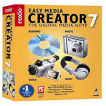
Roxio Easy Media Creator
by Corel Corporation
Make your own DVDs and edit videos
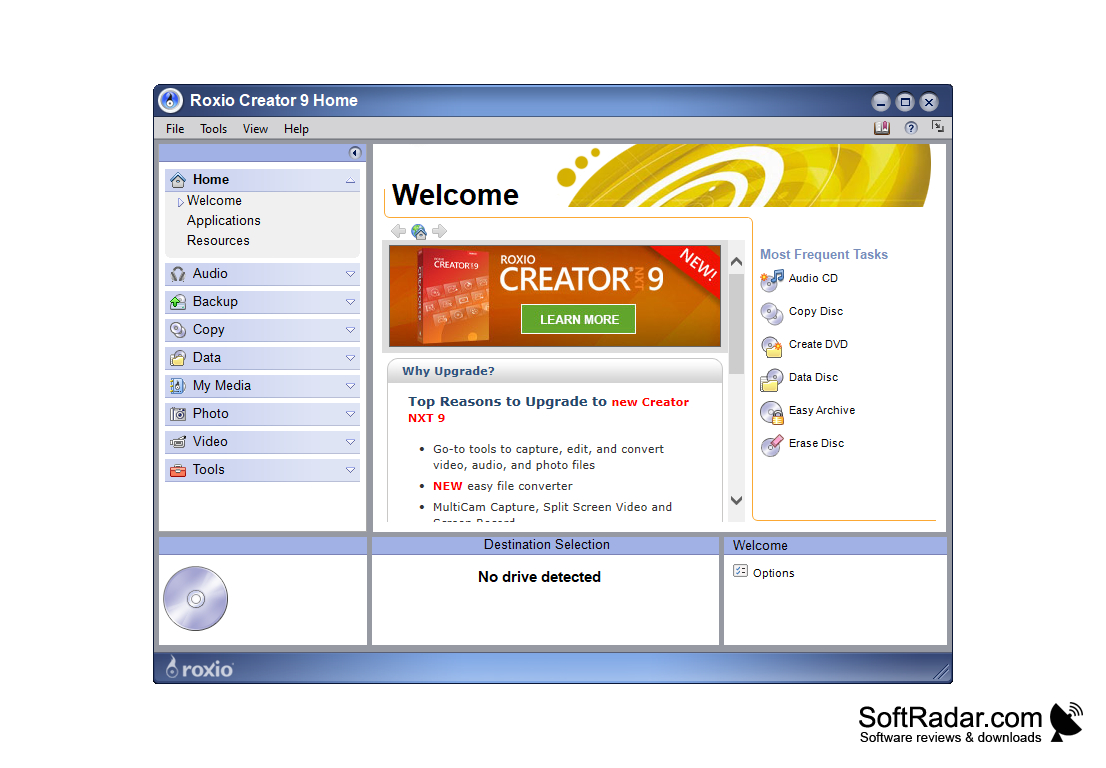
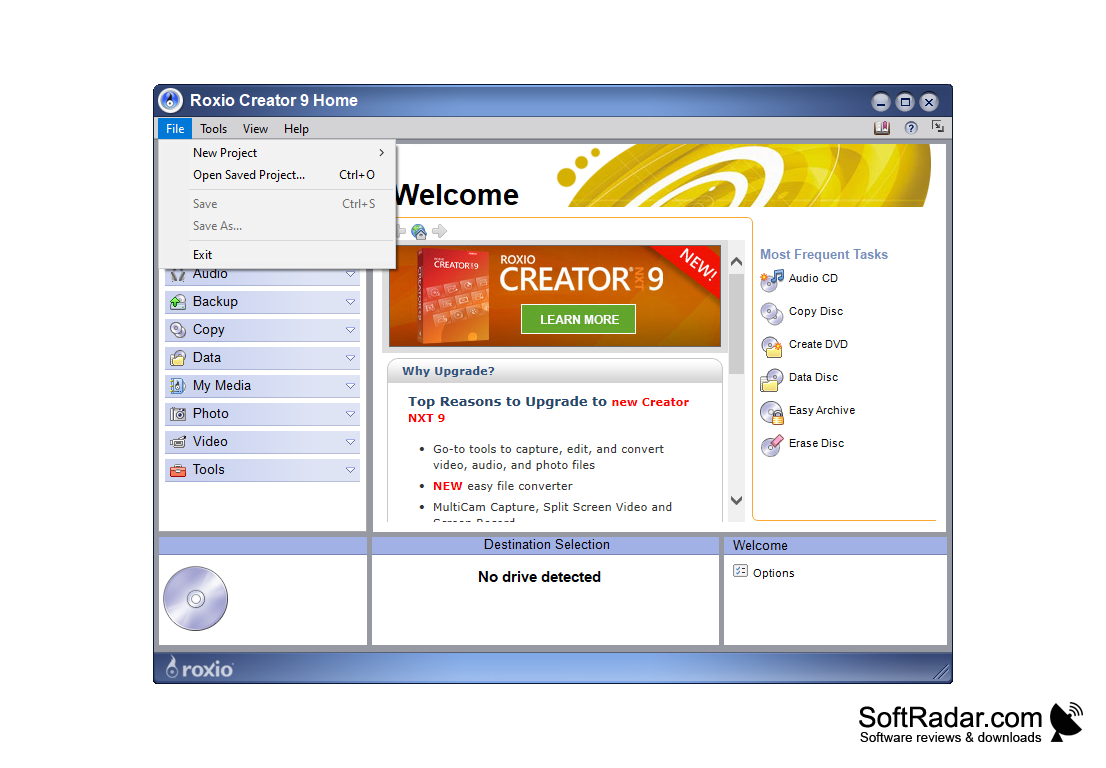
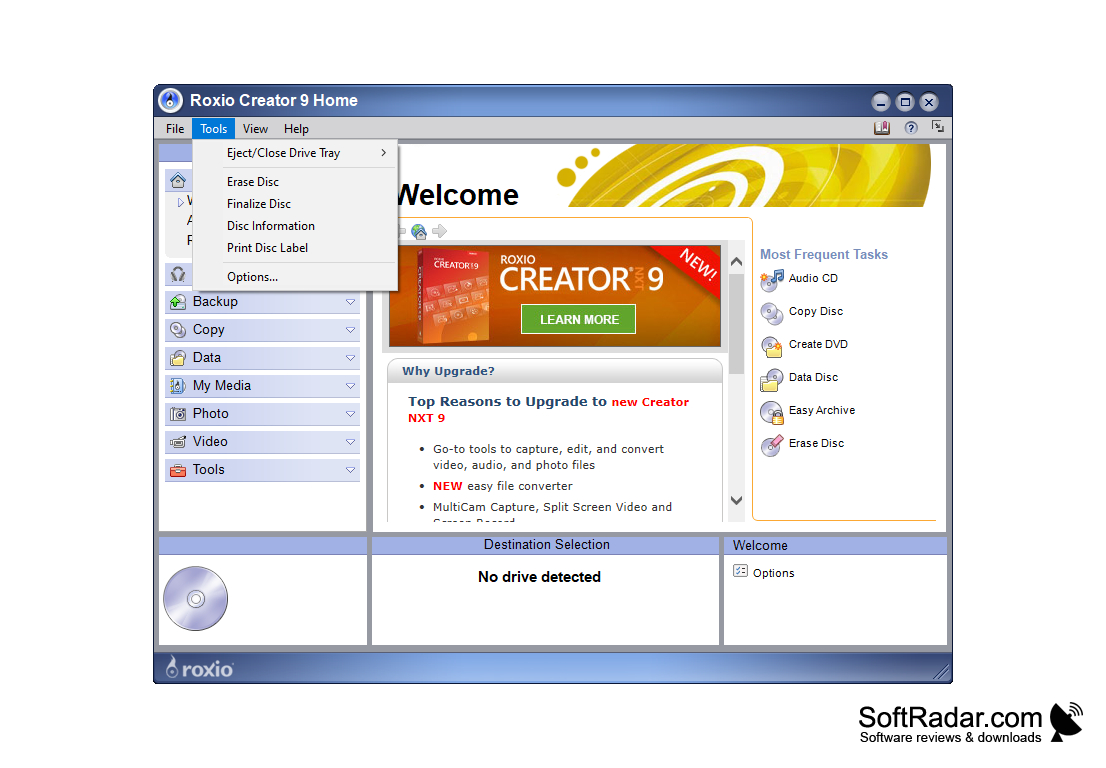
Roxio: The perfect app for all of your media creation desires! With new and innovative editions, this is the perfect software for the creative individual
Features:
- This software allows you to make your own DVDs and edit videos. Not only can you create and edit with the software, but you can also burn the material to CDs and DVDs so that you can share your creations with anybody! The high-definition resolution will ensure that everything looks clear and professional, and the sound quality is superb!
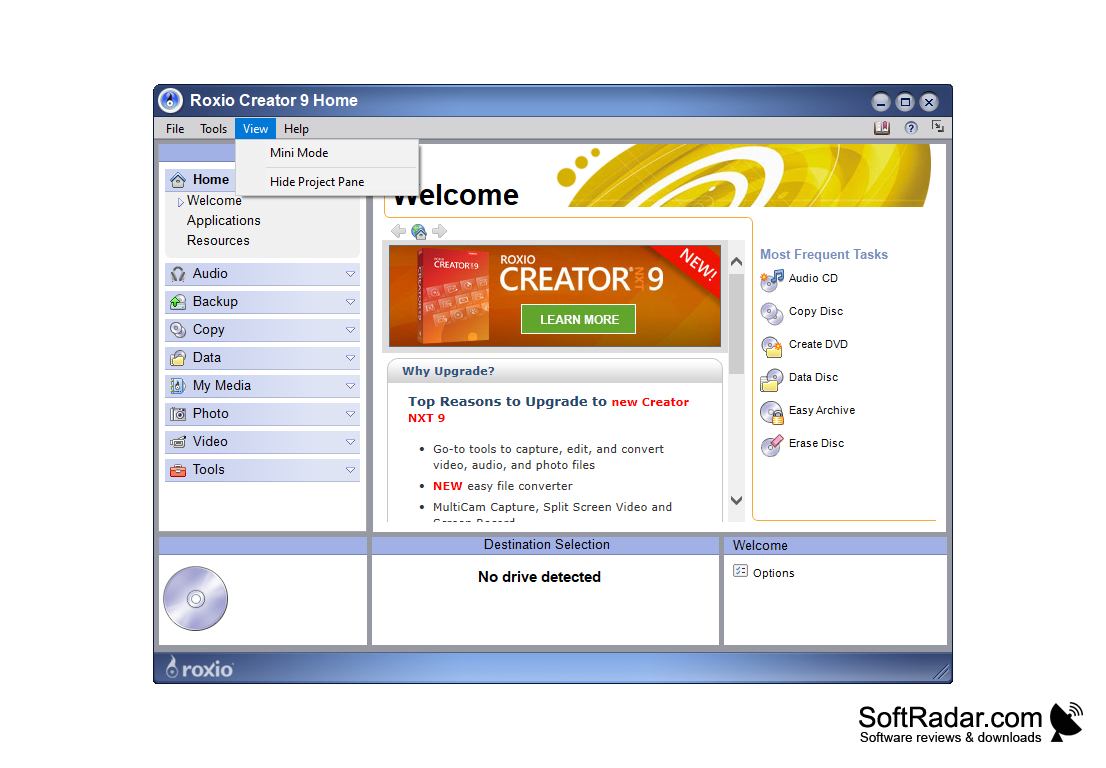
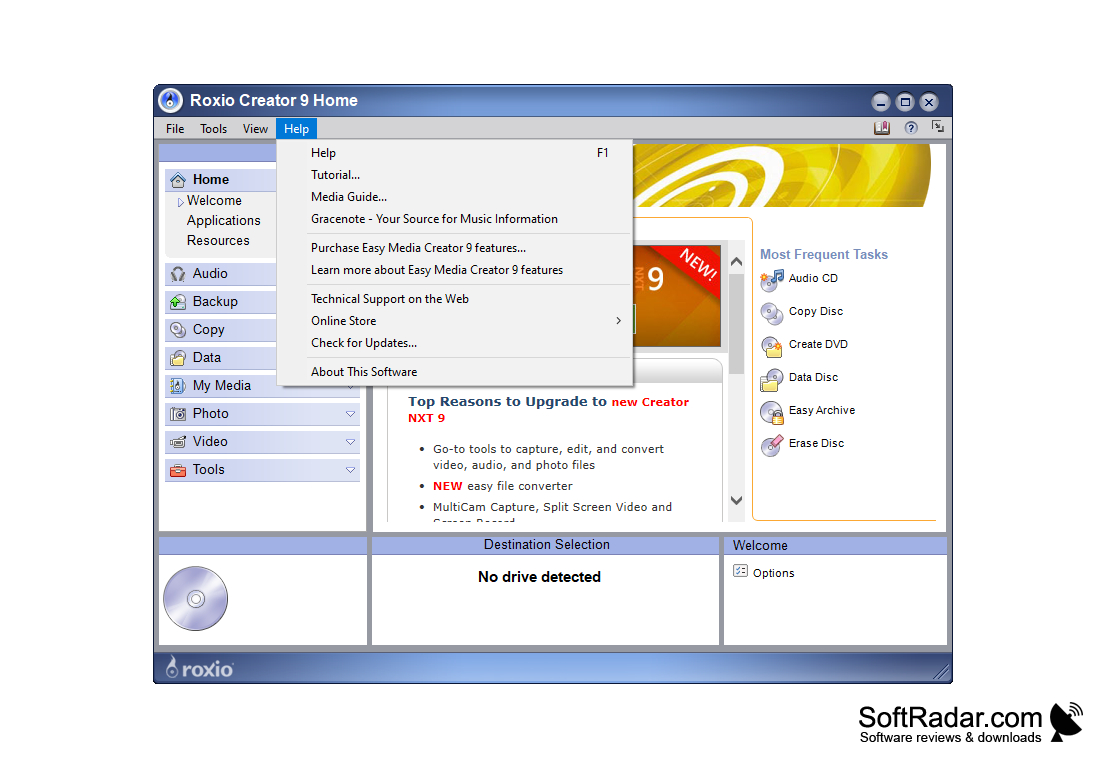
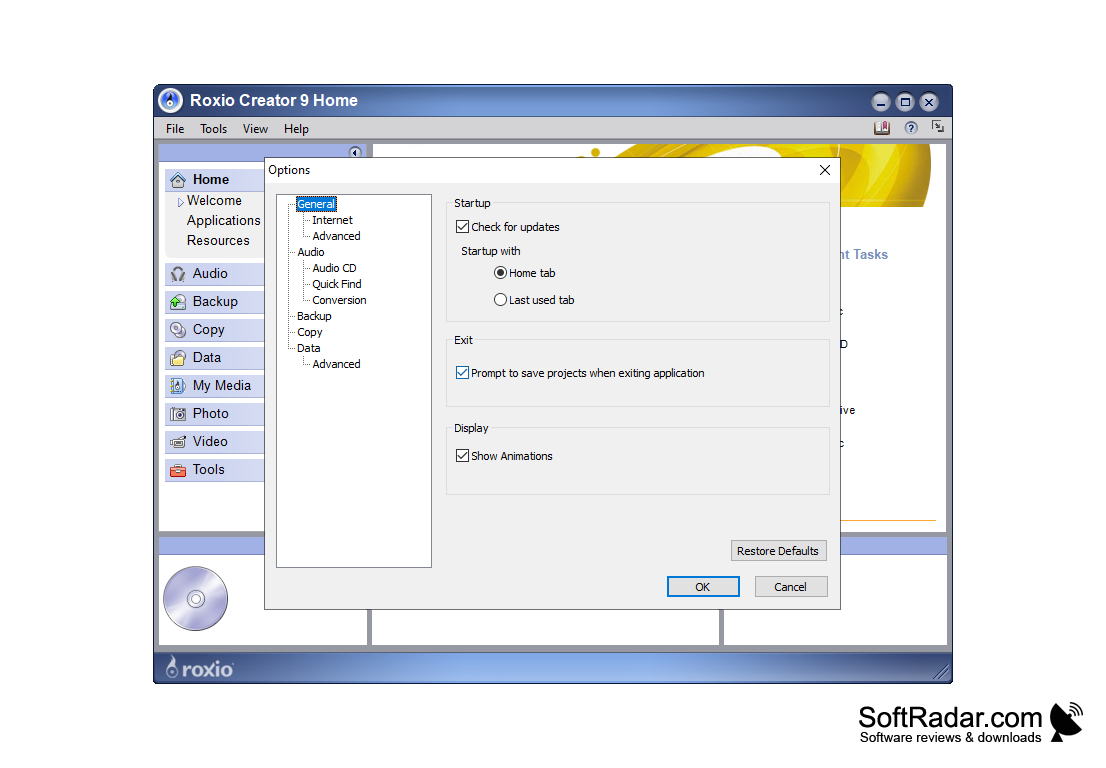
- A newly redesigned, and highly improved, the user interface allows you to easily use this app, even if it is your first time creating or editing media. The functions are easy to use and to understand, and everything is clearly identified and displayed. This is the perfect app for beginners, as well as those who have a lot of experience and can utilize all of its most technical features.
- This app not only allows you to create and edit videos but still pictures and slideshows. This is the ideal software for those professionals and/or students who want to create an engaging presentation for their material as it will instantly build credibility. No matter what kind of project that you have in mind, Roxio is the perfect software for you!
- It is much more affordable than many of its predecessors. For only $79.99 you can own the entire Roxio suite and all of its amazing tools. Or if you are under a budget, or just need the software for a smaller scope project, you can purchase the editing software plus some blank discs to copy your material to for only $59. This is immensely less than what many similar products are going for, yet customers receive the highest-quality media editing software that there is. The overall value simply cannot be beaten!
It is much easier to use than its predecessors
In conclusion, Roxio is the best software available for any of your media creation or editing needs!
Operating system: Microsoft Windows 10, 8/8.1, 7 SP1
Processor: Intel Core i3 or AMD A4 3.0 GHz or higher
RAM: Minimum 4 GB
Hard drive: At least 15 GB free space for installation
Processor: Intel Core i3 or AMD A4 3.0 GHz or higher
RAM: Minimum 4 GB
Hard drive: At least 15 GB free space for installation
PROS
Offers a variety of multimedia editing and creation tools.
User-friendly interface with drag and drop functionality.
Includes features for data backup and disc burning.
User-friendly interface with drag and drop functionality.
Includes features for data backup and disc burning.
CONS
Limited functionality compared to other similar products.
May be challenging for beginners to use.
Occasional software crashes reported by users.
May be challenging for beginners to use.
Occasional software crashes reported by users.


