
Screentake
Screentake is a smart screen capture tool for Windows.
Operating system: Windows
Publisher: Screentake
Release : Screentake 2.0.1.1
Antivirus check: VirusTotal report
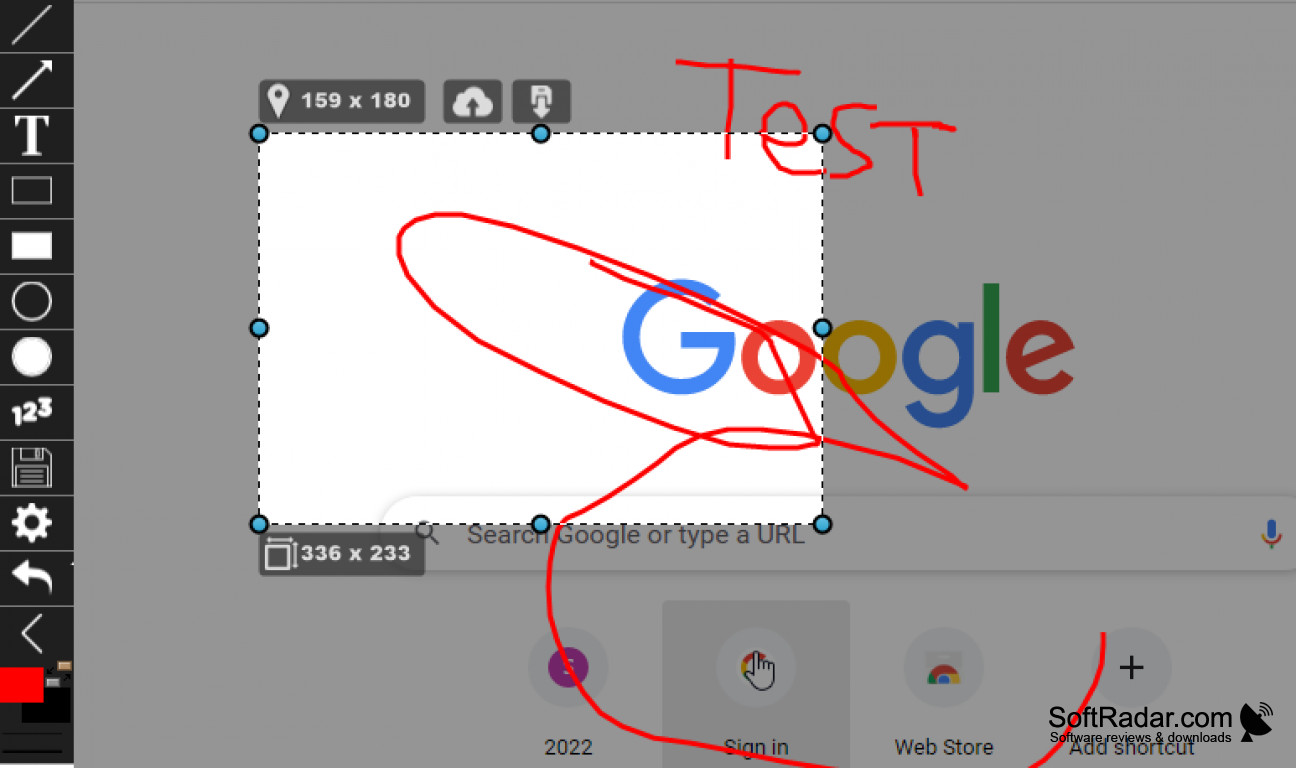
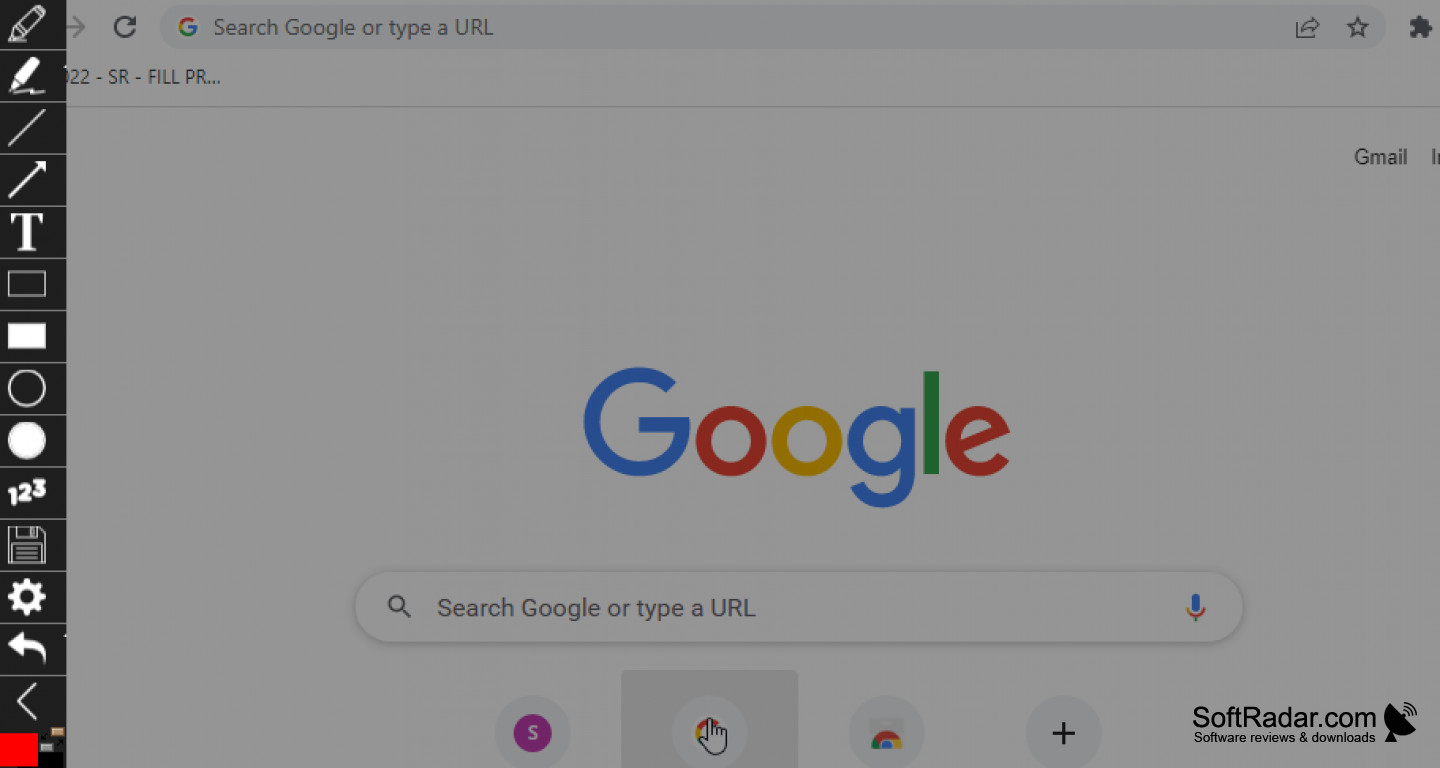

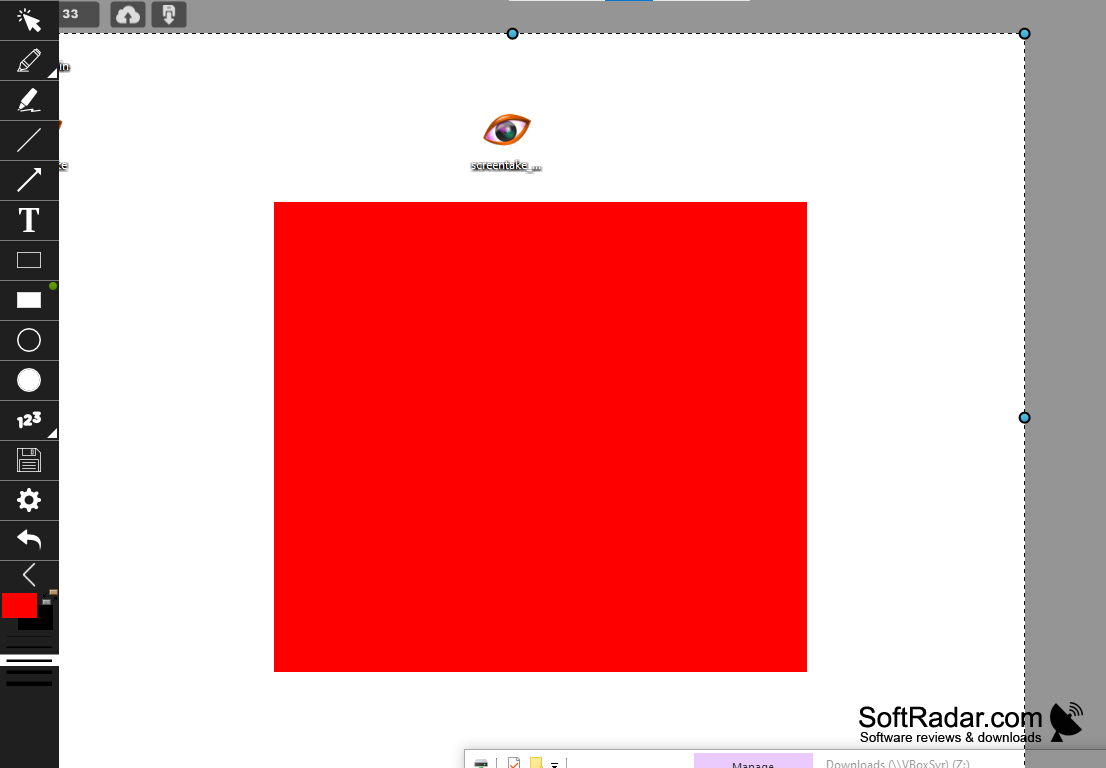
Screentake is an awesome smart screen capture tool that is used on Windows OS. The program allows users to capture screenshots of their desktops in a few different ways. The first way is your standard screenshot, which will show others what you are looking at, and the other is through animated GIF. Screentake allows the ultimate user freedom by allowing them to move, resize, or modify their work as they see fit. The program does have a number of perks, but the ones that stick out to me the most are the following.
Features:
- Capture screenshots of any area of the screen
- Save the image or upload to the web for instant sharing
- Record desktop action
- Multi-monitor support
- Transparent setting
- Free to use
Take snapshots or make animated GIFs with ease.
I'd have to say my favorite feature of Screentake is the ability to animate my screen captures. For as long as I can remember, I've never been able to create animated GIFs because they were too complicated and never came out right if I attempted. Screentake makes the process incredibly easy by overlaying multiple captures and automatically creating an animated image for me. It's great for making popular internet jokes, and it is also a great teaching tool for clients. They can follow the animated image, without getting confused or having a ton of questions when they watch my tutorials. Another cool feature of Screentake is that I can instantly upload my content to my website or social media at the push of a button. I think that's great for times where I want to get my content out immediately and don't want to waste a bunch of time logging into multiple accounts to upload the same images. Screentake supports Google WebP as well as multiple monitors, which has come in handy more times than I can count. Of course, the fact that it is free to use makes the software even more enjoyable. I'd recommend this to anyone that does screen capture of any sort.
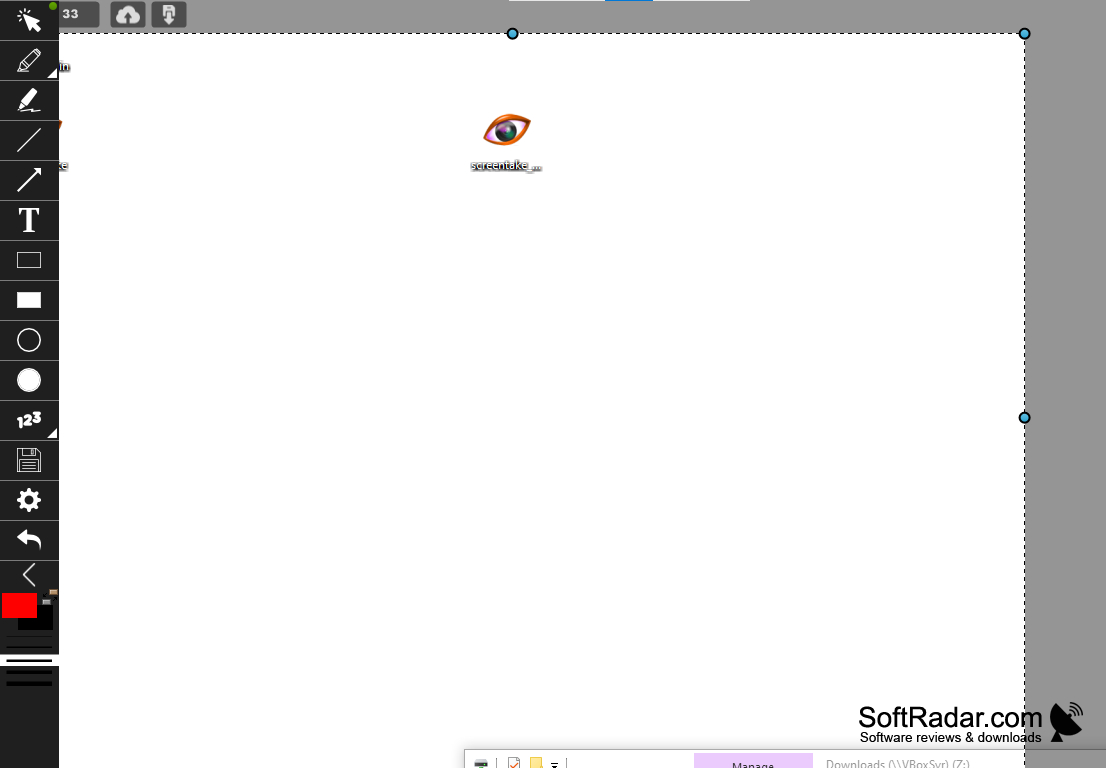
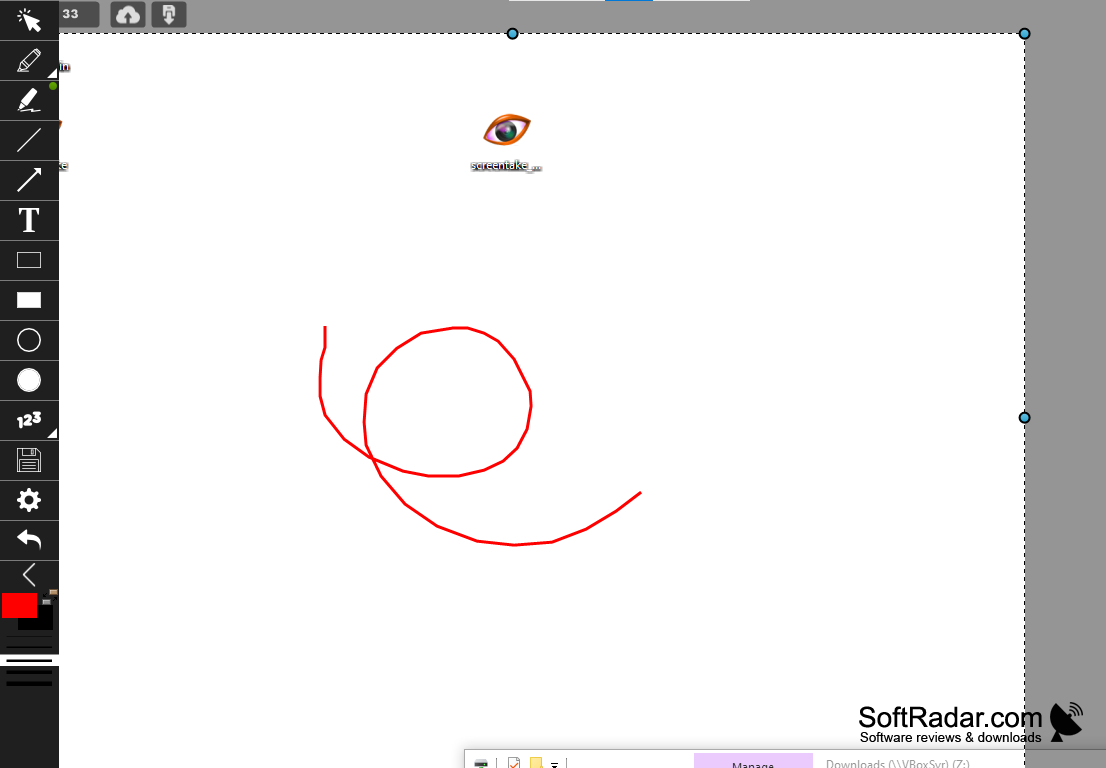
Should have multi-monitor support
Supports Google WebP format
Ability to record desktop activity
PROS
Offers high-quality screen captures.
Allows editing and annotation of screenshots.
CONS
No free version available.
Lacks advanced editing tools.


